- FPS represents the number of still images displayed per second to create the illusion of movement.
- A high frame rate translates into greater visual fluidity and faster response in competitive games.
- To take advantage of high FPS, it is essential to have a monitor with a compatible refresh rate (Hz).
You've probably come across the term FPS at some point while looking at game requirements or comparing graphics cards. For many, it's a word that sounds like gibberish, but the reality is that it largely determines what we see and feel when moving through a virtual world. Understanding this concept is key if you want your games to run smoothly and without lag.
Don't worry if you're not a hardware expert, because we're going to break it all down without complications or boring technical jargon . The idea is for you to understand exactly what's happening behind your screen and why some gamers go crazy trying to squeeze every possible frame out of the screen to win a match.
The real meaning of FPS
When we talk about FPS, we're referring to the acronym for Frames Per Second , which in our language we translate as frames or images per second . In the computer world, this is technically known as the framerate . Basically, it's the number of still images your device is able to display on the screen in a single second so that you perceive movement.
If you think about it, it's the same trick that's always been used in film. Our brain has a curious ability: it can process separate images if they pass by quickly, and at around 10 or 12 images per second, we begin to see a fluid sequence instead of individual photos. Although this varies from person to person, it's the basis of all the audiovisual content we consume.
The difference between movies and video games
On the big screen, the standard has traditionally been 24 FPS, a figure that gives us that characteristic cinematic feel . Higher frame rates, such as 48 FPS, have been experimented with, but many people found it strange, almost as if they were watching a music video or a television program, losing that magic of cinema.
In gaming, the story is different. Here, the more frames per second, the better. While 30 FPS is currently considered the minimum for a game to be playable , reaching 60 FPS is the holy grail of smooth gameplay. When a game runs at 60 frames per second, the action feels much more natural and character control is more precise.
Why are they so important when playing?
The magic happens thanks to the GPU, or graphics card, which renders the images in real time. When the framerate is high and stable, you have more visual information every second , allowing you to react faster than your enemy. This is vital in genres like shooters, where even a small delay can mean being eliminated before you even see your opponent.
A very common problem is frame rate drops. This happens when there are too many elements on screen and the computer's processing power can't keep up, causing annoying stutters that break immersion . If you're playing at 60 FPS and there's a brief drop, you might not even notice, but if you're playing at 30 and it drops to 20, you'll feel the game become slow and clunky.
The key relationship with the monitor's hertz (Hz)
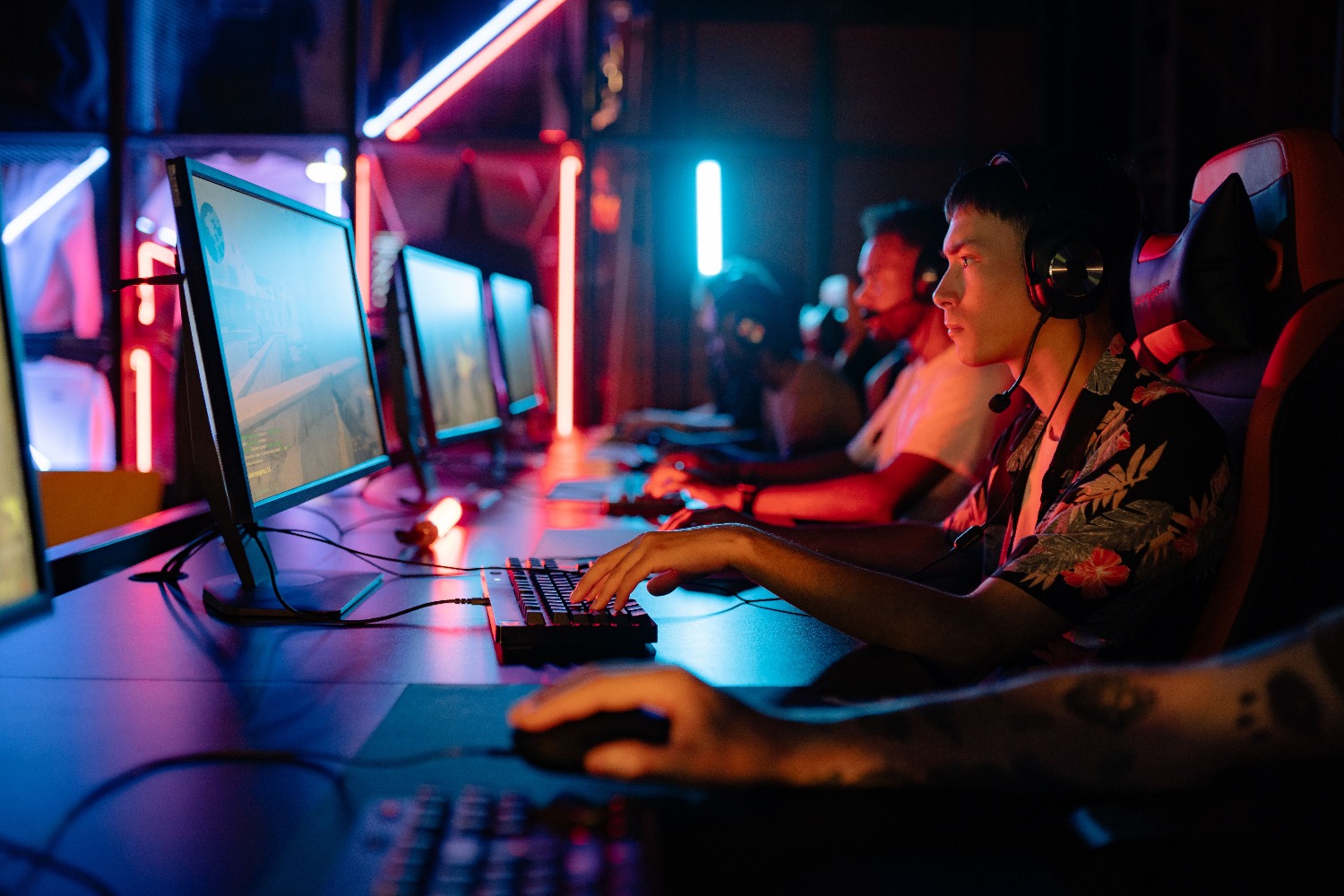
This is where many people get confused. How many frames your graphics card generates is one thing, but how many your screen can display is another. A monitor's refresh rate is measured in hertz (Hz). If you have a monstrous PC that runs the game at 144 FPS but your monitor is only 60Hz, you'll only see 60 frames per second ; the rest are wasted.
To get the most out of your hardware, ideally the FPS and refresh rate should be in sync. That's why you'll find 144Hz gaming monitors and 120Hz mobile phone screens, as they allow for smooth visuals and match the device's processing power.
Tools for measuring performance
If you play on PC, you have several options to check your frame rate. Some titles already include their own counter, and Steam offers one integrated into its interface. If the game doesn't have one, you can use specialized software for your GPU brand , such as GeForce Experience for Nvidia or Radeon Overlay for AMD.
For those seeking a more professional and detailed solution, there's MSI Afterburner along with Rivatuner, which allows you to monitor performance in real time regardless of your graphics card brand. On consoles, it's more complicated, as you typically need high-end capture equipment or development versions to obtain this precise data.
Having a high and stable frame rate, supported by a monitor with adequate refresh rates, is key to enjoying a smooth and competitive visual experience, preventing stuttering from affecting our aim or reflexes in the most critical moments of the action.
FAQ
What happens if I get more FPS than my monitor's Hz?
Your graphics card will generate more images than the screen can display, so you will only perceive the number of frames limited by the monitor's refresh rate.
How many FPS are needed for a game to look smooth?
Although 30 FPS is the minimum acceptable, 60 FPS is considered the standard for satisfactory smoothness and good performance.
What is the difference between FPS and Hz?
FPS represents the number of images the hardware generates per second, while Hz represents the number of times the screen updates the image in that same amount of time.
How do low FPS affect gameplay?
A low framerate causes the movement to appear choppy and the response time to be slower, making it difficult to react quickly in competitive games.
How do FPS games in movies differ from those in video games?
Film generally uses 24 FPS to create an artistic effect, while in video games much higher rates are sought to improve interactivity.
What programs can be used to measure FPS on PC?
Tools such as MSI Afterburner with Rivatuner, Nvidia's GeForce Experience, or Steam's built-in counter can be used.
