- Optimizes system response through temporary CPU frequency spikes.
- It speeds up the opening of menus and the launching of native and third-party applications.
- It is implemented automatically through system updates without requiring configuration.
- It is specially designed to improve fluidity on modest hardware or laptops.
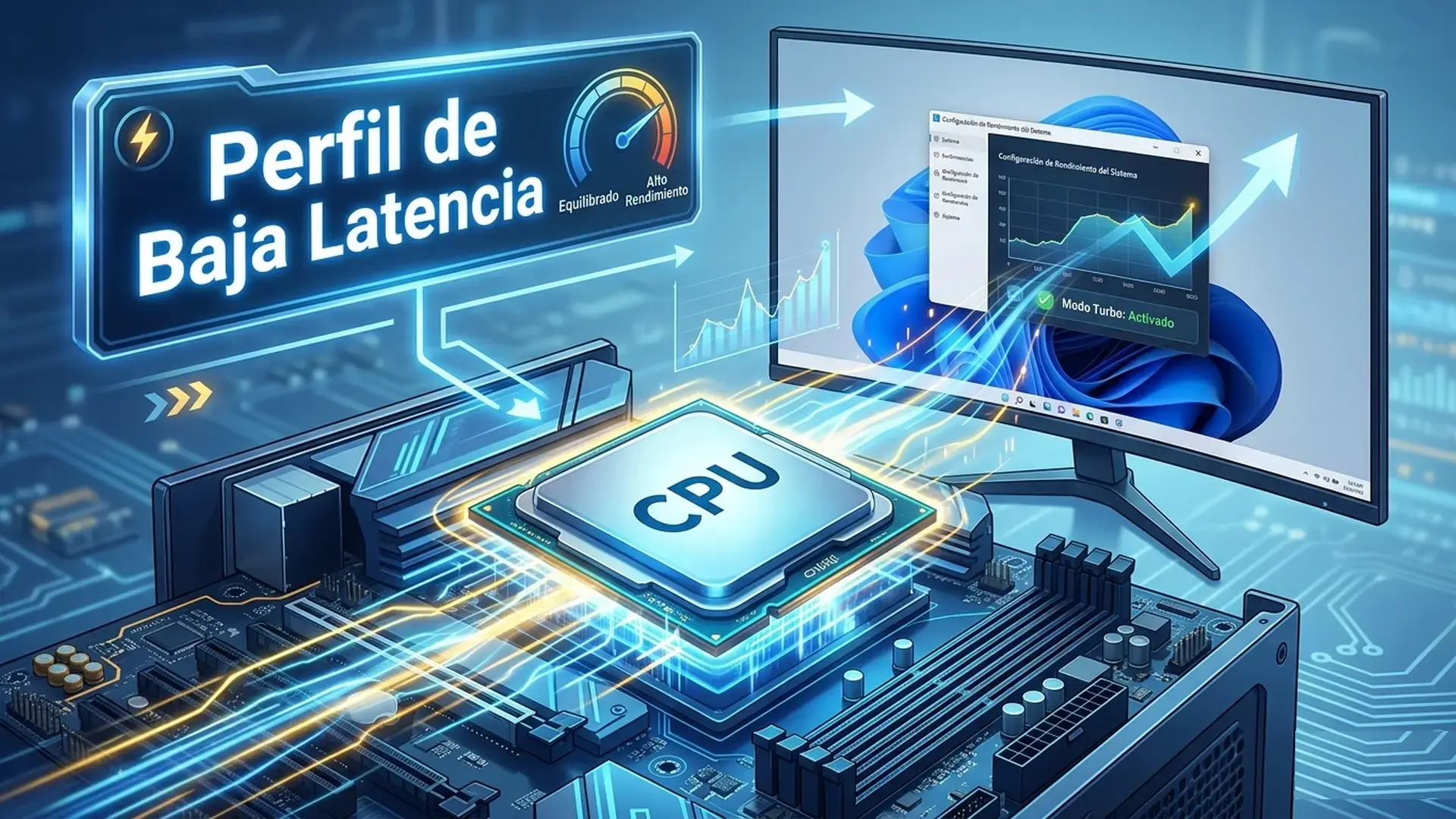
If you feel your computer sometimes takes a little longer than usual to respond when opening a folder or launching the Start menu, Microsoft has a new feature you'll be interested in. It's called Low Latency Profile , a feature coming to Windows 11 designed to combat those minor lags that frustrate us daily, making the interface feel much smoother and more responsive.
We're not talking about an update that will turn your PC into a supercomputer, but rather an optimization of system responsiveness . The idea is to reduce that annoying waiting time between clicking something and the operating system responding, making the user experience noticeably smoother, especially for everyday tasks that we repeat thousands of times.
What exactly does this low latency profile consist of?
To put it simply, the low-latency profile isn't a high-performance mode that stays on all the time. Instead, it acts as a momentary speed boost . When Windows detects that you're trying to perform an interactive action, such as opening File Explorer or opening a context menu, it gives the CPU a "turbo boost."
This process involves raising the processor's operating frequency to its maximum capacity for a very brief period, usually between one and three seconds. Once the task is completed and the window or menu is displayed, the processor returns to its normal state. In other words, these are small, controlled power spikes designed to eliminate the perception of sluggishness.
Real impact on performance and speed
The figures Microsoft is working with are quite promising. It's estimated that application startup times could improve by up to 40% , affecting both native programs like Edge and Outlook, as well as third-party software. But the most noticeable change is in the interface: opening menus and windows could be up to 70% faster.
It's crucial to clarify that this system isn't designed for gamers. Forget about this increasing your FPS in your favorite game or reducing input lag in full-screen mode. The feature is designed exclusively for the Windows interface and desktop tasks, so it doesn't replace a hardware upgrade or optimize game performance.
Compatibility and deployment on the equipment
This improvement has begun rolling out via the optional update KB5089573 . Although initially released as an optional patch for early adopters to try, the general rollout is being done gradually through mandatory security updates. If you have version 24H2 or 25H2, you most likely already have it or will receive it very soon.
As for who will benefit most from this, the biggest winners are users with more modest hardware or older machines that still support Windows 11. On these PCs, where micro-stuttering is more common, the difference is very noticeable. Those with a latest-generation processor and ultra-fast NVMe drives might notice a more subtle improvement, as their potential for improvement is smaller.
The controversy: Real optimization or a patch?
As with almost everything in the tech world, not everyone is convinced. Some experts criticize Microsoft for using this method, arguing that it's a temporary fix to mask deeper optimization problems in the operating system. Essentially, they say that instead of cleaning up the code, they're simply forcing the CPU to work faster.
The company maintains that this is standard practice, as other operating systems like macOS and Linux also use similar mechanisms for prioritizing interactive tasks. Regarding power consumption, Microsoft asserts that the impact on laptop batteries is minimal because the frequency peaks are extremely short.
How to activate and manage your profile
Here's where many people get confused: there's no power button . Low Latency Profile is an invisible feature. Once the corresponding update is installed, the system decides for itself when to apply the CPU boost. There's no option in the Settings menu to manually enable or disable it.
For advanced users who don't want to wait, tools like ViveTool allow you to force the activation of hidden features. However, it's not recommended to do this on work teams, as you might encounter erratic behavior or errors before Microsoft finishes refining the feature for everyone.
In short, this is a subtle but very useful improvement that aims to eliminate friction in the daily use of Windows 11, taking advantage of the processor's power through controlled frequency bursts so that the system feels much more agile without the user having to touch a single setting.