- Cache memory is an essential component that speeds up data access for the processor.
- There are different types of cache memory: L1, L2 and L3, each with specific functions.
- Proper cache management and optimization improves system performance.
- Proper maintenance can prevent common cache-related problems.
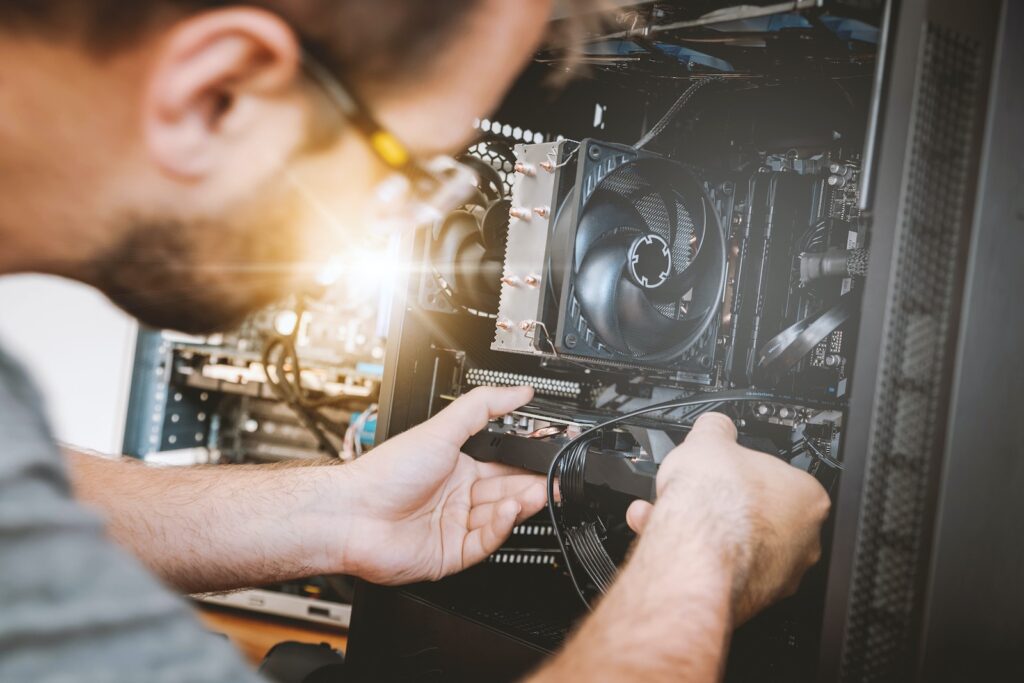
Cache memory (or temporary storage ) is a crucial component in any computer system, acting as a high-speed bridge between main memory and the processor. Although often overlooked, its impact on system efficiency and speed is monumental. Its existence is based on the premise that computer systems can access data more quickly if it is temporarily stored in a buffer near the processor, instead of relying exclusively on the slower main memory. This characteristic of cache memory becomes an invaluable advantage for accelerating system operations and improving real-time responsiveness.
In this article, we will unravel the mysteries of cache, showing how it acts as the silent accelerator of your system. Through a detailed walkthrough, we will explore its architecture, the different types and levels of cache, and how proper management of cache can take a computer system's performance to the next level. We will also discuss how technological advancements continue to optimize cache, allowing computer systems to effectively meet the challenges of the ever-evolving digital age.
What is the cache?
Cache memory is a type of volatile memory that provides high-speed storage for the processor. It helps reduce the time it takes the processor to access main memory (RAM). But how does it do this?
How Cache Memory Works
The cache temporarily stores copies of frequently used instructions and data, avoiding the need to access slow main memory.
Types of Cache Memory
There are different types of cache memory; L1, L2 and L3, each with its specific characteristics and purposes.
Benefits of Cache Memory
From speeding up processes to reducing latency, caching brings several benefits to your system.
Cache Optimization
Maximizing cache efficiency can take your system performance to a new level.
Optimization Techniques
We will explore several techniques for optimizing the cache and how to implement them.
Diagnostic and Monitoring Tools
Knowing the status of your cache is the first step towards optimization. We will introduce some useful tools.
Impact of Cache on Applications and Games
Applications and games benefit greatly from efficient caching.
Gaming Performance
How optimized buffering can improve your gaming experience.
Performance in Software Applications
Similarly, software applications run more smoothly with good cache management.
Preventing Common Problems
Although beneficial, poor cache management can cause problems. Let's explore how to prevent them.
Regular Maintenance
Regular maintenance can help avoid common problems associated with Temporary Storage.
Firmware and Software Updates
Keeping your system up to date is key to optimal cache performance.
FAQ
1.- What happens if the cache fails?
A cache failure can cause a noticeable decrease in system performance because the CPU will have to access main memory more slowly each time. Additionally, it can cause errors in applications or even the operating system if corrupted or incorrect data is read from or written to the cache. In some extreme cases, a cache failure can result in the loss of critical data if the data has not been saved to main memory or secondary storage.
2.- How can I check the status of my cache?
Several tools and commands are available to help you monitor and diagnose the cache status. For example, on Windows-based systems, you can use Performance Monitor or third-party tools such as CPU-Z. On Linux systems, commands such as free y vmstat, or tools like htop, can provide valuable information. There are also specific hardware diagnostics that can assess the state of the cache and detect potential problems.
3.- Is it possible to increase the cache size?
Increasing the size of the Temporary Storage is a complex task that may require additional hardware or even a new processor with a larger cache. This is because the cache is built into the processor or the motherboard in some cases. There may also be options in the BIOS/UEFI to adjust the cache settings, although this is less common. Some systems allow the configuration of a disk cache, which uses a portion of the hard drive as an additional cache, although it will not be as fast as a cache on the processor.
4.- Does cache optimization require advanced technical knowledge?
While some aspects of cache optimization can be technical and require advanced knowledge, there are simple actions that any user can take to optimize cache. For example, keeping the operating system and applications up to date, avoiding running too many applications simultaneously, and ensuring that the system has enough RAM can help reduce reliance on cache and improve performance.
5.- How does the cache affect the lifespan of my system?
A well-managed and optimized cache can extend the life of your system by enabling efficient operation and reducing wear and tear on other components, such as hard drives or RAM. Additionally, effective cache management can help prevent bottlenecks and improve overall performance, which in turn can reduce the need to upgrade hardware as frequently.
6.- What type of cache memory is best for my system?
The right type of cache for your system will depend on several factors, including its intended use, system configuration, and existing hardware. For example, systems dedicated to intensive tasks like graphics processing or video editing may benefit from a larger or more advanced cache. It's also important to consider the compatibility between the cache and the processor, as well as the operating system. Consulting an expert or conducting thorough research can help you determine the most suitable type of cache for your needs.
Conclusion
Cache is, without a doubt, a silent accelerator at the heart of your system, making fast and efficient operation possible. Through proper optimization and maintenance, you can ensure that your system operates at its full potential. Share this article to help others understand and optimize cache on their systems!