- Feature preview for Pro subscribers on the ChatGPT mobile app.
- Generate personalized daily cards by analyzing chats, feedback, and optional integrations.
- Personalization with curated feedback, ratings, and full control over history and privacy.
- Short-lived updates with security filters and progressive rollout to more plans.
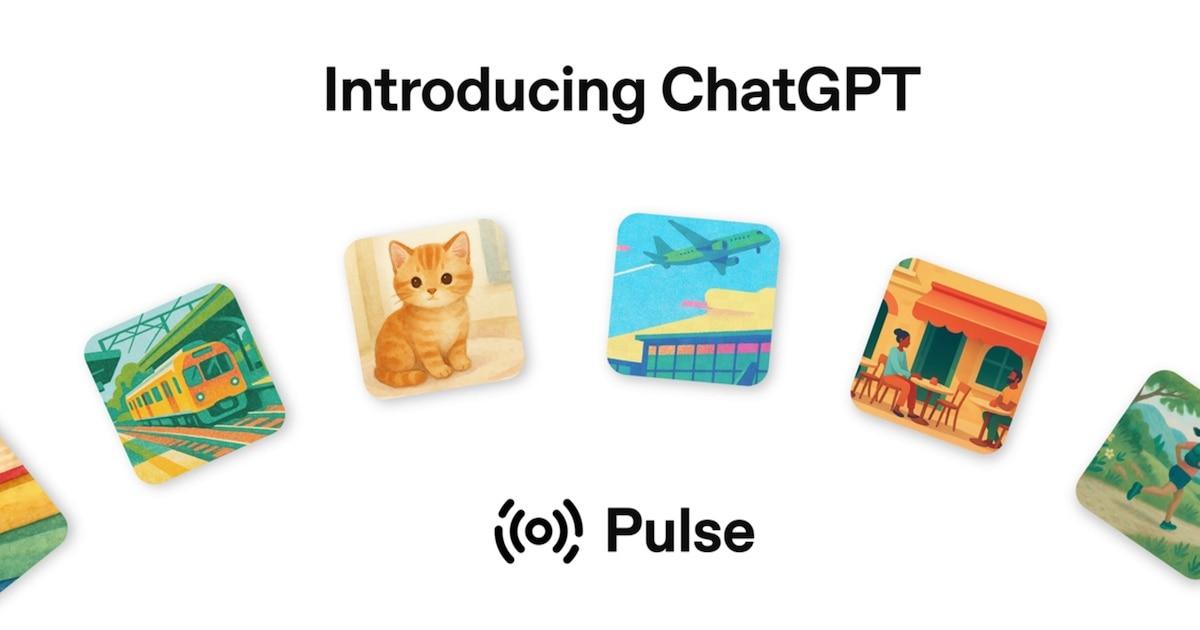
You get an alert on your phone, and it's not from your calendar or email: it's Pulse, ChatGPT's new proactive experience that prepares a daily summary with themed cards to skim at a glance or open in detail. Instead of waiting for you to ask something, it takes the first step with ideas, reminders, and next actions tailored to your preferences.
For now, this feature is available in preview within the mobile app and only to paying Pro plan users. It doesn't replace traditional chat interaction: the assistant still responds on demand, but adds a morning briefing designed to fit into your routine without you having to ask for it.
What exactly does Pulse do and how does it do it?
Each night, the system analyzes recent conversations, the app's memory, and previous feedback to create a set of cards with relevant information . The next day, these appear in the app for quick reference, and if something interests you, you can open it to ask for clarification or continue the conversation.
These cards aren't stored permanently: they're ephemeral and expire at the end of the day unless you save them as a chat or ask a follow-up question. This way, the summary stays fresh and focused on what's important today, without accumulated noise.
The experience isn't just about reading; it's designed to inspire action. From suggested steps for a meeting to ideas for a quick dinner or workout suggestions, the cards become starting points for further planning or delving deeper into the topic.
Personalization in detail: feedback, themes, and control
Pulse learns from simple, transparent signals. You can indicate with a thumbs up or down if a card is useful to you, request that the next summary include a specific topic, or use the "curate" option to suggest topics that interest you for the following day.
All these settings are under your control: your preference history is accessible and reversible , so you can review or delete it whenever you want. With each nightly cycle, the system applies what it has learned to refine subsequent deliveries and improve the relevance of the suggestions.
Optional integrations: Gmail and Google Calendar
If you allow it, Pulse can connect to Gmail and Google Calendar to enrich the context. With that information, the assistant can suggest a schedule, remind you to buy a gift before a birthday, or recommend restaurants based on a planned trip.
These connections are disabled by default and are managed through the settings. Enabling them is optional and revocable, allowing you to adjust the balance between utility and exposure of personal data according to your preferences.
Security, limits and real-life use cases
Each set of cards undergoes security checks to prevent content that violates platform rules or problematic recommendations. Even so, it's a preview: reminders of closed projects or ill-advised suggestions may slip through , something that is corrected with use and feedback.
Cybersecurity experts remind us that, as we integrate more personal context, it's wise to exercise caution. External investigations have documented incidents in investigative roles that may have exposed sensitive data , which were later corrected; these cases underscore the importance of reviewing permissions and monitoring what we connect.
In practice, the examples are very everyday: from preparing a quick menu for tonight to organizing training for a triathlon, optimizing routes on a trip or grouping the key points of a meeting before entering the room.
Availability and roadmap
Pulse is currently available in a preview phase for Pro subscribers and only through the ChatGPT mobile app. OpenAI plans to expand access first to Plus customers and then to everyone else, with a phased rollout to refine bugs and improve performance as usage grows.
The move fits into the goal of making ChatGPT a more present assistant in everyday life: it not only answers when you ask, but also anticipates your needs with a helpful summary and suggested actions that you can accept, modify, or discard in seconds.
Pulse's novelty lies in moving from "what to ask it today" to a dynamic where the assistant arrives first with cards tailored to your context, optional integrations, and clear controls, seeking a balance between proactivity, privacy, and immediate utility.