- Freeware is offered at no cost and indefinitely, while shareware is a temporary or limited trial before requiring payment.
- Unlike free software, both freeware and shareware usually keep the source code closed and protected by the author.
- There are specific variants such as adware, trialware and freemium that adapt the business model according to advertising or unlocked features.
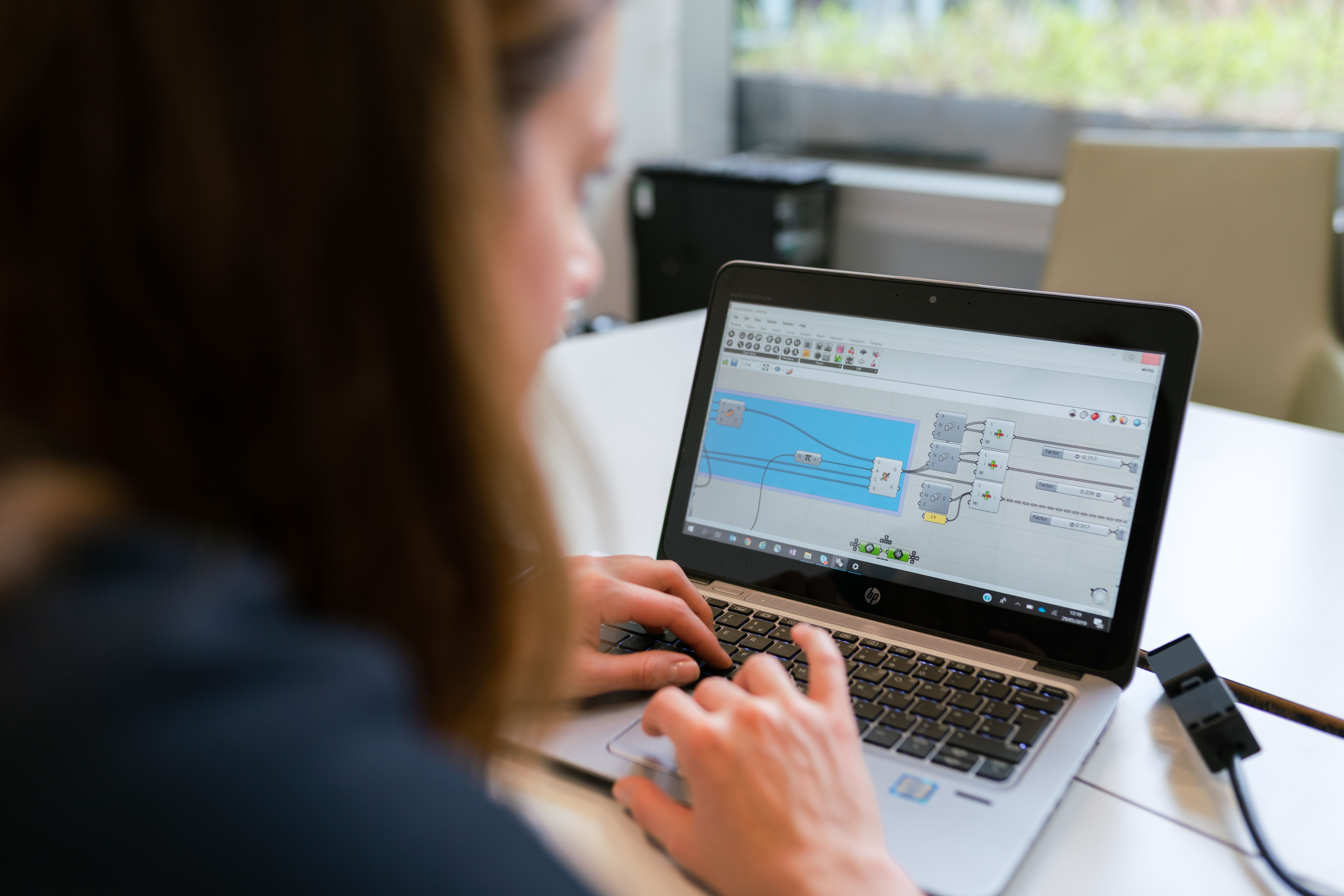
When we look for a tool for our PC or mobile device, it's very common to find that the program is "free." However, if we look at the fine print, we realize that not everything free works the same . Depending on the software license , we could have full access to the features or encounter an unpleasant surprise after just a few days of use.
To avoid mistakes when installing applications, it's essential to understand that different distribution models exist. Concepts like freeware, shareware, and open-source software may sound similar, but they have legal and technical nuances that completely change the user experience and the relationship with the developer.

What exactly is Freeware?

We talk about freeware when a developer decides to distribute their creation without charging the user a single penny . The great thing about this model is that you can download, install, and use the program without encountering a timer or pop-up windows blocking your access. However, be aware: being free doesn't mean it's "open source." In freeware, the author retains intellectual property rights , and the source code is usually locked away, so you can't modify or redistribute it as you please.
Many developers use freeware as a marketing strategy to gain visibility or to help the community. To sustain themselves financially, some offer "lite" versions as bait to encourage users to later purchase the premium version, or they include advertising within the interface. Classic examples include browsers like Mozilla Firefox or the VLC media player, which allow us to enjoy all their features at no cost.

Shareware is essentially a "testing" model. The goal is for the user to try the product and see if it suits them before spending money. This is where time or functionality restrictions come in . The program might be fully functional for 30 days, or it might let you use it indefinitely but disable vital options , such as saving the final file or exporting data, until you purchase a license.
This system is very common in the world of video games and antivirus software. Bob Wallace pioneered this concept with PC-Write, creating a dynamic where the user evaluates the tool's actual usefulness. Programs like WinRAR and other compression tools are the perfect example, since, even though they constantly prompt you to buy a license, they allow you to continue using them , even though legally you should pay for continued use.

Nuances and variations: Adware, Trialware and more
- Adware: Free software that is funded through banners or pop-ups. Sometimes it can be annoying or even dangerous if it comes bundled with spyware. track our browsing.
- Trialware: It's a pure and simple trial version. Once the trial period expires, the program is completely locked and you can't even access it.
- Crippleware: Software that has no time limit, but comes "mutilated", that is, with key functions disabled.
- Nagware: Programs that work well, but interrupt your experience with persistent prompts to buy the full version.
- Freemium: A very modern model where you have a very powerful free base, but you pay for advanced features or more cloud storage.
- Donationware: Fully functional programs that only ask for a voluntary donation to continue maintaining the project.
The big difference with Free Software and Open Source
It's very common to confuse freeware with free software, but they are completely different things. Freedom in free software doesn't refer to price, but rather to the ability to access the source code . A program licensed under the GPL (like GNU/Linux) allows anyone to study how it works, modify it, and share their improvements with others.
In contrast, freeware and shareware are proprietary software . Even though you don't pay for them, you don't have permission to see the program's inner workings or modify how it functions. Free software seeks technological independence , while freeware and shareware are driven by commercial business models or personal promotion.

Safety tips when installing this software
When something is free, sometimes the price is our privacy. Many freeware or shareware installers include unwanted "extras," such as toolbars or additional software. Ideally, you should always choose the custom installation option and uncheck any suspicious boxes.
Another critical point is where we download files from. Downloading a program from third-party portals instead of the developer's official website significantly increases the risk of installing malware or maliciously modified versions. It's always advisable to use a good anti-malware program that scans executable files before allowing them to enter the system.
Other relevant concepts: Abandonware and Copyleft
There is also what is called abandonware, which consists of programs whose creators no longer provide support and which have been discontinued. Although technically still under copyright, they exist in a legal gray area and are usually distributed on nostalgia websites. On the other hand, copyleft is a philosophy that requires modified versions of free software to remain free, preventing a private company from appropriating the code and turning it into closed-source software.
To navigate safely in this digital world, simply remember that freeware is free and unlimited but closed; shareware is a temporary or limited trial designed for later purchase; and free software is that which gives us the keys to the code to enhance collective knowledge. The key is to read the license terms and always download from reliable sources to avoid the risk of losing your money in terms of security.
