- UI design focuses on the visual and interactive layer of a product, aiming to make communication between humans and machines fluid and intuitive.
- It is based on fundamental principles of usability, accessibility, and cognitive psychology to reduce the user's mental load.
- The process is iterative and ranges from research and sketching to the creation of high-fidelity prototypes and their validation.
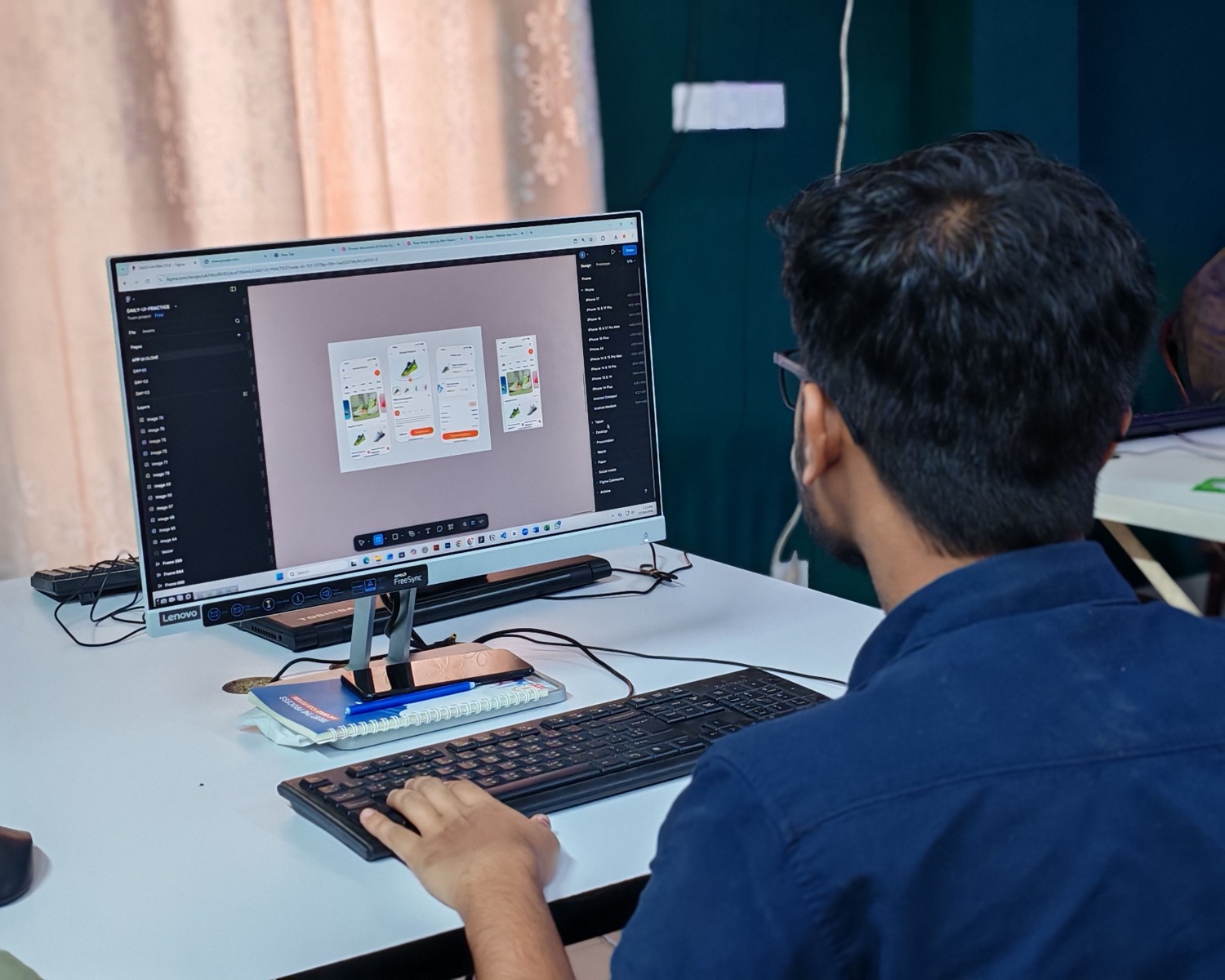
When we navigate a mobile app or order food delivery, we rarely stop to think about the work behind each button or menu. However, every click and every swipe is the result of a series of calculated decisions by user interface (UI) designers, who ensure that technology is accessible and not a headache for the rest of us.
In the past, interacting with a computer was the exclusive domain of scientists who mastered complex programming languages. Today, UI design has democratized access to technology, transforming chaotic control panels into harmonious visual experiences that anyone can understand almost instinctively, without needing to read an instruction manual.
What exactly is UI design?
In short, the user interface is the physical and digital bridge where humans and machines meet. UI design deals with the appearance, interactivity, and behavior of this touchpoint. It's not just about making something look "pretty," but about applying principles of psychology and design to make the system logical and efficient.
To achieve this, designers work with various basic components. On one hand, there are input controls , such as text fields, radio buttons, or dropdown menus, which allow the user to submit data. On the other hand, there are informational elements , such as notifications, progress bars, or icons, which keep the user informed about what is happening in the system.
Furthermore, the use of navigational elements , such as search bars or breadcrumbs, is vital to prevent the user from feeling lost. All of this is organized using containers , such as accordion menus, which group information so the screen doesn't resemble a cluttered warehouse.
The eternal question: UI or UX?
It's very common for people to use these terms interchangeably, but they have distinct, though complementary, roles. To better understand this, imagine building a hotel: the UX designer would be the architect who decides on the structure, the layout of the rooms, and the flow of guests to ensure an efficient experience. The UI designer would be the interior decorator , the one who chooses the lighting, materials, and furniture to make the space both pleasant and functional.
While User Experience (UX) focuses on logic, information architecture, and the overall flow of the process, UI focuses on the visual and tactile layer . A good UI cannot exist without a solid UX foundation, as a beautiful button is useless if it's placed somewhere inaccessible or leads nowhere.
Interface typologies
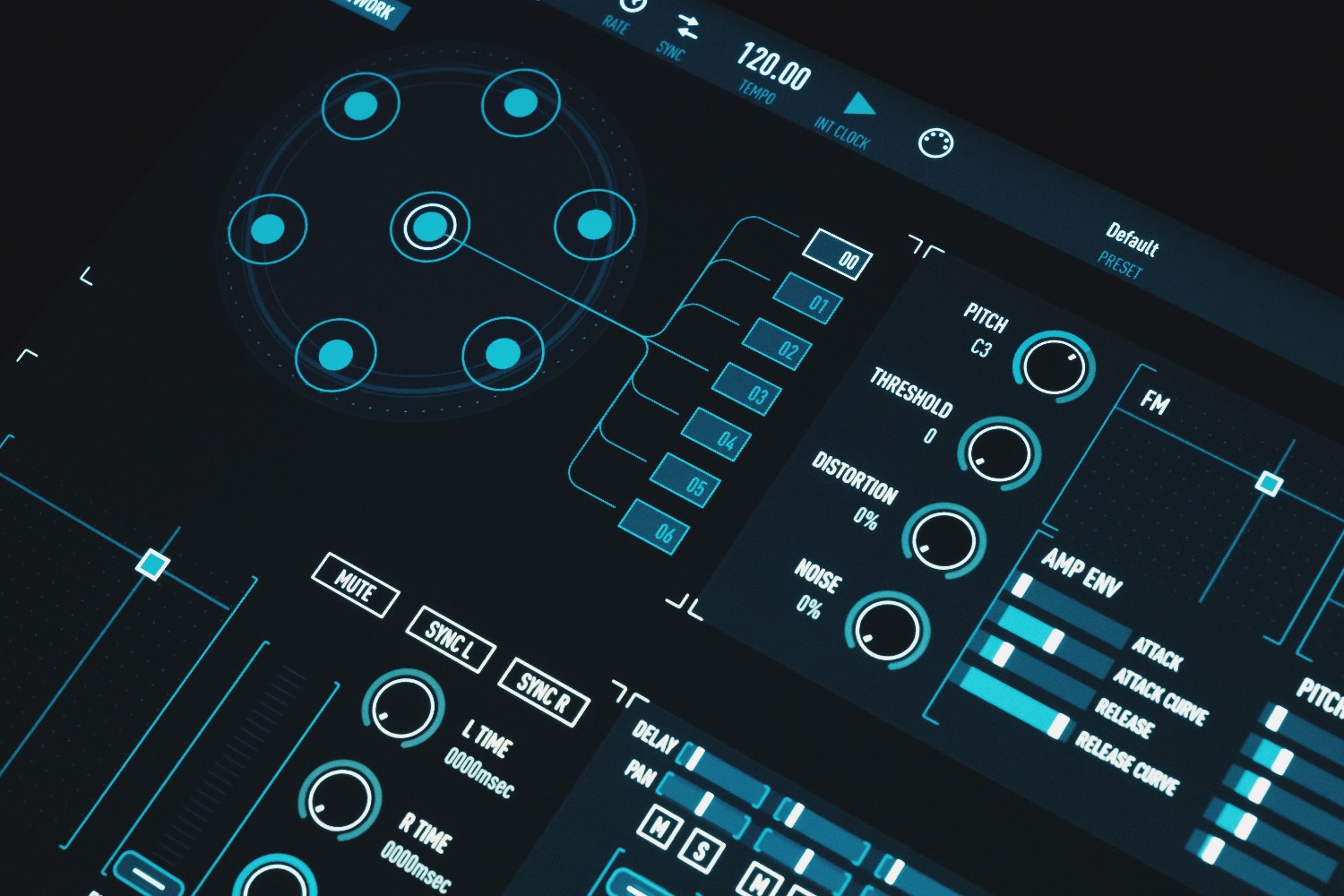
Over the years, the way we interact with machines has evolved dramatically. The first were command-line interfaces (CLIs) , where the user had to type exact commands on a black screen. Although they seem prehistoric, they remain fundamental for programmers and system administrators.
Then came graphical user interfaces (GUIs) , which introduced windows, icons, and the mouse, standardizing how we use software today. With the arrival of smartphones, we moved to touch interfaces , where the finger replaced the cursor and the design had to adapt to gestures like pinching and swiping.
Currently, we are witnessing the rise of more natural interfaces. Voice interfaces (VUIs) , such as Alexa or Siri, eliminate the screen entirely, while gesture and spatial interfaces , common in virtual and augmented reality, allow the human body to act as the controller. There are also conversational interfaces, based on chatbots that mimic human language, and adaptive interfaces, which change their layout according to the user's habits.
Master principles for successful design

To ensure an interface isn't a hindrance, professionals rely on proven rules. One of the most important is consistency : if a "cancel" button is red on one screen, it can't be green on another. This trains the user and makes navigation predictable.
Another key element is system status visibility . The user should never have to wonder if the program has crashed; there should always be an indicator, such as a loading wheel or a confirmation message, that tells them the action is being processed. Likewise, error prevention is fundamental , designing the system in such a way that it is difficult to make mistakes, and always offering an easy way out, such as an undo button.
Cognitive load is also key. Following laws like Miller's, the human brain can only retain a few items in short-term memory. That's why designers use "chunking," or grouping content into small, manageable blocks, avoiding overwhelming the user with too many options at once.
The creative process: from chaos to prototype
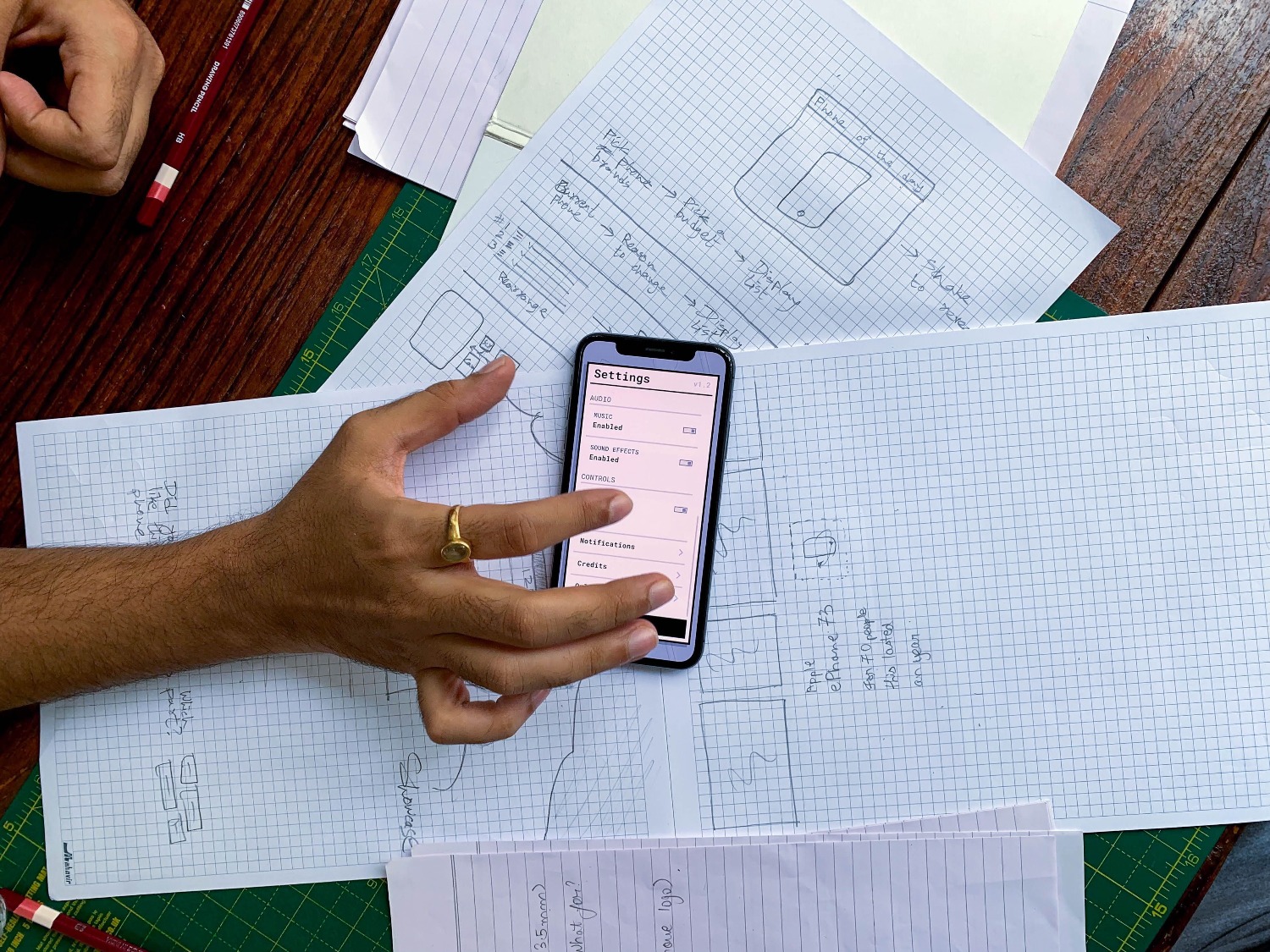
Designing an interface is not a linear process, but an iterative cycle. It all begins with user research , where their needs and pain points are analyzed to avoid designing based on personal assumptions. This is followed by defining the problem and brainstorming solutions.
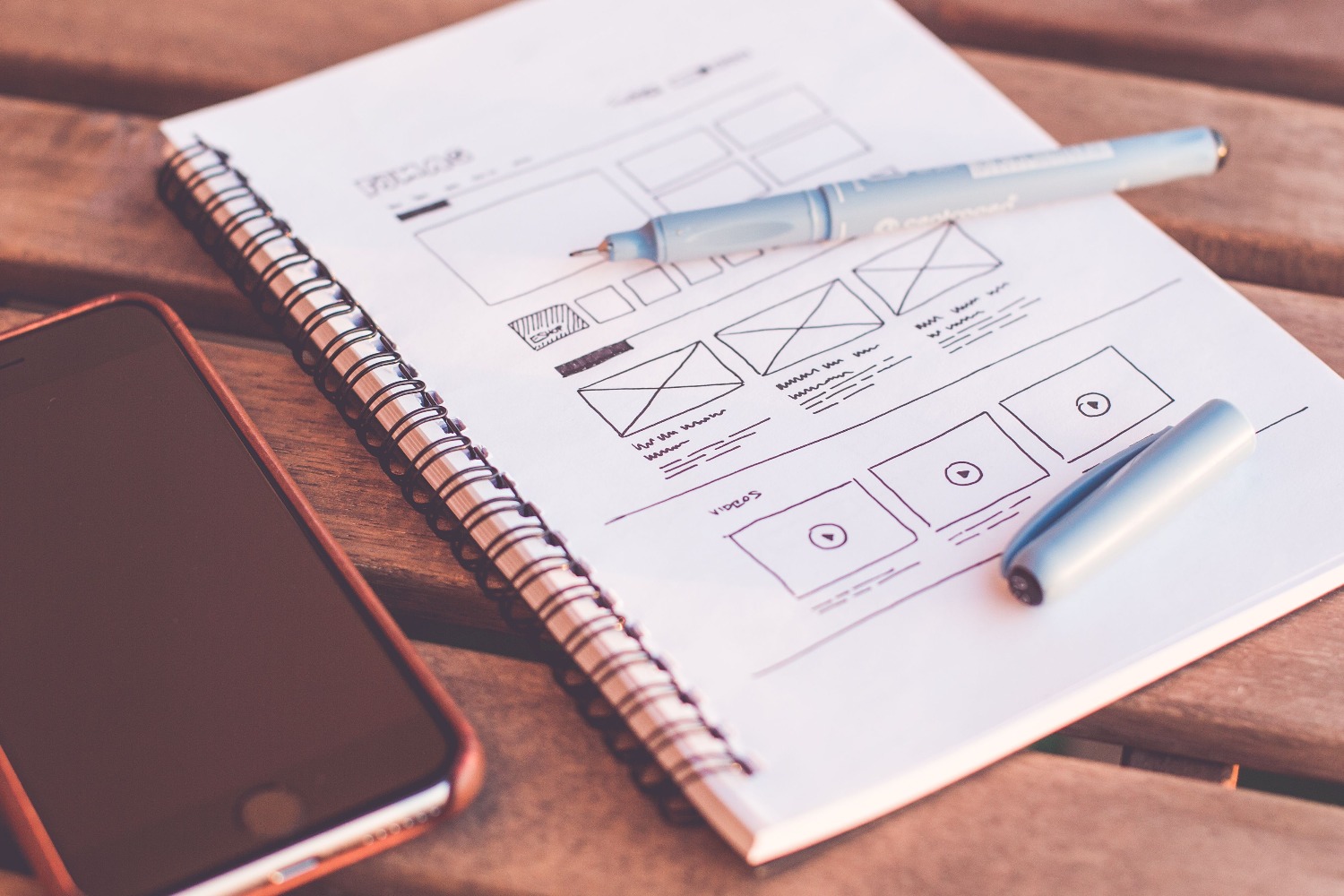
Once the idea is clear, wireframes or schematics are created . These are basic drawings without color or images that define where each element will go. Next, the process moves to high-fidelity design and the creation of interactive prototypes . These models allow the interface to be tested with real users before writing a single line of code, saving time and money by detecting errors early on.
Finally, the design is handed off to the developers. This step is critical, as the designer must ensure that the technical team understands the expected transitions and behaviors so that the final product remains true to the original vision.
Tools and the labor market
In today's ecosystem, Figma has established itself as the leading tool thanks to its real-time collaboration capabilities. While other options exist, such as Sketch for Mac users or Axure for complex prototypes with advanced logic, the trend is toward cloud-based tools that facilitate multidisciplinary work.
In terms of career prospects, UI design is a vibrant but competitive field. Simply knowing how to use the software is no longer enough; companies are looking for professionals who understand accessibility (so that people with disabilities can use the product) and who know how to align aesthetics with business objectives. The portfolio is the ultimate calling card, prioritizing the ability to explain the reasoning behind each visual decision over mere technical expertise.
The discipline of user interface design combines visual art with computer science to create digital environments where technology becomes invisible. By focusing on simplicity, predictability, and empathy for the user, interaction becomes so natural that the design goes unnoticed, allowing people to achieve their goals without friction or frustration.
FAQ
How does UI design differ from UX design?
UX deals with the structure, logic, and overall flow of the user experience, while UI focuses on the visual appearance, colors, and interactive elements with which the user directly interacts.
What tools are most recommended for designing interfaces?
Figma is currently the most used tool due to its collaborative capabilities, although Sketch for Mac environments and Axure for those who need prototypes with very complex interactions also stand out.
What are input components in UI?
These are the elements that allow the user to enter data into the system, such as buttons, check boxes, text fields, and drop-down menus.
Why is consistency important in an interface?
Consistency allows the user to learn how to use the application quickly, as the elements maintain the same appearance and behavior on all screens, eliminating confusion.
What is a high-fidelity prototype?
It is a representation very close to the final product, with real colors, fonts and interactions, which serves to validate the functionality and visual appearance before technical development.
How does Miller's law help in interface design?
This law suggests that the human brain has a limited short-term memory capacity, so designers organize information into small groups to avoid overwhelming the user.
What does accessibility imply in UI design?
It involves creating interfaces that can be used by anyone, regardless of their abilities, ensuring adequate color contrasts, keyboard navigation, and compatibility with screen readers.
