- Navidrome is a self-hosted, lightweight, and free music server that supports a wide variety of audio formats and mobile clients.
- It allows you to manage massive music libraries through a modern web interface and the OpenSubsonic API standard.
- It offers secure remote access options and real-time transcoding to optimize listening on different devices.

If you're someone who still enjoys collecting CDs, cassettes, or buying digital albums on Bandcamp, you know that having your own library is a pleasure, but managing it these days can be a real headache. With the rise of streaming, we've lost some control over our music, becoming subject to the platforms' decisions about what we can listen to and at what price. Luckily, there's a fantastic alternative for those who want to reclaim their digital sovereignty and set up their own playback system without relying on third parties.
This is where Navidrome comes in, a free and open-source software tool that essentially lets you create your own Spotify clone at home. Whether you have a few CDs or a massive collection of thousands of albums in FLAC or MP3 format, this server can handle it all with ease, allowing you to access your music from your PC, mobile device, or even your office, as long as you have an internet connection. It's the ideal solution for those seeking privacy, Hi-Fi audio quality , and the convenience of having everything synchronized.
In simple terms, Navidrome is a server written in Go, making it extremely fast and lightweight . It's so efficient that you could even run it on a Raspberry Pi Zero without the system crashing. Its main function is to index your music folder and serve it through a well-designed web interface or via external applications. One of its greatest strengths is its use of the OpenSubsonic API , a standard that allows dozens of different mobile applications to connect to your server seamlessly.
In terms of compatibility, Navidrome doesn't mess around. It supports virtually every audio format imaginable , from the usual MP3 and AAC to lossless formats like FLAC, WAV, and AIFF. Furthermore, it includes advanced features such as on-the-fly transcoding , which is essential if you have very large files and want to listen to them on your mobile device without using up all your data, or if the device doesn't support the original format.
Installation for all levels

Depending on how much you enjoy tinkering with computers, you have several ways to get started. For those who prefer a straightforward and simple solution for Windows , there's an .msi installer. Just run it, specify the location of your music files (for example, C:\Music), and open your browser to localhost:4533. It's the quickest way to start enjoying your music without any hassle.
For enthusiasts or those with a home server, the preferred option is Docker and Docker Compose . This allows you to isolate the server in a container so it doesn't interfere with other programs. Simply create a docker-compose.yml file defining the deluan/navidrome image, mapping the ports (4533 by default), and linking the data and music folders. If you use Portainer , you can do all of this from a visual interface by creating a Stack, making management much easier.
If you are a Mac or Linux user, you can run it directly from the binary or configure a LaunchAgent on macOS so that the server starts automatically when you turn on the computer, avoiding having to manually launch commands each time.
Library configuration and optimization

Once installed, the first thing the system will do is ask you to create an administrator account. From there, Navidrome will begin scanning your folders. This is where a critical point comes in: song tagging . To prevent your music from appearing as a jumbled mess, the files must have correct metadata (artist, album, track number). If you notice that some things are disorganized, tools like MusicBrainz Picard are invaluable for cleaning up the tags so that Navidrome can group everything perfectly.
Within the settings panel, you can adjust details such as ReplayGain mode , which ensures all songs play at the same volume so you don't have to keep adjusting the volume control every two tracks. You can also connect the server to Last.fm or ListenBrainz to automatically record all your playback, keeping your music history up-to-date regardless of where you listen.
How to access from your mobile phone and other devices
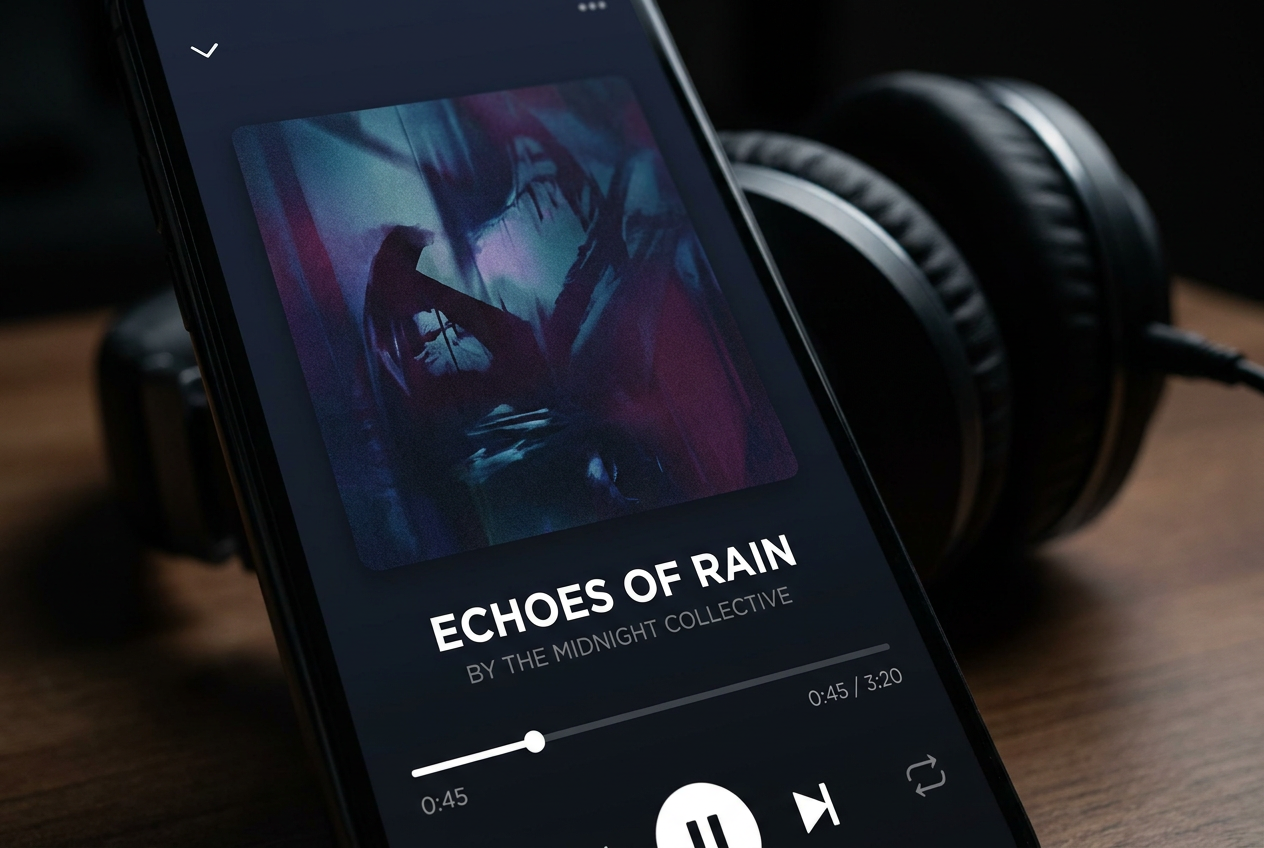
The magic happens when you want to carry your music in your pocket. Since Navidrome is compatible with Subsonic, you have a huge range of apps to choose from. On Android, Symfonium and Substreamer are very solid options, while on iOS, Amperfy and play:sub stand out . To set up the connection, you only need your server's IP address (for example, http://192.168.1.15:4533), your username, and password.
If you want to leave home and continue listening to your music without technical hassles, you can use Tailscale . This tool creates a virtual private network that allows you to access your server as if you were in your living room, even if you're in another city. For those who prefer something more traditional, you can configure a reverse proxy with Nginx or Caddy and an SSL certificate to access it through your own secure domain (https).
Advanced management and additional tricks
If you want to take the experience to the next level, you can add FileBrowser alongside Navidrome using Docker. This allows you to upload music files to your server directly from your browser, eliminating the need for shared folders or USB drives. Additionally, for Windows users, your firewall might block access from your mobile device; in that case, you'll need to open port 4533 in the inbound rules of Windows Defender Firewall.
For those who appreciate aesthetics, there are desktop clients like Feishin or Aonsoku that mimic Spotify's interface, offering a much more visually appealing experience than the basic website. These apps allow you to browse artists' discographies and discover popular tracks thanks to integration with external databases, making managing your collection dynamic and modern.
Having a system like Navidrome completely transforms our relationship with our music, allowing us to centralize thousands of files in one place and access them on any device. From the simplicity of an installer on Windows to the power of Docker on a Mini PC or a Raspberry Pi, the flexibility is total. Combined with good file tagging and client applications like Symfonium or Amperfy, we get a private, free, and high-fidelity alternative that leaves behind the limitations of current subscription services.