- Pyramid is a flexible and minimalist framework for web development in Python.
- It allows you to create both very small applications and complex and scalable projects.
- Facilitates customization, library integration, and the use of different template systems.
If you've ever wondered how to take your Python web projects to the next level without the complexity of large frameworks or the limitations of simpler ones, Pyramid might be the answer you're looking for. This tool has earned a place in the development community precisely because of its ability to adapt to both minimalist projects and complex applications, thanks to its philosophy of simplicity and modularity.
Throughout this article , I'll show you, in a practical and detailed way, what Pyramid is, what differentiates it from other Python frameworks like Django or Flask, how to get started, its key features, and some real-world examples that will help you decide if it's the right alternative for your web development needs. If you have Python experience and are looking for a framework that grows with you and adapts to your needs, keep reading because you'll find all the information you need, from its basic concepts to the possibilities of extending and adapting it to any project.
What is Pyramid and why does it excel in Python web development?
Pyramid is an open-source web framework for Python that stands out for its minimalist and flexible approach. Its main strength is its versatility, allowing developers to create very small applications (even in a single file) as well as scale to large-scale projects , without forcing them to adopt a single way of working or rely on specific tools. It lets programmers decide which components to use (ORM, templating system, user management, etc.) and only adds what they truly need: "you only pay for what you use."
This framework was born as the successor to Pylons , integrating the best of previous projects like Zope, Django, and Pylons itself, offering a robust and highly configurable foundation. Since its merger with the Pylons project and its name change in 2010, it has continued to evolve within the Python community.
Pyramid Design Principles and Philosophy
- SimplicityWith Pyramid, you only need to master a few basic concepts to get started; then you can add any technology that fits your project.
- Effective minimalism: Solves the core problems of any modern web application without overloading it with unnecessary functionality.
- Complete and updated documentation: You'll find clear and well-maintained guides, making learning and resolving issues much easier.
- Optimized performanceDesigned to deliver rapid response to common tasks such as template rendering or route management, without resorting to expensive hardware solutions by default.
- Quality and reliability: Each new version undergoes extensive unit testing before release.
- Open source and permissive: Pyramid is distributed under an open license that facilitates its smooth adoption and adaptation.
What sets Pyramid apart from other Python frameworks?
Pyramid's biggest competitive advantage is its adaptability . While other frameworks like Django tend to impose many predefined choices (specific ORM, rigid structure, user components, etc.), Pyramid lets you choose. This makes it an ideal alternative if you're looking for freedom without sacrificing best practices.
Pyramid lets you start with a minimal application —literally in a single file—and grow as your project requires. You can use declarative methods with decorators for routes and views, or choose to configure it imperatively. Furthermore, you can leverage different template engines (such as Jinja2, Mako, or Chameleon) within the same project. It doesn't force you to commit to a single system.
Getting Started: Installation and Environment Creation
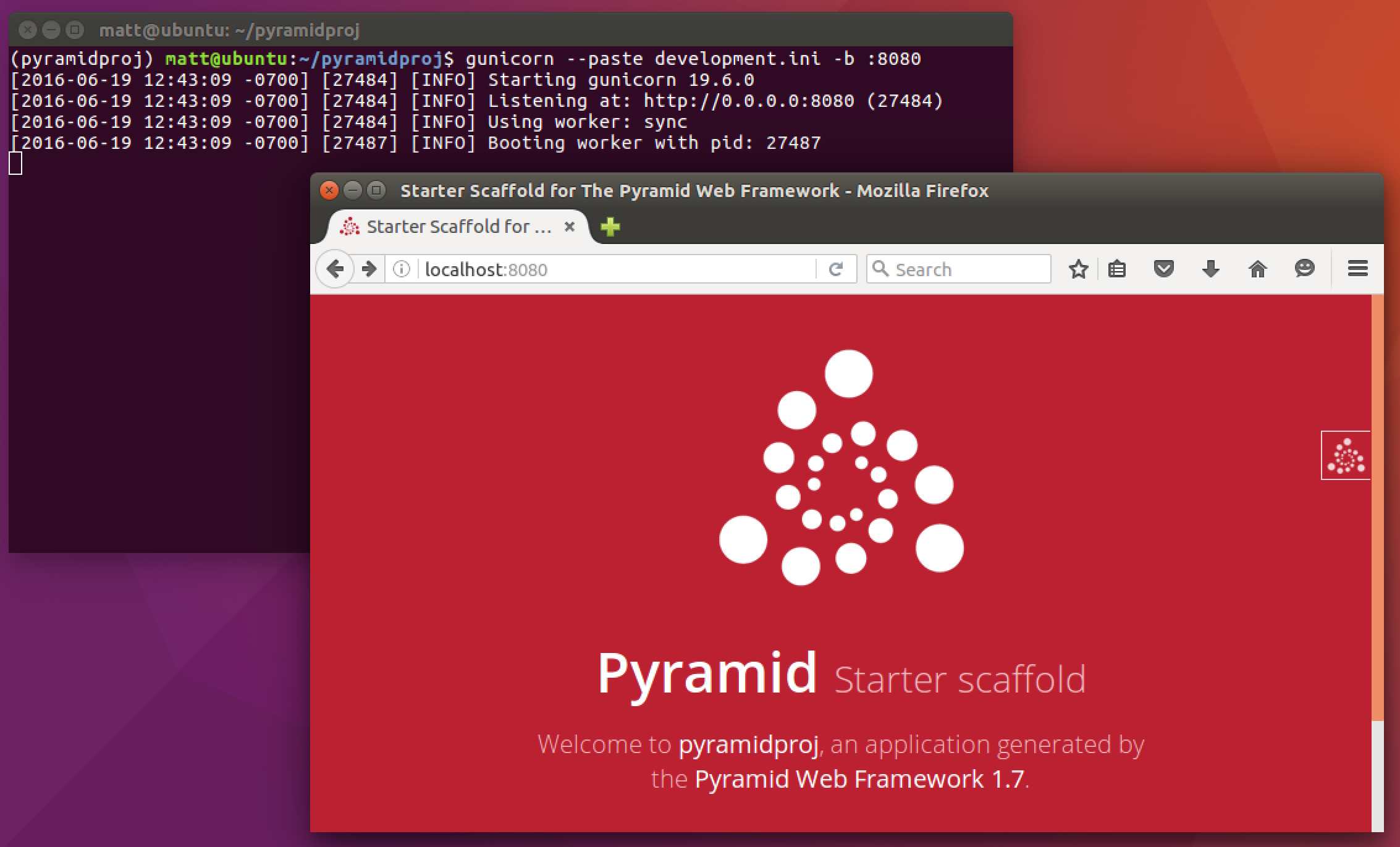
As is typical in Python, it's best to work in a virtual environment (virtualenv) to keep your projects and their dependencies separate. This isolation also makes it easier to test different versions of Pyramid or its related packages.
To create and activate a virtual environment, simply:
python -m venv mi_entorno_pyramid
source mi_entorno_pyramid/bin/activate
Once inside the environment, you install Pyramid directly from PyPI :
pip install pyramidAnd that's it, you can now get to work.
Your first app with Pyramid: the classic "Hello World"
To show you how easy it is to get started, I'll show you a basic application structure in Pyramid. All in one file:
from wsgiref.simple_server import make_server
from pyramid.config import Configurator
from pyramid.response import Response

def hello_world(request):
    return Response('¡Hola Pyramid!')

if __name__ == '__main__':
    with Configurator() as config:
        config.add_route('hello', '/')
        config.add_view(hello_world, route_name='hello')
        app = config.make_wsgi_app()
    server = make_server('0.0.0.0', 6543, app)
    server.serve_forever()
This example creates a WSGI application that responds at the root address with a greeting.
The core of the configuration is managed by the Configurator object , which is responsible for defining routes, associating views, and creating the final application. As you can see, the code is straightforward and very easy to read.
Beyond the example: creating structured applications
When things get complicated and you need a more robust project structure, Pyramid makes it easy thanks to its so-called "scaffoldings."
Pyramid incorporates several pre-configured frameworks to start projects with different characteristics:
- alchemy: Incorporates SQLAlchemy for advanced database management.
- starter: A basic template to get you started in minutes.
- zodb: Oriented to projects that use the ZODB database, ideal for persistent object models.
With the appropriate command you can generate the base structure of your project, for example:
cookiecutter gh:Pylons/pyramid-cookiecutter-alchemyThis will create a folder architecture designed to scale from the start, with files and modules ready to separate source code, static code, templates, and business logic.
Components and basic structure of a Pyramid project
The typical structure of a generated project includes:
- myapp/: The main package for your Python project.
- myapp/static/: Static files such as CSS, JS or images.
- myapp/templates/: Templates for rendering.
- myapp/models.py: Defining data models (usually with SQLAlchemy).
- myapp/views.py: The logical views that process routes and generate responses.
- myapp/scripts/: Auxiliary scripts, such as database initialization.
- setup.py: To package and distribute the application.
This organization facilitates maintenance, scalability, and integration with external tools.
Configuration and customization: routes, views, and templates
Pyramid offers great flexibility in how you define routing and views . You can do this with decorators alongside the code, or explicitly and separately. This allows you to tailor the configuration to your preferences: all together for small projects, or separately for large teams or complex developments.
For templates, you can choose from Chameleon, Mako, Jinja2, or any compatible system . Pyramid imposes no restrictions and lets you combine multiple systems in the same project if needed.
Practical example: a small forms and lists application
Imagine you want to create a website where users can fill out forms, view a list of accumulated data, and review details about each element. With Pyramid, you can design routes like this:
- /: Displays the form
- /date: List all submitted forms
- /data/number: Displays the details of the form with a specific ID
To do this, you define your routes and map them to specific views. Models are built with SQLAlchemy, and you can use Chameleon for templates (although it's easy to switch to another engine if you prefer).
The result is a functional, organized and very easy-to-expand or modify application , perfect for illustrating Pyramid's possibilities in real-world projects.
Pyramid Advanced Features
- Generate URLs dynamicallyPyramid makes it easy to create context-based URLs, avoiding broken links and making maintenance easier.
- Static asset management: You can decide whether to serve resources from the server itself or from a CDN, without modifying your core code.
- Interactive development and debugging: It has an integrated debug bar, automatic reloading and tools from the console to analyze routes (proutes, pviews, etc.).
- Session support: You can use the included system, or replace it with alternatives such as Redis or MongoDB, depending on your needs.
- Elegant error handling: Allows you to create specific views for specific exceptions and customize error responses.
- Internationalization: Includes support for translations, message catalog creation, and pluralization as standard.
- Event and subscriber system: Executes code at key moments in the request lifecycle, facilitating integration with other services or the execution of periodic tasks.
- Extensibility through add-onsThere is a wide variety of plugins covering databases, templates, security, etc., all with high standards of quality and documentation.
Comparison and relationship with other Python frameworks
Pyramid draws inspiration from Zope (traversal and declarative security), Pylons (freedom to choose components and URL management), and Django (focus on documentation and clarity) , but avoids imposing a monolithic structure. Pyramid allows for easy reuse and extension of applications thanks to its modular approach and the precise localization of assets through asset specifications.
While some frameworks are only suitable for small or very large apps, Pyramid adapts to any scale and prevents you from having to migrate to another framework when your project grows more than expected.
Documentation and resources for learning Pyramid
One of Pyramid's most valued aspects is the quality and up-to-dateness of its documentation . You can find complete, step-by-step tutorials, from creating an app in a single file to database integration and authentication. In addition, there's a well-structured API, a collection of resources, and a very active community where you can ask questions or find complementary packages.
If you're looking to get things moving faster, you'll find sample microprojects and templates ready for reuse, as well as an extensive list of modules and add-ons ready to extend standard functionality.
Strengths and limitations of Pyramid
Pyramid shines especially when you need a scalable application that doesn't limit you but also doesn't overwhelm you with imposed decisions. It allows you to develop according to your own preferences and needs, without neglecting best practices, documentation, or performance.
However, this freedom means that some prior experience with Python and web development is recommended , as many architectural and technological decisions will be in your hands. If you're looking for an "all-in-one" environment, Django might be a better fit, but if you prefer modularity and flexibility, Pyramid is an excellent option.