- SmartScreen's advanced feature detects unsafe use of Microsoft passwords on websites and apps.
- It allows you to receive alerts about the reuse of keys or the storage of these in text files.
- It requires the user to access the system using a password, as it is not compatible with PIN or Windows Hello.
- It is integrated into the Pro, Enterprise and Education versions starting with update 22H2.
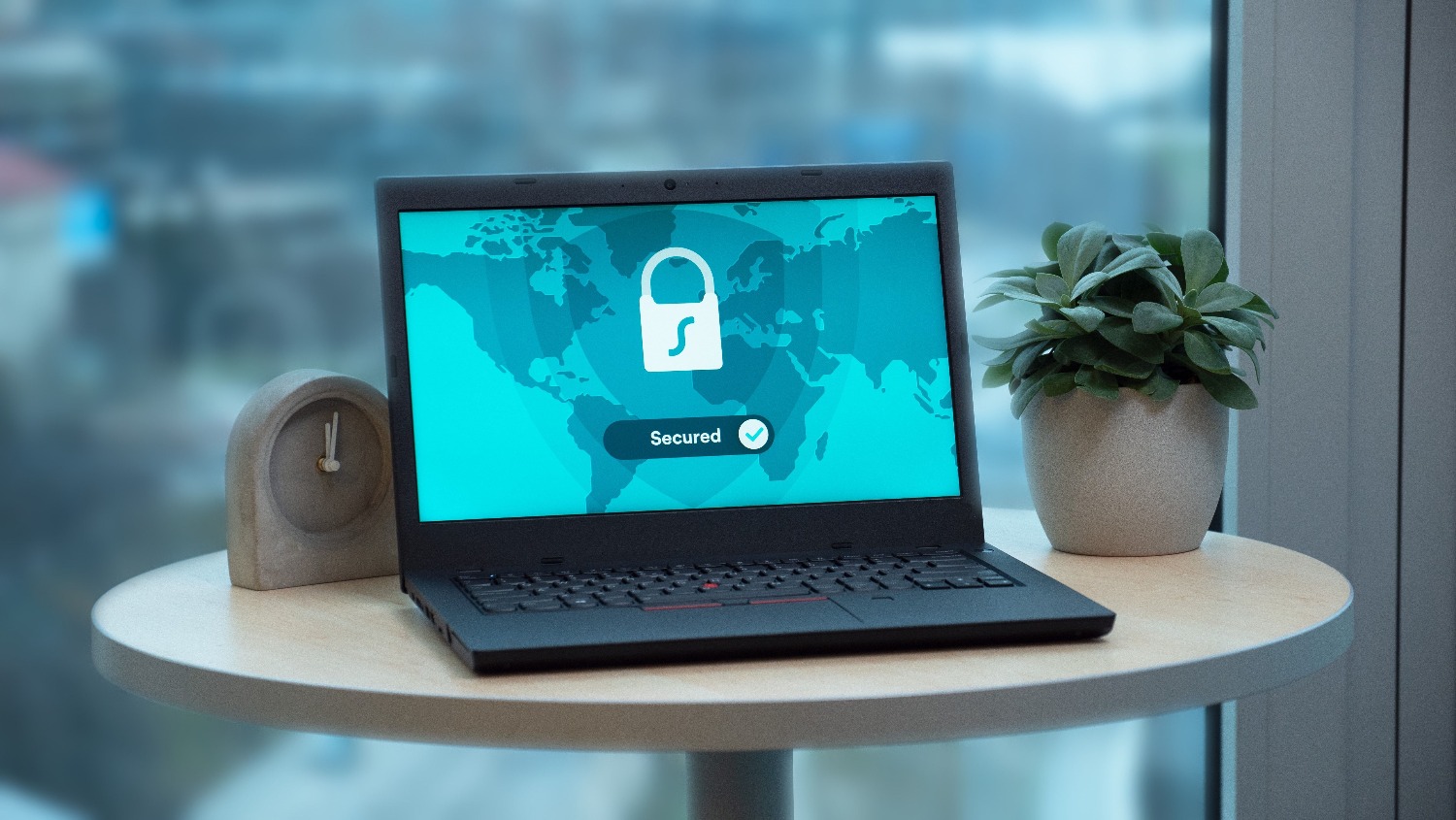
You've probably noticed that cybercriminals have become true masters of deception. Phishing is no longer just that poorly written email asking for money; now they use sophisticated social engineering strategies to trick us into unknowingly handing over the keys to our digital lives.
Fortunately, Microsoft has made some improvements to Windows 11 to give us a boost in security. It's a tool integrated into SmartScreen that acts as a constant monitor of your credentials , alerting you in real time if you're about to make a mistake that could leave your account vulnerable to hackers.
Prerequisites for the system to function

Before we get started, there are a couple of things you should be clear about, otherwise you'll drive yourself crazy looking for options that aren't there. First, you need to have Windows 11 version 22H2 or later installed . If your PC is stuck on an older version, you'll have to update the operating system, either by waiting for the notification or by forcing the download from the Windows Update center.
The second point is the most important and the one most people tend to overlook: this protection only works if you log into Windows with your Microsoft password. If you use the quick PIN or Windows Hello biometrics, the feature is disabled because the system cannot monitor keystrokes. To take advantage of the anti-phishing protection, you must log in using your traditional password.
Step-by-step guide to enabling protection

Activating this shield is quite simple and won't take more than a couple of minutes. There's no need to install any unusual programs or pay for subscriptions, as it comes pre-installed. Follow this path on your computer:
- Open the menu Home and go to the section Configuration.
- Navigate to the section Privacy & Security.
- Click on Windows security and then enter Application and browser control.
- Look for the link that says Reputation-based protection configuration.
Once there, you'll reach the section called Phishing Protection . You'll see three boxes that you must check for complete protection. The first will warn you about malicious applications and websites , triggering an alert if you visit a compromised site. The second detects password reuse , warning you if you use the same Microsoft password on other sites. Finally, the third option will warn you if you make the mistake of storing passwords in plain text , such as writing your password in Notepad or a Word document.
Advanced management for professional environments

For those who manage corporate or educational networks, Microsoft offers much more powerful options. This tool is compatible with the Pro, Enterprise, and Education editions , allowing IT administrators to deploy configurations on a large scale. This can be done through Microsoft Intune, Group Policy Objects (GPOs) , or CSP.
In these environments, the system can be configured in audit mode , meaning the software logs security events and sends diagnostics to Microsoft Defender without bothering the user with alerts. However, it is highly recommended to enable malicious notifications and detection of unsafe applications so that the end user is aware of the risk and changes their password immediately if it has been compromised.
About the general operation of Microsoft Defender

It's important to understand that this phishing protection is just one piece of a larger puzzle. Windows Defender is a comprehensive suite that offers real-time protection against viruses, Trojans, and ransomware. Unlike other antivirus programs, it doesn't typically slow down your computer and integrates seamlessly with the operating system, delivering optimized performance at no extra cost.
The antivirus constantly scans the files you open and the websites you visit. If it finds anything suspicious, it moves it to a quarantine zone to prevent the malware from running. It also includes a built-in firewall that monitors network traffic, blocking unauthorized access from outside.
When might it be necessary to disable the antivirus?
While not ideal, there are situations where the user chooses to disable protection. This sometimes happens with false positives , when the system blocks a legitimate program that the user knows is safe. To temporarily disable this, Real-time Protection can be deactivated from the security menu.
If someone wanted a complete and permanent deactivation, they would have to resort to more technical methods such as the Group Policy Editor (gpedit.msc) or modifying the Windows Registry (regedit) by creating the DisableAntiSpyware value. However, leaving your PC completely unprotected is like playing Russian roulette with your data, so if you decide to remove Defender, the wisest course of action is to install a reliable alternative such as Bitdefender, Kaspersky, or Avast.
Keeping all Windows 11 security layers active, especially the phishing shield and real-time scanning, is the best strategy for safe browsing. Combining these technological tools with common sense when opening unknown links ensures that our accounts and personal files remain safe from cybercriminals.
FAQ
Why don't I see the phishing protection options on my PC?
This usually happens because you don't have Windows 11 version 22H2 or you're logging in using a PIN or Windows Hello instead of your Microsoft password.
What exactly does SmartScreen's phishing protection do?
It monitors the use of your Microsoft password and alerts you if you type it on malicious sites, repeat it on other websites, or save it in unencrypted text files.
Is this feature compatible with PIN login?
No, the feature requires the user to log in to the system using their Microsoft account password in order to monitor data entry.
Is there a cost to activate Microsoft Defender phishing protection?
It is completely free as it is a free tool integrated directly into the Windows 11 operating system.
In which versions of Windows 11 is enhanced protection available?
This functionality is available to users of the Windows Pro, Enterprise, and Education editions.
Can I manage phishing protection for multiple computers at the same time?
Yes, in organizational environments it can be centrally managed using Microsoft Intune or Group Policy (GPO).
What should I do if my antivirus detects a safe program as a threat?
In those cases it's a false positive and you can temporarily disable real-time protection to install the application.
