- Haptic music allows you to feel rhythms and textures through the Taptic Engine, facilitating access for people with hearing disabilities.
- It is activated through the Accessibility menu and requires an internet connection to analyze the songs.
- Using intense vibrations can help expel solid debris from the device's speakers.

You've probably already noticed that Apple keeps adding interesting features to its devices, and with the arrival of the latest iOS versions, they've brought back a gem that goes unnoticed by most. We're talking about haptic music , a tool originally designed so that the iPhone can not only be heard, but also physically felt through precise vibrations.
Although it may seem like a minor detail at first glance, this option is a real leap forward in accessibility, allowing people with hearing difficulties or deafness to connect with the rhythm and intensity of their favorite songs. But it's not just for them; any user can check it out and enjoy a different sensory experience when listening to music.
What exactly is musical vibration?
This feature uses the iPhone's powerful Taptic Engine to transform sound waves into taps, textures, and tactile sensations. Essentially, the system analyzes the audio track in real time and generates vibrations that are synchronized with the rhythm, allowing the user to feel the music in the palm of their hand.
For all of this to work, it's essential that the device has an active internet connection , either via Wi-Fi or mobile data. Currently, the feature is fully integrated into apps like Apple Music, Shazam, and Apple Music Classical. In fact, if you go into Apple Music, you'll find playlists specifically designed for this, such as bass-heavy playlists or haptic hits , where vibration is the main element.
Steps to activate haptic music on your iPhone
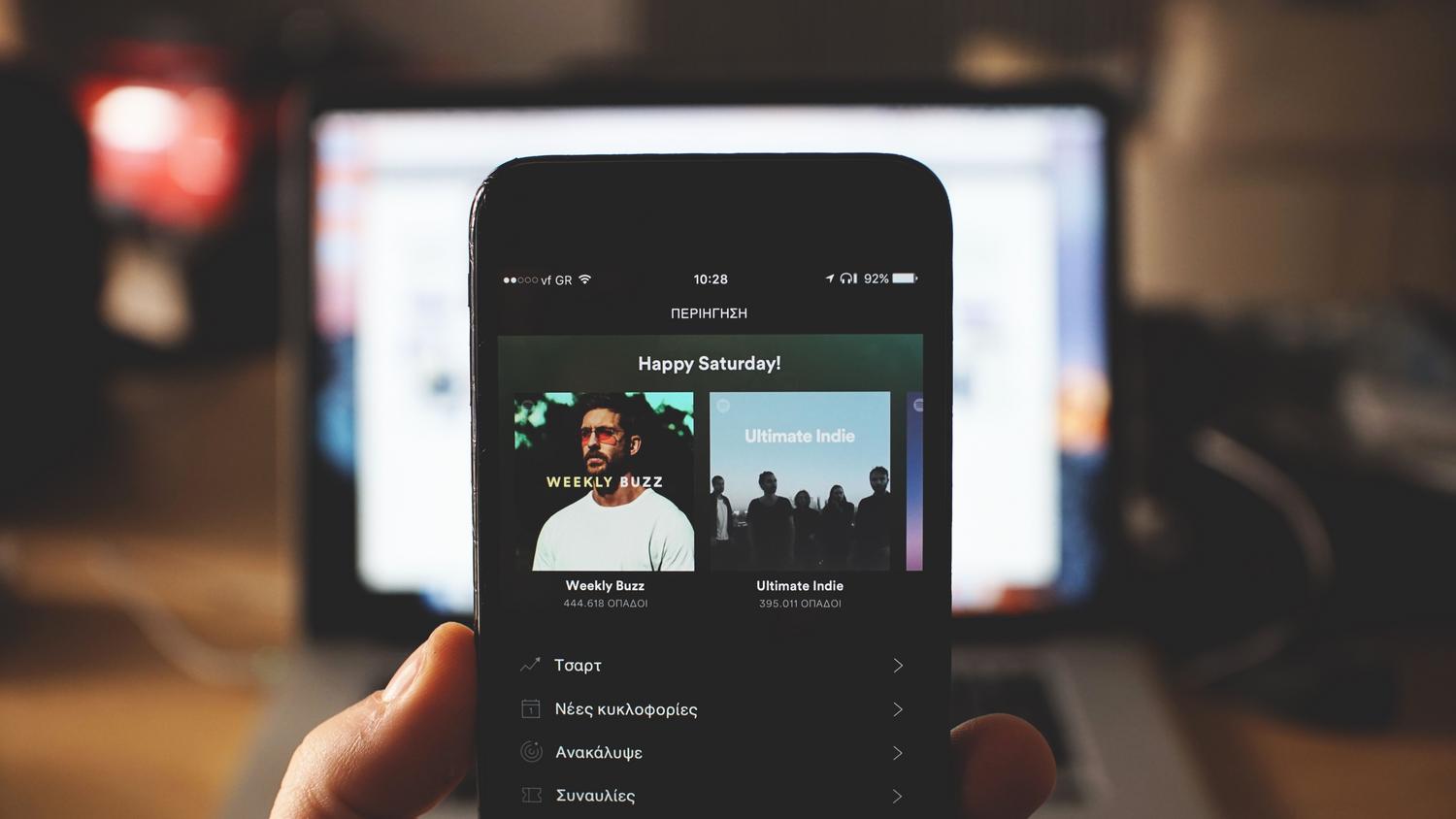
As it's an accessibility tool, it's not immediately visible in the main menu, so it might be a little hard to find. To get it working, follow these steps:
- Open the app Settings of your device.
- Scroll down and enter the section on Accessibility.
- Look for the option called Vibration with the music and activate it.
Once inside that menu, you will be able to see the list of installed applications that are compatible with this technology , since although Apple has started with its own, it is expected that more third-party developers will join soon.
An unexpected trick: using vibration to clean
This is where things get interesting. It turns out that activating this option has an alternative use not mentioned in the manual: cleaning the speakers . When playing songs with strong, rhythmic beats, the intense vibrations of the chassis can help dislodge dust particles or small stones that may have become lodged in the grilles.
However, don't get your hopes up thinking it's a magic solution. It won't remove water from your phone or make it spotless, but as a quick fix for clearing the sound from the speakers, it can work well if you choose a loud song.
Difference with the haptic feedback of the keyboard
It's very common to confuse haptic music with keyboard feedback , but they are completely different things. While the former is for audio, the latter is that subtle vibration you feel when typing to let you know you've pressed the key correctly.
If you want to activate this haptic feedback while typing, go to Settings > Sounds and vibrations and enter the Keyboard feedback section . There you can choose the vibration option so your phone gives you that little nudge every time you type a message, thus improving the typing experience.
Having these vibration options configured transforms the way you interact with the iPhone, turning sound into a tactile experience that promotes inclusion and offers practical tips for device maintenance, as well as improving typing accuracy.