- AI tools make it easy and free to create videos.
- There is a wide variety of platforms, each tailored to different needs.
- AI facilitates personalization, automation, and accessibility in videos.
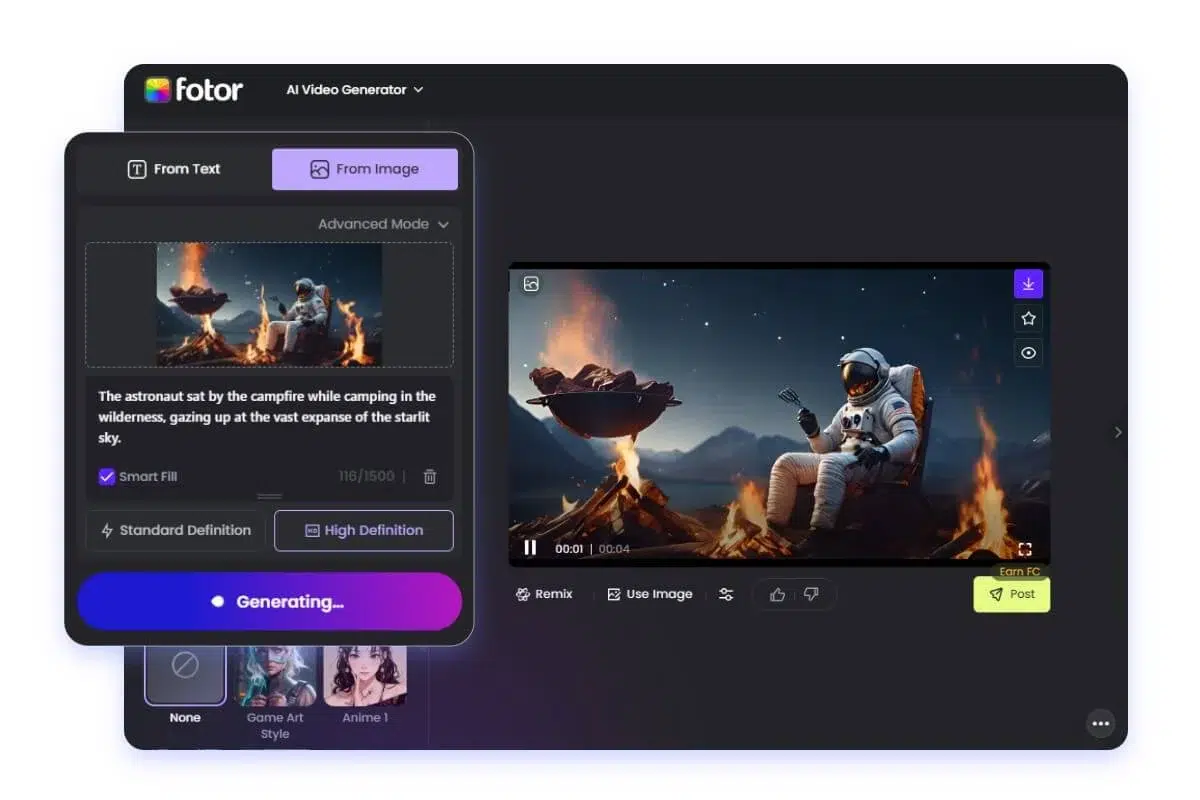 Creating videos using artificial intelligence is revolutionizing the world of marketing, education, social media, and digital content creation. Today's tools allow any user, regardless of their technical experience, generate impactful and professional videos Completely free or at a very affordable price. Thanks to the advancement of AI, it's no longer essential to have recording equipment, actors, or master complicated editing programs. With just a few clicks and the support of specialized platforms, you can bring your ideas to life and make your message reach every corner of the world.
If you've searched for how to create free AI-powered videos , you've probably realized the wide range of options available. However, each tool has its own focus, features, and limitations. Therefore, it's essential to understand what options exist, the advantages of each, and how they can be tailored to your specific needs, from creative projects to social media clips or corporate videos.
Why use artificial intelligence to create videos?
Video is king in today 's digital content. People consume it more than any other format, making it an essential element in marketing strategies , personal projects, and educational endeavors. Using artificial intelligence to create videos allows you to:
- Automate tasks such as script generation, image selection and editing, saving time and effort.
- Access professional resources (avatars, voices, visual effects, templates) without spending on expensive equipment or traditional editing software.
- Personalize the content easily, adapting it to your brand's visual identity or to different platforms such as TikTok, YouTube or Instagram.
- Location and accessibility: Most of these tools allow for automatic subtitle generation, multilingual dubbing, and content accessible to international audiences.
Top tools for creating free videos with AI
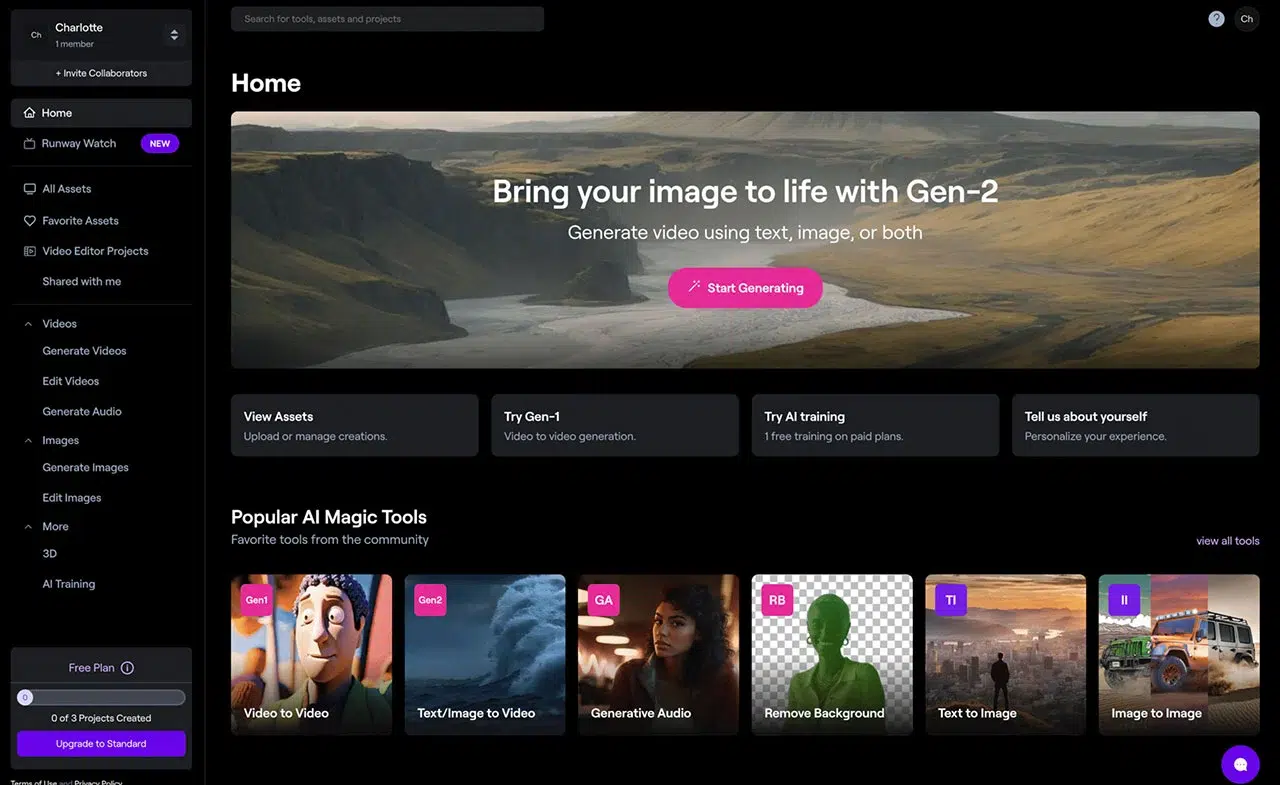
Below, we review the most recommended platforms and applications for creating AI-powered videos for free or with trial options. You'll find options focused on creating videos from scratch (text, images, prompts) as well as applications for editing, transforming, or reusing existing audiovisual content.
1. Runway
Runway is one of the most powerful AI-powered video creation tools on the market . It allows you to generate professional-quality videos using text prompts and also offers advanced editing features, such as background removal, color correction, and special effects. Its free version provides 125 credits, more than enough to experiment, although for intensive use you'll need to opt for one of its paid plans. Ideal for those seeking high-level results, though it may be complex for beginners.
2. Kling AI
Kling AI stands out for its high-quality generation from both text prompts and images. It integrates advanced features such as lip-syncing (perfect for creating characters that speak in different languages), camera movement control, and customizable parameters to achieve the desired video. It offers 366 free credits per month, enough for testing, although some premium features are reserved for paid plans.
3. Hailuo AI
With Hailuo AI, you can create videos from scratch by adding text or images, and it stands out for its ease of use and customization . You can even add your own avatars to maintain consistency across multiple videos. The free version allows 100 credits per day, and if you need more storage, the premium plans are quite affordable.
4. Sora
Sora , from OpenAI, has established itself as one of the highest-quality video generation solutions. It can work from both text and images, and its strengths lie in its consistent timing and smooth scene transitions. Currently, there is no free plan; it is integrated into the ChatGPT Plus subscription, which offers unlimited video generation for €20 per month.
5. I see 2
Veo 2 is Google's AI-powered video model, available for free through Google AI Studio. It maintains realism and consistency between scenes, and allows you to choose different visual styles and camera movements. It's a promising tool for those seeking quality at no cost.
6. Pika
Pika has become popular for its ability to create videos from text, images, or even transform existing videos. Its editing capabilities using natural language instructions are one of its strengths: you can easily modify backgrounds, add elements, and change the lighting. The free version allows you to experiment with some limitations on quality and duration.
Other notable platforms
- Hey Gen: Ideal for creating personalized videos with digital avatars (even clones of your image). Very useful for tutorials and courses.
- Video: Converts texts into engaging videos, automatically generating subtitles and voiceovers. Highly focused on marketing and social media.
- Synthesia: makes it easy to create videos with digital avatars and synthetic voices in over 120 languages. Perfect for courses, commercials, and presentations.
- flick: Transforms prompts or scripts into complete videos, including music, voiceovers, and subtitles. It's simple and fast, though less powerful for advanced editing.
- Canva: Famous for its designs, it also allows you to generate short videos and presentations using AI.
- Luma (Dream Machine): another high-quality tool, capable of animating images or creating videos from text with great realism.
- VEED.IO: It stands out for its avatar creation and voice cloning, as well as AI functions such as automatic subtitling and advanced editing.
- lumen5: Well-suited for beginners or those who want to transform articles, ideas, or videos into new, social-media-ready clips.
- Picture: Allows you to create videos from existing scripts, articles, or clips. It's very comprehensive for editing and customization.
Smart video repurposing and editing
If your goal is to leverage existing long videos and get the most out of them for social media or campaigns, AI can also help you:
- OpusClip: Analyzes long videos, automatically detects the most interesting segments, and turns them into engaging clips for Reels, Shorts, or TikToks. It also keeps faces centered and automatically adds subtitles.
- wisecut: Transforms long videos by identifying the best moments and translating them into multiple languages. Its main limitation is that it works more in horizontal than vertical format.
AI Video Editors: Power, Speed, and Customization
Editing apps take AI a step further, facilitating both basic tasks (cropping, adding music or subtitles) and much more advanced ones:
- Filmora: A professional editor that integrates AI to improve quality, automatically reframe, translate subtitles, and even remove unwanted voices. Its free version is useful for testing, although it adds a watermark to exports.
- CapCut: Very popular among content creators. It allows you to generate videos from scripts with AI, add digital avatars, and access a library of sounds and effects. Many basic features are free, while more advanced effects and AI features require a subscription.
- Descript: revolutionizes editing because it allows you to modify videos simply by editing the transcribed text. It also cleans up audio, removes silences, and speeds up video creation.
Specialized AI video creators
Other applications are geared toward specific niches, such as training, product promotion, or informational videos:
- Vidnoz AI: Ideal for creating educational, tutorial, or e-learning videos. It includes templates, automatic script generation, and the creation of on-screen avatars, all without the need for filming experience. It also offers a wide variety of avatars and templates for corporate videos, training, or product campaigns, and even allows for conversational videos with multiple avatars.
- Animaker: It combines basic and complex editing functions, from trimming to character animation, green screen effects and advanced video effects control, making it suitable for both beginners and advanced users.
Common steps to create a video with AI
Each platform has its own workflow, but the steps are generally similar:
- Open the AI video editor and select the desired project type (creation from scratch, video transformation, editing, etc.).
- Generate or import the script, either by entering a text, a brief idea, or letting the AI automatically compose it. You can then adjust visual styles, duration, and appearance formatting.
- Scene-by-scene construction: Select avatars, voices, add music, subtitles, and personalize each video segment.
- Final customization and export: Adjust details like resolution, format, background music, effects, or transitions based on the target platform (TikTok, Instagram, YouTube, etc.). Finally, export the video or make additional adjustments.

Key advantages of AI video generators
Among the main advantages of using these tools are:
- Cost reduction: : it is no longer necessary to invest in recording equipment, actors or professional editing.
- Accessibility for all: Even those with no experience can create professional-looking videos.
- Agility and efficiency: AI automates repetitive tasks, allowing you to focus on the message or creativity.
- Personalization and adaptation: Videos can be adapted to multiple platform formats, visual styles, and languages with just a few clicks.
Considerations when choosing your AI video platform
Not all applications are equally suited to all needs , so it's advisable to consider a few factors before making a decision:
- Content type and objective: creative videos, corporate videos, training videos, animations, product campaigns, etc.
- Limitations and priceSome tools offer free versions that are enough to get you started, while others reserve the best features for premium plans.
- Ease of useIf you're a beginner, look for highly visual AI video generators with automatic templates. If you're experienced, opt for more comprehensive editors.
- Libraries and resources included: images, music, effects, templates, avatars and synthetic voices.
- Export options and supported formats: Make sure you can adapt the result to the platform where you want to publish it.
The ecosystem of free AI-powered video creation tools is becoming increasingly broad, powerful, and accessible. These resources eliminate technical barriers, unlock creativity, and allow any idea to come to life in video format. All you need to do is decide what kind of content you want to create, choose the platform that suits your needs, and dare to experiment with the endless possibilities that AI puts at your fingertips.