- OCR technology allows you to convert scanned images and PDFs into editable and selectable digital text.
- There are advanced tools that process multiple languages, manuscripts, and batch files with high accuracy.
- It is possible to export the results to various formats such as Word, Excel, HTML and TXT to facilitate data management.

Have you ever been stuck trying to copy a sentence from a photo or a document that looks like an image? Don't worry, it's happened to all of us. Sometimes we come across read-only PDFs or screenshots where the text is simply a drawing and we can't interact with it, making the task of transcribing a real headache.
To solve this, there's OCR, a system that essentially teaches the computer to read images and convert them into real text. Whether you need to retrieve class notes, translate a sign in another language, or digitize old invoices, these tools make the process automatic and surprisingly fast, saving us hours of handwriting.

What exactly is OCR technology and how does it help us?
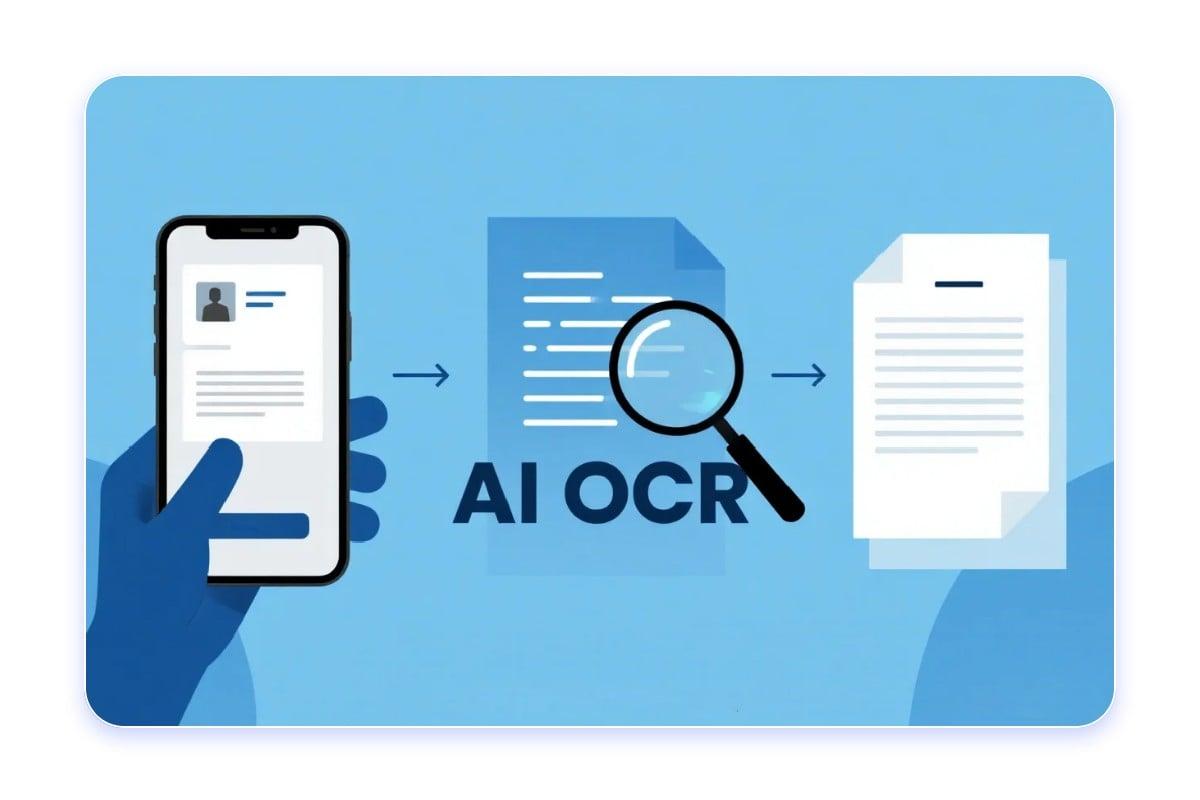
The term OCR comes from the English Optical Character Recognition . Essentially, it's a technology capable of analyzing the shape of strokes in a digital image to identify which letter or number they represent, thus transforming a static file into an indexed and editable document.
This is especially useful when working with files that don't allow text selection. For example, if you have a scanned PDF, the OCR system scans each page so you can search for specific words or copy entire paragraphs without having to retype them from scratch.
Advanced capabilities and file compatibility
Today, the most powerful converters go beyond just printed text. Thanks to deep learning and unregistered artificial intelligence , they can now recognize handwriting , even if it's not the most legible, and handle complex backgrounds or slightly pixelated images.
As for formats, the versatility is complete. You can upload files in JPG, PNG, JPEG, WebP, HEIC , or even BMP and TIFF. While PDFs are the standard for documents, the ability to export the result using Word's useful functions to PDF , Excel, HTML, or CSV files makes the information useful for any professional workflow.

Furthermore, these tools often offer batch processing capabilities . This means you don't have to upload photos one by one; you can upload an entire folder of documents and let the software do the heavy lifting while you enjoy a cup of coffee.
Multilingual support and instant translation
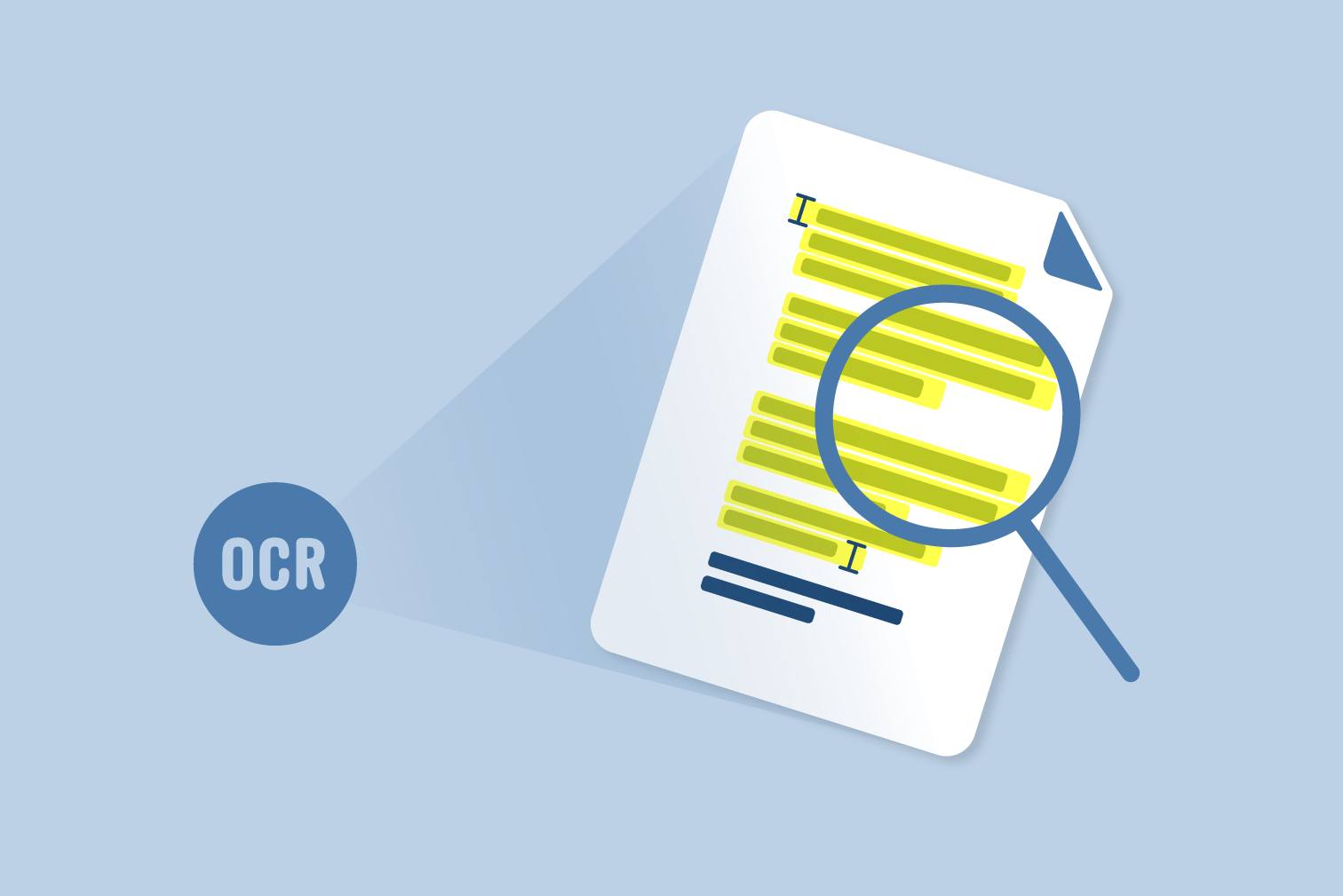
One of the strongest points of modern OCR services is their global capability. They are not limited to just Spanish or English, but support dozens of languages , from Chinese and Japanese to Arabic and Russian. This breaks down any language barriers, as you can extract text from an image in an unknown language and then automatically translate it into more than 100 different languages.
Accuracy is key here. Current AI models not only detect characters, but also have a semantic understanding of language. This allows them to correct common spelling errors and accurately differentiate between a number and a similar-looking letter, ensuring a consistent and professional final result.
Simple steps to convert an image to text
If you've never done it before, you'll see it's a piece of cake. The process usually boils down to three basic steps: first, you upload your file, either by browsing your device, dragging it into the browser window, or even importing it from the cloud like Google Drive or Dropbox. Second, you press the convert button so the AI can analyze the document.
Finally, the rewarding part arrives: saving the extracted text . You can copy it directly to the clipboard or download it in the format that best suits you, such as a Word document to edit as you wish or a simple notepad file for quick and easy access to the information.
Practical applications in everyday life
The usefulness of these tools extends to almost every sector. In education, they are used to digitize notes and books , facilitating the search for key concepts without having to flip through hundreds of pages. For office workers, they are the best way to streamline data entry , avoiding the risk of errors when manually transcribing invoices or receipts.
They are also essential for accessibility . By converting images with text into digital characters, it's possible to use screen readers that transform that text into speech, helping people with visual impairments access information. Likewise, in content creation, they allow for the immediate extraction of quotes or data from images for use in articles or presentations .
From retrieving historical documents to organizing digital files through indexing, OCR is a versatile tool. All you need is a modern browser and an internet connection to transform any screenshot or WhatsApp photo into a useful, actionable document.
The use of optical character recognition (OCR) systems allows for the conversion of any visual element containing text—whether blurry photos, locked PDFs, or social media screenshots—into flexible digital information. Thanks to the integration of AI and support for multiple formats and languages, it is now possible to digitize massive volumes of data with astonishing accuracy and export them to editable formats such as Word or Excel, optimizing productivity and information accessibility.