- There are specialized tools available both on desktop and in the cloud to correct the lack of clarity in PDF documents.
- The focusing process varies depending on whether you want to optimize blurred text or improve the resolution of rasterized images.
- Operating systems like Windows and macOS offer native and third-party solutions for adjusting the contrast and visibility of content.

I'm sure it's happened to you: you open a PDF file and find that the text is blurry or the images look like a smudge. Trying to read a document like that is a real ordeal that quickly strains your eyes and can cause unnecessary stress as you struggle with poor quality. The good news is that you don't have to resign yourself to reading blurry text, as there are effective solutions to rescue those files.
To solve this problem, it's essential to understand that PDFs act as containers. Therefore, to improve content clarity , we need editing tools that can manipulate the image and text layers. Whether you're looking for a free online option or professional software installed on your computer, there are ways to make any document perfectly legible and visually appealing.
PDF optimization in Windows
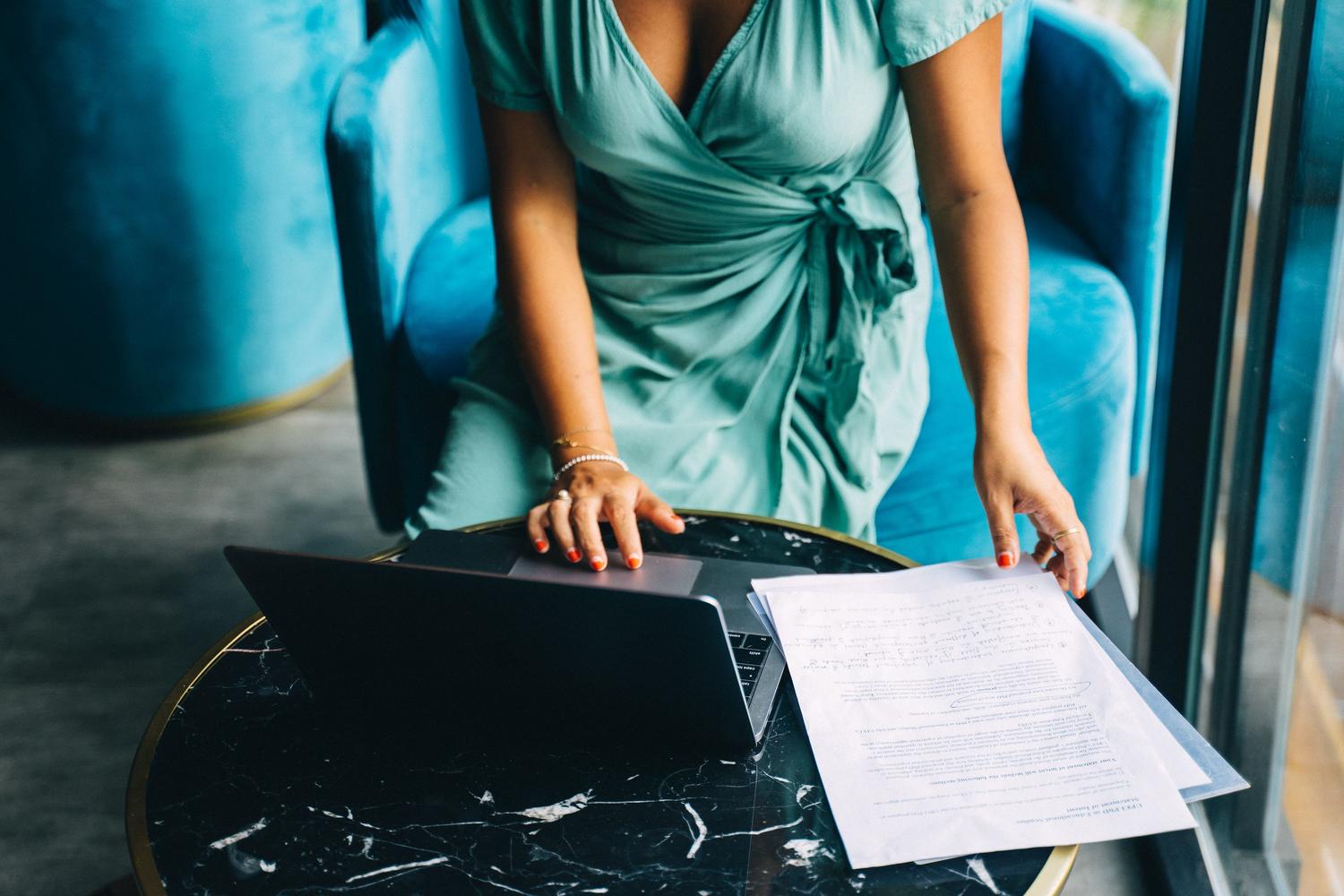
If you're a Windows user, one of the most powerful options is Adobe Acrobat Pro. This program includes a PDF Optimizer that's a real gem for those who need precision. It's not just about compression, but also about adjusting grayscale, color, and sampling reduction to achieve a much cleaner result.
Among its features, the ability to reduce brightness stands out , helping to make elements in the file appear darker and more defined. Furthermore, if the problem is that the text is unclear, you can adjust the font smoothing settings and the resolution ratio to eliminate the blurry effect . It even allows you to manage the transparency of illustrations to ensure a professional final document.
Quick solutions for Mac users

In the Apple ecosystem, you don't need to spend a penny to get basic improvements, as the Preview app is more than sufficient. This tool allows you to adjust the contrast of PDFs , which is vital when working with scanned documents that have turned out too light or washed out.
The trick is to use the export menu and apply a specific Quartz Filter . By selecting the option to decrease brightness, the text becomes denser and sharper, greatly improving readability. While this is a very quick process with small files, keep in mind that with very large documents, the system may take a little longer to process the changes.
Online tools for focusing without installation
If you don't want the hassle of installing software, the web is full of options. AvePDF is an excellent alternative that allows you to automatically correct scanning errors . It offers very useful features such as despeckle (spot removal), automatic deskew to straighten text, and black border removal, which visually cleans up the document.
On the other hand, PDF2Go focuses more on comprehensive editing. It allows you to view the document using thumbnails and modify specific elements such as stroke size or font type. The best thing about these platforms is that they are compatible with any device, from a mobile phone to a tablet, and they usually protect data privacy by deleting the files after conversion.
Advanced image and resolution enhancement
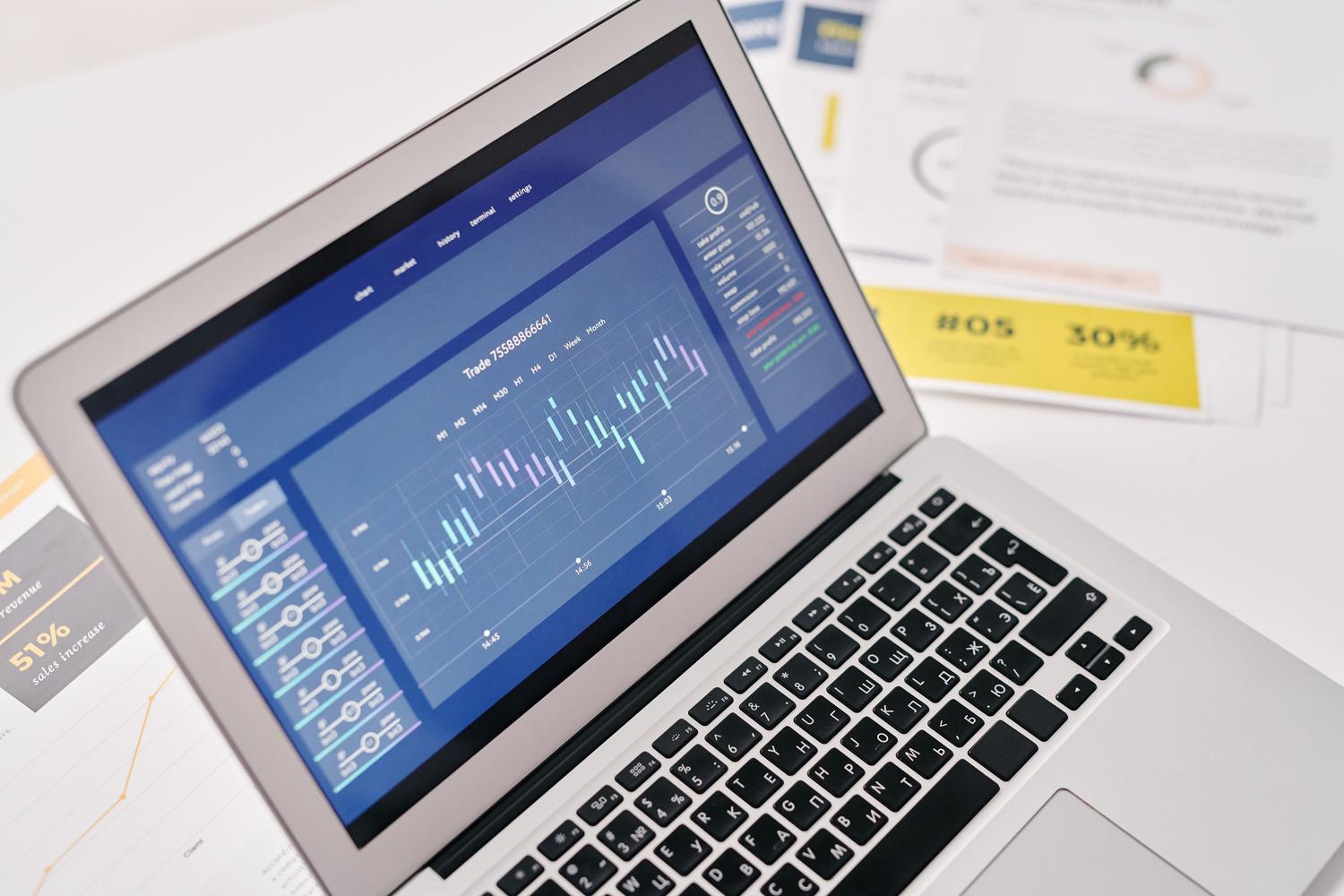
When the problem isn't the text itself, but rather PDF images lacking detail, we enter the realm of advanced sharpening. Technology-based tools like Aspose.PSD allow you to transform blurry images into clear and detailed elements. This process is ideal for designers or photographers who need their PDF portfolios to look flawless.
A very effective technique is to convert these images to raster or image format . By adjusting the sharpness and saving the file in this format, you ensure that the clarity remains consistent regardless of the device on which it is opened. This allows you to reveal intricate details that were previously hidden by the low resolution, elevating the visual quality to a professional level.
Additional viewing and scaling tricks
Sometimes, a lack of sharpness is simply a problem with how we're viewing the file. In browsers like Chrome or Edge, you can try adjusting the custom scaling from the print menu (Ctrl+P). Changing the size setting or using a different scale can help the content fit the screen better and appear clearer.
For those seeking more versatile editing, there are editors like EaseUS PDF Editor, which allow you to manage page visibility and compress large images to optimize performance without sacrificing quality. Similarly, platforms like pdfFiller facilitate cloud-based template editing, allowing you to add fillable fields and digital signatures to documents that have already been optimized.
We offer a wide range of options, from contrast filters on macOS and professional optimizers on Windows to powerful cloud-based image converters. Whether adjusting brightness, removing scan noise, or rasterizing images to enhance detail, you can transform an unreadable PDF into a crisp, professional document optimized for any device.

FAQ
How can I remove blurriness from a PDF in Windows?
You can use Adobe Acrobat Pro's PDF Optimizer to adjust the resolution and reduce brightness, making the content darker and sharper.
Is it possible to focus a PDF for free from the browser?
Yes, there are web tools like AvePDF and PDF2Go that allow you to clean edges, straighten text, and edit visual elements without installing software.
How to improve the sharpness of a PDF on a Mac?
You can use the Preview application by exporting the file and applying a Quartz Filter to reduce brightness and highlight the text.
What should I do if the images in my PDF are not high resolution?
It is recommended to use advanced sharpening tools that allow you to convert images to raster format to recover detail and clarity.
Is it possible to improve the quality of a scanned PDF?
Yes, by using despeckle filters and contrast correction that eliminate visual noise and darken blurry letters.
Does scaling help make the PDF clearer?
In some cases, changing the custom scale from the print menu of browsers like Chrome can improve the visual perception of the content.