- FreshRSS is a self-hosted news aggregator that eliminates dependence on external algorithms and protects privacy.
- It allows full synchronization between various devices through APIs compatible with mobile and desktop applications.
- It supports multiple deployment methods, from Docker containers to manual installations on LAMP/LEMP servers.
- It offers advanced tools such as web scraping via XPath to track sites that do not have native RSS.

You've probably noticed that most of the news you consume is filtered by the whims of a social network. However, a technology called RSS has existed for decades, allowing us to break free from the algorithms and choose what we want to read. Essentially, it involves subscribing to universal XML feeds that websites publish to notify you of their updates, and to manage these feeds, it's ideal to have your own aggregator like FreshRSS.
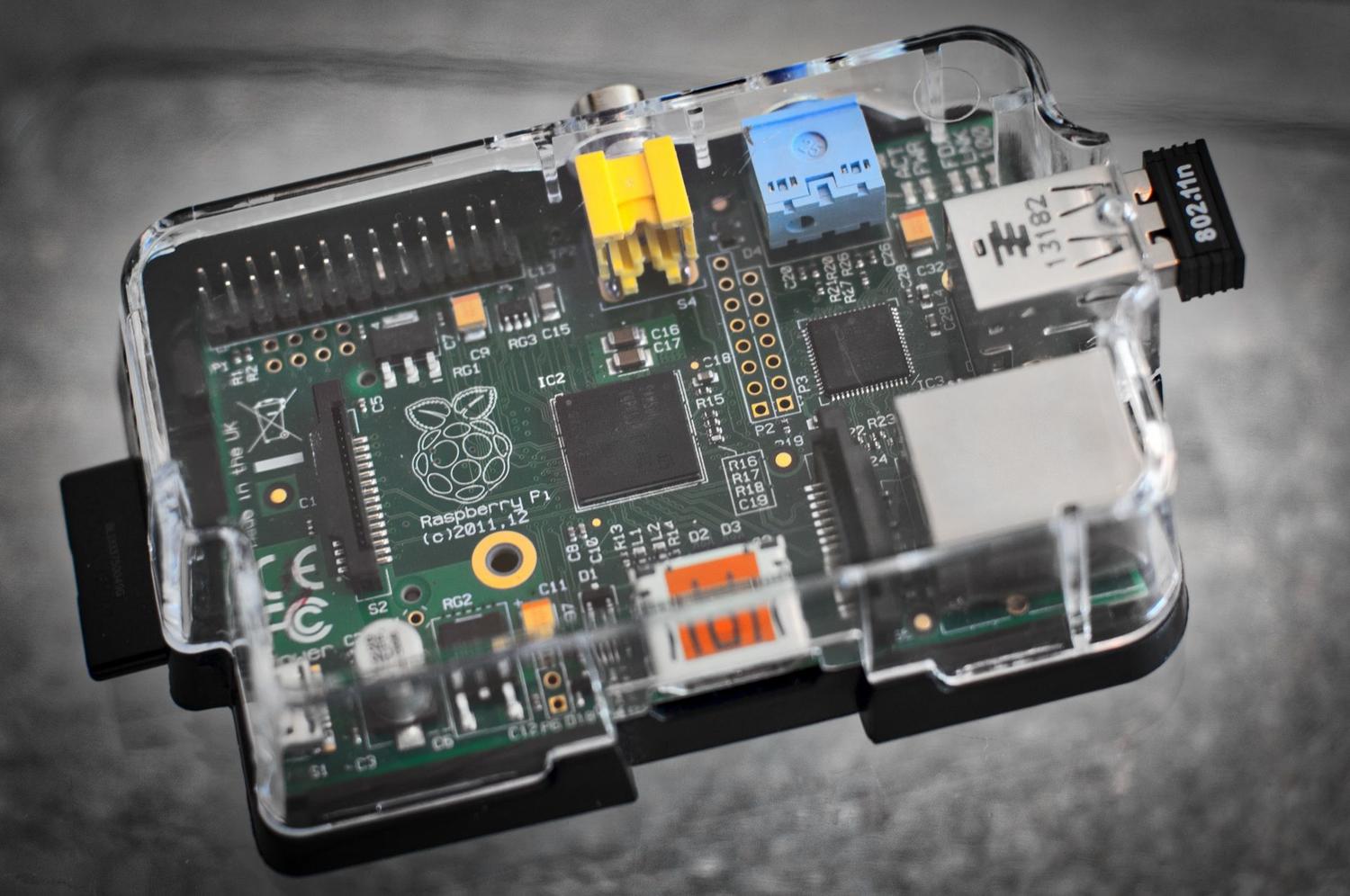
Setting up your own news feed manager at home isn't just about digital sovereignty and privacy ; it also allows you to have a clean, ad-free, and fully organized information stream, tailored to your preferences. Whether you have a powerful Mini PC or a humble Raspberry Pi, FreshRSS is a lightweight option that adapts to any hardware, allowing you to centralize blogs, YouTube channels, and news outlets in a single dashboard.

What exactly is FreshRSS and what are its advantages?
We're talking about an open-source RSS and Atom feed aggregator (AGPLv3 license) that you can host on your own infrastructure. Unlike cloud services like Feedly or Inoreader, which often have paywalls for basic features, FreshRSS is completely free and has no limits on feeds or categories. Furthermore, it's extremely resource-efficient, capable of handling thousands of articles without slowing down the system.
Among its most powerful features are multi-user management , ideal for sharing the server with family, and its ability to import and export subscriptions using the standard OPML format. It also includes search functions, advanced filters to mark articles as read based on keywords, and the ability to generate feeds via scraping if the website you're interested in doesn't have an active RSS feed.
Requirements and preparation of the environment
To get started, the most common approach nowadays is to use a Linux environment. If you choose the container route, you'll need to have Docker, Docker Compose , and optionally Portainer installed for visual management. As for hardware, 256 MB or 512 MB of RAM is more than enough for personal use.

If you prefer a manual installation on a web server, you'll need a LAMP or LEMP stack (Linux, Nginx/Apache, MySQL/MariaDB, and PHP 7.4+). PHP extensions like curl, xml, mbstring, and zip are essential for the program to function correctly. If you plan to access it from outside your home network, you can configure a reverse proxy with Caddy or Nginx Proxy Manager, or use tools like Tailscale to avoid exposing the server to the internet without requiring complex SSL certificates.
Step-by-step installation using Docker Compose
This is the fastest and cleanest route. You just need to create a file docker-compose.yml in your preferred folder. There are several images available, with the Linuxserver image being one of the simplest. A basic configuration example includes defining the image, the time zone (TZ), and the volume mapping so that your data is not deleted when the container is restarted.
If you're looking for superior performance when handling a massive library of feeds, it's recommended to use a PostgreSQL database instead of SQLite. In the composition file, you would add a separate database service and configure the environment variable so that FreshRSS connects to the database host. Once the file is ready, you just run docker-compose up -d and the system will be running in the background.
Initial setup and fine-tuning

The first time you access the system using your server's IP address and the configured port (for example, 8080), you'll be greeted by a web wizard. Here, you'll choose your language, configure the administrator account, and select your database type . For most users, SQLite is more than sufficient due to its simplicity, but for professional deployments, PostgreSQL is the better choice.

Once inside, you can start adding feeds by pasting the website URL. FreshRSS is quite smart and usually detects the feed automatically even if you don't see the RSS link at first glance. To keep things organized, it's vital to create categories (Technology, Science, Entertainment) and assign each feed to one of them, preventing the interface from becoming a chaotic jumble of mixed news.
Synchronization with mobile and desktop applications
The web interface is functional, but the real magic happens when you connect FreshRSS with external apps like Newsflash on Linux, NetNewsWire on iOS, or Capy Reader on Android. To do this, you need to go to your profile settings and enable API access , creating a specific password for this purpose (different from your account password).
FreshRSS is compatible with the Google Reader API and the Fever API. When configuring the app, you will need to enter your server URL, including the port and specific path (e.g., /api/greader.php). In this way, you achieve a full bidirectional synchronizationIf you mark an article as read on your mobile device, it will appear as read on your computer, and vice versa.
Advanced tricks: Scraping and maintenance
When you encounter a website that doesn't offer RSS, you can use the HTML + XPath method. This allows you to extract content using the page's HTML code . To do this, inspect the element in your browser, copy the XPath from the article's title and body, and paste it into the feed settings. Keep in mind that this method is fragile, as the feed will stop working if the website changes its design.
To keep everything running smoothly, don't forget to do regular backups from the data folder and the SQLite database. It is also recommended to optimize the database from the maintenance menu and keep the Docker image updated by running a docker compose pull occasionally.
Having your own newsreader is a one-way ticket to intellectual independence, allowing you to filter information without interference. By combining the power of FreshRSS with the flexibility of Docker and the convenience of synced mobile apps, you get a private, efficient system that's completely under your control and transforms the way you browse the web.