- Identifying warning signs such as rapid battery drain or unusual icons that indicate active tracking.
- Advanced configuration of location permissions and disabling Google precision services.
- Implementation of additional security layers through the use of VPN, private browsers and airplane mode.
- Managing your digital footprint in your Google account to limit the collection of personal data.
These days, carrying a smartphone in your pocket is practically like carrying a small beacon constantly broadcasting your location. While many of these features are incredibly useful for navigating an unfamiliar city or finding a great restaurant near home, the reality is that we 're leaving behind a huge digital trail that we don't always control.
The problem arises when this tracking ceases to be a useful tool and becomes an intrusion, whether by companies trying to sell us things or, in more serious cases, by malicious software or malicious individuals . Therefore, knowing how to stop the flow of information we share is essential to regaining some privacy.

Signs that someone might be tracking you
It's not always easy to notice, but our device often gives us clues when something's wrong. One of the clearest warnings is unexpected status icons in the top bar; on Android, if you see a green or blue dot or icon when you're not using any maps app or the camera, there might be an app running in the background.
Another very common symptom is that your phone starts performing terribly. If you notice the battery draining rapidly without you having done anything unusual, or that the device is overheating as if you were playing a demanding video game, spyware may be consuming resources to send your location to a remote server. Don't forget to keep an eye on your data usage, as unusual spikes in traffic are often a sign that large amounts of data are being transmitted in the background.
You should also be suspicious if apps you don't remember downloading appear in your app store or if you receive text messages with strange codes and symbols. Sometimes, hackers disguise tracking software under innocent-sounding names, like a weather app, so checking your app drawer and looking for reviews on forums like Reddit can help you spot suspicious apps.

Steps to block location on Android
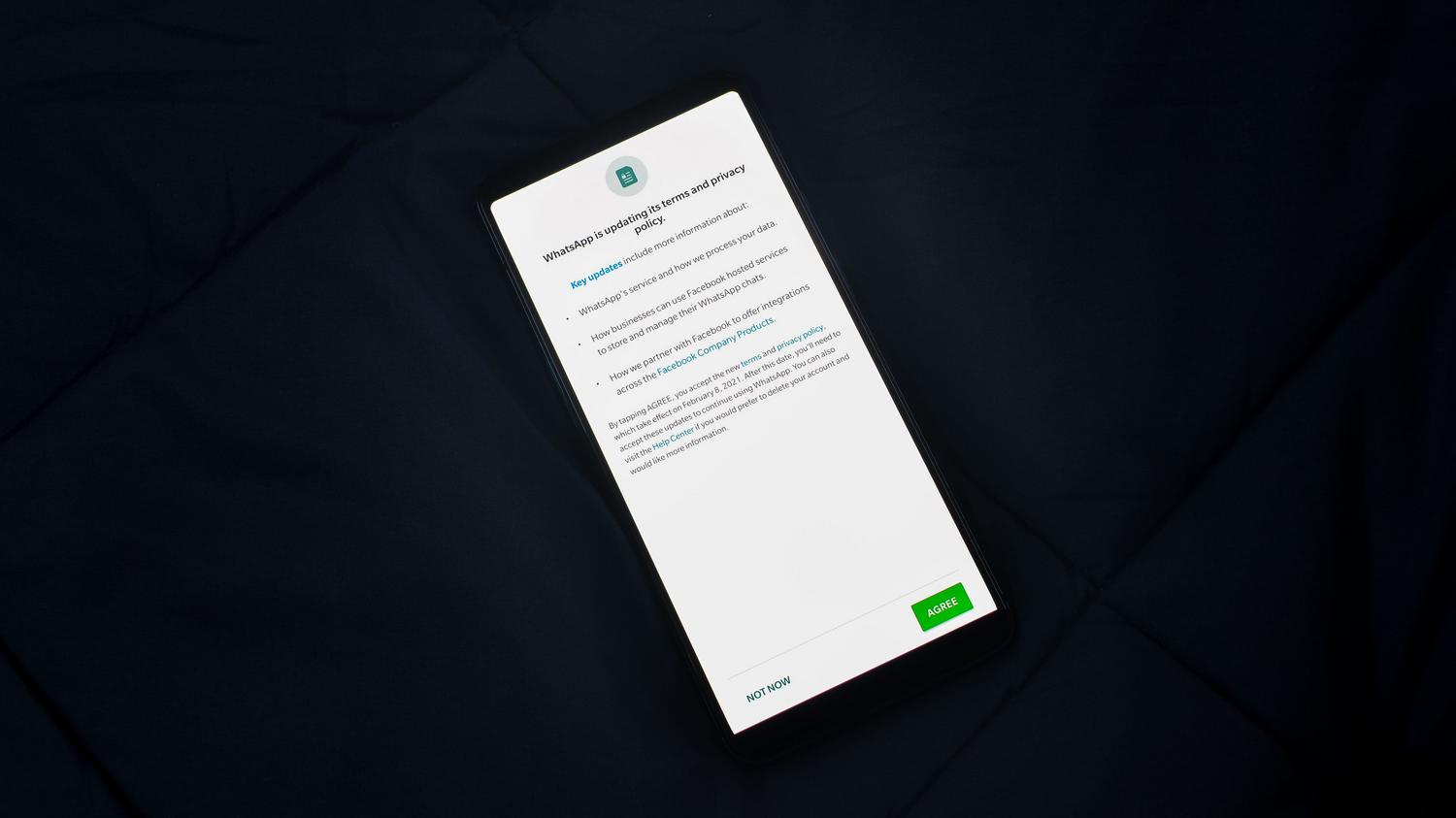
The most direct way to stop tracking is to get to the root of the problem. To disable location services globally, go to Settings, find the Location section, and turn off the main switch . This will disconnect GPS, but keep in mind that some useful features will stop working.
If you don't want to lose access to maps, the best approach is to manage permissions app by app. In the Security and Privacy section, within the Permissions Manager, you can decide who has access and who doesn't . The most sensible thing to do is use common sense: allow access to Uber or Google Maps, but revoke it from that flashlight or simple game that doesn't need to know where you live.
For those seeking an extra level of privacy, there's the option to disable Location Accuracy (Google Location Services). This feature uses Wi-Fi networks and cell towers to pinpoint your location with pinpoint accuracy, even indoors. By disabling it, your phone will rely more on GPS, making it harder for Google to refine your position as much.

Advanced methods to become invisible
Sometimes, turning off GPS isn't enough because there are other ways to pinpoint your location. Bluetooth, for example, can be used to triangulate your position indoors, so turning it off when you're not using it is a smart move. If you feel the situation is critical and you need an immediate complete shutdown, activating airplane mode is the quickest solution, as it disables all wireless transmissions.
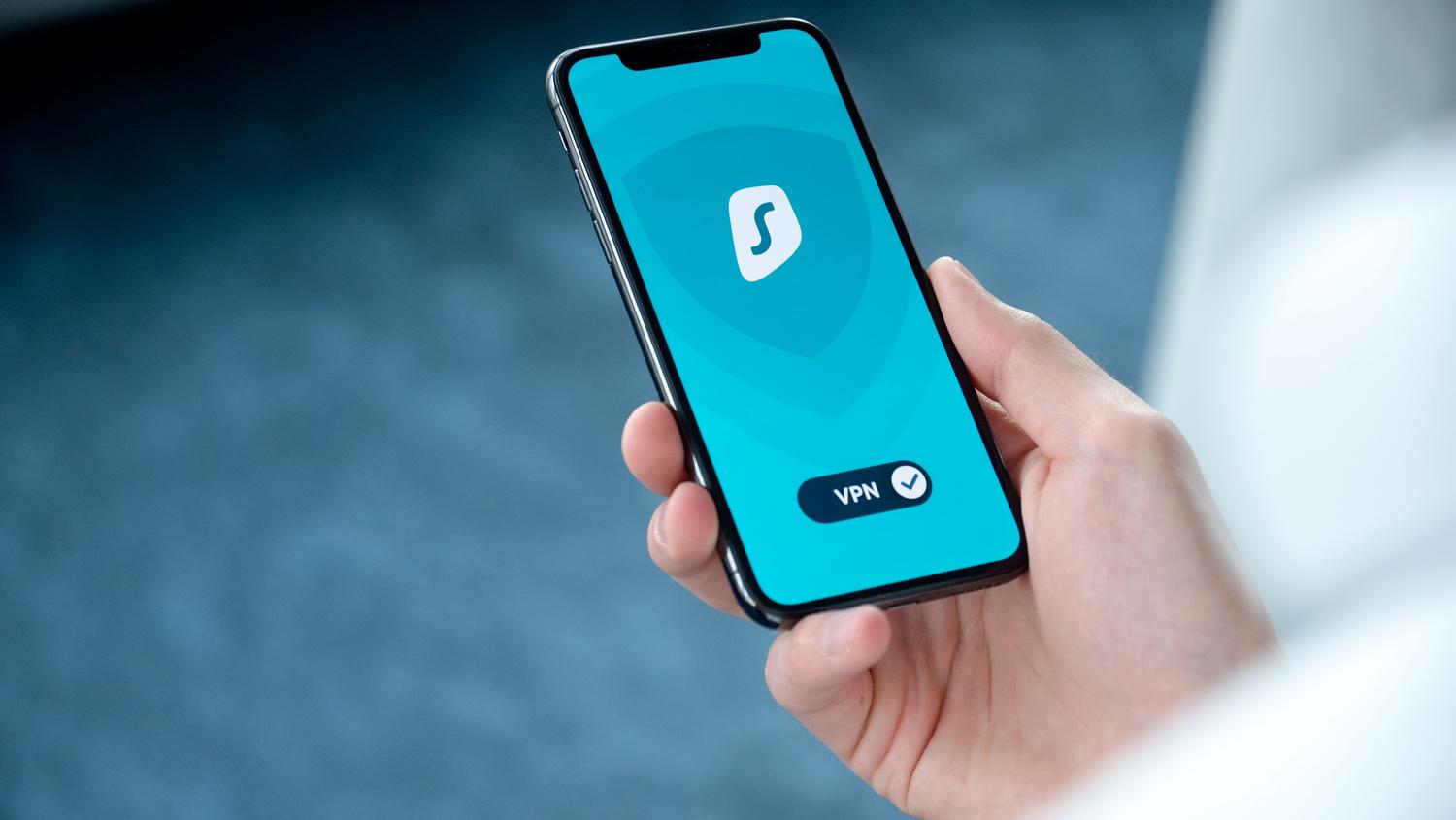
To combat network-level tracking, a VPN (Virtual Private Network) is the key tool. These applications create an encrypted tunnel that hides your real IP address , making it appear as if you're in another city or country. Complementing this with a privacy-focused browser , such as Tor or alternatives that block cookies and trackers, will prevent advertisers from building a detailed profile of your movements.
How to limit Google surveillance
Google knows practically everything about us because its services are integrated into the core of Android. To stop this, it's vital to go into your account settings at myaccount.google.com. There you can pause location history and web and app activity, preventing a detailed map of your every move from being saved.
It's also advisable to go into your ad settings and disable personalization . This way, you'll stop receiving ads based on the sites you've visited or the places you've been. If you want to go a step further, you can replace your traditional search engine with options like DuckDuckGo , which doesn't track your searches or store your browsing history.

Tracking even with GPS turned off: Is it possible?
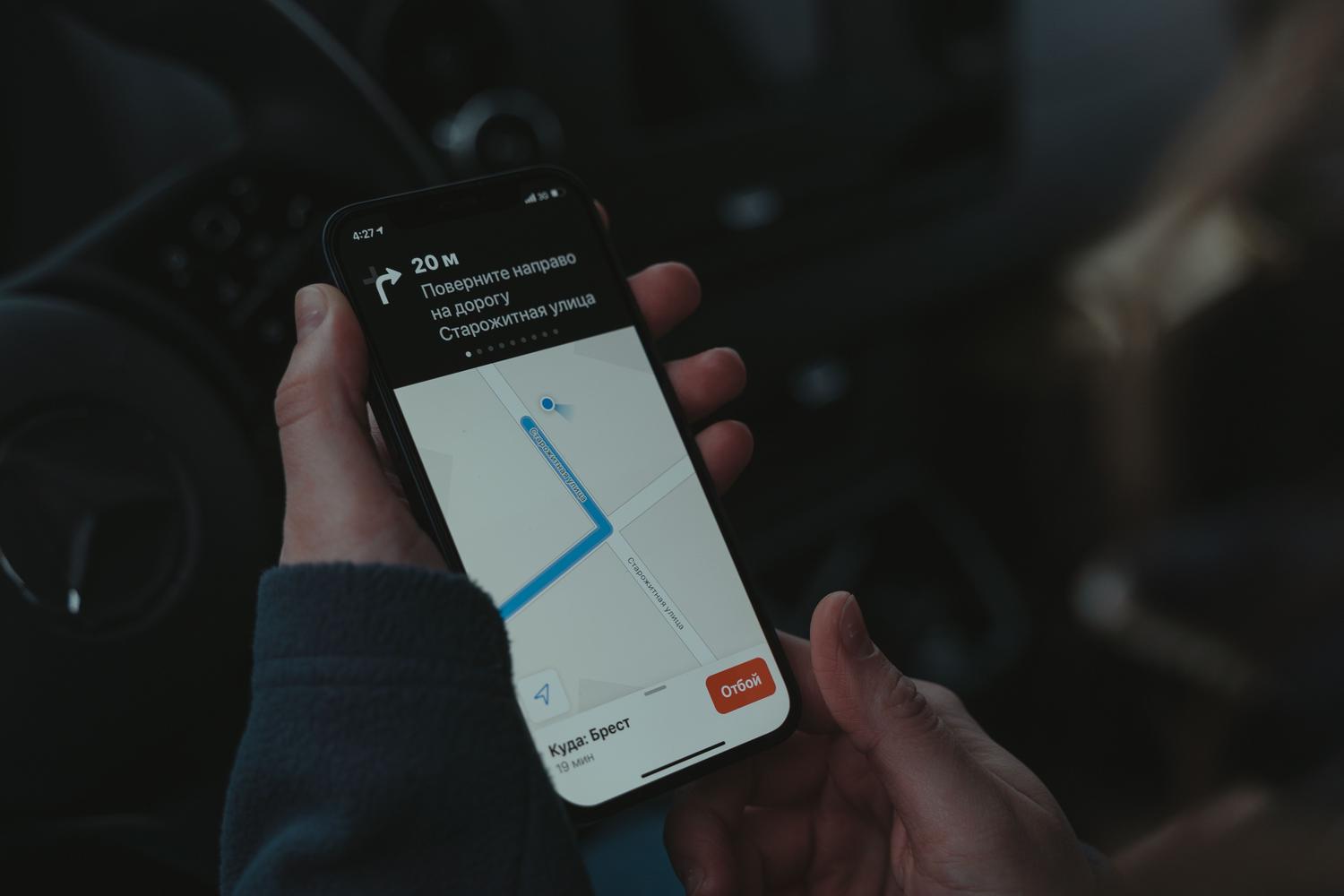
Many people believe that turning off location services keeps them safe, but the reality is more complex. Phone companies can pinpoint your location using cell tower triangulation , a process that depends not on your settings but on the connection to the nearest cell tower. While this is usually reserved for emergencies or court orders, it's good to know that your phone number can be traced through network infrastructure.
Furthermore, the constant scanning of public Wi-Fi networks allows for the estimation of location using Wi-Fi positioning. Therefore, keeping your device updated and avoiding installing APK files from unofficial sources is the best defense against stalkerware or advanced spyware that could bypass conventional operating system restrictions.
Maintaining privacy on Android requires a consistent effort that combines adjusting permissions, removing unnecessary apps, and using encryption tools like VPNs. By limiting access to Google's precision services and being selective about the information we share with apps, we drastically reduce our exposure and protect our privacy from companies and potential attackers.
