- Android now allows you to record the screen and front camera natively without external apps.
- Samsung stands out from other Android brands by allowing camera switching during recording.
- The latest iPhones include the dual capture feature to record with both cameras at the same time.
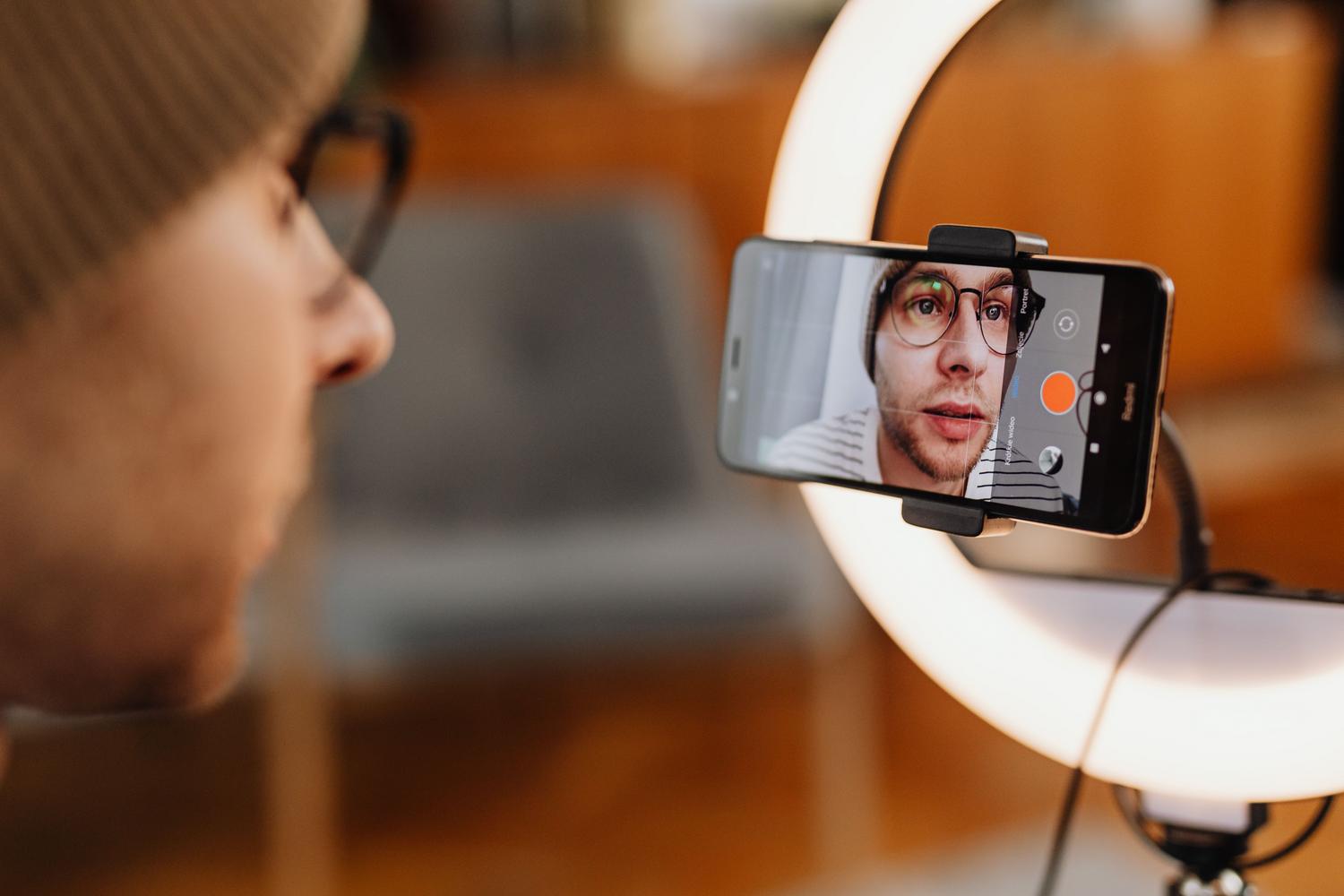
If you're someone who enjoys creating content, whether it's uploading an epic gameplay video, putting together a step-by-step tutorial, or simply recording your live reactions, you'll know that recording what's happening on the screen and your face at the same time is essential to give your videos that professional and personal touch.
The truth is that, depending on the mobile phone you have in your pocket, the process can be a piece of cake or a real headache, since the functions vary enormously between brands and operating systems, leaving some users wanting more.
Record screen and front camera on Android

For Android users, there's very positive news because the system has taken a significant leap forward. Android now includes a native tool that allows you to capture the screen while using the front camera , eliminating the need to search for third-party apps that sometimes fill your phone with ads or work terribly.
This feature is ideal for those who create explainer videos, as it allows the viewer to see both the action and the creator's expression simultaneously. Simply access the system's screen recording options to activate the small selfie camera window.
The situation according to the device brand
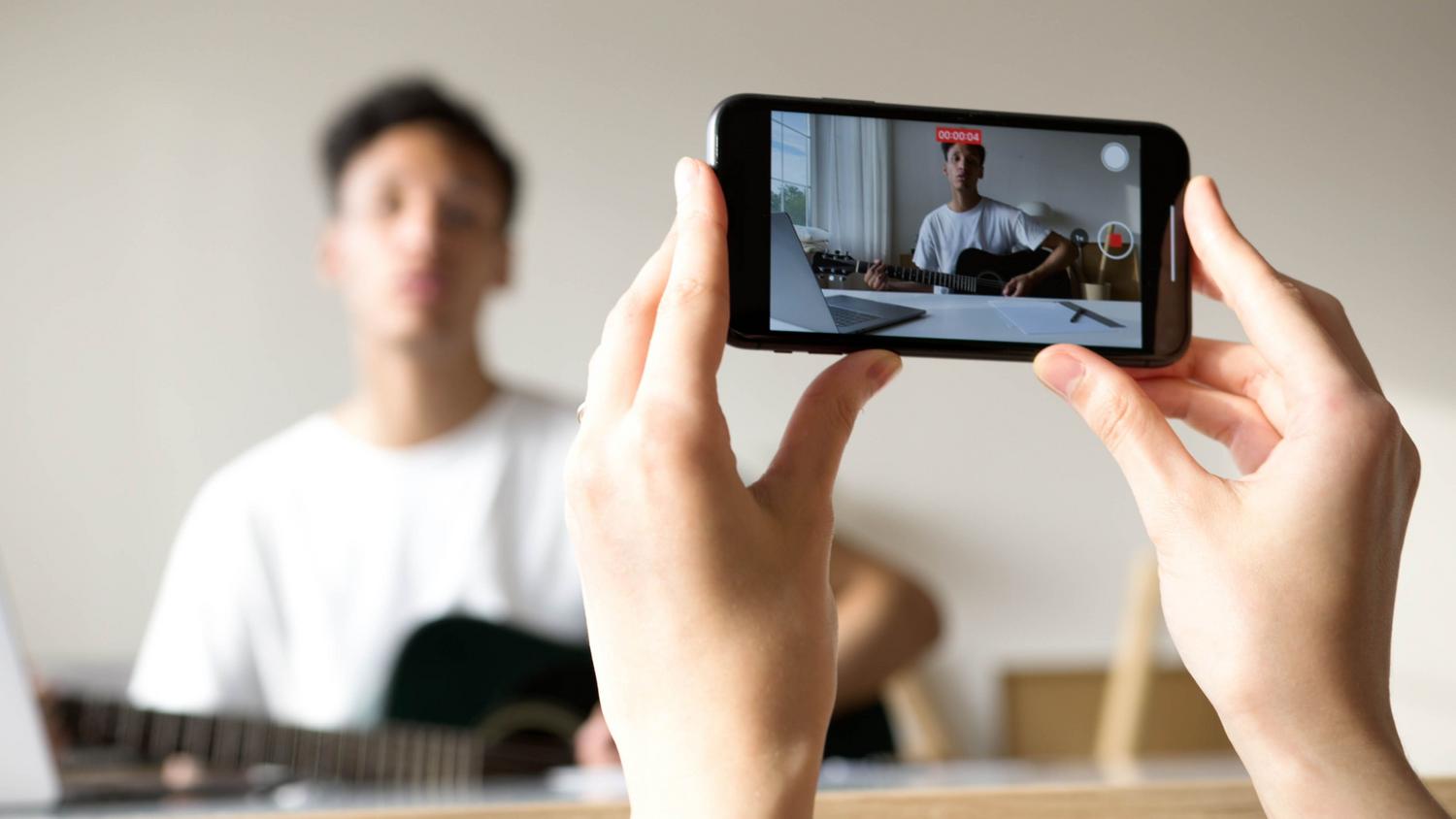
Although Android provides these basic features, not all manufacturers implement them the same way. For example, if you're coming from Samsung and switching to Motorola, Google Pixel, or Sony, you might be in for an unpleasant surprise. It turns out that Samsung is probably the only major brand that allows you to switch cameras (from front to rear) mid-recording.
In other popular brands, such as Motorola devices or even Google's Pixel phones, this flexibility is conspicuously absent. Even Apple, in its standard models, has been slow to adopt this feature, forcing many users to rely on external software to achieve dual recording effects.
The new feature of dual recording on iOS

Moving on to Apple, the most recent models, specifically the 17 series (including the Air and Pro models), have introduced dual capture natively . This option allows recording with the rear and front cameras simultaneously, although it has generated some controversy for being a feature exclusive to the more expensive models.
To set this up, the process is quite simple: open the Camera app, select Video mode, and in the top options menu (where the dots are or by tapping Video again), activate dual capture . Once you've done this, a thumbnail image from the selfie camera will appear, which you can also move freely around the screen so it doesn't cover anything important in the main scene.
For those with an older iPhone, the only way to achieve this effect is to use third-party apps , as Apple has not extended this feature to earlier hardware versions.
On both Android and iOS, the ability to integrate the creator's image with the screenshot or rear camera has evolved, although the availability of these tools still depends heavily on the exact model and the manufacturer's customization layer.