- The importance of removing the Google account to avoid FRP lock and allow the new owner to configure the mobile phone.
- The need to perform full backups and transfer authentication codes before any deletion.
- The correct reset process from the system settings to ensure safe wiping of personal data.
- Physical management of the SIM card and microSD card to prevent the loss of private information.
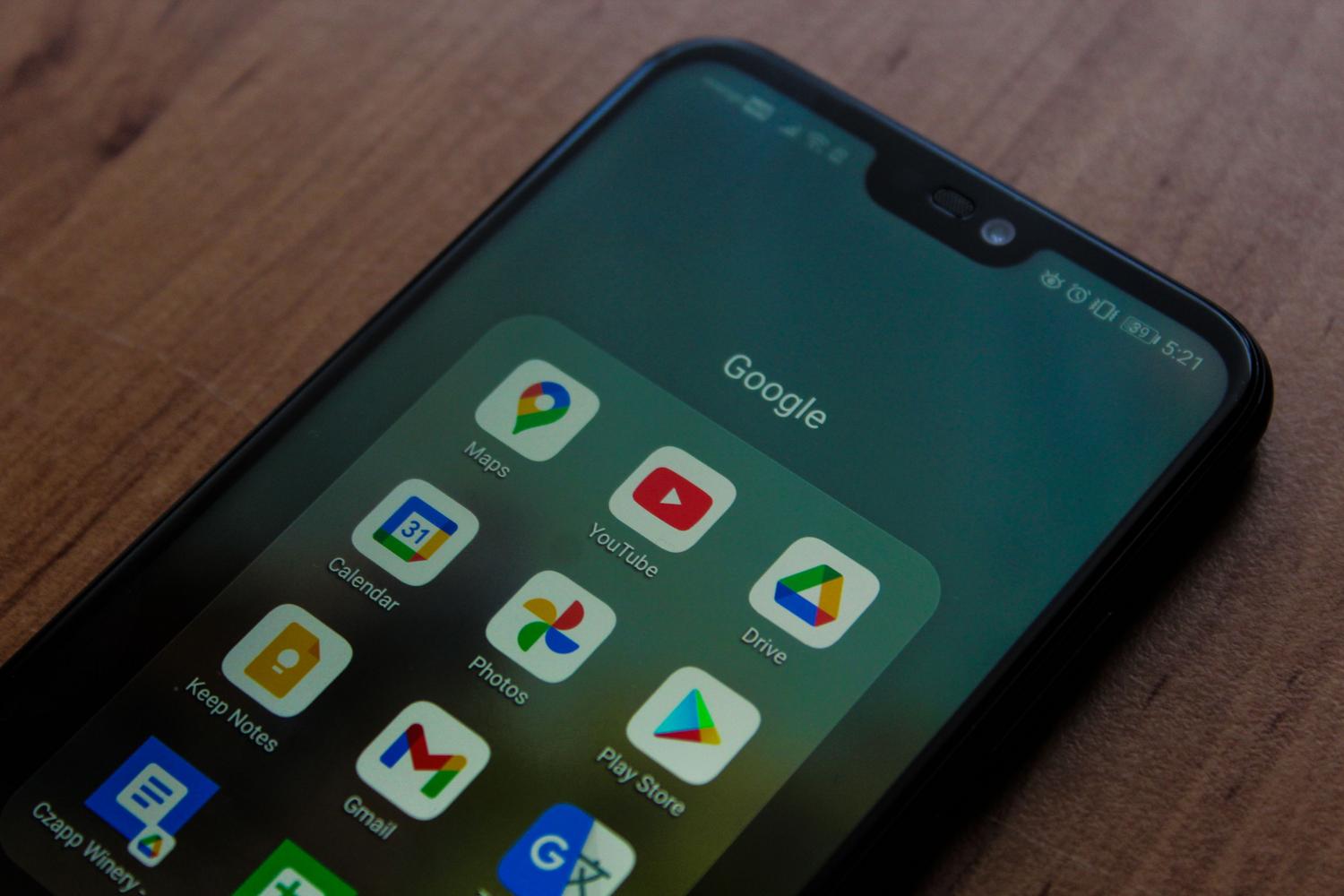
When it's time to upgrade your smartphone and you decide to get rid of your old one by selling it, you can't just jump in blindly. It's crucial to make sure that all your digital life is transferred off the device, since nowadays our phones are practically a diary where we store everything from bank passwords to our most intimate photos.
If you simply hand over the phone without thoroughly cleaning it, you risk someone with even a little know-how being able to recover your personal information , or, more commonly, the buyer ending up with a useless brick due to Google's security blocks.
Essential preparations before deleting anything
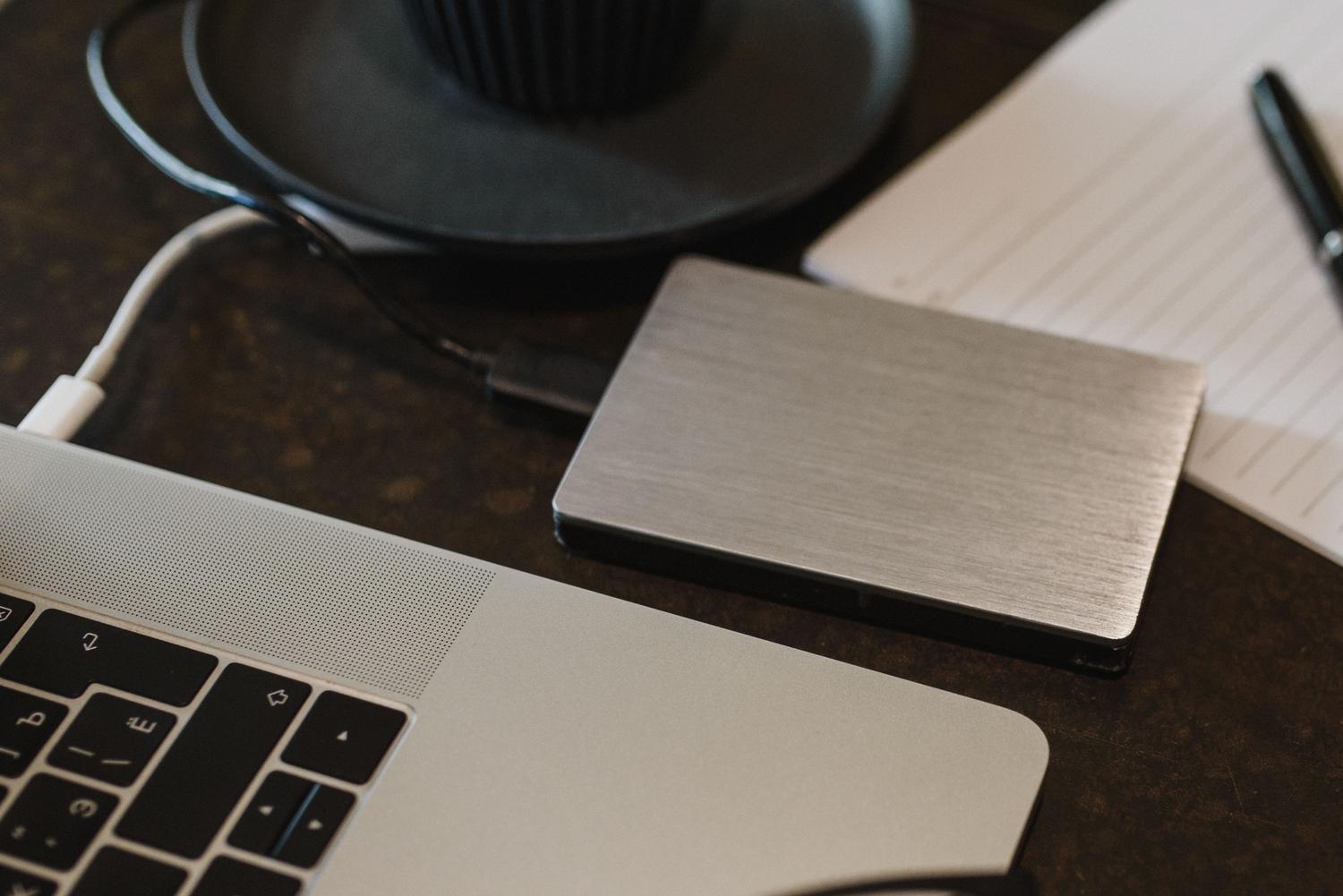
Before you hit the delete button, remember that anything you haven't saved will be gone forever. The first thing to do is make a thorough backup . Don't rely solely on the cloud; it's best to copy everything to a computer or external hard drive, including photos, videos, and documents. If you use services like Google Drive, OneDrive, or Amazon Photos, make sure your sync settings are up to date.
Be careful with messaging apps, as WhatsApp saves its chats separately and you have to manually force a backup in the app's settings. Another critical point is authentication apps like Google Authenticator; if you don't transfer those codes to your new phone, you could be locked out of your bank accounts or email without realizing it.
Don't forget to double-check that you remember all your passwords, especially your Google, Samsung, or Xiaomi account password. If you've recently changed your password, some systems suggest waiting 24 hours before resetting your device. Also, make sure your phone has at least 70% battery and a stable internet connection, as the cleaning process can be slow.
The key step: Remove linked accounts
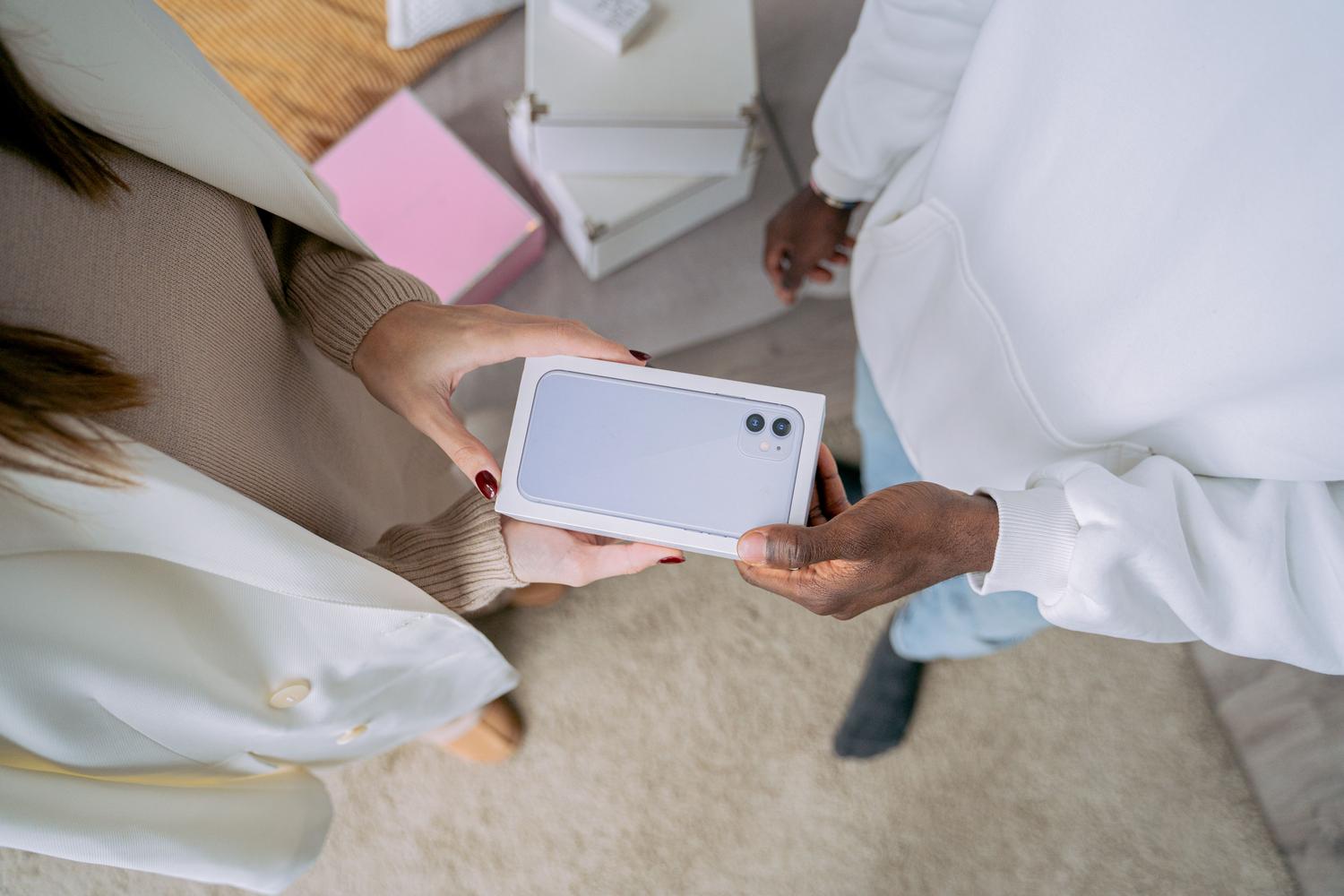
This is where most people go wrong. Android has a security measure called Factory Reset Protection (FRP) . If you perform a hard reset on your phone (for example, by entering recovery mode with the buttons), the system will assume it's been stolen and will ask the new owner for the Google account that was previously set up.
To avoid this problem, you need to manually unlink your Google account. Go to your device's Settings, find the Accounts section (which on some models appears as Passwords & accounts or Users & accounts), select your Google profile, and tap Remove account. Do this for all your Google accounts.
If you have a Xiaomi, Redmi, or POCO device, don't forget to remove your Xiaomi account as well , since they have their own device search system. You can do this from your phone's settings menu or by visiting their official website to remove the device from your trusted devices list.
Full restoration to factory settings
Once your phone no longer recognizes you because you've removed your accounts, it's time to reset it to its factory settings. Go to Settings, then General Management or System, and select Factory data reset . This process will erase all internal storage.
It's very important that you always perform this step from the Settings menu and never using physical button combinations, as that's precisely the action that triggers the FRP protection we mentioned earlier. Once you confirm the action, the phone will restart and display the welcome screen, indicating that it's ready for a new user.
Physical memory management and final cleaning
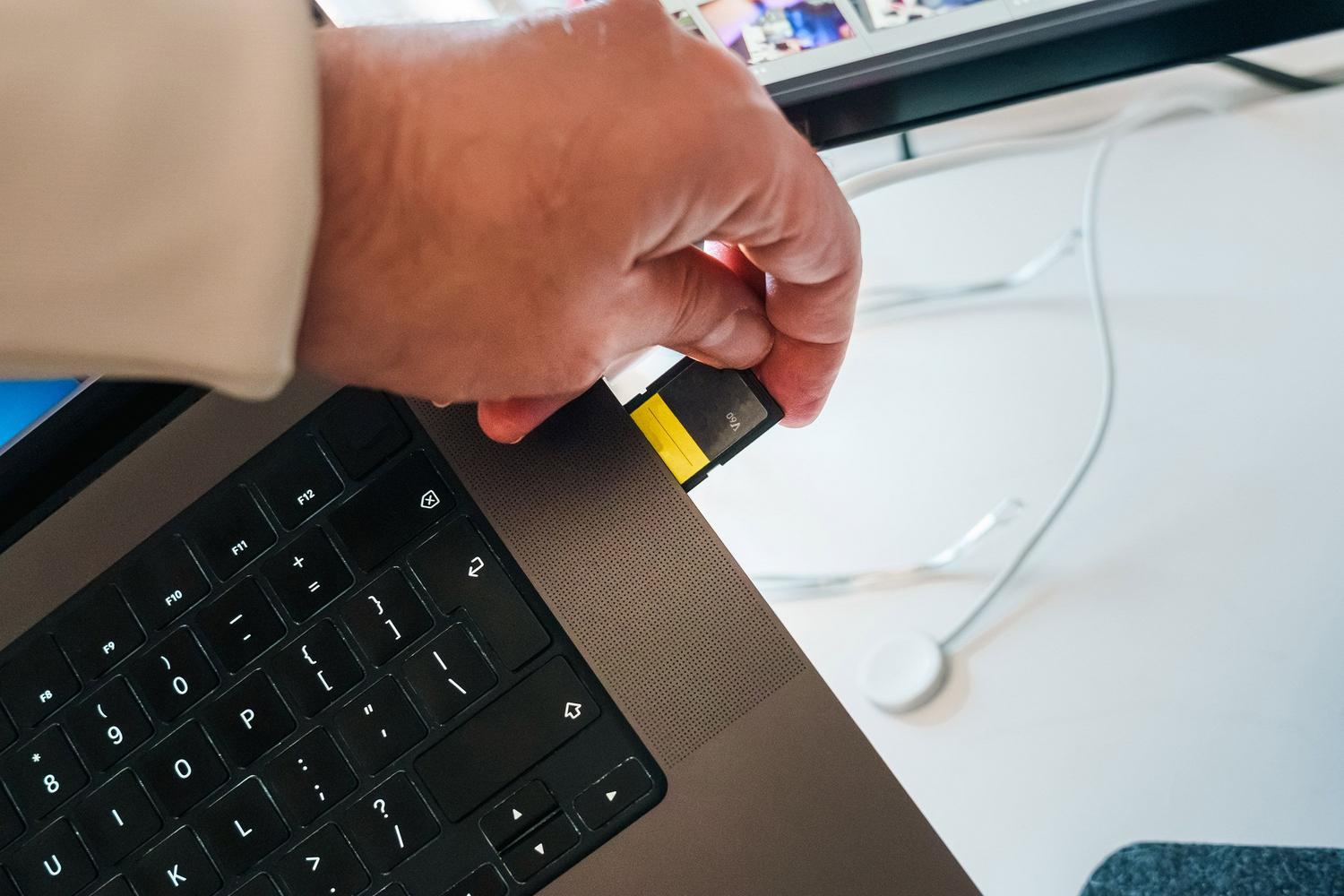
A factory reset doesn't affect the microSD card. If you decide to give it away with the phone, it's best to encrypt the card from the Security menu and then format it completely. Even so, the wisest course of action is to keep it, as there are specialized programs that can recover deleted files if a low-level format wasn't performed.
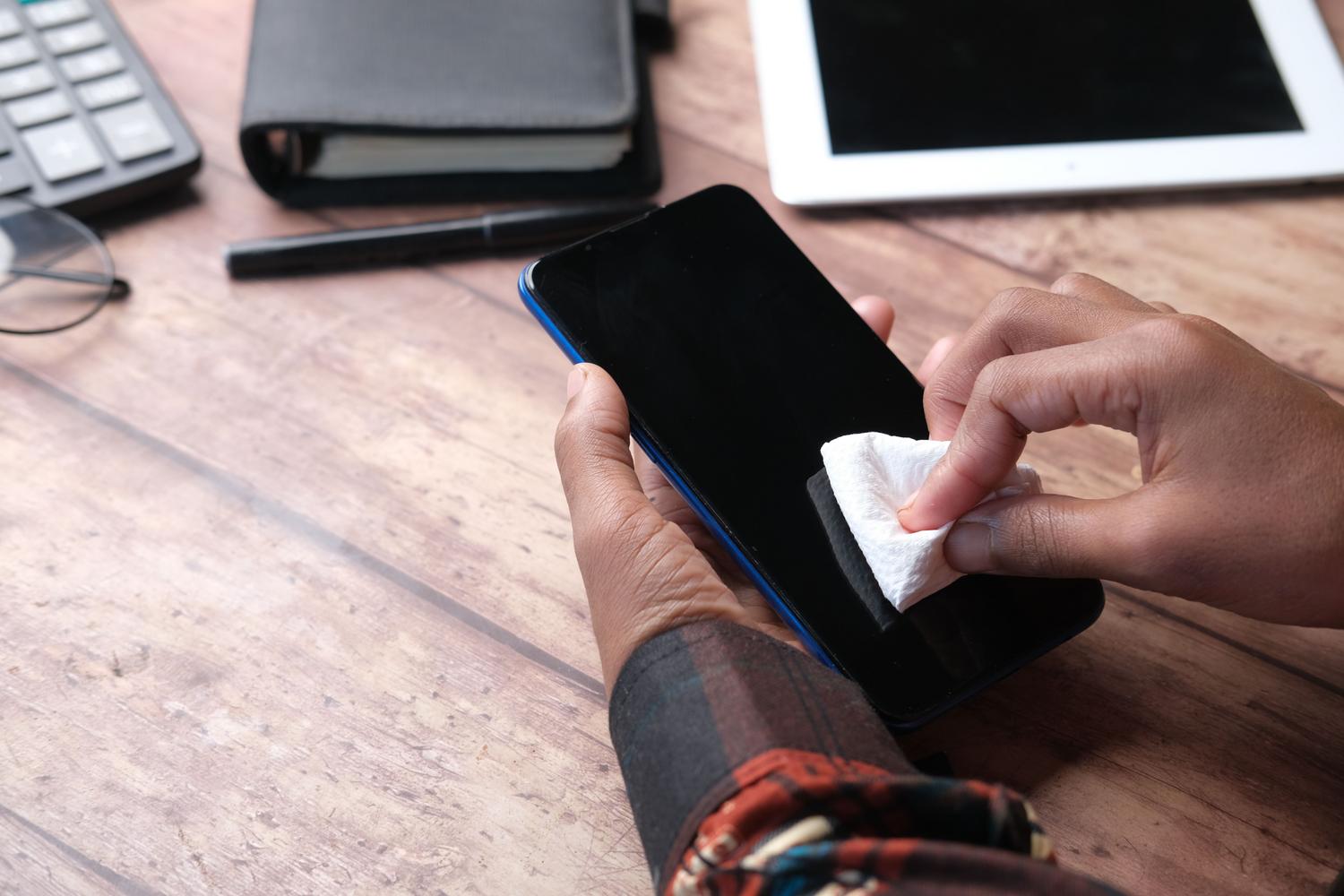
Don't forget to remove the SIM card, and if you're using an eSIM on compatible models, select the option to erase the profile during the reset process. Finally, give the device and its accessories a thorough physical cleaning . If you keep the original box, receipt, and charger, the resale value will be higher, and the transaction will be much more professional.
By following these steps, you ensure that the next owner receives a completely clean and functional device, while you protect your privacy by removing any trace of your data, accounts, and personal access before the phone changes hands.