- Efficient storage management and the elimination of redundant background processes are key to restoring fluidity.
- Adjusting developer options allows you to reduce visual load and optimize processor power.
- Preventive maintenance through updates and the choice of lightweight software extend the device's lifespan.
It's a fact: our smartphones have become the center of everything. They're no longer just for making calls; they're our office, our bank, and the place where we store our best memories to show off on social media. With the arrival of artificial intelligence, usage is even more intensive, and even with powerful devices like the latest high-end models, it's normal for them to start lagging or taking forever to open an app over time.
When your phone starts to feel sluggish, the frustration is overwhelming. That feeling of the interface not responding instantly can drive anyone to despair. But don't rush to buy a new one, because in most cases, the problem isn't the hardware, but the accumulated digital clutter . With a few well-adjusted settings and a little cleaning, you can bring your device back to that pristine state it had when you first took it out of the box.

Thorough cleaning of storage
Having your internal memory at its limit is like trying to run a marathon carrying a backpack full of rocks; you simply can't go fast. To prevent the system from becoming overwhelmed, it's vital to delete those apps you installed out of curiosity and haven't touched in months. Additionally, moving large photos and videos to the cloud or an external memory card helps Android have more space to breathe and manage temporary files smoothly.
A very effective trick is to use tools like Google Files or an Android app manager , which allows you to locate duplicate files or old downloads that are just taking up space. It's also a good idea to clear the cache of the apps you use most often, such as Instagram or TikTok, since they accumulate data that, if corrupted, can slow down the app's performance. However, be careful not to delete the app's internal data if you don't want to lose your logged-in sessions.

System and software optimization
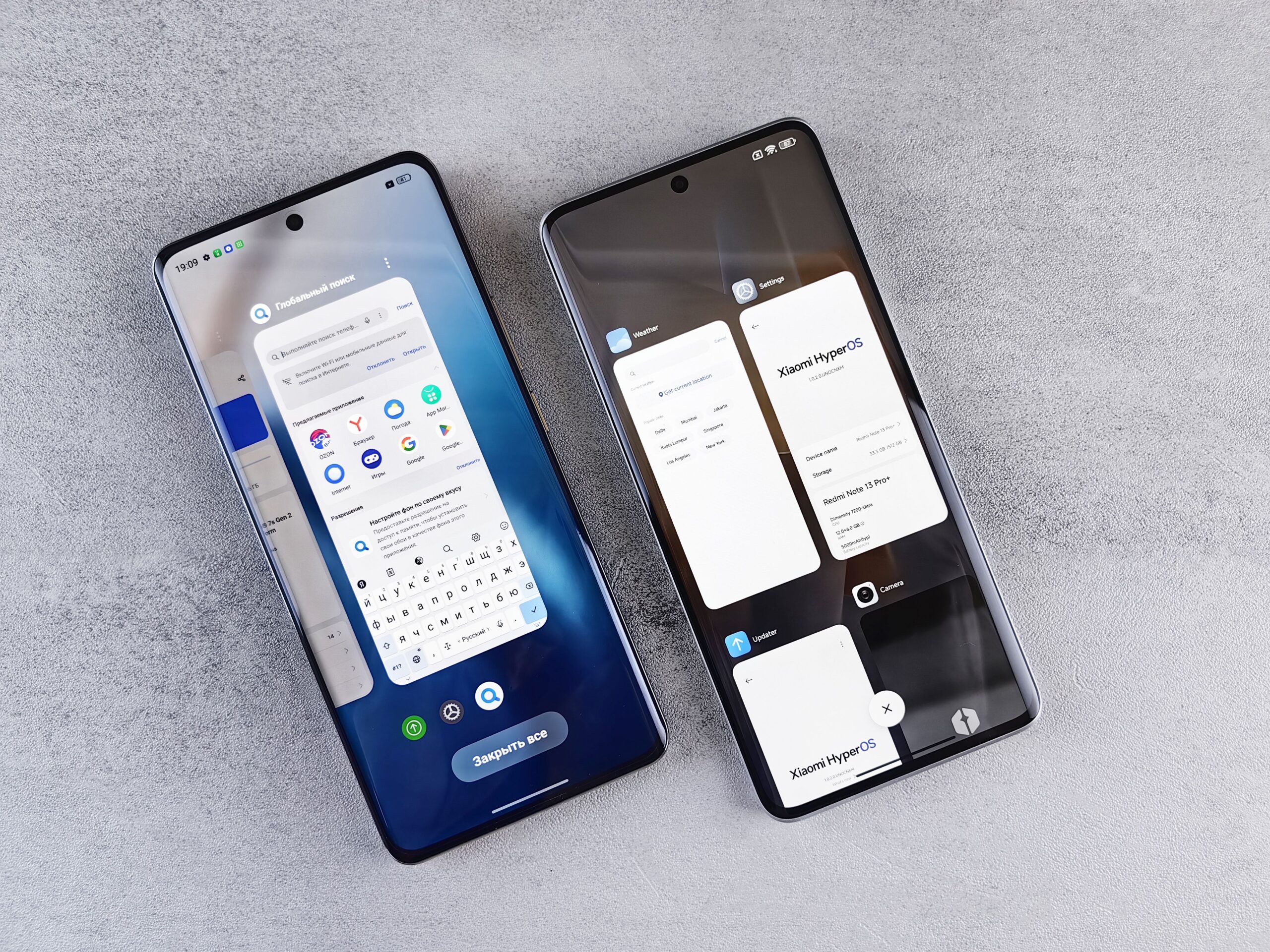
Keeping your software up to date is essential, but it needs to be done wisely. Updates usually bring security patches and stability improvements that optimize resource consumption. However, if you have a very old phone, sometimes a very recent version of Android can be too demanding for your processor. In those cases, it's best not to force the update if you notice your device starting to struggle.
For those with low-end or mid-range devices, a brilliant solution is to opt for the Lite versions of apps . Facebook Lite or Messenger Lite consume a fraction of the RAM and storage required by the standard versions, allowing the system to remain responsive. Even the Chrome browser has a data-saving mode that compresses websites so they load much faster.

Advanced settings for demanding users
If you're feeling adventurous and want to tinker a bit more, the Developer Options menu is where the magic happens. To access it, go to About phone and tap the Build number seven times . Once inside, there are three settings that completely change the experience: reducing or disabling window and transition animation scales, forcing GPU rendering, and limiting background processes.
- Animations: By disabling them, the phone doesn't waste time on visual effects and the windows appear instantly.
- GPU rendering: It shifts the graphics load from the CPU to the GPU, making the interface much smoother, although the battery life may be slightly shorter.
- Background processes: Limiting the number of apps that can run hidden (for example, to a maximum of 4) prevents RAM from becoming overloaded.

Daily maintenance and prevention
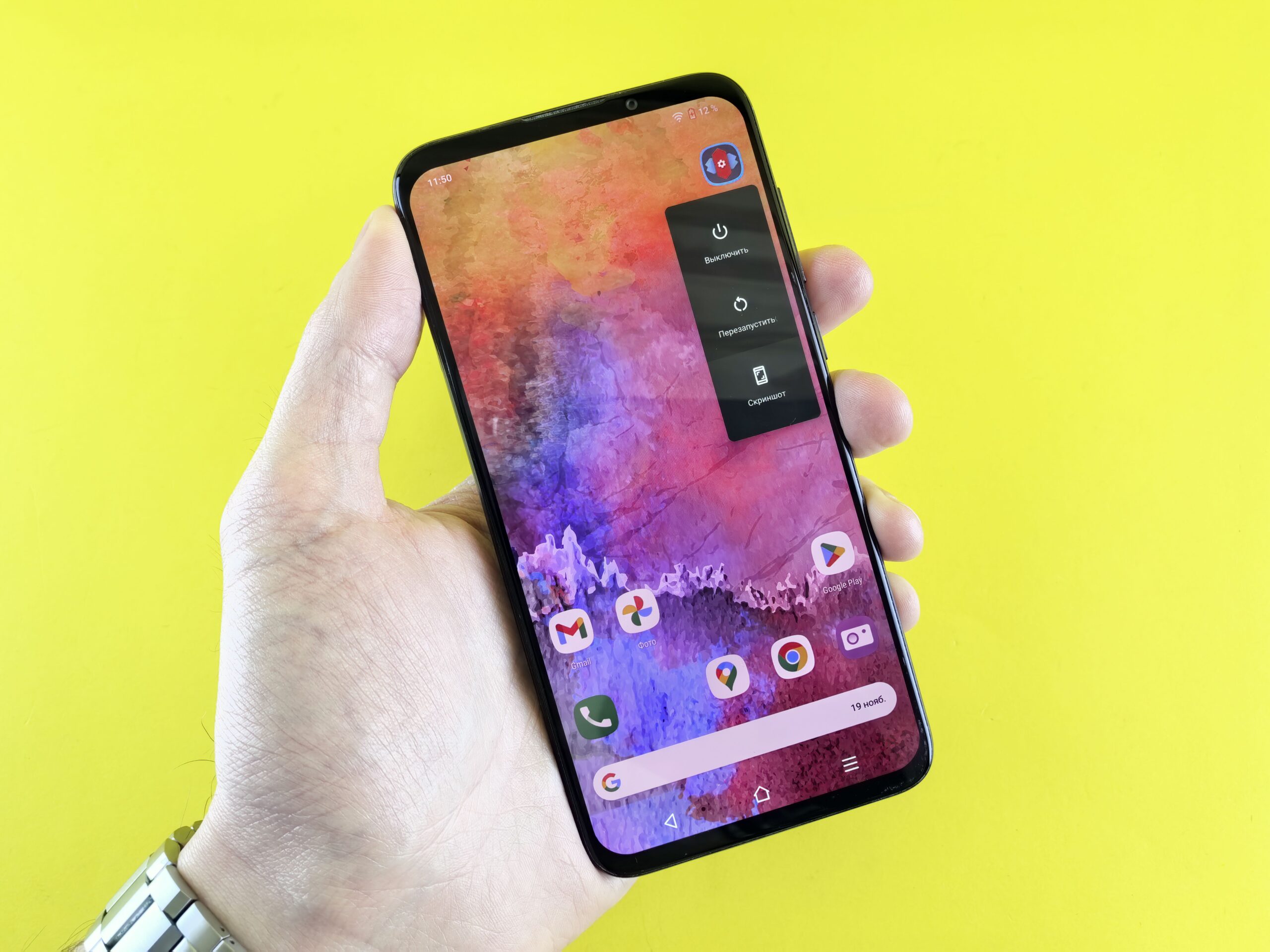
Sometimes, the simplest solution is the most effective: restarting your phone. Turning the device off and on clears the small memory remnants left by closed apps and resets system processes. It's a healthy habit that prevents your device from becoming unstable over time. Additionally, it's a good idea to simplify your home screen by removing unnecessary widgets that constantly update and consume data and battery.
Another critical point is temperature and safety. A phone that overheats will automatically reduce its performance to avoid overheating. On the other hand, malware can be the culprit behind rapid battery drain and system crashes; therefore, it's advisable to download apps only from official stores and use reliable antivirus software if you notice any unusual behavior on your device.
For developers who create apps, there are tools like R8 to optimize code or Baseline profiles that improve boot time. Ultimately, achieving a smooth Android experience depends on a balance between freeing up physical space, reducing the system's visual load , and controlling which applications are allowed to consume resources in the background, thus ensuring that the hardware only works on what truly matters at any given time.
