- Turning your PC into an AI lab gives you complete control over sensitive data and reduces dependence on cloud services.
- Oxide Lab allows you to chat with GGUF models 100% locally, with Thinking Mode and without telemetry.
- The combination of the right hardware, frameworks like TensorFlow or PyTorch, and clouds like AWS or Azure maximizes the potential of your AI environment.
- Local AI and cloud AI are not mutually exclusive: together they allow you to balance privacy, performance and scalability in projects of any size.

Turning your everyday computer into a true artificial intelligence lab is no longer science fiction or something reserved for large corporations. Today, you can have advanced AI models running on your own PC, without mandatory subscriptions, and, if you wish, completely disconnected from the internet to maximize privacy.
In the following lines, you'll see how to transform your PC into a powerful and versatile AI testing environment : from 100% local solutions like Rust Lab, to cloud services such as GPT-4, Google Cloud, AWS, or Azure, and frameworks like TensorFlow or PyTorch. All of this is presented with a very practical approach, designed for curious users, developers, researchers, and companies that want to leverage AI without losing control of their data.
Why it's worth turning your PC into an AI lab
The arrival of assistants like ChatGPT, Claude, and open models has placed artificial intelligence at the heart of daily work : programming, documentation, data analysis, report writing, architecture design, and so on. However, relying solely on cloud services means sacrificing some privacy and always depending on a stable internet connection.
When you transform your computer into an AI lab, you gain something crucial: complete sovereignty over your data . You can experiment with proprietary code, review sensitive databases, or design critical systems without that content ever leaving your machine. This is especially valuable for developers, R&D teams, technology consultancies, and companies with stringent regulatory compliance requirements.
Furthermore, setting up your own AI environment allows you to combine the best of both worlds: local models when privacy and control are paramount, and cloud services when you need enormous computing power, access to state-of-the-art models, or rapid integration via APIs.
Another important factor is cost. Cloud solutions typically involve monthly subscriptions or pay-as-you-go models , which can quickly inflate your budget if you make a lot of requests. In contrast, with a local environment, you pay for the hardware and then you can work as much as you want without worrying about usage limits, daily fees, or external service outages.
Finally, by having your own AI lab you are creating an ideal environment to learn, prototype and experiment : test new models, adjust parameters, integrate agents into your applications or simulate complex business flows without depending on third parties.
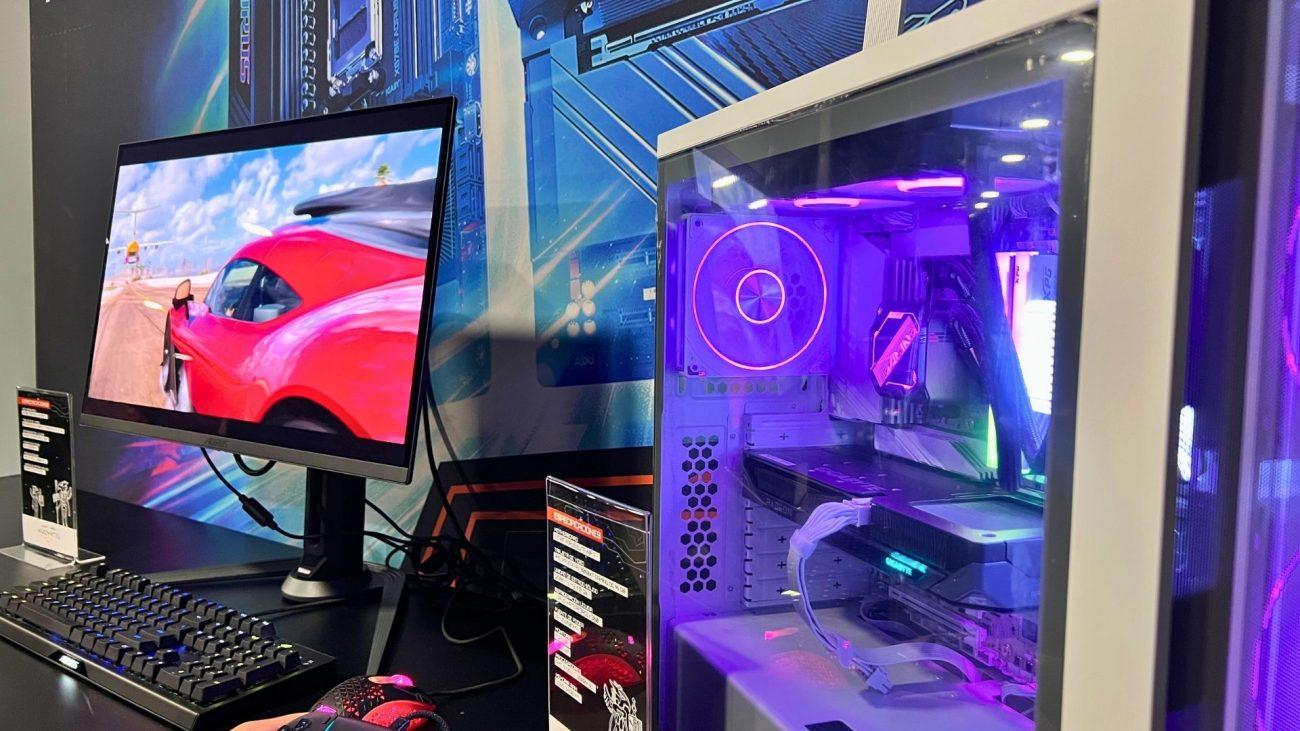
Rust Lab: Local and private AI chat on your PC
One of the most straightforward ways to turn your computer into an AI lab is to use Rust Lab , a desktop application designed for chatting with language models entirely locally. There are no external API calls, no data is sent to the cloud, and you don't need any subscription to use it.
Oxide Lab is designed for those who need maximum confidentiality in their workflow : developers who manipulate proprietary code, systems architects who design sensitive infrastructures, cybersecurity teams who analyze vulnerabilities, or companies that handle critical customer information and internal processes.
The application is open source under the MIT license , so anyone can review the code, audit its behavior, or adapt the tool to their needs. This transparent approach is especially valuable in environments where promises of privacy are insufficient; it's essential to technically demonstrate that data does not leave the organization.
Another strong point is that the workflow is very similar to that of a classic chat: you open the app, select the model, adjust some parameters and start conversing with your local AI assistant, with the peace of mind of knowing that each message is processed on your own computer.
Hardware requirements and compatible models for local AI
To turn your PC into a local AI lab, it's essential to review the minimum hardware specifications . You don't need a supercomputer, but you do need a reasonably modern machine to work smoothly, especially if you plan to use models with billions of parameters.
The Oxide Laboratory uses models in GGUF format , a widely used standard in the open-source model ecosystem. It is compatible with, among others, the Qwen3 family, which includes models of varying sizes to balance quality and resource consumption.
Regarding the CPU, a dual-core processor and 4GB of RAM are recommended for smaller models, ideal if you only want to perform basic tests or light tasks. If you're going to work with models with 4GB of specifications or higher, 8GB of RAM or more is highly advisable for a smooth experience without constant freezes.
The GPU makes a huge difference. With a CUDA-compatible graphics card and at least 6 GB of VRAM , performance optimization skyrockets: responses are faster, and you can handle larger models without putting too much strain on your system. If you don't have a dedicated GPU, you can still run on CPU alone, but you'll have to accept slower response times.
Regarding storage, GGUF format models take up several GB, so it's advisable to have sufficient disk space , preferably on an SSD to speed up loading. While not as critical a requirement as CPU or RAM, it greatly improves workflow.
Key features of the Rust Lab as an AI lab
Beyond privacy, Rust Lab offers a suite of advanced features for serious work with language models . It's not just about chatting, but about fine-tuning the model's behavior to suit each specific task.
The application runs 100% locally, without any external connections . You can easily verify this with network monitoring tools: there is no outbound traffic to third-party servers. This makes it a very attractive option for air-gapped environments, where machines operate isolated from the internet for security reasons.
Among the main controls, you can adjust the temperature (to generate more creative or more conservative responses), the Top-K and Top-P (to control token diversity), the repetition penalty (to prevent the model from getting stuck repeating ideas), and context window management , which is key when handling long conversations or extensive blocks of code.
Rust Lab also offers a session chat history that isn't saved to disk by default . This reduces the risk of leaving sensitive information on your storage. If you want to persist conversations, you can do so in a controlled manner, but the initial setup is already geared towards minimizing traces.
The models are stored locally on your computer, and there is no hidden telemetry. This zero-data collection philosophy reinforces trust in a context where many cloud-based AI services do record usage statistics, prompts, or content unless otherwise configured.
Thinking Mode for complex technical tasks
One of the most striking features of Rust Lab is the Thinking Mode, available on compatible models. This mode allows you to see, in real time, the intermediate thought process the model follows before displaying the final answer.
In practice, Thinking Mode is especially useful when working on demanding technical tasks : code review and explanation, software architecture design, detailed debugging, or algorithmic optimization proposals. Instead of receiving a closed answer without context, you see the intermediate steps the model has considered.
This makes it easier to understand why the model proposes a specific solution, detect potential flaws in the reasoning, and generally obtain more in-depth and justified answers than a simple block of text at the end. In engineering or research fields, this added transparency makes all the difference.
A common recommendation to get the most out of this mode is to combine it with a low temperature when generating very precise code or responses, so that the model maintains consistency, and raise the temperature when you want to brainstorm, explore design alternatives, or generate more creative solutions.
In corporate environments, Thinking Mode can also be used to train junior teams : by showing step-by-step reasoning, AI becomes not only a tool that provides answers, but a kind of mentor that teaches how to arrive at them.
Quick installation and setup on Windows
Setting up your own AI lab with Rust Lab on Windows 10 or 11 is a fairly straightforward process if you follow a few basic steps and choose the right model to start with. The key is to balance quality and speed to ensure a positive initial experience.
The typical workflow involves first downloading a compatible GGUF model , with Qwen3 8B being a highly recommended option for many users due to its good balance between performance and responsiveness. It occupies a reasonable amount of space and delivers solid results in both Spanish and English.
Once the desktop program is installed, you just need to specify the path to the .gguf file within the application, select the hardware resources (CPU and, if you have it, CUDA GPU), adjust a couple of basic generation parameters, and you can start chatting with your private AI assistant.
If you are a developer, it can be very useful to prepare different configuration profiles : one with low temperature and little variation for generating stable code, another with more creative parameters for brainstorming, and perhaps a third optimized for code explanation or technical documentation.
If you want to integrate this local AI lab into larger workflows, you can combine Rust Lab with scripts, automation tools, or development environments like VS Code, taking advantage of the fact that the project roadmap includes specific extensions and integrations with external editors and systems.
Privacy, security and design philosophy
One of the cornerstones of Rust Lab is its radical approach to privacy and security by design . Everything is designed so you can work with sensitive information without fear of accidental leaks or unwanted dependencies on external services.
The application does not establish external connections during normal use. If you monitor network traffic, you will see that there is no data exchange with third-party servers . This makes it ideal for air-gapped environments, isolated networks, or scenarios where regulations require data to remain entirely on-premises.
In addition to the session history not being saved to disk by default, models remain stored locally and are never uploaded to the cloud. There is no telemetry, no behind-the-scenes metrics collection, and no silent log transmissions that might contain snippets of your projects.
The fact that it is an audited open-source project provides an extra layer of trust: any security professional, consultant, or IT manager can review the repository, verify what the application does, and check that it complies with the organization's internal policies.
This philosophy is not intended to completely replace cloud solutions, but rather to offer a viable alternative when the absolute priority is information control . In many cases, the ideal combination will be to use local AI for sensitive projects and cloud services for rapid prototyping or very heavy workloads.
Integrations, roadmap and expansion possibilities
Although Rust Lab is already fully functional as a local AI lab, its roadmap includes major improvements that will further expand what you can do from your PC without relying on third parties.
Future additions include native support for more model families, such as Mistral and Llama 3 , allowing you to choose from different architectures based on your performance, language, or size requirements. This diversity of options is key to adapting the lab to very different uses.
Multiplatform versions for Linux and macOS are also planned , something eagerly awaited by those who work in heterogeneous development environments or in companies that combine workstations with different operating systems.
Another interesting line of development is the integration of Retrieval-Augmented Generation (RAG) capabilities with local code and documentation repositories . This would allow your assistant to respond not only based on its general training, but also by consulting your own internal knowledge: wikis, manuals, databases, and project repositories.
The medium-term plans also include an extension for VS Code , tool calling features, and various performance optimizations to further reduce latency and memory consumption—key when you want to use the AI lab while having other heavy applications open.
Other ways to boost your PC with artificial intelligence
Turning your computer into an AI lab isn't just about installing a single application. There's a whole ecosystem of tools, services, and frameworks you can combine to build a truly powerful work platform, both locally and in the cloud.
In the field of natural language processing, solutions like OpenAI's GPT-4 provide access to state-of-the-art models via APIs. You can use them to automate complex tasks, create conversational assistants, analyze documents at scale, or generate content with very high linguistic quality.
If you prefer to build and train your own models, frameworks like TensorFlow (Google) and PyTorch (Meta) are the de facto standard in deep learning; alternatives such as Machine Learning with JavaScript also exist . With them, you can develop everything from simple neural networks to complex architectures for computer vision, time series analysis, recommender systems, or language models specific to your domain.
For those who don't want to deal with infrastructure management, the major cloud providers— Google Cloud AI, Amazon Web Services (AWS), and Microsoft Azure —offer managed AI services, pre-trained APIs, and easy-to-integrate SDKs. This allows you to build advanced projects without worrying too much about GPUs, drivers, or scaling.
In your day-to-day life, you can also integrate virtual assistants and AI-powered productivity tools directly into your PC: from systems like Siri, Cortana, or Google Assistant to suites like Microsoft 365 or platforms like Notion, which already include smart features for organizing tasks, writing texts, or summarizing information.
Optimize hardware and system to work with AI
To ensure your AI lab on your PC runs smoothly, it's worth dedicating some time to optimizing your hardware and operating system . It's not just about having a good GPU, but about making sure the entire environment is ready to handle the extra workload.
A modern graphics card with adequate support (for example, CUDA in the case of NVIDIA) can drastically accelerate inference and training times. This is especially noticeable in frameworks like TensorFlow or PyTorch, where the leap from CPU to GPU is enormous.
It's also important to keep the system updated and well-maintained : current GPU drivers, an operating system with all security patches installed, and enough free disk space for models, datasets, and logs. A neglected environment can cause stability problems precisely when you need the machine the most.
If you're going to combine on-premises AI with cloud services, check your internet connection and network configuration , especially in corporate environments with firewalls or proxies . Properly configuring access to OpenAI, Google Cloud, AWS, or Azure APIs will save you a lot of headaches.
In shared or company-owned environments, don't forget to coordinate with the IT department to ensure that the use of on-premises models and cloud services complies with internal security, privacy, and regulatory policies . This is especially crucial in regulated sectors such as finance, healthcare, or public administration.
Q2BSTUDIO: Expert support to bring AI to your business
For organizations looking to take the leap and transform their infrastructure into a productive AI ecosystem , partnering with a specialist can save significant time, money, and technical headaches. That's where companies like Q2BSTUDIO come in.
Q2BSTUDIO is a custom software and application development firm with a clear focus on artificial intelligence, cybersecurity, and business solutions . Their work ranges from the conception and design of customized solutions to implementation, integration, and production maintenance.
Among its services, the development of multiplatform applications and custom software , the creation and integration of AI solutions and intelligent agents, as well as advanced cybersecurity projects that include everything from audits to penetration testing, stand out.
Furthermore, they have strong experience in cloud services on AWS and Azure , which allows them to design and deploy scalable infrastructures where local models, managed AI services and critical business applications coexist, always maintaining a high level of security and availability.
Another key area is business intelligence (BI) and Power BI , helping companies transform their data into actionable decisions. By combining BI with AI models, advanced dashboards, early warning systems, and predictive analytics tools can be built that go far beyond traditional reporting.
Why local AI matters to the tech community
Developers, researchers, and technical professionals are often the first to adopt new technologies, but they are also the most exposed to the risks of intellectual property leaks . Sharing code, architectural designs, or customer data using cloud-based tools is not always acceptable, either ethically or legally.
In this context, solutions like Oxide Lab and, more generally, local AI labs give the community back control over the material they work with. You can continue to benefit from the support provided by an advanced language model without compromising the confidentiality of your projects.
The key is not to demonize cloud-based AI—which has undeniable advantages—but to offer real and complementary alternatives . You decide when it makes sense to run a model locally because the content is sensitive, and when it's better to use a cloud service to take advantage of its power and special features.
This flexibility opens the door to hybrid working models : for example, you can develop prototypes and test ideas in a secure local environment, and only when the project is mature, move to the cloud to scale to thousands of users or process massive volumes of data.
Ultimately, what matters is that the technical community has access to open, auditable, and adaptable tools that don't depend solely on the decisions of a few vendors, but rather allow for experimentation, learning, and the building of robust solutions with a technological foundation that can be inspected and understood.
With this entire landscape—from Oxide Lab and GGUF-formatted models, through frameworks like TensorFlow and PyTorch, to the major cloud services of OpenAI, Google, AWS, and Azure—any user with a decent PC can transform their machine into a true AI lab. By leveraging the strengths of local execution to preserve privacy and data sovereignty , and integrating the cloud when more power is needed, your computer becomes the nerve center for experimenting, developing, and deploying intelligent solutions to serve your work, personal projects, or business needs.