- Elgato Studio 2.0 unifies Camera Hub and 4K Capture Utility into a single free application.
- The Virtual Prompter function allows you to use your PC screen as a teleprompter using the free Docked mode.
- The Voice Sync 2.0 system automatically moves the text according to the user's voice without requiring NVIDIA hardware.
- The software is compatible with Windows 11 and macOS Tahoe, integrating camera control and recording.
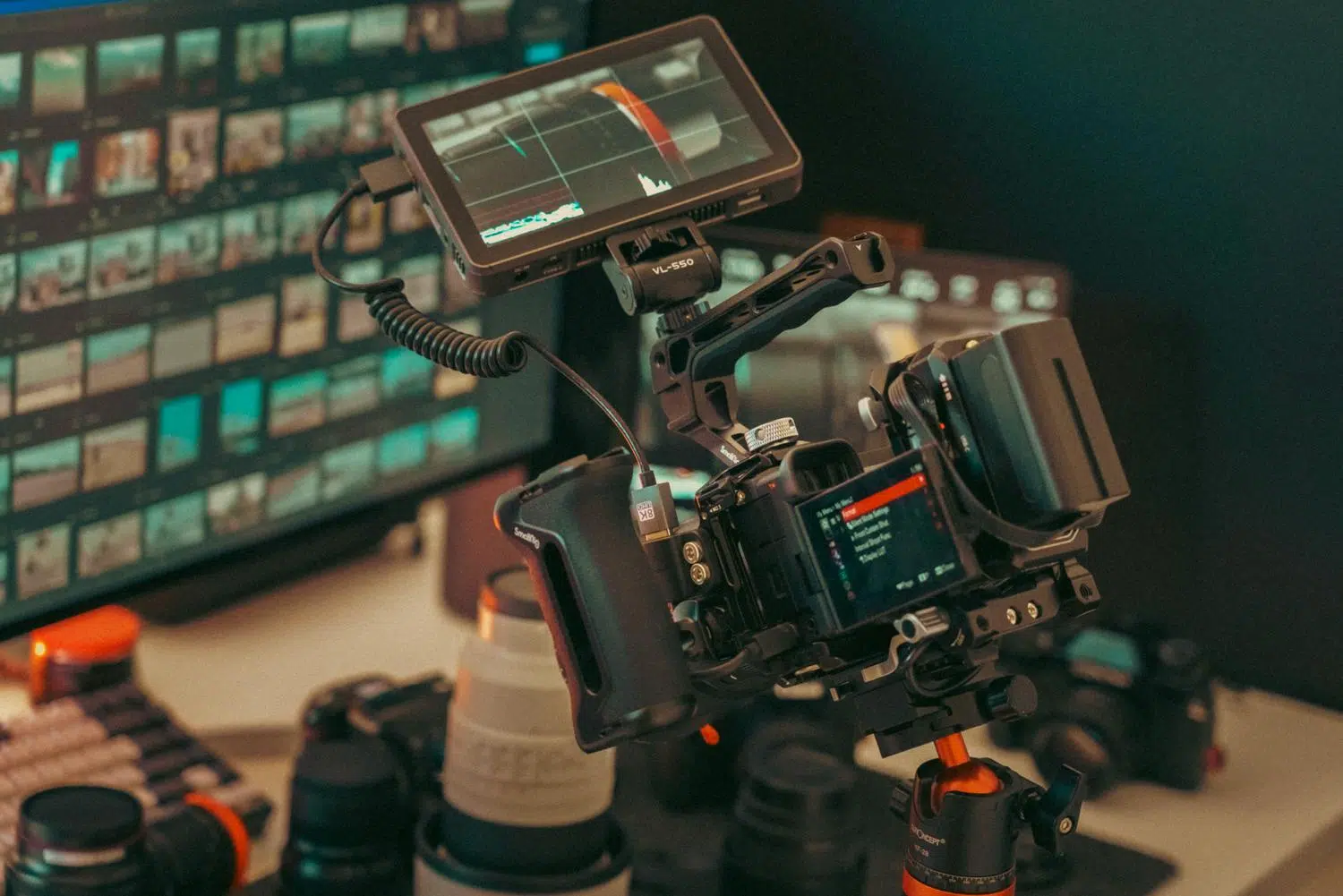
If you create content, you know that looking at the camera while reading a script without it being noticeable is a real headache. Luckily, Elgato Studio 2.0 has arrived , a tool that brings order to the brand's software chaos, merging several utilities into a single free application so you don't have to switch between programs while recording.
The most powerful aspect of this update is that you no longer need to spend a fortune on hardware to have a functional teleprompter. Thanks to the Virtual Prompter feature , you can turn your own monitor into a reading stand, allowing you to keep your gaze much closer to your webcam lens and give your videos that professional touch without spending a penny.
A unified control center for your team
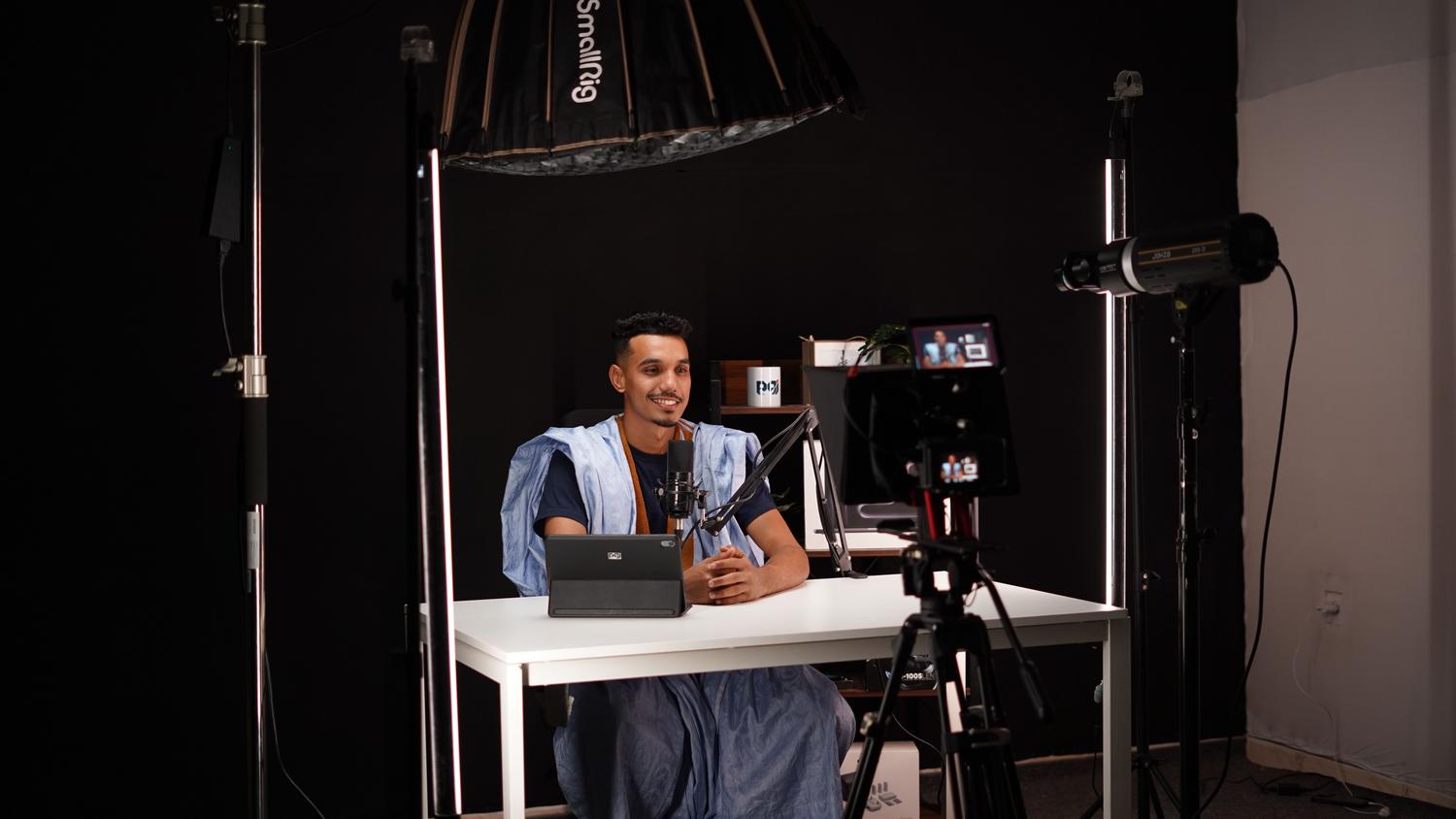
Elgato has decided to streamline its software, and Studio 2.0 completely replaces Camera Hub and the 4K Capture Utility. This is a welcome change, as camera control, teleprompter management, and video recording are now all in one place. If you were already using the old software, don't worry, because the system automatically imports your Facecam settings and previous scripts, so you don't have to configure everything from scratch.
For those using capture cards, such as the Game Capture 4K S, the program now acts as the primary manager. A key improvement is the ability to choose the audio source per device , allowing you to easily mix game audio with your microphone or a Wave Link mix.
The Virtual Prompter: Read your scripts for free
This is where things get interesting. The Virtual Prompter offers two main modes so you can choose the one that best suits your setup. The Docked mode option is completely free and places the text in a narrow strip just below the camera. It's ideal for those who have their webcam above the monitor, as it reduces eye strain.
On the other hand, there's Floating mode (or Virtual Prompter Pro) . This version lets you move the text anywhere on the screen or display it full screen if you're using an external monitor as a physical teleprompter. While it's a paid subscription or one-time purchase, it's free if you connect a physical Elgato Prompter to the system. It's a great way to test the workflow before investing in expensive hardware.
Advanced writing and reading tools
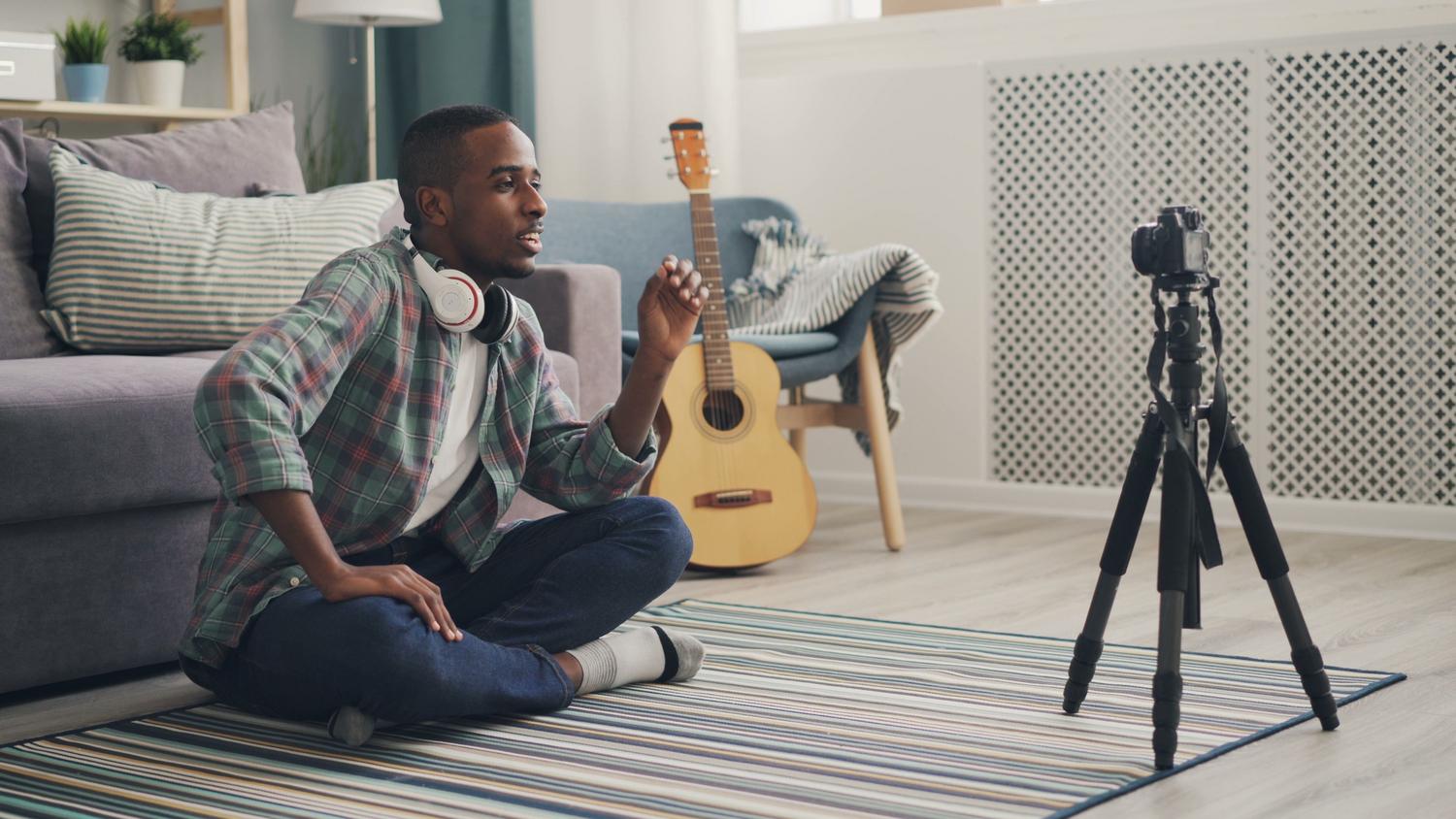
The script editor has taken an incredible leap forward. It now supports Markdown formatting , meaning you can copy and paste from Notion or Google Docs while preserving bold text, lists, and headings. Furthermore, the program provides word counts and estimated reading time , vital for avoiding exceeding the time limit in a Reel or YouTube video.
Regarding reading, you have several customization options, including the OpenDyslexic font for people with dyslexia . You can dim lines you've already read and use widgets that show you how long you've been recording and how much of the script is left. For those working in teams, there's the operator view , which allows another person to manage the text's pace from a separate monitor in real time.
Voice synchronization and intelligent control

One of the crown jewels is Voice Sync 2.0 . This technology automatically advances the text as you speak; if you pause, the text stops, and if you skip a sentence, the system tries to keep up. The best part is that it no longer requires an NVIDIA RTX graphics card , so it works on almost any PC with Intel or AMD processors, and on Macs it uses Apple's native speech recognition.
For added convenience, the Stream Deck plugin has been redesigned. From the buttons on your panel, you can pause the script, jump to the next section, or start recording without having to minimize your other applications, maximizing your production time.
Technical requirements and compatibility
It's not all smooth sailing, as you need to pay attention to the requirements. On Windows, the software runs smoothly on Windows 11 , but Windows 10 users might encounter problems. In Apple's case, the final version requires macOS 26 Tahoe , which excludes those with very old versions of the operating system.
It's crucial to remember that an Elgato camera can only be used by one app at a time . If you have OBS open with the Facecam, Studio 2.0 will warn you, and you'll need to close the other program to control the camera or record from the new suite.
This tool dramatically simplifies video production by bringing together hardware control and script reading in one place. The ability to use a free virtual teleprompter, along with intelligent voice synchronization and Markdown support, makes Studio 2.0 the perfect partner for creators seeking efficiency and natural on-camera performance without technical complications.