- Ping measures network latency, that is, the response time between a device and a server.
- A low and stable value is essential for real-time activities such as competitive gaming and video calls.
- There are several factors that influence the quality of the connection, from the type of cabling to the geographical location of the server.

I'm sure it's happened to you before: you have a ton of data, but when you play games or make video calls, everything feels choppy. We often focus only on download speed, but there's an invisible factor that really affects smoothness: latency. If you feel an annoying delay between your actions and the website's response , chances are your ping is working against you.
Knowing how to manage this value is the difference between winning an online match and being eliminated by frustrating lag. In this article, we'll break down exactly what this parameter is, why it's so critical for certain user profiles, and, above all, how you can optimize your settings for a smooth, uninterrupted connection.

What exactly are ping and latency?
To get started, we need to understand that ping (which stands for Packet Internet Groper) is the tool we use to measure latency. While latency is the general concept of network delay, ping is the round-trip time of a data packet from your computer to a server and back to your device.
This value is expressed in milliseconds (ms). Essentially, it tells us how long it takes for information to travel. It's crucial not to confuse this with broadband speed; you can have a very wide "pipe" through which a lot of data passes, but if the response time is slow , you'll still experience delays in real-time applications.
When we talk about a computer network, we're referring to a system of interconnected devices, like your PC, mobile phone, or smart TV. Ping allows us to diagnose if there's a "block" or interruption in communication between these devices and the rest of the digital world.

The importance of ping in the world of gaming
For a user who only reads news or watches TV shows, a mediocre ping isn't a problem. However, for a gamer, ping is a matter of life or death. In online video games, especially first-person shooters (FPS), the experience depends on the server's instantaneous response to your keyboard or controller commands.
If the latency value is too high, the infamous "lag" occurs: you shoot an enemy, but the server receives the information late, and the hit isn't registered. That's why professional e-sports tournaments are played on LAN networks; having the teams in the same room minimizes latency , ensuring that the most skilled player wins, not the one with the best internet connection.
For your reference, we can categorize connection quality as follows:
- Less than 20 ms: Excellent level, ideal for any demanding application.
- Between 20 and 50 ms: Very good quality, most users will not notice any delays.
- Between 50 and 100 ms: Acceptable, although in very fast-paced games shortcomings begin to be noticeable.
- More than 100 ms: Slow. This is where the interruptions in video calls and the lag in games begin.
- About 250-300 ms: Poor. The user experience becomes frustrating.

Factors that trigger latency and the jitter problem
Many people wonder why they have a high ping despite having fiber optic internet . The reality is that numerous external and internal factors affect the path data travels. For example, physical distance is key: if you connect to a server in Japan from Spain, the latency will inevitably be higher than if the server were in Madrid.
Another critical issue is saturation. If you have ten devices connected to the same router and someone starts downloading a large file, the bandwidth is shared and the ping usually increases. Similarly, older hardware or low-quality routers can create bottlenecks that degrade the signal.
We can't forget jitter, which is the variability of the ping. A stable ping of 60 ms is not the same as one that jumps wildly between 10 and 100 ms. These fluctuations cause the dreaded micro-cuts and audio desynchronization in streaming or video calls, making communication irritating.

How to measure ping manually and automatically
If you want to know exactly how your internet connection is performing, you have two main options. The simplest is to use an online speed test, where the system does the measurement for you and gives you the upload, download, and latency results in a matter of seconds.
If you prefer something more technical and precise, you can use the ping command on your computer. On Windows, simply open Command Prompt (CMD) and type ping google.com (or any other website). The system will send several data packets and show you the minimum, maximum and average time of answer.
On macOS or Linux, the process is similar via the terminal, although keep in mind that on these systems the command usually runs indefinitely until you stop it manually. Pay attention to packet loss ; if the output indicates that some data didn't return, you have a serious network stability issue.
Practical tips to reduce lag and improve response time
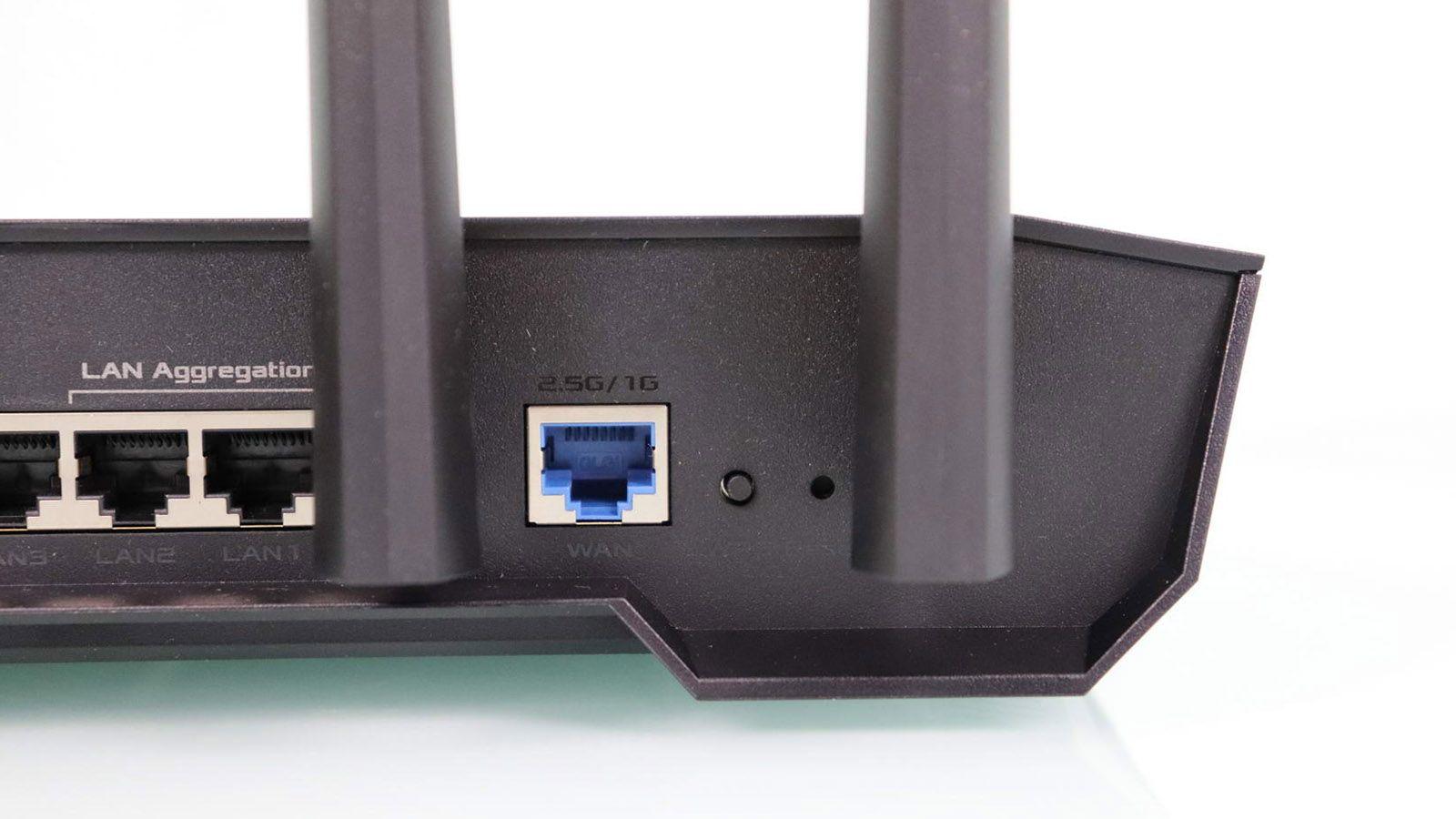
If you've noticed your latency is too high, all is not lost. The first and most effective step is to ditch Wi-Fi and use an Ethernet cable . The cable eliminates environmental interference and physical obstacles, providing a much more robust and stable connection.
If you have no other option and must use Wi-Fi, try to get as close to the router as possible and avoid having thick walls in between. Additionally, it's advisable to switch the frequency to 5 GHz if your router allows it, as it's usually less congested than the 2.4 GHz band, optimizing your high-speed Wi-Fi network.
Other simple measures include restarting your router to clear any unresponsive processes and closing bandwidth-intensive background applications , such as Windows updates or cloud syncs (OneDrive, Dropbox). For video games, always make sure to select the server region closest to your location.
Maintaining a low and stable ping depends on a combination of up-to-date hardware, intelligent home network traffic management, and choosing efficient data routes. By prioritizing cabling and reducing network congestion, you'll achieve smooth digital interactions without the annoying lag that ruins your gaming or remote work experience.
