- The PIN is the daily access key that protects the mobile line, while the PUK is the master key to rescue the SIM if the PIN fails.
- Entering the PIN incorrectly three times blocks the card, and entering the PUK incorrectly ten times renders it completely unusable.
- Both codes are found on the original SIM card or can be retrieved through the operator's customer area.

I'm sure it's happened to you: you turn on your phone and it asks for your PIN, something we do almost automatically. But the real scare comes when, due to carelessness or a lapse of memory, we enter the code incorrectly several times and, suddenly, the phone displays a cryptic message asking for the PUK code. That's when panic sets in and we realize we have no idea what that code is or where on earth it is.
To avoid getting caught off guard, it's essential to understand that these two codes are like the security layers of an onion. While one is for everyday use, the other is an emergency safety net that prevents you from having to throw your card away and buy a new one. Below, we explain step by step everything you need to know to manage your line stress-free.

What exactly is the SIM PIN?
The PIN, which stands for Personal Identification Number , is essentially your SIM card password. Its purpose is very simple: to prevent anyone who has obtained your card from using your phone line to make calls, use your data, or read your messages. It's a security measure linked to the SIM card itself, so it shouldn't be confused with the pattern or fingerprint you use to access your smartphone's menu.
The most common version has 4 digits , although some carriers allow up to 8. This code comes pre-configured from the factory, but ideally you should change it to one that's easy for you to remember but difficult for others. Be careful, though, because if you enter it incorrectly three times in a row, the SIM card will be automatically blocked, and that's where the PUK code comes in.
The PUK code: Your second line of defense
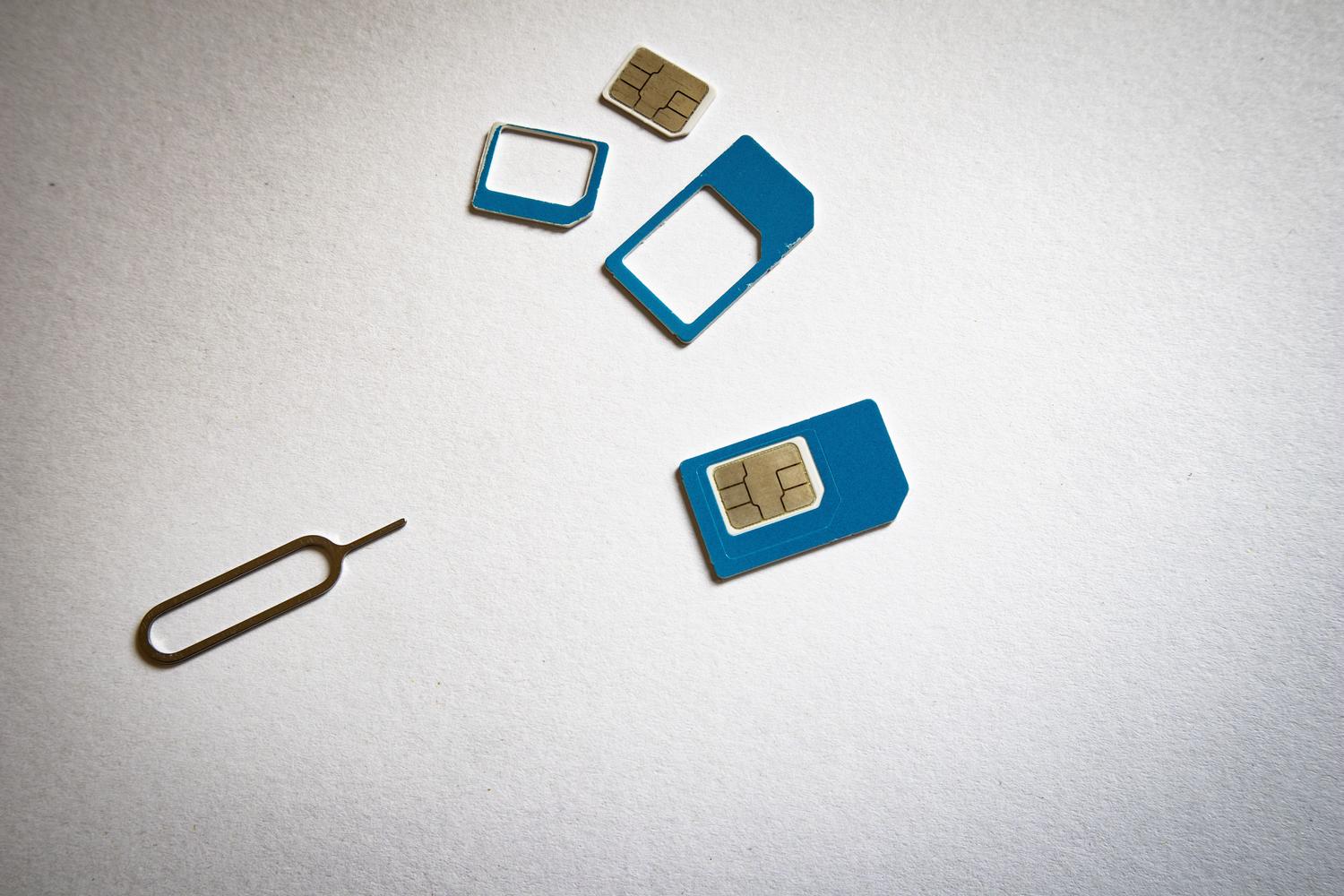
The PUK ( PIN Unblock Key ) is, as its name suggests, the key to unlocking your PIN. Think of it as an 8-digit master key that you only need when you've messed up your PIN. Unlike your PIN, the PUK isn't a code you use every day ; it's a recovery tool.

This is where you need to be careful: while the PIN gives you three attempts, the PUK allows up to 10. If you enter the PUK code incorrectly ten times in a row, the SIM card will be permanently deactivated. There's no third code or magic trick; in that case, the only solution is to request a replacement SIM from your phone company, which can take time and sometimes cost money.
Quick Comparison: PIN vs. PUK
- PIN CODE: It usually has 4 digits, is used for daily access, and can be changed from the phone settings.
- PUK: It always has 8 digits, and it is only used to unlock a locked SIM card. cannot be modified, since it is unique to each card.
- Limits: You have 3 attempts for the PIN and 10 for the PUK before a permanent lock occurs.
Where can I find these codes if I've lost them?
The official source for both numbers is that credit card-sized plastic card that the SIM card came in when you bought it. Normally, the codes are hidden under a silver strip that you have to scratch off. However, it's very likely that you've already thrown that card away or that it's lost somewhere in a drawer.

If that's your situation, don't worry, there are several ways to retrieve them. The quickest is usually to log into your mobile operator's customer area or app , where the PUK code is typically found in the line management section. You can also call customer service or visit a physical store, although in these cases they will ask you to verify your identity for security reasons.
Step-by-step guide to unlocking your SIM
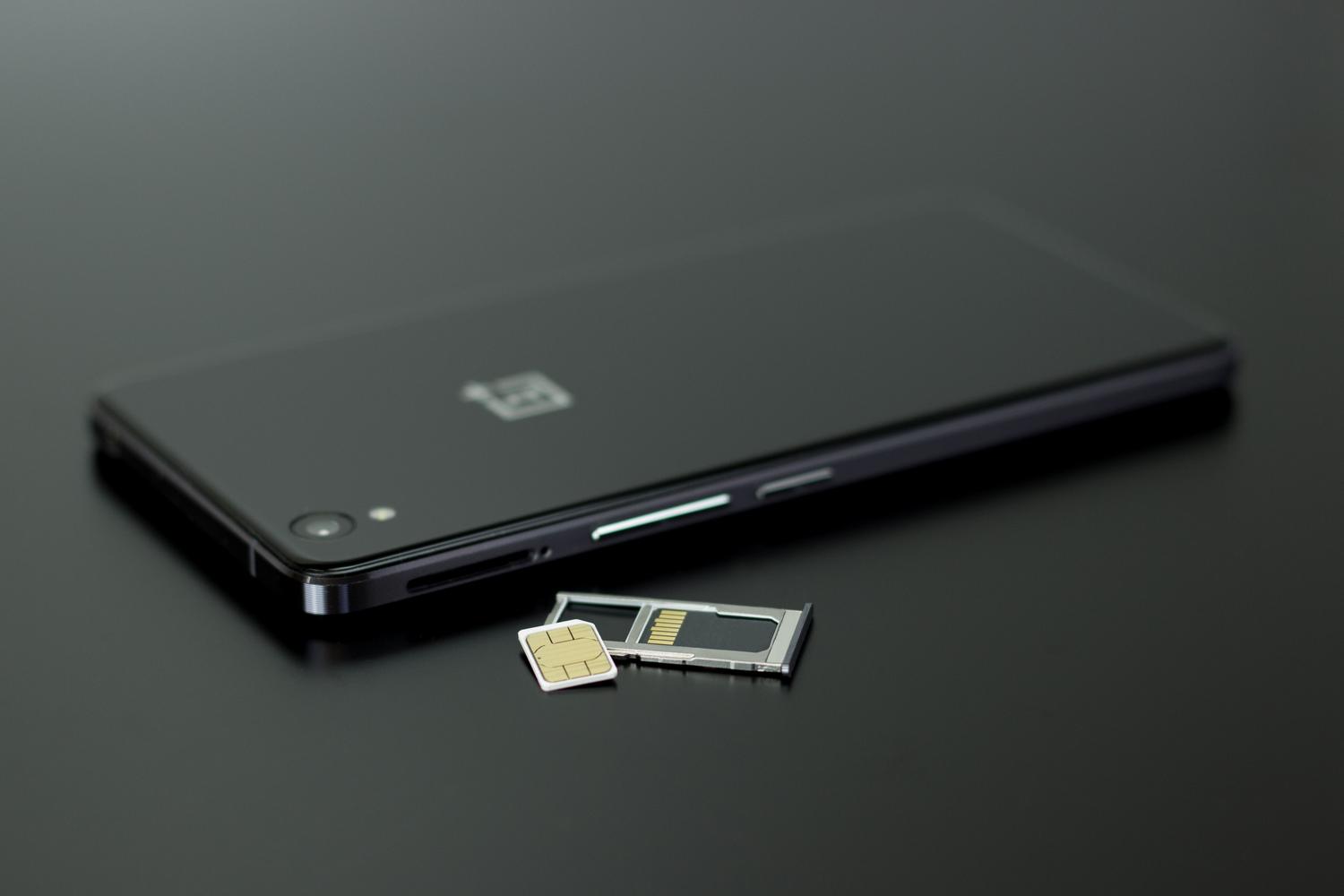
If your screen says "SIM blocked," don't start trying random numbers. Follow these steps carefully: First, locate the PUK code in your app or on your physical device. Second, enter those 8 digits into your phone. Third, your device will ask you to set a new 4-digit PIN. Fourth, confirm the new PIN by repeating it, and your line will be active again.
How to manage your PIN on Android and iPhone
If you want to change your PIN to something more convenient, or even disable it altogether so you don't have to enter it every time you restart your phone, you can do so from the system settings. On Android, the path is usually Settings → Security → SIM card lock . On iPhones, you should go to Settings → Cellular → SIM PIN . Remember that to make these changes, you need to know your current PIN. If you don't know it, don't try, as you could lock your SIM card.

There is also an old trick that works on many terminals by dialing the sequence *#04# or *04* old PIN * new PIN * new PIN # directly on the dial pad, although the settings menus are much more intuitive nowadays.
What about eSIMs?
Although eSIMs don't have a physical piece of plastic, the security system remains the same. They also use PIN and PUK codes , but since there's no physical surface to scratch off, these codes are managed exclusively through the mobile operator's app or website.
Understanding that the PIN protects your SIM card and the PUK protects your SIM is vital to prevent a simple typing error from turning into an unnecessary trip to the carrier's store. While the PIN is an everyday security measure you can personalize, the PUK is a fixed and non-transferable key that must be kept under lock and key, as losing it means your SIM card will be digitally deactivated and you'll need to request a replacement.