- The router acts as the core of the network, distributing the Internet connection among multiple devices.
- Differentiate the WAN signal coming from the modem to create a secure and efficient local area network (LAN).
- It offers advanced management tools such as QoS, guest networks, and MAC filtering.
- There are various types depending on the use, from home WiFi 6 models to enterprise core routers.
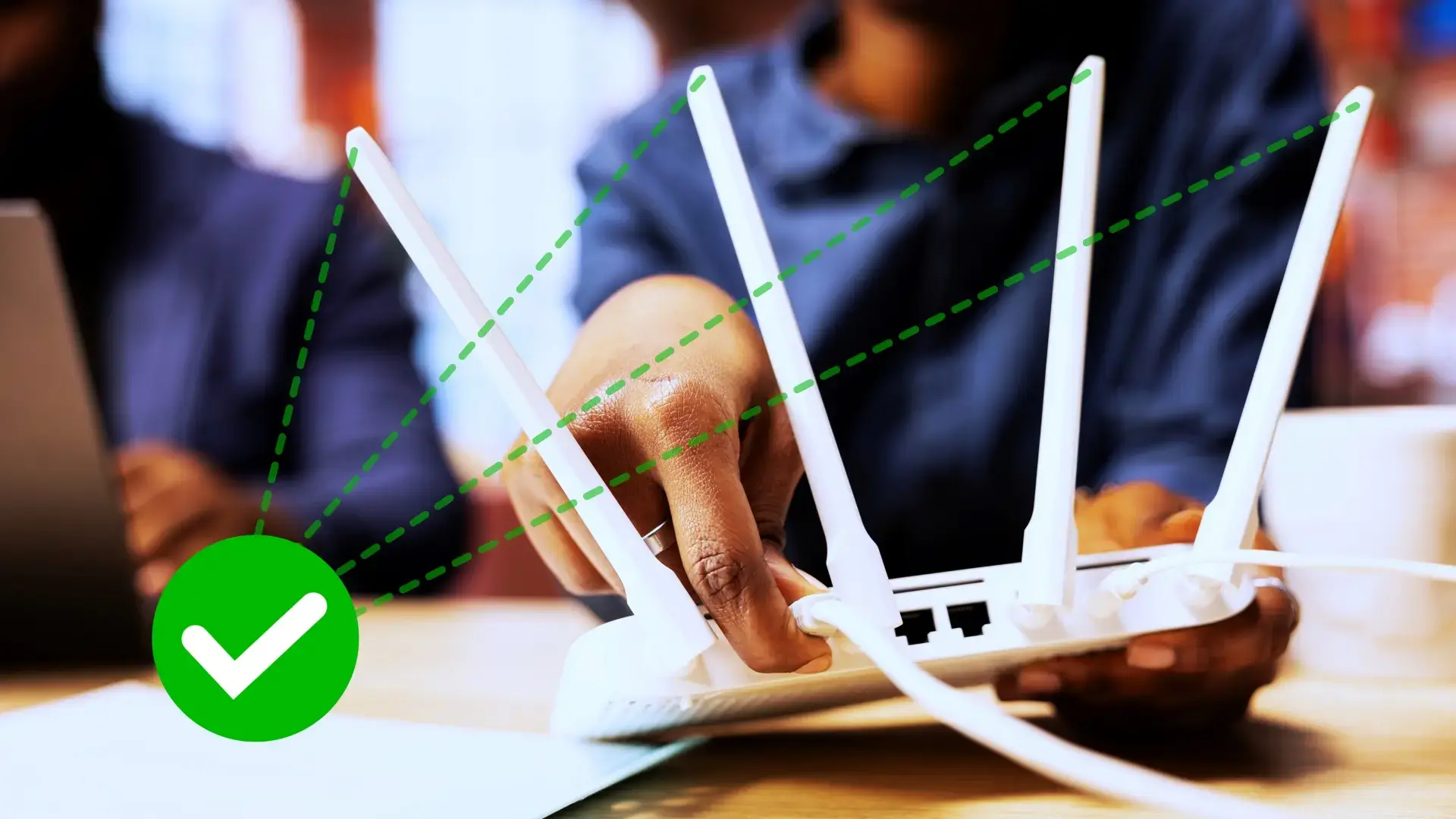
You probably have your router tucked away in some corner of your living room and you've completely forgotten it's there, but it's the key component that allows you to read this right now. Basically, it's the brain of your home internet connection , ensuring that the internet signal reaches your mobile phone, the kids' tablet, or your work computer without any network congestion.
Although we sometimes simply call it "the WiFi box," this device does much more than just emit waves. It manages data traffic so that information isn't lost along the way and reaches the exact device that requested it, functioning as a kind of digital traffic manager in your own home.

What exactly is a router and what is it used for?
To get technical, a router is a specialized piece of hardware that acts as a bridge between your local network and the vast internet. Its main function is to route data packets , calculating the most efficient path for information to travel between different networks using IP addresses.
Without this device, every appliance in your home would need a separate connection to the service provider, which would be logistical chaos. Thanks to the router, we can share a single internet connection among dozens of devices, creating what we know as a local area network or LAN, which also allows us to transfer files between computers without accessing the internet.

The eternal dilemma: Router vs Modem
It's very common for people to confuse these two terms, but they do completely different things. The modem is what the external network recognizes; its function is to convert the analog signal (whether fiber, cable, or satellite) into digital data that devices can process. It's, so to speak, the gateway to the WAN (Wide Area Network) in your home.
The router, on the other hand, takes that digitized signal and distributes it to your devices , either via Ethernet cables or wirelessly through Wi-Fi. To better understand these differences between routers, modems, switches, and hubs , it's helpful to know that nowadays most internet service providers install an "all-in-one" device or gateway that combines both functions in a single box, although advanced users often prefer to keep them separate for greater control.
How does the routing process work?
When you request a webpage, your device sends a request to the router, which passes it to the modem, and from there it's sent to the internet servers. On the way back, the router receives the response and, using a system of metrics and protocols , decides the fastest route to deliver that data to the correct device based on its private IP address.

This process is so fast it happens in milliseconds. The router assigns a unique identity to each connected device to prevent collisions. Without these communication protocols , data would arrive randomly, making stable internet browsing impossible.
Types of routers according to their architecture
Not all routers are the same, as there are versions designed for very different needs:
- Wireless Routers: They are the typical ones for home use, which integrate antennas to emit WiFi and allow total mobility.
- Wired Routers: They don't have WiFi and rely entirely on Ethernet ports, which makes them much more stable and fasterideal for extreme gaming or servers.
- Core Routers: Massive teams located at the heart of large corporate networks that manage brutal volumes of data.
- Edge Routers: They act as the external boundary of a network, connecting the internal infrastructure with the outside.
- Virtual Routers: Software that emulates hardware functions in the cloud, offering a enormous scalability and lower costs for technology companies.
Key features and modern technologies
If you're thinking of buying one, don't just focus on the price. Coverage and range are vital; look for models with beamforming technology or multiple antennas if your home has thick walls or mirrors that block the signal. If you need help, you can consult a comprehensive guide to choosing a router and making the right purchase.

In terms of performance, dual-band routers are the norm these days, as they broadcast on both 2,4 GHz and 5 GHz simultaneously. Furthermore, the leap to the WiFi 6 (802.11ax) standard has been revolutionary, enabling speeds of up to 9,6 Gbps and significantly lower latency. Analyzing the real advantages of WiFi 6 over previous versions , this is crucial for video calls and online gaming.
Another technological marvel is the WiFi Mesh system . Instead of using basic repeaters that create separate networks and generate bottlenecks, the mesh creates a single intelligent network with multiple nodes that communicate with each other, eliminating dead zones in homes larger than 300 square meters.
Advanced features to get the most out of your connection
Most of us only configure the network name and password, but accessing the administration interface (usually at IP address 192.168.1.1) opens up a world of possibilities. To do this, you can learn how to access your router and configure its Wi-Fi . One of the most useful features is the Guest Network , which allows your visitors to browse the internet without having access to your shared folders or your main network settings.

For those seeking maximum security, MAC address filtering is the ultimate tool. It involves creating a "whitelist" where only devices with the authorized physical identifier can connect, using a secure router configuration to prevent any intruder from accessing the network, even if they know the password.
If you notice someone hogging all your bandwidth watching 4K shows while you're trying to work, you can enable Quality of Service (QoS ) control. This feature prioritizes traffic from certain devices or applications, ensuring your work computer always has top priority.
Finally, don't overlook the router's USB port. By connecting an external hard drive, you can turn your router into a basic NAS for sharing files across your local network, or even connect a printer so everyone in the house can print wirelessly.
From managing data packets and creating secure LAN networks to implementing WiFi 6 standards and optimizing traffic through QoS, the router is the invisible pillar that supports our digital life, allowing us to connect multiple devices wirelessly and protected against external threats.
