- Smart TVs can act as the brain of the home by integrating IoT devices through platforms like SmartThings.
- There are specialized hubs like Aqara's that offer local control, Matter support, and advanced AI-powered security.
- It is possible to create automatic routines for the television to perform specific actions, such as opening YouTube channels at scheduled times.
- The choice of system depends on protocol compatibility (Zigbee, Thread, Matter) and the preference between local or cloud control.
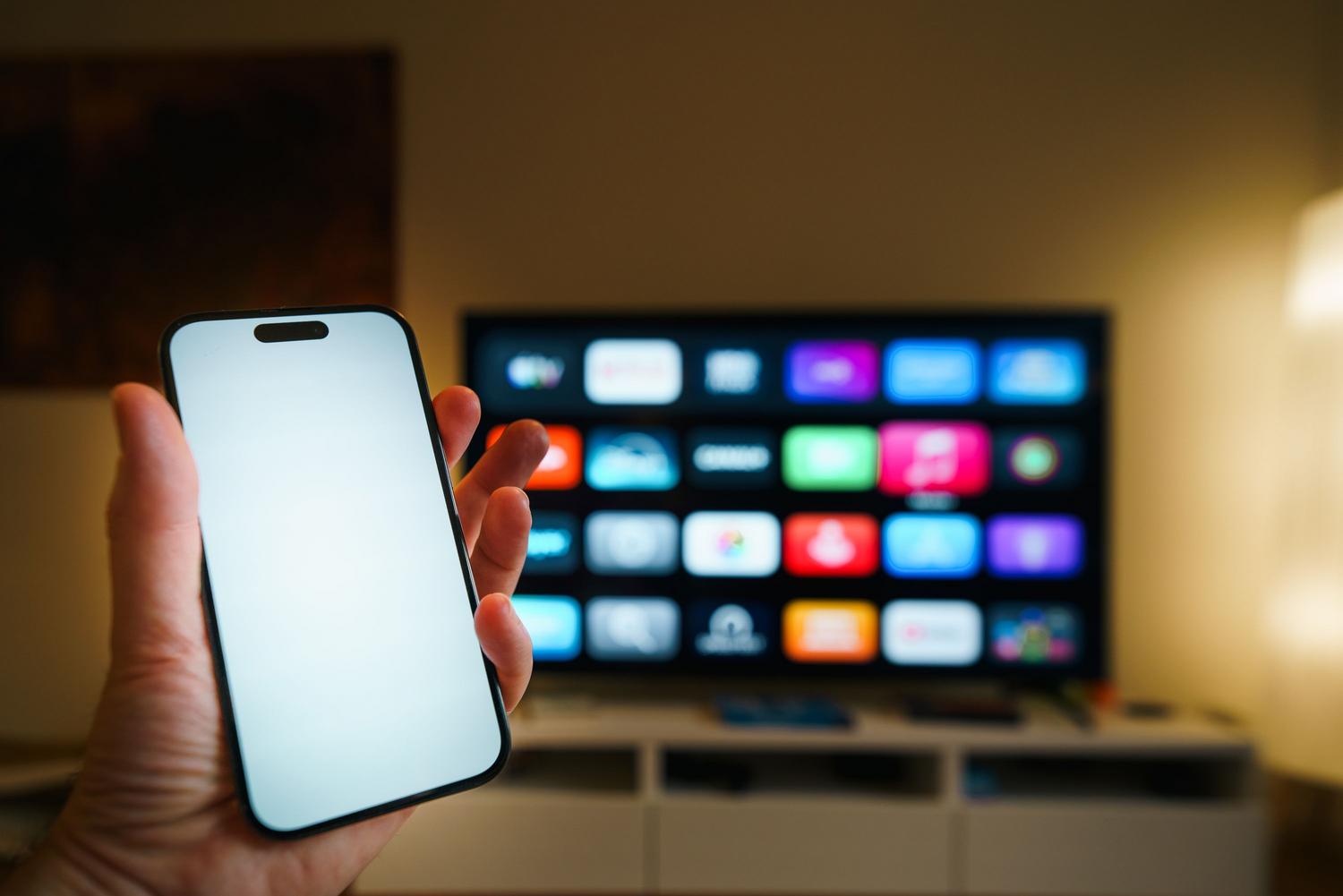
Imagine waking up every morning and finding your living room ready to start the day without lifting a finger or saying a word. The idea of making your Smart TV the hub of your home automation has gone from a science fiction dream to a tangible reality, allowing us to manage everything from lighting to the most complex appliances from the biggest screen in the house.
Although many people think a television is only for watching series or playing video games, the truth is that current models act as true smart command centers . Whether by integrating advanced protocols or serving as a visual interface for automated routines, the potential to simplify our daily lives is simply enormous if we know which tools to use.

The concept of an Automation Hub and its importance
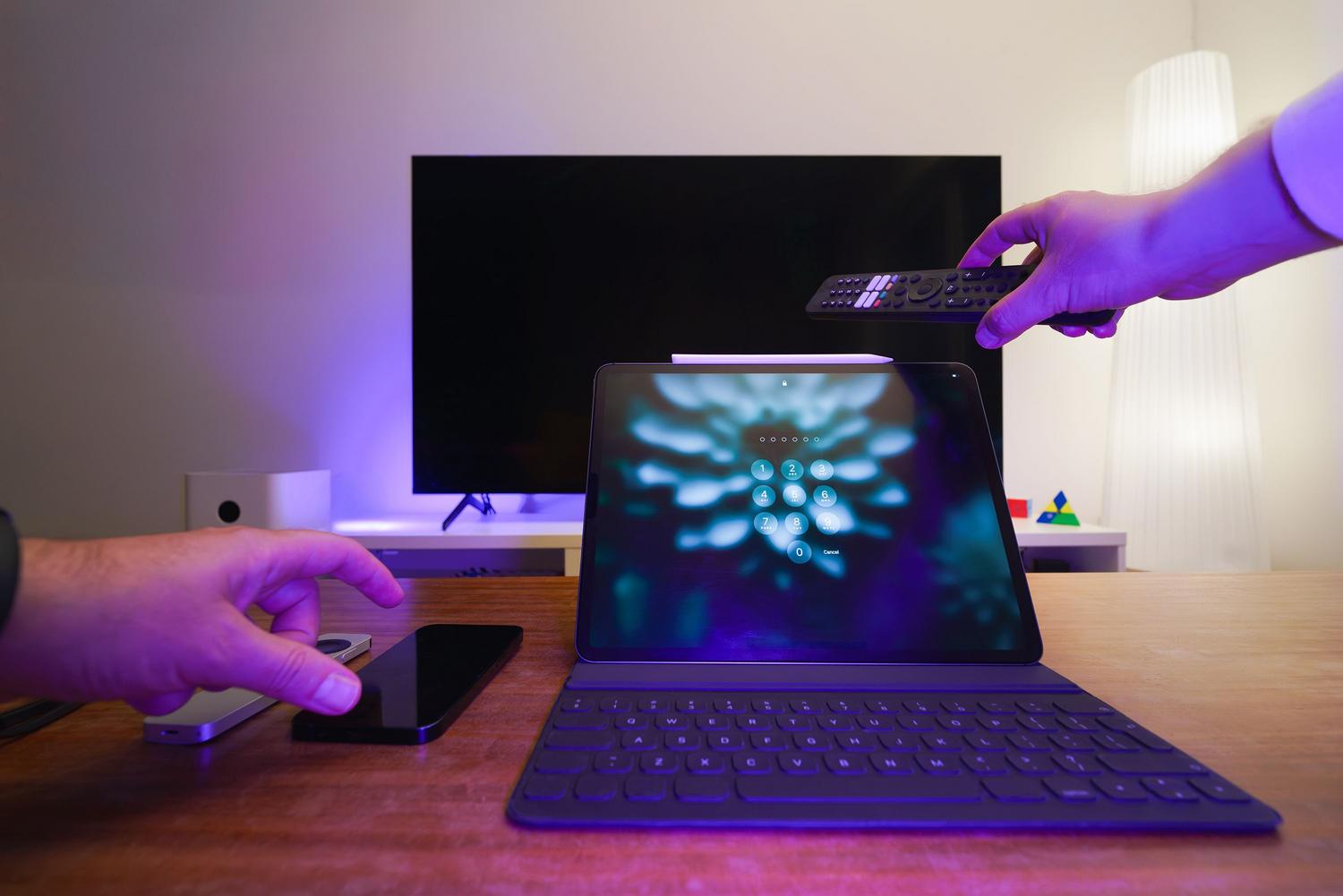
To get down to business, we first need to understand what exactly a hub is. Basically, it's the brain or central hub that allows devices of different brands and technologies to communicate with each other. Without a hub, you'd have to jump from one app to another to turn on a light or check a camera, which ends up being a real hassle.
Having a centralized system offers clear benefits. Not only do we gain unified control from a single app , but we can also create complex routines, such as automatically dimming the lights when we go to sleep. Furthermore, these devices typically improve energy efficiency by turning off equipment that isn't in use and allow complete remote access to monitor the house from anywhere in the world.
How to turn your Samsung Smart TV into the center of your home
If you own a Samsung TV, especially models released from 2022 onwards like The Frame, The Serif, or The Sero, you have a huge advantage. Thanks to SmartThings , your TV can be transformed into a connectivity hub. This means you can manage washing machines, refrigerators, and vacuum cleaners directly from the TV's menu.

To get started, you have two options: through the connected devices menu on the TV itself or by using a dedicated SmartThings USB dongle. Once activated, you can add IoT devices from your mobile phone and, most impressively, use the interactive map view on the screen to see where your devices are located and control them intuitively with the remote.
Hardware options for advanced automation
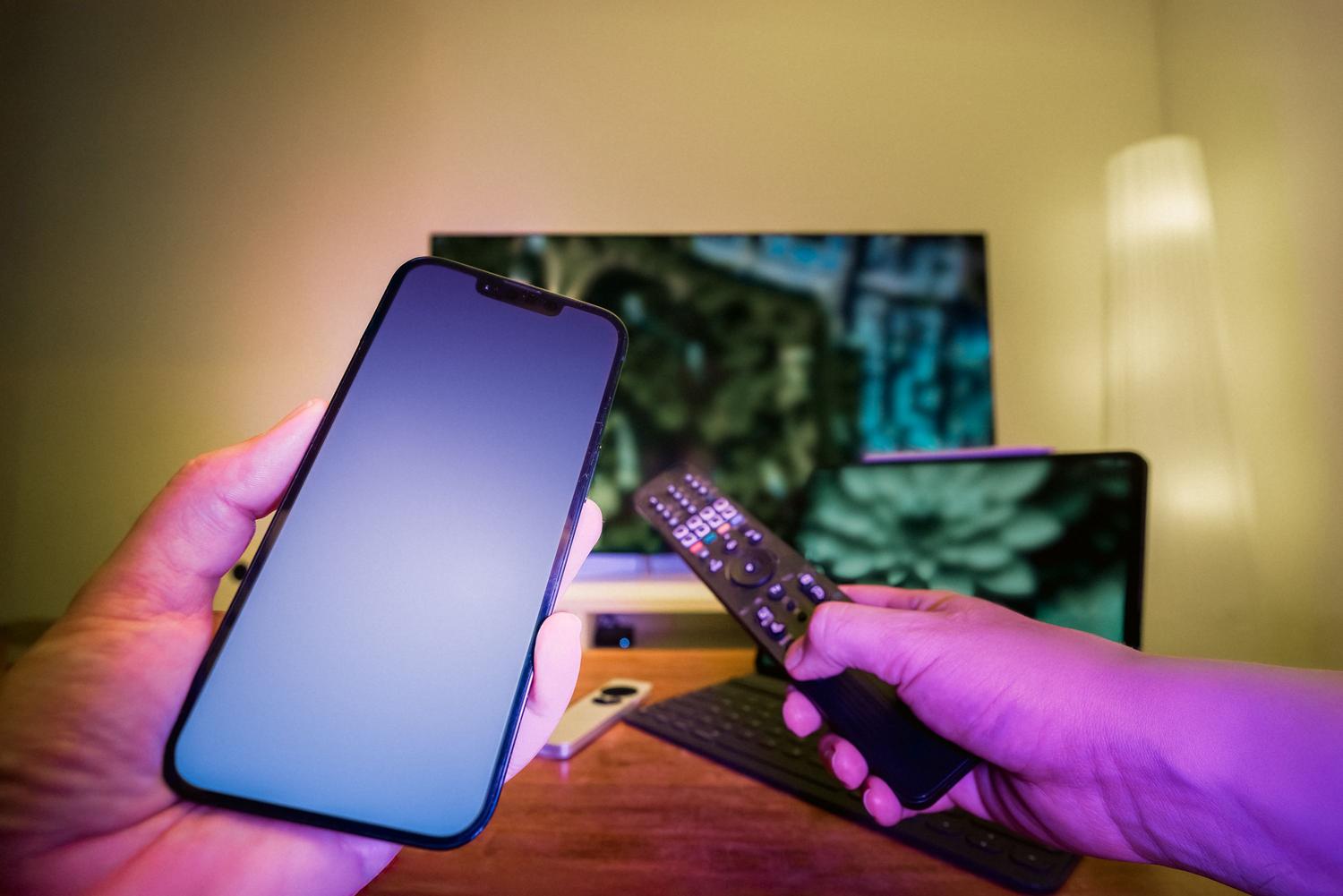
If you're looking to go beyond what your TV offers by default, there are specialized hubs that are real gems. The Aqara brand offers various solutions to suit different budgets and needs. For example, the E1 Hub is ideal for those seeking an affordable and compact device with Zigbee 3.0 support, while the M2 is more versatile, including a speaker and infrared control for managing older equipment.
For the most demanding users, the M3 Hub stands out for its local automation and Matter support , ensuring everything continues to function even if the home internet goes down. And if security is a priority, there are hubs integrated with smart cameras as an alternative to conventional video surveillance , such as the G3 for indoors or the G5 Pro for outdoors, which combine AI-powered surveillance and facial recognition with the ability to manage the rest of the home.
Automating specific tasks: the case of YouTube and morning routines
Many users are looking for very specific automations, such as having the TV turn on automatically at a specific time and play a particular YouTube channel , like Bloomberg or a religious stream. While this may seem complex, it's possible through the integration of ecosystems like Home Assistant, Google Home, or Alexa.
The trick is to combine scheduled TV power-on with voice assistant routines or automation scripts that launch the app and the video link. For Apple TV users, integration with the Apple ecosystem allows for similar workflows, although full compatibility always depends on the TV's hardware supporting remote power-on via HDMI-CEC or network protocols.
Alternative solutions and smart add-ons
Not everything has to be complex software; sometimes, external hardware solves the problem. The SwitchBot Hub 2, for example, is a very interesting option because it integrates a backlit thermo-hygrometer . It allows you to control curtain motors and physical buttons to turn on lights, integrating seamlessly with Alexa or Google Home.

These types of devices are the ideal complement to the Smart TV, as they allow the TV to be the display interface while the physical hub takes care of the heavy tasks or the measurement of temperature and humidity in real time, even exporting consumption and environmental status graphs.
Keys to choosing the best control system
When setting up your own ecosystem, don't jump in blindly. It's crucial to check the compatibility of the devices and the protocols they use (Wi-Fi, Zigbee, Bluetooth, or the new Matter standard). Controlling a couple of light bulbs is not the same as building an impenetrable security system.
You should also consider whether you prefer your data to be stored in the cloud or via encrypted local storage for greater privacy. Finally, pay attention to ease of setup and whether the manufacturer provides frequent firmware updates to prevent security vulnerabilities and add new features through robust home network and IoT security.
Integrating the television as a hub transforms the living room from a mere entertainment space into the control center for the entire home. From using SmartThings on modern televisions to implementing dedicated hubs like Aqara or SwitchBot, the options for creating an autonomous home are vast, allowing daily routines, energy management, and home security to be handled from a centralized and convenient interface.

Table of Contents
- 1 The concept of an Automation Hub and its importance
- 2 How to turn your Samsung Smart TV into the center of your home
- 3 Hardware options for advanced automation
- 4 Automating specific tasks: the case of YouTube and morning routines
- 5 Alternative solutions and smart add-ons
- 6 Keys to choosing the best control system