- Implementation of robust authentication measures and unique password management to mitigate data breach risks.
- Setting up advanced network infrastructures using reverse proxies to avoid dependence on limited services and hide the home IP address.
- Adoption of HTTPS encryption protocols and automatic blocking tools for malicious IPs to protect external access.
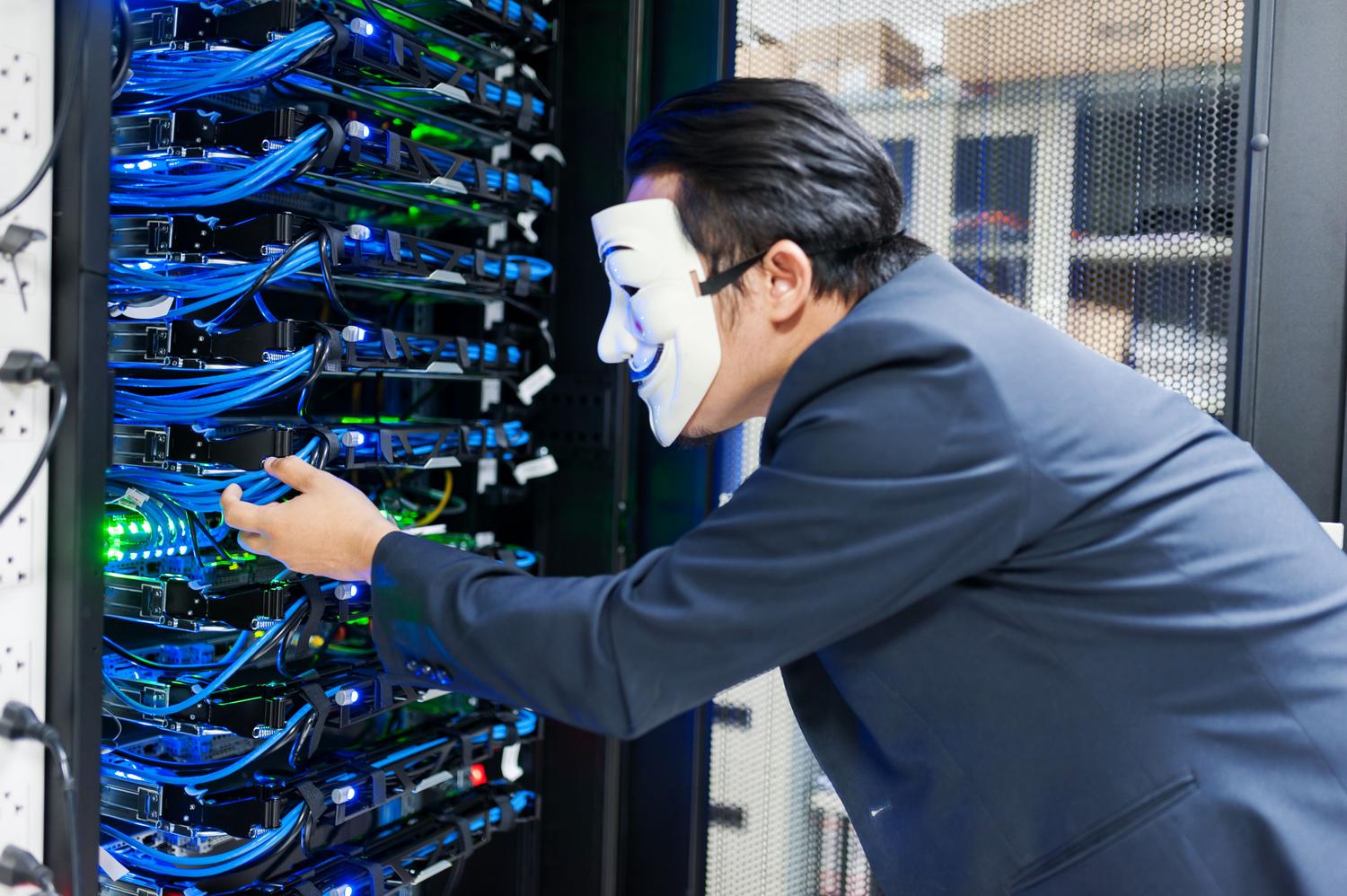
Setting up a home media center with Plex is fantastic; it lets you have your entire personal movie collection organized and accessible from anywhere. However, the moment we decide to open our server to the outside world to enjoy our movies on vacation or share content, we're also opening a window that cybercriminals will quickly try to exploit.
The reality is that, although the platform is very powerful, it has had its share of security issues in the past, suffering leaks that have exposed the data of millions of users. Therefore, simply installing the program isn't enough; you have to put in some effort to protect your NAS or PC so that it doesn't become a gateway for malware or malicious intruders.
Account protection and access management
The first and most basic thing to do is lock the front door: your account. If you've ever heard that Plex has had security breaches, the wisest course of action is to not trust it and change your password immediately . Don't use the same one you use for email or banking, because if one is compromised, they all are. Ideally, use a long password with uppercase and lowercase letters, numbers, and a few unusual symbols to make it really hard to crack.
To add an extra layer of security, it's essential to enable two-step authentication (2FA) . This way, even if a hacker obtains your password, they won't be able to gain access because they won't have the verification code sent to your mobile phone. If you suspect someone has gained access, you can go to your security settings and log out of all connected devices to immediately remove any intruder.
Secure Remote Access: Beyond Plex Relay
Many people use Plex Relay because it's the most convenient, but the truth is it's incredibly slow, limiting speeds to around 2 Mbps, which is a major problem if you want to watch anything in 4K. Furthermore, being completely dependent on the company's servers can be risky. A much more professional alternative is to set up a reverse proxy using Nginx on a VPS server with a static IP address.
With this system, the client doesn't connect directly to your home network, but rather to an intermediary server. This is especially useful if your internet provider has you locked into a CGNAT or you have a dynamic IP address that changes every time you restart your router. Using an SSH tunnel or WireGuard, traffic flows securely to your home server without you having to open any potentially dangerous ports on your router.
Technical configuration to prevent intrusions
If you decide to set up your own proxy, there are some golden rules you can't ignore. The first is to always use HTTPS . Don't allow anyone to connect via HTTP, as anyone on the same network could intercept your passwords. To prevent this, you can obtain a free certificate from Let's Encrypt and force all connections to be encrypted.
Another very effective trick is to limit access using IP whitelists. If you know you'll only be connecting from your office or your parents' house, you can configure Nginx to only accept requests from those addresses and deny all others. Additionally, installing a tool like fail2ban on your VPS is a great idea, as it will automatically block any IP address that attempts brute-force attacks by repeatedly trying passwords.
Data protection and server privacy
It's important to know that, although Plex manages the connection, most of your personal data and file titles remain on your computer. However, the company does collect some configuration and activity information to ensure the service functions correctly. For those with children, there are managed accounts that allow you to restrict content based on age and prevent behavioral tracking of minors, which is crucial these days.
To keep your system healthy, don't forget to update your Media Server as soon as a new version is released. Developers frequently patch security vulnerabilities that, if left unchecked, are an open invitation for someone to take control of your NAS. Keeping your software up to date is the simplest and most effective defense available.
Having a secure media server involves combining basic digital hygiene, such as using strong passwords and two-factor authentication (2FA), with more advanced technical solutions like reverse proxies and SSL encryption. By preventing direct exposure of your home IP address and monitoring who tries to access it, you can transform your media library into a digital fortress where the only risk is not knowing which movie to watch on the weekend.