- Audio Sharing uses Bluetooth LE Audio technology to send sound to two devices simultaneously.
- It is currently available in preview for Copilot+ PCs and Windows Insider users.
- It requires that both the computer and the headphones (e.g., Galaxy Buds2 Pro or Sony WH-1000XM6) be compatible with the LE Audio standard.
- It allows independent volume control for each user without the need to install third-party software.
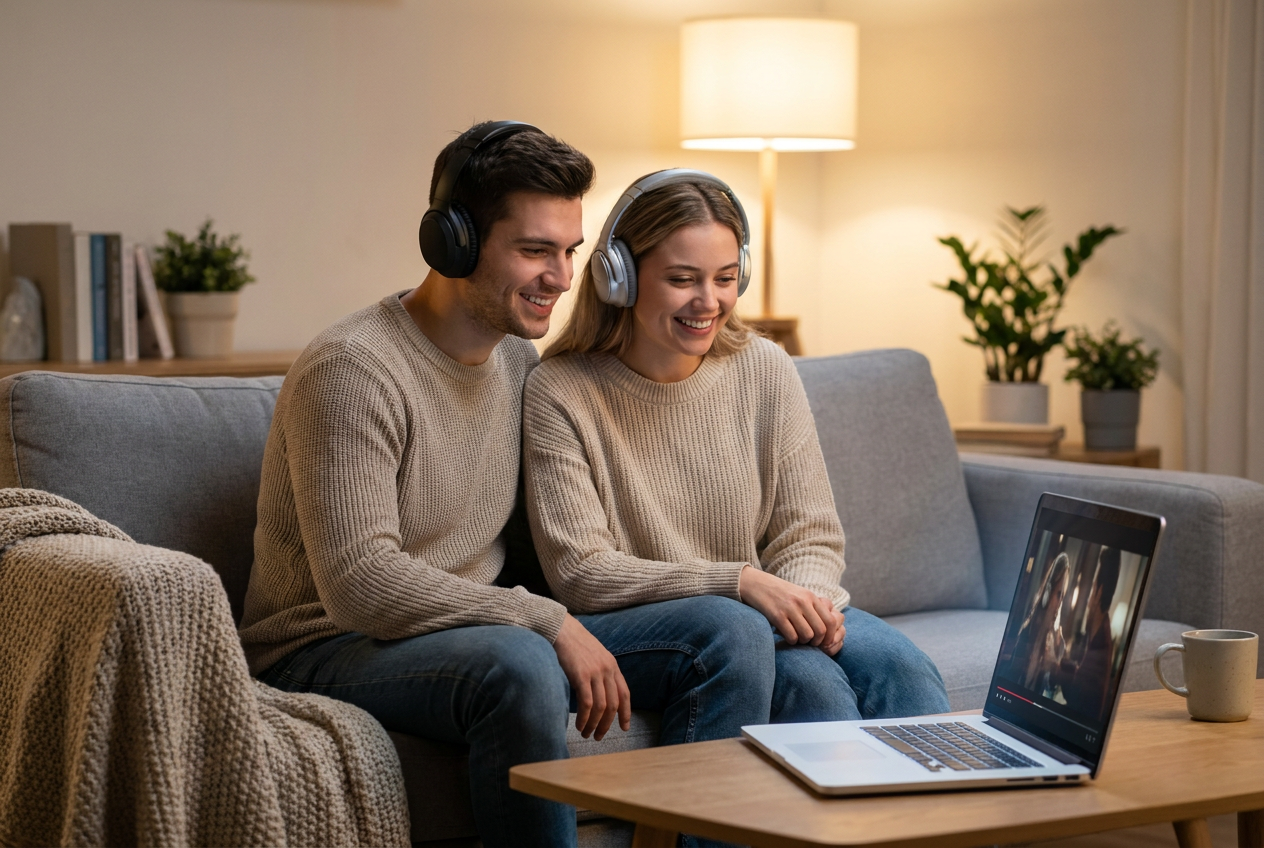
Sharing a good song or enjoying a movie on your laptop with someone else is a classic plan, but until recently, the solution was the most basic in the world: sharing a single pair of headphones , one for each person. Besides being uncomfortable and the cable (if it even has one) not reaching, the sound quality suffers and you end up only hearing half of it.
The good news is that Microsoft has come up with a feature that solves this problem. It's now possible to connect two Bluetooth devices simultaneously in Windows 11 thanks to Shared Audio, allowing two people to enjoy the same content with their own headphones without having to resort to complicated third-party programs or external adapters.
What exactly is Audio Sharing and how does it work?
This functionality isn't magic; it relies on a technological standard called Bluetooth LE Audio (Low Energy Audio). Unlike conventional Bluetooth, this new system allows you to send audio to multiple devices simultaneously, whether they are headphones, speakers, or even hearing aids. One of the clearest advantages is that it optimizes energy consumption , meaning your headphones' battery will last longer while you're using them.
However, it's important to understand that this feature isn't available to everyone yet. Microsoft is currently rolling it out gradually, starting with users of the Windows Insider program (Dev and Beta channels) . Furthermore, there's a significant hardware limitation: for now, it only works on Copilot+ PCs , specifically Surface Pro and Surface Laptop models equipped with Qualcomm Snapdragon X processors.
Hardware requirements and compatibility
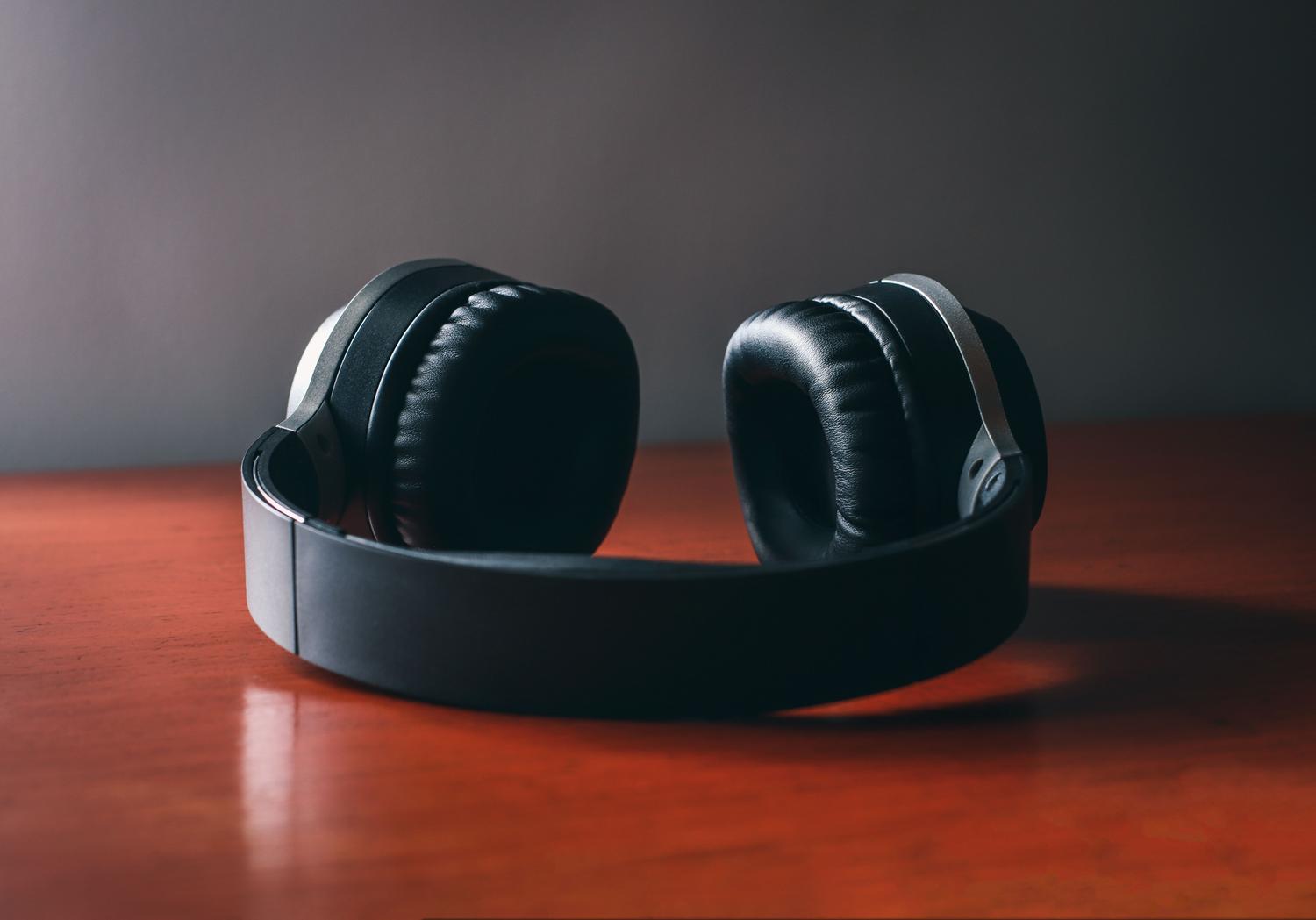
For this to work, simply having the software updated isn't enough; both the PC and the accessories need to be compatible. The headphones must support LE Audio . Models that already support this technology include the Samsung Galaxy Buds2 Pro, Buds3, and Buds3 Pro , as well as the Sony WH-1000XM6. Even brands specializing in accessibility, such as ReSound and Beltone, have already integrated this support.
It is expected that in the near future the list of compatible devices will expand to other manufacturers, including Samsung's Galaxy Book5 series and more variants of the Surface family, finally bringing the feature to the general public.
Steps to enable Audio Sharing in Windows 11

If you have a compatible computer and are using the correct version of Windows, the steps to get it up and running are quite simple. First, make sure your system is up to date with the latest updates . Then, you can follow this process:
- Go to Windows settings and search in the search bar for the option to hearing aids to confirm that your computer supports the function.
- Put your first earbuds into pairing mode and pair them via Bluetooth in the usual way.
- Repeat the exact same process with the second pair of headphones until both appear as connected in the system.
- Look again in the settings for the option to Shared Audio.
- In the panel that appears, select the two devices you want to use and click the button. share.
Once activated, you'll see a dedicated Audio Sharing tile appear in the Windows 11 quick settings menu , where you can turn the stream on or off with a single click. Best of all, each person can manage the volume independently from their own headphones.
Alternatives for incompatible equipment
If your PC isn't a Copilot+ or your headphones don't support LE Audio, you'll likely be frustrated. Some users try using Stereo Mix in the sound settings, enabling the "listen to this device" option to route audio to a second pair of headphones. However, this method is quite unstable , and on many modern laptops, the Stereo Mix option isn't even available.
External tools like Voicemeeter Banana promise to merge audio outputs, but the reality is that configuring them is a headache and they don't always deliver a clean result. That's why Microsoft's native solution is so eagerly awaited, as it eliminates the need to install questionable software or complicated virtual audio bridges.
The arrival of this technology puts Windows on par with Android and iOS, enabling a much more seamless shared multimedia experience . All you need is the right hardware and the corresponding version of Windows 11 to stop fighting over a single headset and start streaming sound wirelessly and efficiently to two devices .