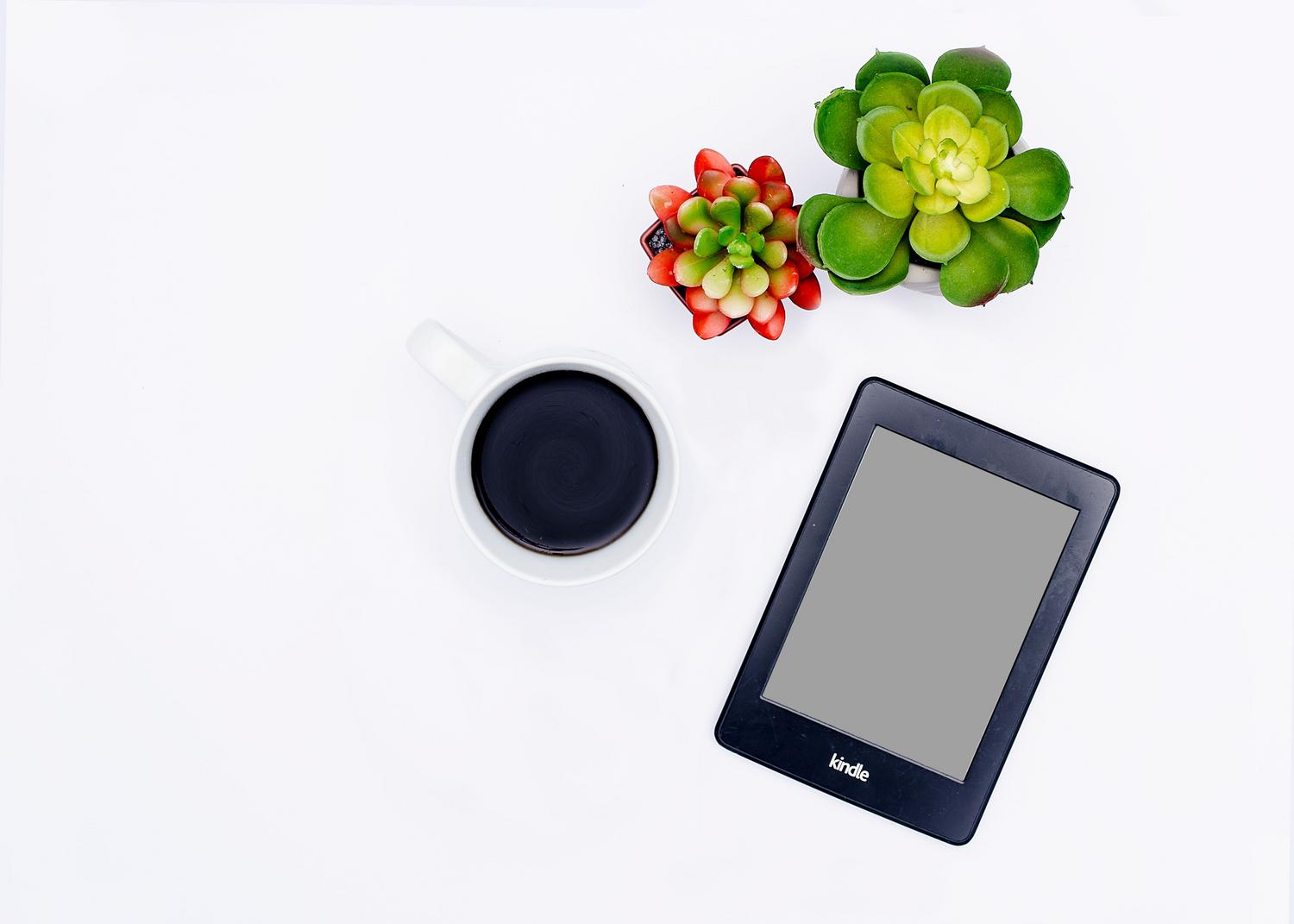
You probably have a Kindle lying around somewhere, lost in a drawer or gathering dust in the storage room, that's ancient. Maybe you stopped using it because you bought a newer one with a built-in light or better resolution, and now that device looks like a simple digital paperweight. But before you consider selling it for next to nothing or, even worse, throwing it in the trash, you should know that its e-ink screen is a technological marvel that remains incredibly efficient even today.
The magic of these devices lies in their very low energy consumption and ease of eye strain, making them perfect for home automation projects and other creative uses. If you enjoy tinkering with technology and aren't afraid to spend a few hours experimenting, you can transform that forgotten e-reader into the brain of your smart home or a super original decorative object. Let's explore all the possible ways to give a second life to that hardware that Amazon has already abandoned.

The first step: Unlock the device by jailbreaking.
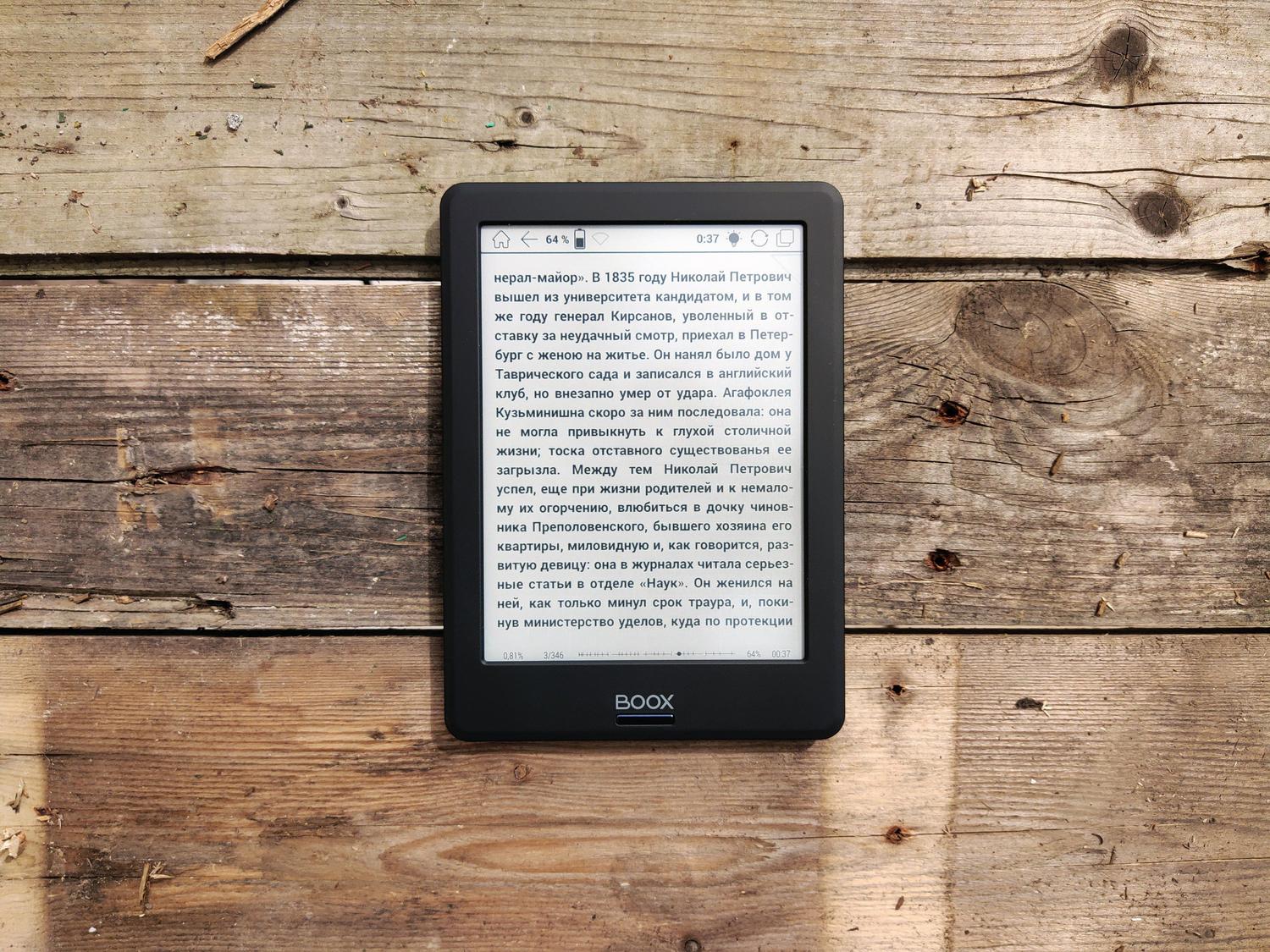
To get the most out of an older Kindle, the first step is to break free. Jailbreaking involves removing the software restrictions imposed by Amazon, allowing you to install programs that weren't pre-installed. This is a crucial process if you want to install tools like KOReader, a much more flexible open-source reader compatible with formats like EPUB, PDF, and DJVU, letting you read virtually anything without relying on the official store.
However, it's not all smooth sailing. Keep in mind that jailbreaking can void the warranty , although if your Kindle is very old, it's likely the warranty has already expired. The most serious risk is "bricking," which is when the device becomes completely unusable due to an error during the process. To avoid this, it's vital to correctly identify the model and firmware version in the settings menu before following any guide, ensuring you use files compatible with your specific version.
Making it the brain of your smart home
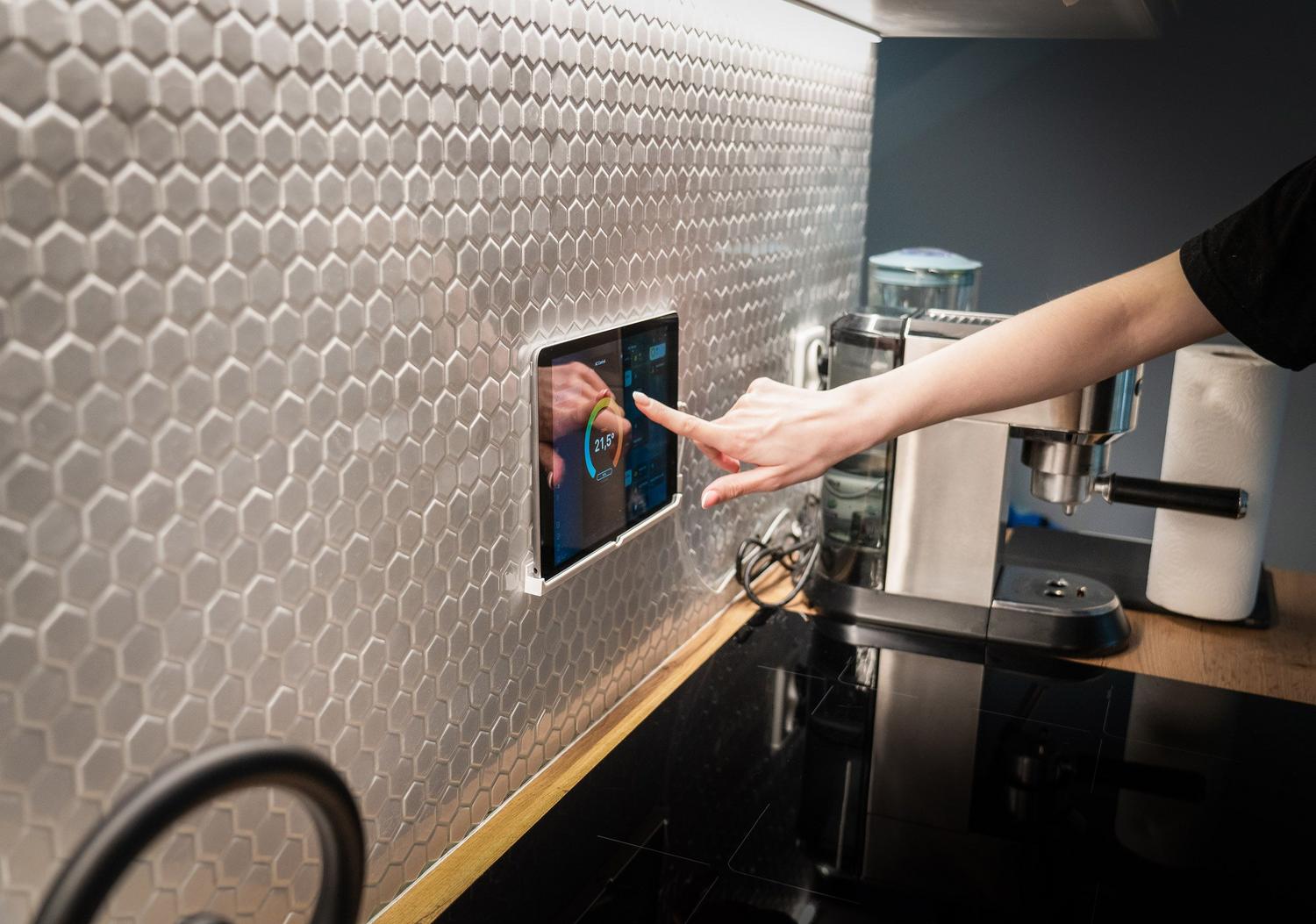
One of the most powerful applications is using the Kindle as a smart home control screen . Because the E-Ink screen only uses battery power when the image changes, it's ideal for having a fixed panel on the wall that displays your home's status. You can configure it to show the day's calendar, weather forecast , reminders, or even metrics from your Wi-Fi network and public IP address.
There are several ways to achieve this. Some users utilize Home Assistant , an open-source ecosystem, to create a server that transforms home data into a simple HTML page that the Kindle can display. Since the native browser on older models is quite limited, it's sometimes necessary to use Python or JavaScript scripts to generate screenshots and send them to the device. A very useful trick is to mount the Kindle upside down on its stand so the charging cable is more convenient and discreet.
Creative and multimedia uses for everyday life
If you don't want to get bogged down in complex programming, there are simpler but equally cool alternatives. For example, you can transform your device into a Spotify remote control . Using the Kindlify website and the Spotify Connect feature, your Kindle becomes a remote control from which you can pause, skip tracks, and see what song is playing, as long as it's connected to the same network as your speaker or phone.
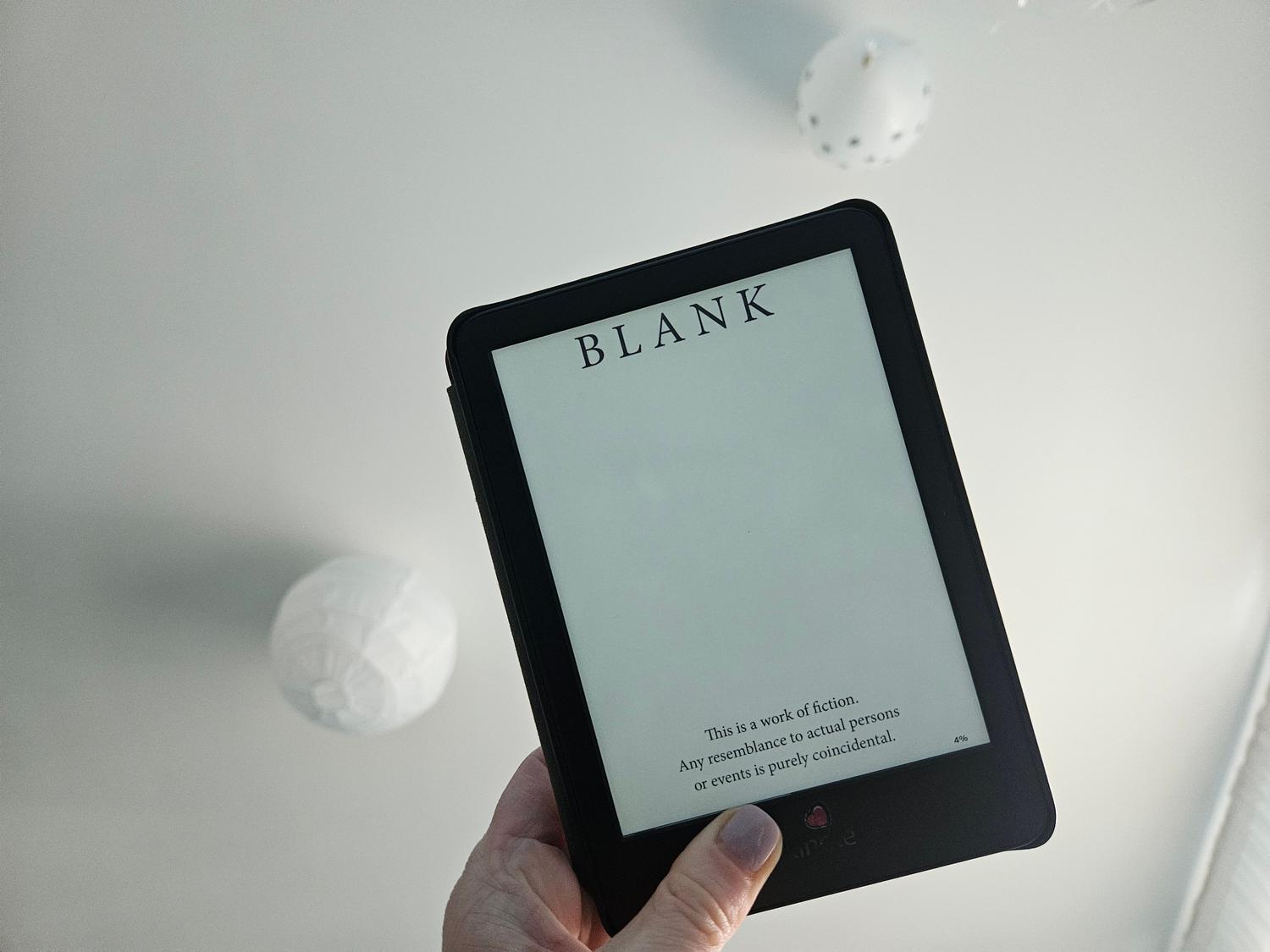
Another brilliant idea is to create a literary clock . Instead of marking the hours with boring numbers, the device displays a quote from a different book every minute. This requires loading a series of pre-configured images (one for each minute of the day), turning the clock into a literary guessing game where you only discover the author and the original work by touching the screen .
Other amazing features for recycling your hardware
- Retro game console: Using alternative stores like KindleForge, you can install emulators to play classic Game Boy titles, taking advantage of the fact that puzzle games work very well despite the low refresh rate.
- Digital photo frame: With projects like Kindlefusion, you can create an art gallery or family photos that don't drain the battery while the image remains static.
- Minimalist typewriter: If you connect a Bluetooth keyboard and use an editor like Textadept, you have a device for writing without distractions or notifications.
- Cryptocurrency Monitor: It is possible to program a script that updates the price of Bitcoin or other currencies every few minutes, creating an elegant financial ticker for your desktop.
- Refrigerator memo board: By placing magnets on the back and linking it to a Ruby server or a Raspberry Pi, you can keep your family email inbox always in view.
For any of these features to be viable in the long run, it's recommended to keep the device connected to a power source via a Micro-USB cable, as frequent screen updates will drain the battery faster than usual. Additionally, to prevent Amazon from deleting your modifications, it's advisable to install an automatic update blocker once the jailbreak is successful.
Repurposing an old Kindle is a fantastic way to combat planned obsolescence and learn about free software. Whether you turn it into a control panel for your smart home, a music remote, or an artistic clock, you're rescuing valuable hardware that, with a little ingenuity, can be far more useful than when it was brand new.