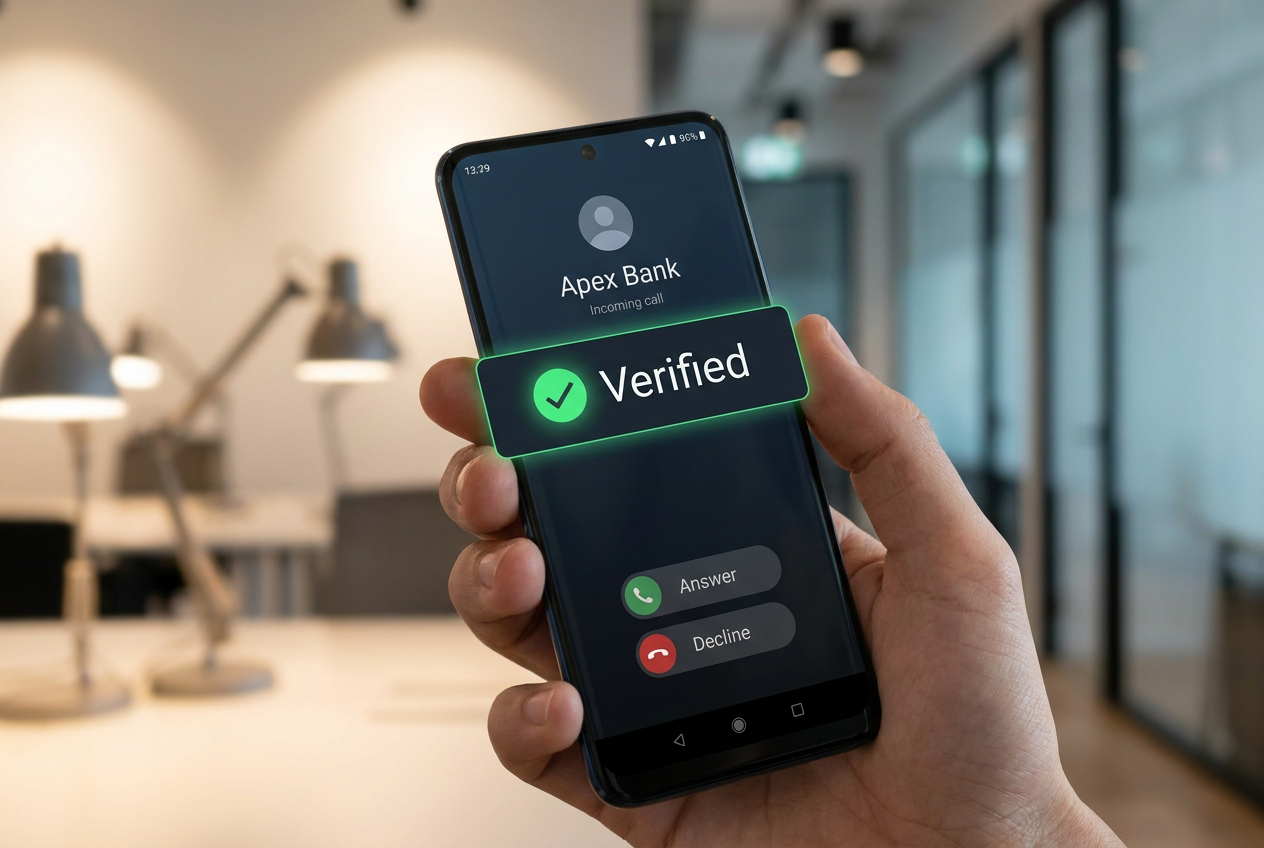
- Android implements a real-time validation system that consults with the bank's app to automatically hang up fraudulent calls.
- Security against physical theft is reinforced through mandatory biometric locking and the restriction of critical settings.
- Gemini artificial intelligence and the Live Threat Detection system analyze suspicious app behavior to prevent scams.
Phone security has become a real headache, especially with the sophistication of today's scams. Google has stepped up its game and launched a series of substantial improvements in Android to prevent us from being taken in, focusing particularly on curbing banking fraud and protecting devices against theft or malicious software operating in the shadows.
The most striking aspect of this rollout is that it's not just a cosmetic update, but a multi-layered approach . From the use of advanced artificial intelligence to direct agreements with financial institutions, the goal is to ensure that users don't need to be cybersecurity experts to be protected, letting the operating system itself do the dirty work of detecting and blocking threats in real time.
The end of spoofing: Verification of financial calls
You've probably experienced receiving a call with your bank's name displayed on the screen, but it's actually a scammer trying to trick you into revealing your passwords. This is known as spoofing. To combat this, Android is now working with participating banking apps. The process is invisible to you: when a call comes in pretending to be from a bank, Android discreetly asks the bank's app installed on your phone if the call is legitimate. If the answer is no, the system immediately disconnects the call.
In addition, banks can designate certain numbers as "incoming only." This means that if someone tries to call you from a number the bank only uses to receive calls, your device will identify it as a scam and automatically end the call . This system has already yielded impressive results, blocking millions of fraudulent calls in countries like Brazil. Currently, institutions such as Revolut, Nubank, and Itaú are already part of this network, although the list will continue to grow.
Live Threat Detection and AI against malware

Not everything happens during the call; often, the scam begins with a text message or a seemingly harmless app. This is where Live Threat Detection comes in , a tool that uses artificial intelligence directly on the device to monitor how apps behave. It doesn't just scan the app during installation; it analyzes whether, once installed, it starts doing strange things like forwarding your text messages to another number or using accessibility permissions to create invisible overlays on the screen and trick you.
To complement this, Google has integrated Gemini Intelligence . In apps like Google Messages, Enhanced Protection mode uses cloud-based AI models to analyze entire conversations with strangers and detect fraud patterns. Meanwhile, Gemini Nano works locally on your phone to check if a link is dangerous before you click it, protecting you even from websites created just minutes ago that aren't yet on any blacklists.
Protection against physical theft and unauthorized access
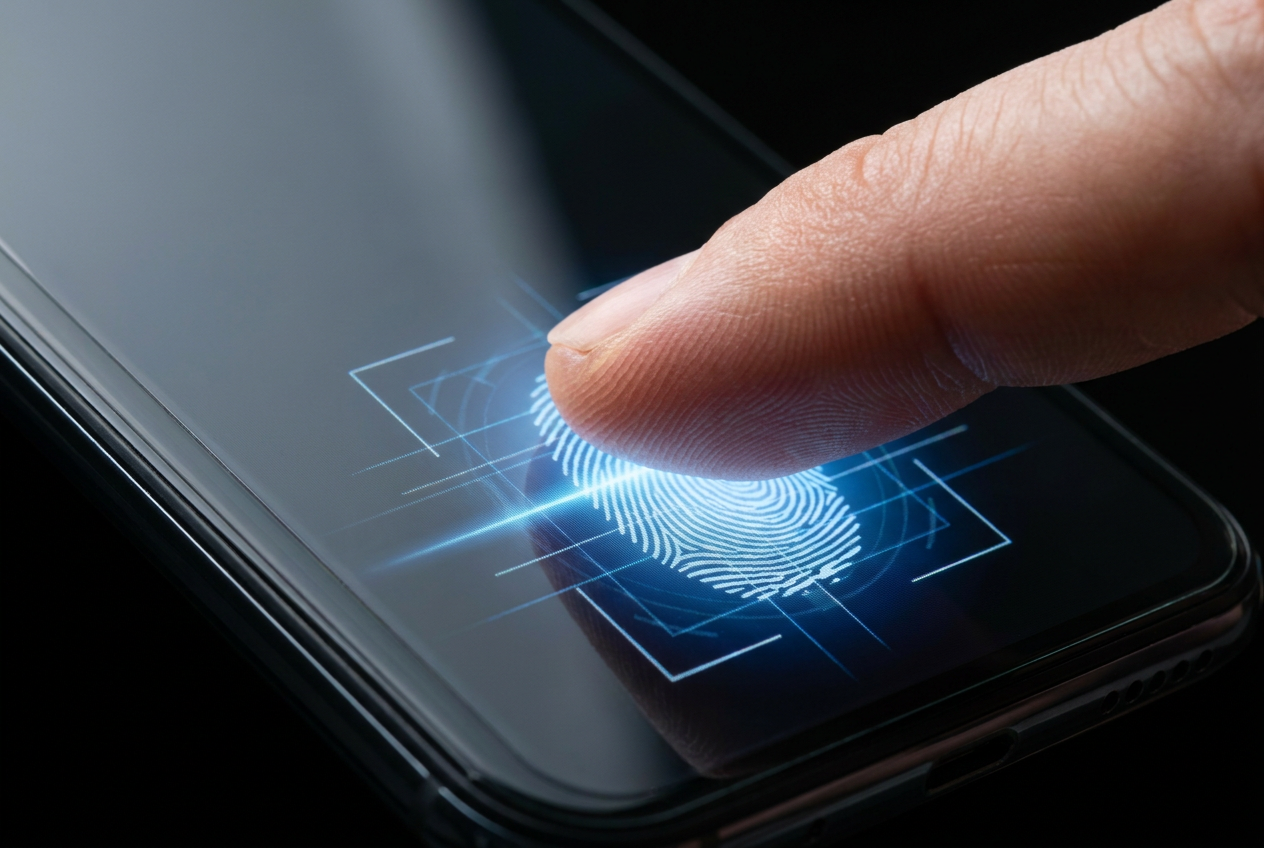
If your phone is stolen, your PIN is no longer a sufficient barrier if the thief has managed to spy on it. That's why Android has implemented an improvement to the "mark as lost" function . Now, even if the thief knows your PIN, the device will require biometric authentication (fingerprint or face) to unlock. Furthermore, to prevent the phone from being tampered with or tracked in reverse, quick access to settings is blocked, and Wi-Fi and Bluetooth connections are disabled.
Another very clever measure is the protection of OTP codes. To prevent malicious apps from intercepting your verification keys, Android hides SMS codes for three hours, preventing spyware from capturing them to access your accounts. Additionally, PIN guessing attempts have been made more difficult, with longer wait times between failed attempts, making brute-force attacks virtually impossible.
Granular privacy and data control
Regarding privacy, the days of granting access to your entire address book so an app can read a single contact are over. Now there's an individual contact selector , allowing the app to access only the specific information and only temporarily. The same applies to location: a button has been added to share your precise location only while the app is open, preventing you from being tracked permanently.
For those who frequently install files from outside the official store, Chrome for Android now scans APK files before they complete the download. If Safe Browsing detects known malware, the process is blocked. The ability to view the IMEI from the lock screen has also been added , making it easier for authorities to identify the device without needing to access the system.
This security ecosystem, which extends from Android 11 to the latest versions, makes the fight against cybercrime proactive. By combining AI-powered behavioral analysis, direct verification with banks, and much stricter control over biometrics and permissions, Google has created a shield that drastically reduces the attack surface, protecting both users' digital identity and bank funds from the most aggressive social engineering tactics.