Imagine having your entire reading collection available anywhere in your home or even while traveling, without having to copy files to a USB drive like it's the 2000s. Setting up a local ebook server is the ultimate solution for those who manage hundreds of ebooks and want to forget about the storage limitations of their reading devices.
To achieve this, the leading tool is Calibre, which not only organizes your files but also allows you to share your library over a network so that any browser or tablet can access the content. Whether you're looking for something quick and easy or a robust container-based infrastructure, there are ways to adapt the server to your technical skills and hardware.

Calibre's native server: the fast track

If you already use the program on your computer, activating the server function is a breeze. Simply go to the Connect and Share section and launch the content server. This makes your PC act as a node that other devices connect to using a specific IP address and port, usually 8080. Best of all, you don't need to install any additional apps on your phone or tablet, as everything is managed through your web browser.
For this to work at home, you need to make sure your firewall or antivirus isn't blocking the connection. If you can't access it from another device, it's most likely that your Windows or Linux security system is interfering. A simple solution is to allow access to calibre.exe or open the corresponding port in your network settings.
Access from the outside and security

Once you've mastered your local network, you'll want to read your books outside the home. This is where things get interesting. The traditional way is to configure port forwarding on your router, directing external traffic to your server's static IP address. However, exposing your computer directly to the internet can be risky, so it's highly recommended to set up a username and password to prevent unauthorized access to your collection.

For those who prefer to avoid router complications and prioritize security, there are alternatives like Tailscale . This tool creates a virtual private network that allows you to connect your mobile device and your server as if they were in the same room, eliminating the need to open ports or deal with complicated SSL certificates.
Taking the library to the next level with Calibre-web and Docker

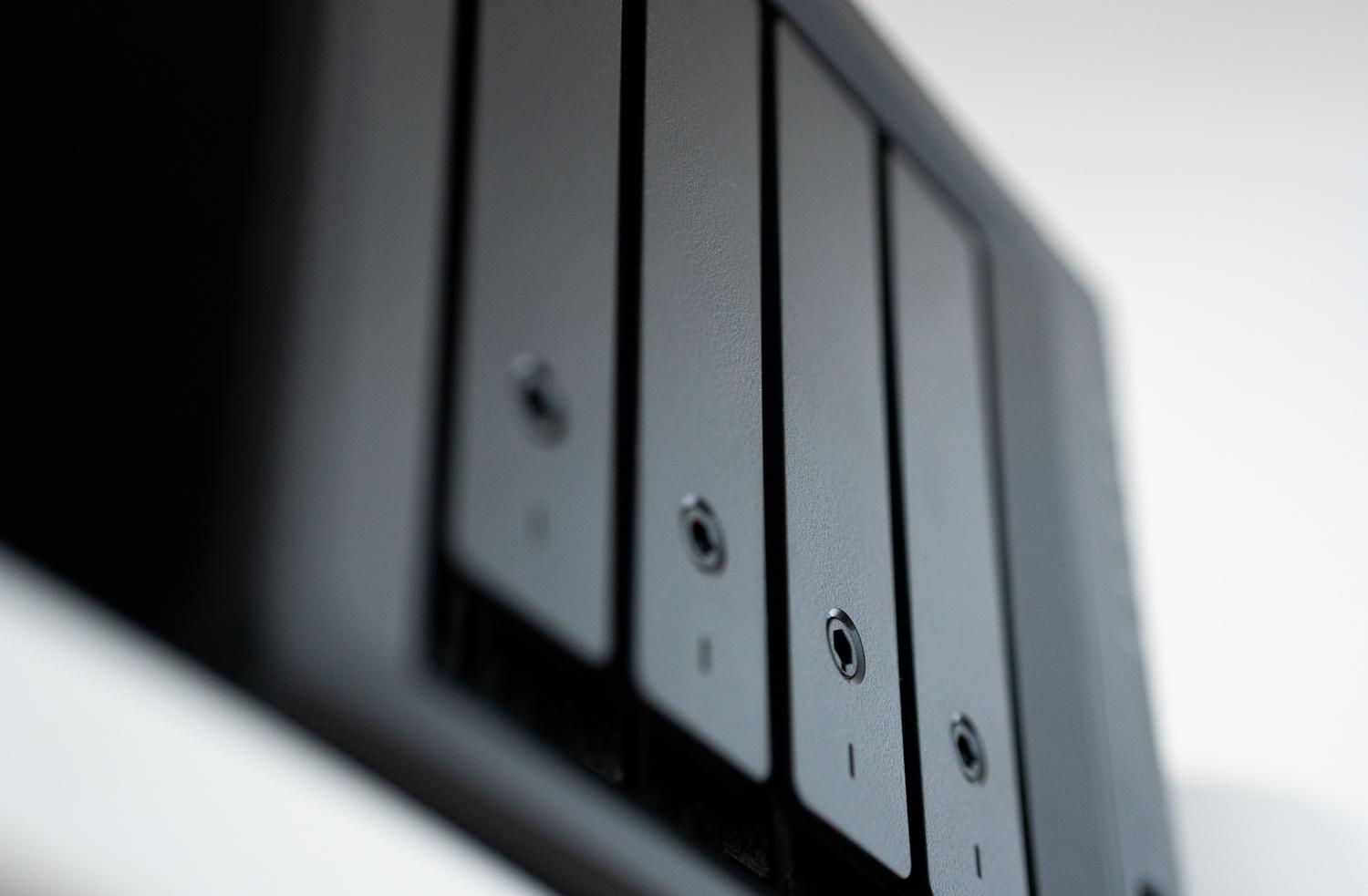
If you have a NAS or a Linux Mini PC, installing Calibre-web using Docker is simply a step up. Unlike the basic server, Calibre-web offers a much more modern and polished interface , optimized for touchscreens and with far more refined user management. Because it runs in a container, the system is isolated from the rest of the computer , which improves stability and greatly simplifies updates.
To set up this system, you need a Calibre database already created on your computer, which you must copy to the server. In the Docker configuration file, it's vital to correctly map the paths to the configuration folder and the books folder (usually associated with /books). Once it's up and running, you'll be able to manage custom bookshelves, edit metadata, and even send books to your device with a single click.
Automation and advanced management via terminal

For more technical users, the calibredb command is a hidden gem. This command-line tool allows you to manipulate the database without opening the graphical interface. It's ideal for those who want to automate book imports ; for example, you can set up a cron job that checks a downloads folder every hour and automatically adds any new files to the library.

If you're working in a Linux environment, you can make the server a system service (systemd) . This ensures the server starts automatically every time you turn on your computer, without you having to run any commands manually. Furthermore, if you need to integrate the server into a larger website, you can set up a reverse proxy with Nginx or Apache , allowing you to use a more elegant URL or add layers of HTTPS security.
Synchronization and maintenance of the collection
One of the biggest challenges of updating a database across multiple devices is keeping it synchronized. While trying to share a single database over a network can lead to disaster and corrupted files , the best strategy is to have a master server and use tools like rsync to replicate the workbooks to local monitoring folders. This way, each Calibre instance detects updates and integrates them into its own database.
To keep the system up to date, especially in Docker, the cleanest approach is to pull the latest image and restart the container. This won't affect your books or settings, as these reside on persistent volumes outside the container. Don't forget to check the user permissions (PUID and PGID) to ensure the software has read and write permissions to your ebook folders.
Setting up a local reading ecosystem completely transforms the digital book consumption experience, making a massive library accessible and organized. From the simplicity of a single click in a desktop application to the power of a Docker server with reverse proxies, you have complete control over your metadata and files, ensuring your bibliographic collection is always available, secure, and synchronized across any compatible device.