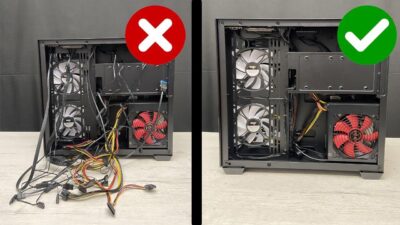
Having a cluttered desk with cables everywhere is a headache that anyone who works from home knows all too well. When you start adding peripherals, monitors, or chargers, it becomes a veritable jungle that not only looks terrible but is also a magnet for dust and a tripping hazard.
If you have a 3D printer at home, you have the perfect solution right at your fingertips. There's no need to spend a fortune on commercial accessories that sometimes don't fit your work surface; you can design and manufacture your own stands to keep everything tidy and organized without any hassle.

Options for managing under-desk cabling
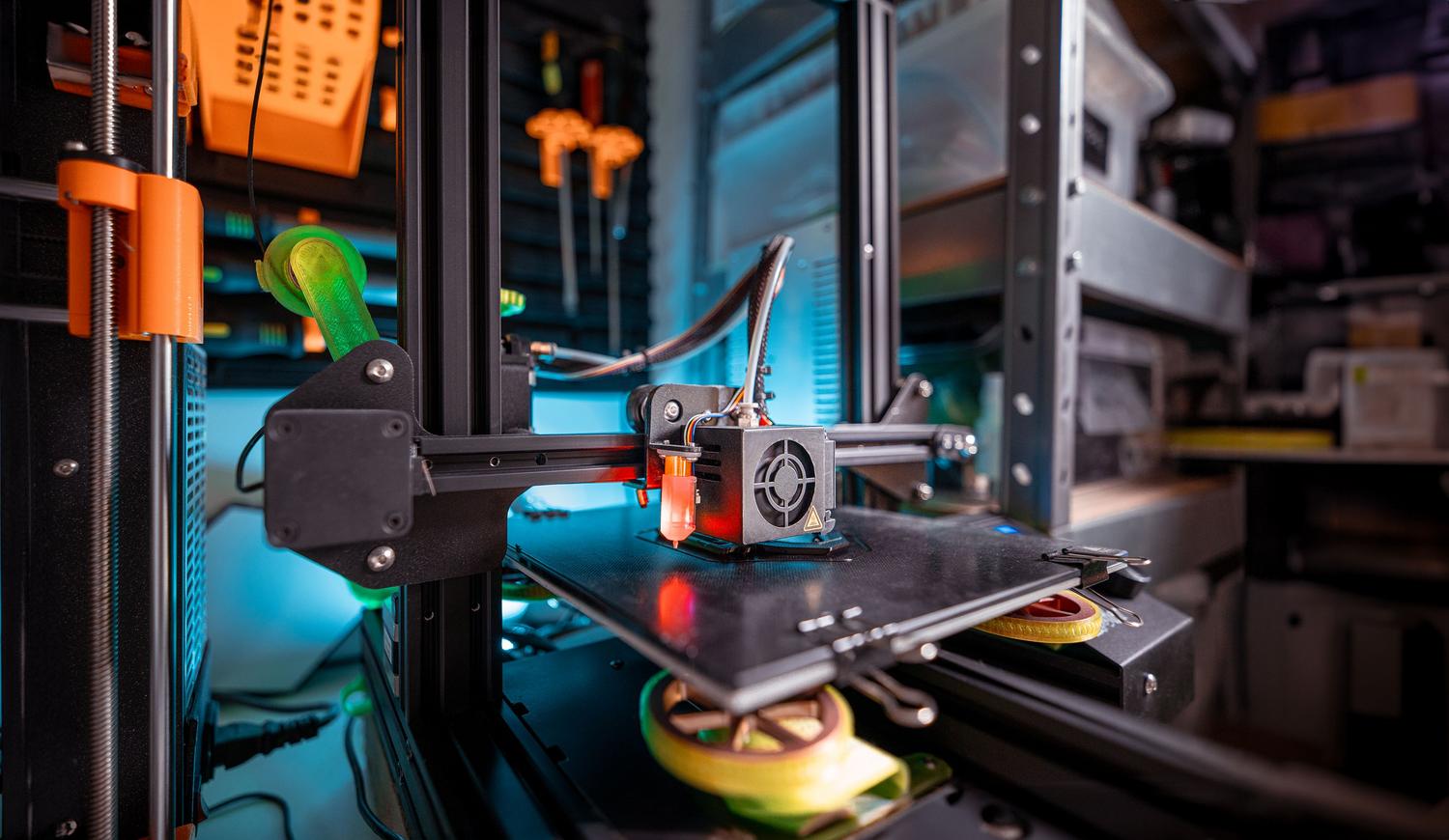
For those seeking a quick and hassle-free installation, the best option is to use adhesive mounting systems . This way, you avoid having to get out the drill and make holes in the furniture, which is ideal if you rent or simply don't want to leave permanent marks on the wood.
There are several 3D model ideas you can download to solve this problem. Some focus on creating enclosed conduits that conceal the wiring, while others use open clips that allow you to easily insert and remove cables as needed to change your equipment configuration.

Tips for choosing the best 3D model
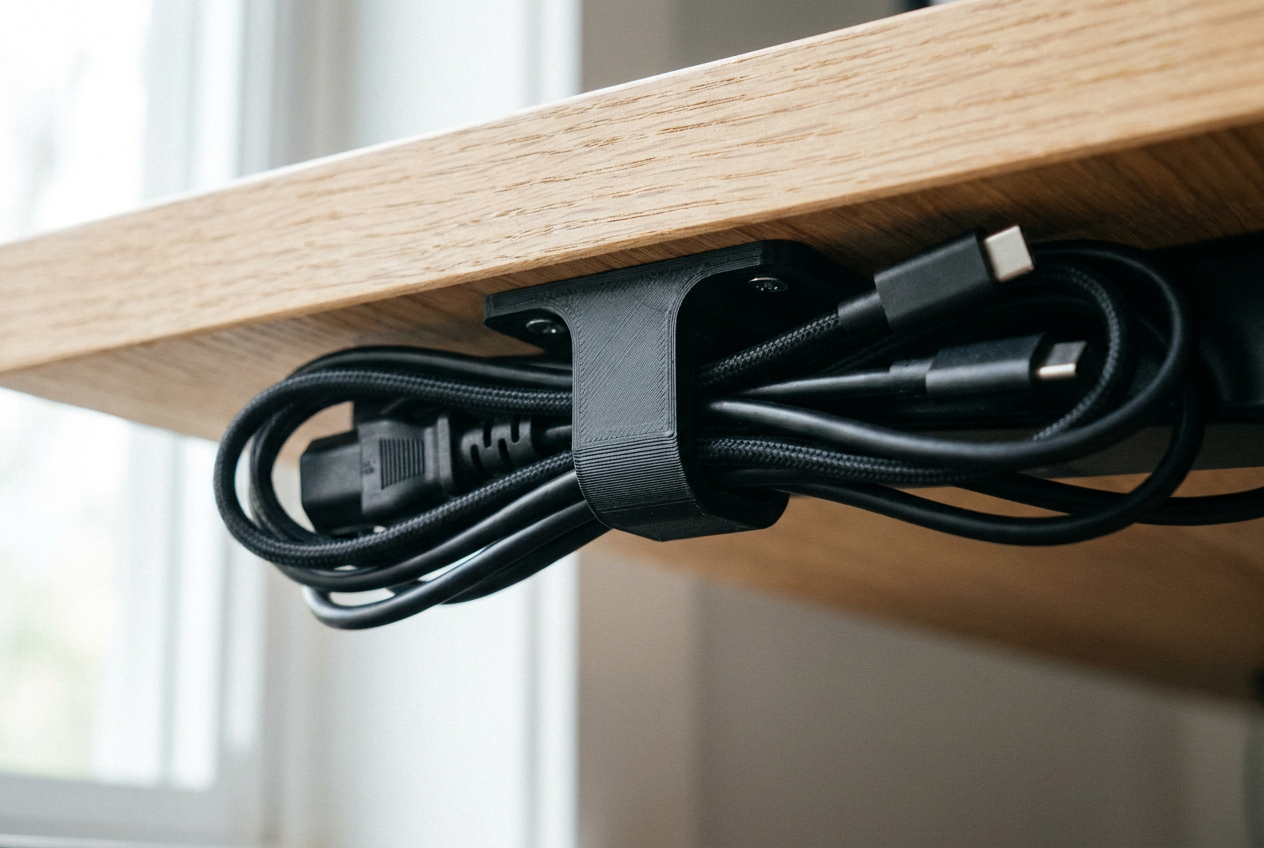
- Look for designs that allow the smooth cable routing to prevent them from bending too much and becoming damaged over time.
- Prioritize models that take advantage of the dead space under the tabletop to maximize the work area.
- Consider the printing material; for parts that bear weight or tension, the PETG is a more robust option than traditional PLA.
If you're thinking about updating your setup, don't just go with the first idea you see in a repository. Experiment with different cable management methods and try combining various types of supports to create a more organic cable flow and avoid unwieldy tangles.
The key to a minimalist desk is making the most of digital fabrication tools. By printing your own organizers, you achieve a personalized and fully functional result that eliminates visual clutter from your workspace, keeping everything organized and under control.