- There are web simulators that allow you to access the Windows 98 desktop instantly without installing anything.
- Virtual machines are ideal for office software, while low-level emulators are the best option for retro video games with 3D support.
- Using tools like DOSBox is the most efficient solution for running applications that depend strictly on MS-DOS.

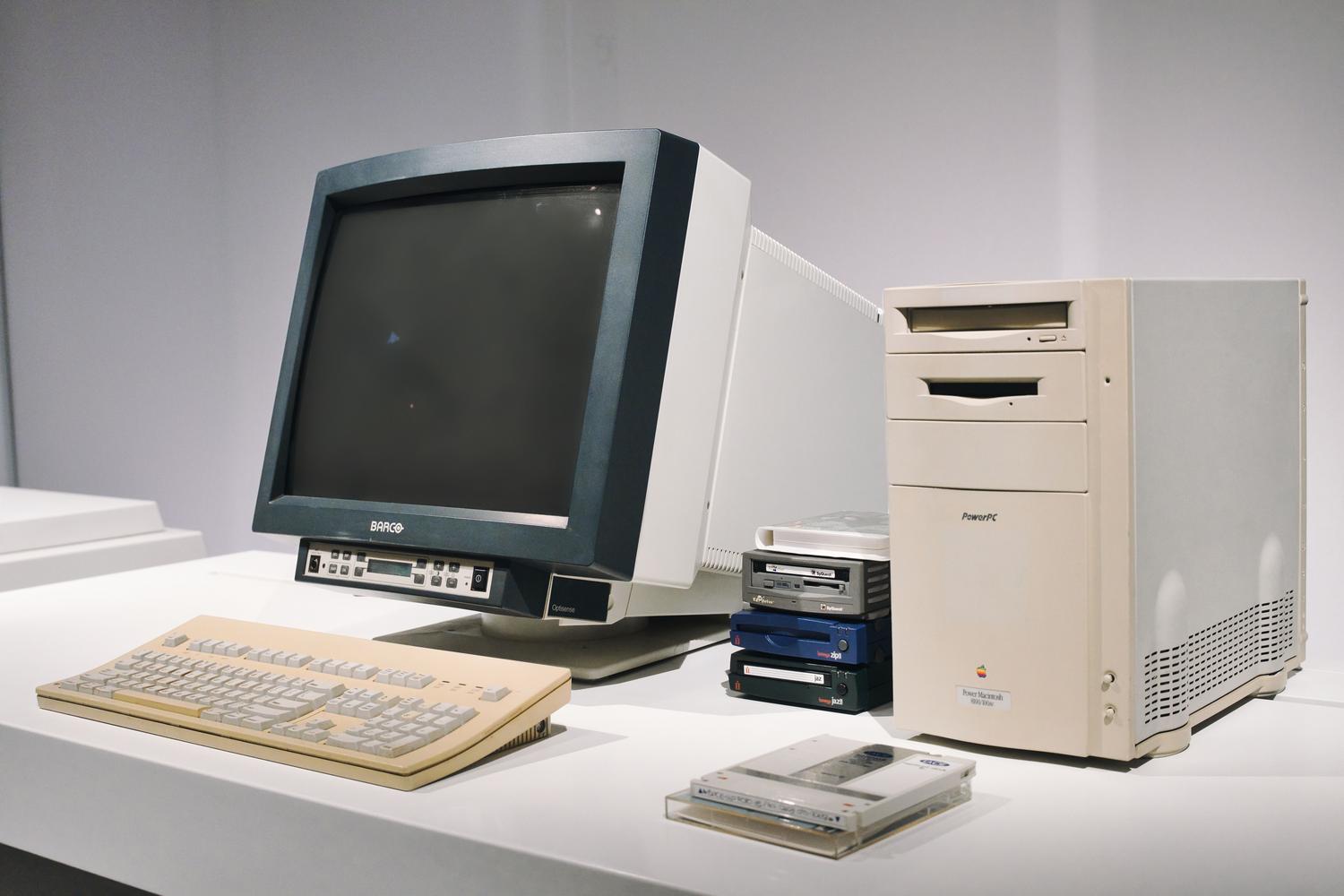
If you're feeling nostalgic or simply curious about what computing was like a couple of decades ago, you've probably realized that booting older operating systems on a modern computer is a real headache. Windows has advanced so much that support for 16-bit applications has been largely abandoned, making Windows 11, for example, essentially incapable of running very old software natively due to its 64-bit architecture.
The good news is that you don't need to buy a faded, yellowed PC from a secondhand store to experience that feeling. These days, we have options ranging from web browsers to powerful emulators that recreate the hardware piece by piece, allowing us to play retro gaming gems or try out old websites exactly as they looked back in the day without any risk to our current equipment.
For those who don't want the hassle of installing programs or configuring virtual BIOS, there's a wonderful alternative. Thanks to projects like copy.sh/v86 , it's possible to load an operating system image directly into a browser tab. It's the ideal option for satisfying your craving or showing someone how the Start Menu worked years ago without having to download a single file.
This web-based environment not only includes Windows 98, but also versions like Windows 95, 2000, Me, and even FreeDOS. While incredibly practical, it has its limitations: execution speed is slower than that of an installed program, and 3D support shouldn't be expected, as it's a simplified emulation. Even so, it comes with some pre-installed classics like Solitaire and Age of Empires to pass the time.
Virtual Machines: The balance for office software
If you need something more stable than a browser but don't want to delve into deep technical configurations, VirtualBox is the standard tool. This free virtualization software from Oracle lets you create a virtual computer within your Windows 10 or 11. You just need to download the application and obtain a Windows 98 ISO image , which can usually be found in repositories like the Internet Archive.
The process is quite intuitive: you create a new virtual machine, allocate a modest amount of RAM (between 64 MB and 256 MB), and a virtual hard drive of about 2 GB, which was more than enough space at the time . A critical point is the resolution, since by default Windows 98 only recognizes 640x480. To solve this, you need to find specific video drivers created by the community and load them using an additional ISO image into the virtual machine's storage.
To transfer files from your physical PC to the virtual machine, forget about using Guest Additions, as they are not compatible with older versions. The most effective method is to create a shared network folder within the Windows 98 Control Panel, allowing the host computer to store the installers for the programs you want to test.
Low-level emulation: The salvation for video games

This is where many people get confused. A virtual machine like VMware or VirtualBox simulates generic, modern hardware, which means that older games that require a specific Voodoo or Sound Blaster sound card simply won't start or won't have any sound. To fix this, we need a low-level emulator like 86Box and its WinBox interface.
Unlike virtual machines, 86Box recreates the motherboard, processor, and sound chips cycle by cycle . This allows you to configure the exact hardware from 1997, including 3dfx graphics cards to enjoy 3D acceleration. However, keep in mind that this process is much more demanding on your current CPU, as it's doing a Herculean job to emulate a Pentium or 486 processor.
The installation on 86Box is more manual and requires patience. You need to use a boot disk to format the hard drive using the fdisk command and then run the setup from the CD drive. It's a process that may seem cumbersome, but it's the only way to guarantee that the sound and graphics work exactly as they did on the original machine.
Lightweight solutions for MS-DOS and 16-bit applications
It's not always necessary to install a complete operating system. If the program you want to run is a command-line program, the most sensible option is to use DOSBox or DOSBox-X . These tools efficiently emulate the MS-DOS environment and are compatible with almost any modern operating system, thus avoiding the tedious task of installing Windows 98.
On the other hand, for 16-bit programs that don't require a complex graphical interface, there's OTVDM . This application allows you to run older software on 64-bit Windows without virtualizing the entire system, functioning as a kind of real-time instruction translator , which saves a significant amount of system resources.
Depending on what you're looking for, you can choose the browser for a quick test, VirtualBox for simple applications, 86Box for an authentic gaming experience , or DOSBox for console software. Each tool has its purpose, and by combining them, you can transform your current computer into a veritable encyclopedia of retro computing without risking breaking anything.