There's nothing more frustrating than trying to plug in a USB drive or mouse and realizing that your computer's USB port has given up the ghost. Whether the connector is physically loose, only works if you move the cable at a specific angle, or the system doesn't even detect that anything is plugged in, These failures are an everyday occurrence. in hardware maintenance.
The good news is that, although it may seem like the end of the world, the vast majority of these problems can be fixed without having to throw the computer out the window or spend a fortune on a new motherboard. simple settings in Windows From surgical interventions with a welder, there are multiple ways to restore the functionality of your ports and extend the lifespan of your machine.

Why do USB ports stop working?
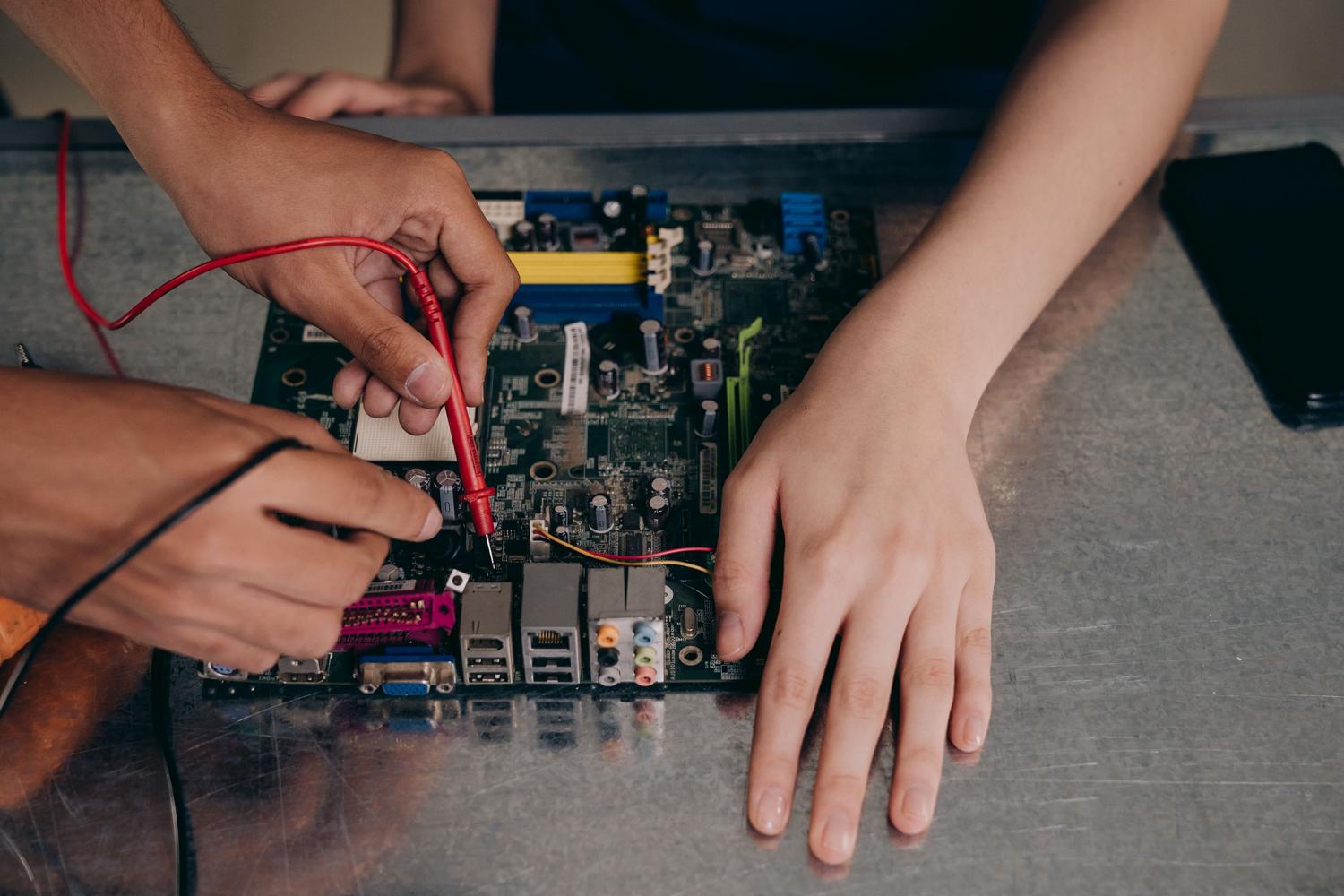
The most common cause is, without a doubt, Wear and tear from heavy useConstantly inserting and removing devices can bend or break the internal metal tabs, and the mechanical pressure eventually fractures the solder joints that connect the connector to the motherboard. In desktop PCs, front ports are especially vulnerable because they are typically subject to more vibration and jerking than rear ports.
We also need to take into account the electrical and environmental accidentsA power surge can fry the USB controller chip, rendering the port unusable even if it appears perfectly fine. On the other hand, humidity, accumulated dust, and grease create corrosive processes that interfere with data transmission, causing intermittent or nonexistent connections.
Steps for an accurate diagnosis
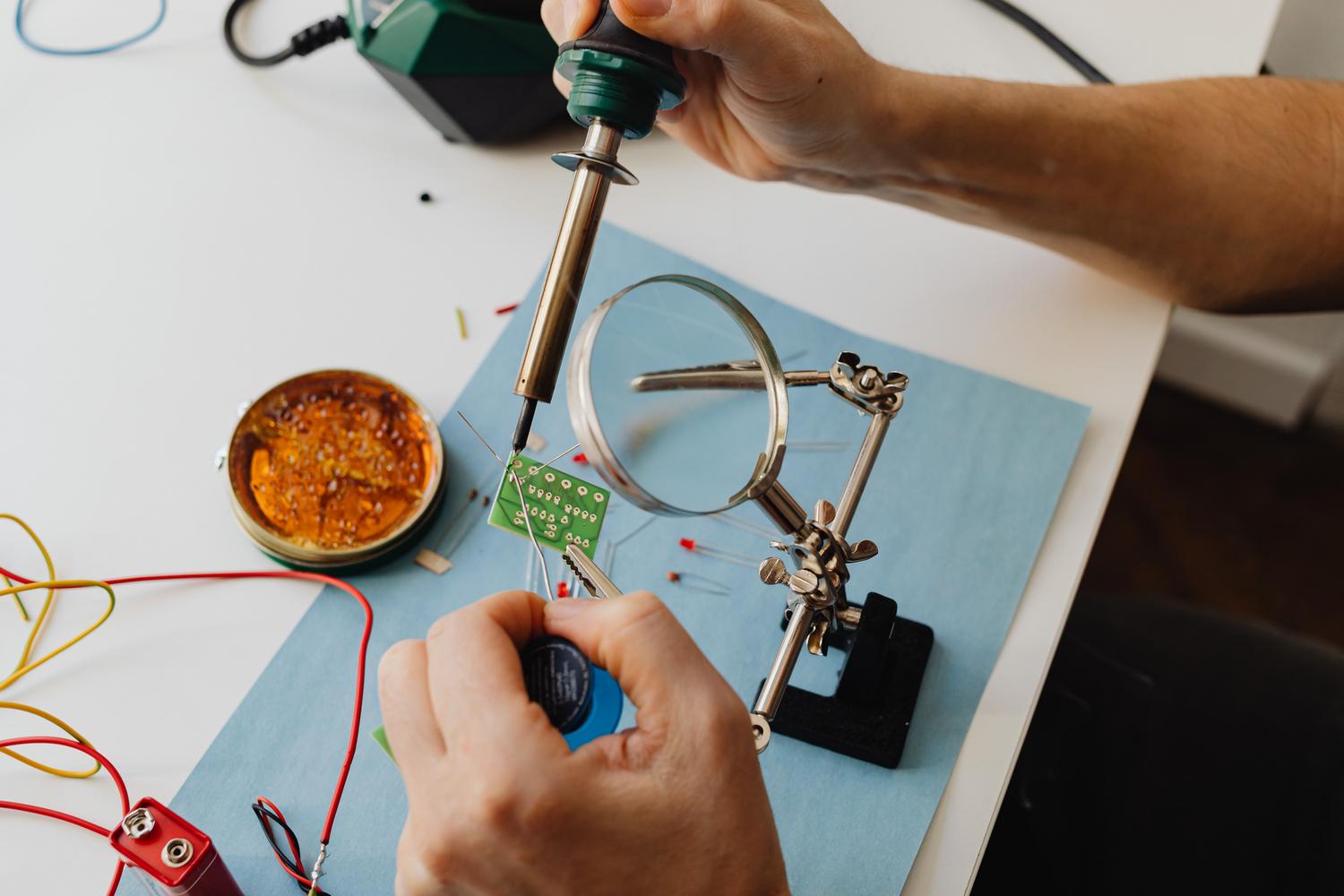
Before you get out the soldering iron, you need to play detective to pinpoint the problem. First, rule out the peripheral itself as the issue; try the device on another computer or check if you have a USB memory not recognizedIf the problem persists in the port, a visual inspection with a magnifying glass or microscope It is essential for detecting bent pins, embedded dirt, or cracked solder joints.

At the electronic level, the use of a multimeter allows you to check the electrical continuity between the port and the board. If the device receives power (lights illuminate) but does not transfer data, the problem is usually on pins 2 and 3. If there is no power, the fault could be on pin 1 (5V power supply) or pin 4 (ground). In more complex cases, oscilloscopes are used to analyze whether the data signals are reaching the controller correctly.
Software and configuration solutions
Sometimes the hardware is intact and the culprit is the operating system. In Windows 10 or 11, it's very common for the USB host controllers become corrupted. An effective solution is to go to Device Manager, uninstall the Universal Serial Bus drivers, and restart your computer, especially if you are looking for Why doesn't Windows recognize the USB drive? and how to fix it.
Another common problem is USB selective suspendSelective Sleep is a power-saving feature that turns off the port to conserve battery, especially on laptops. This can be fixed by changing the advanced power settings in the Control Panel and disabling selective sleep. Even if none of this works, a BIOS or UEFI reset It can bring back to life ports that were accidentally disabled at the firmware level.

Physical repair and microsoldering techniques
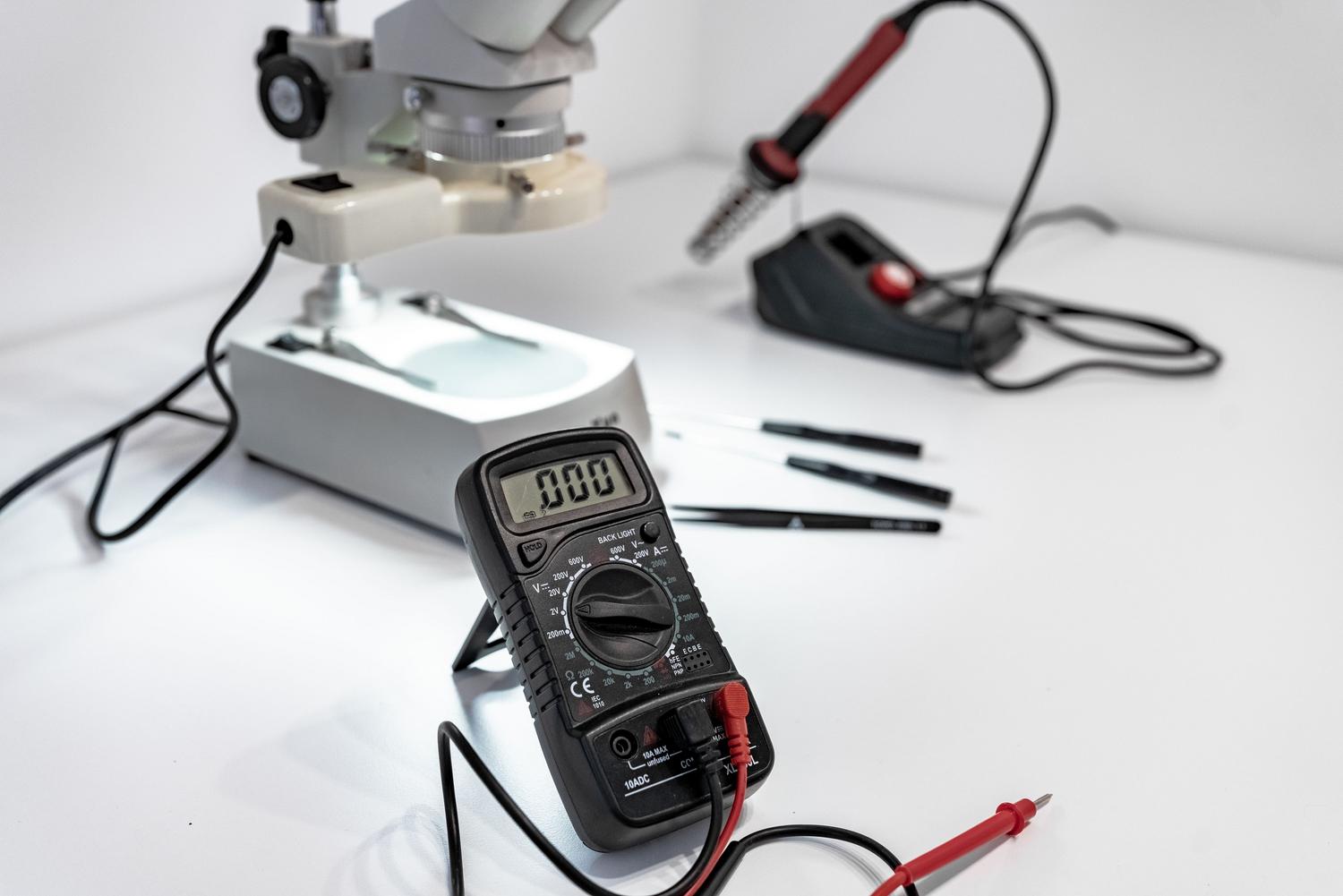
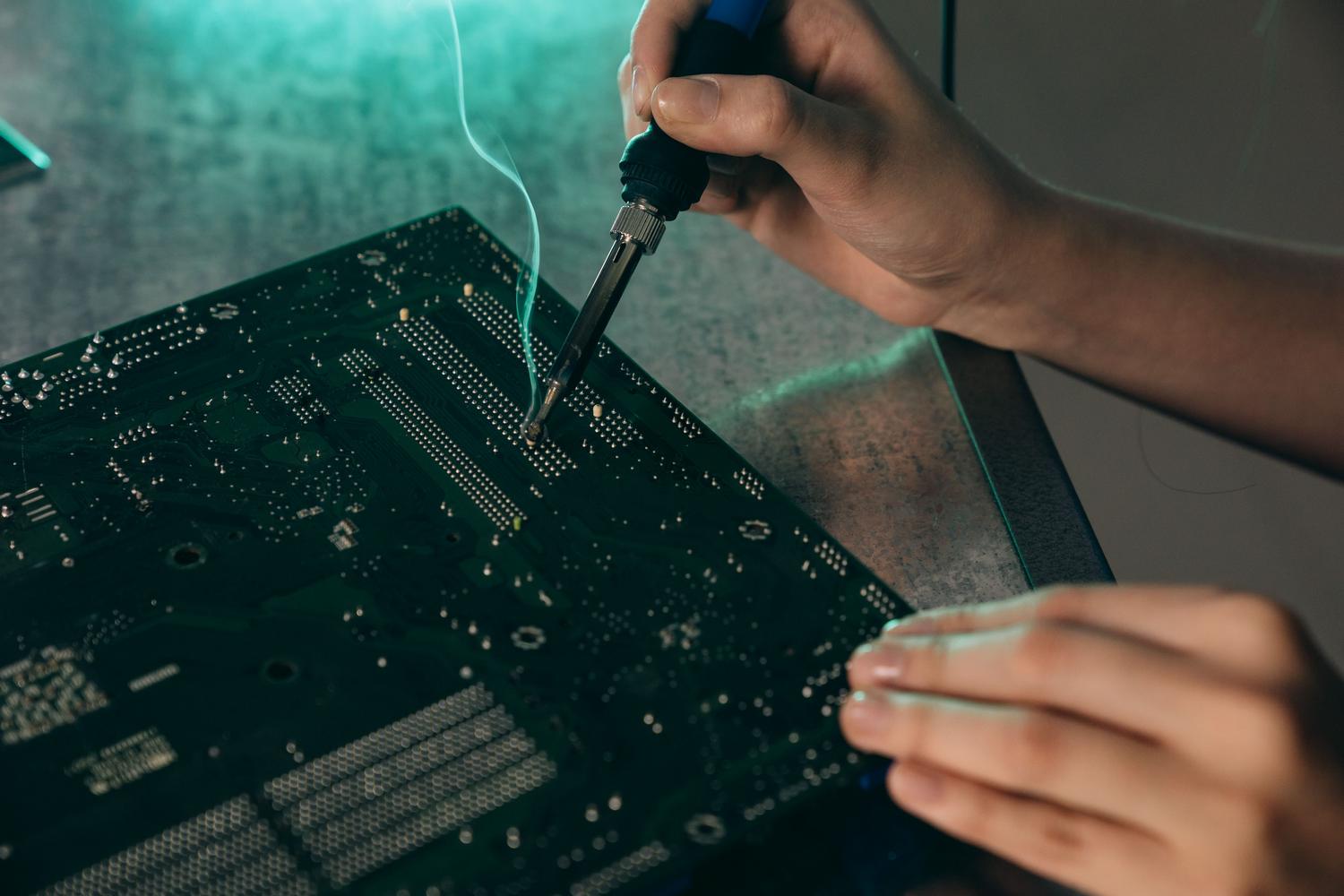
When the damage is mechanical, we enter the realm of electronics. If the port is loose, a hot air station is required to remove the damaged connector without damaging the copper traces. It is vital to work with controlled temperatures (generally between 310°C and 350°C) and use flux to ensure that the solder joint is clean and strong.
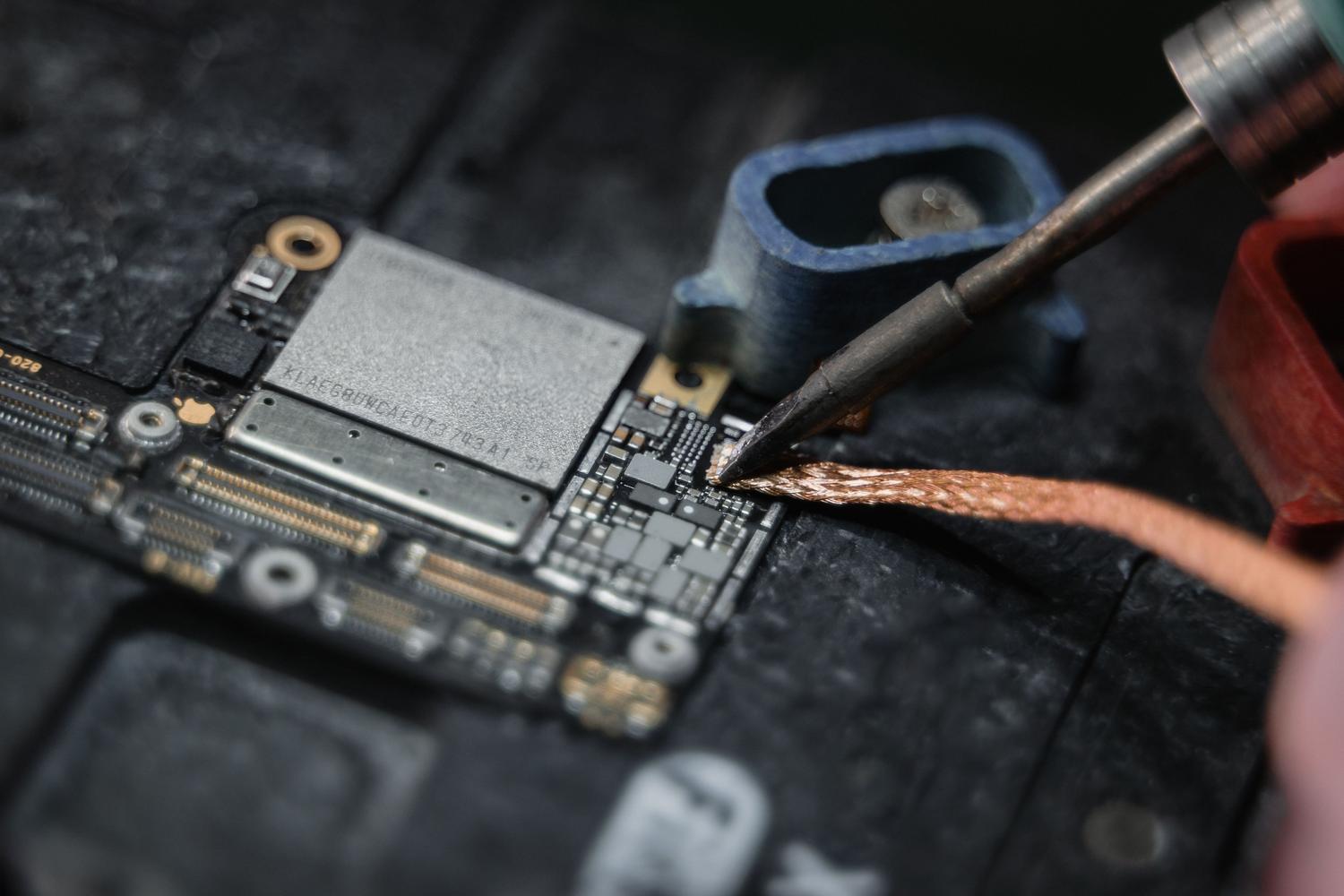
In situations where the port has ripped the traces off the motherboard, a reconstruction with enamelled copper wireThis process involves manually creating a bridge from the connector pin to the next viable point in the circuit. For controller chip failures, the solution is... reballing or replacement of the BGA integrated circuit, a high-precision job that requires specialized machinery to avoid deforming the PCB.
Maintenance to prevent future breakdowns
To prevent this from happening again, it's best to avoid forcing the connector and not leaving USB cables dangling that could put pressure on it. Use voltage regulators It protects the internal components from power surges that could damage the controllers. Furthermore, regular cleaning with compressed air prevents accumulated lint from causing short circuits or intermittent connections.
Keep in mind that repairing the connector is often up to 80% cheaper than replacing the entire board, in addition to preventing data loss and reducing electronic waste. The key is in do not force the port when it starts to fail, since minor damage to the solder joint is much easier to fix than a copper trace that has been completely ripped off.
Restoring USB connectivity involves a logical analysis that begins with cleaning and checking drivers, escalating to physical intervention via microsoldering if the damage is structural. Whether by optimizing power management in Windows or rebuilding damaged traces on the motherboard, it's possible to restore functionality to any device, avoiding unnecessary expenses on new hardware and prioritizing specialized technical repair.
