- The availability of the update is managed through a phased rollout based on hardware compatibility.
- It is essential to verify the minimum requirements such as TPM 2.0 and Secure Boot through the PC Health Check app.
- Installation can be performed via Windows Update, using the Installation Wizard, or using an official ISO image.
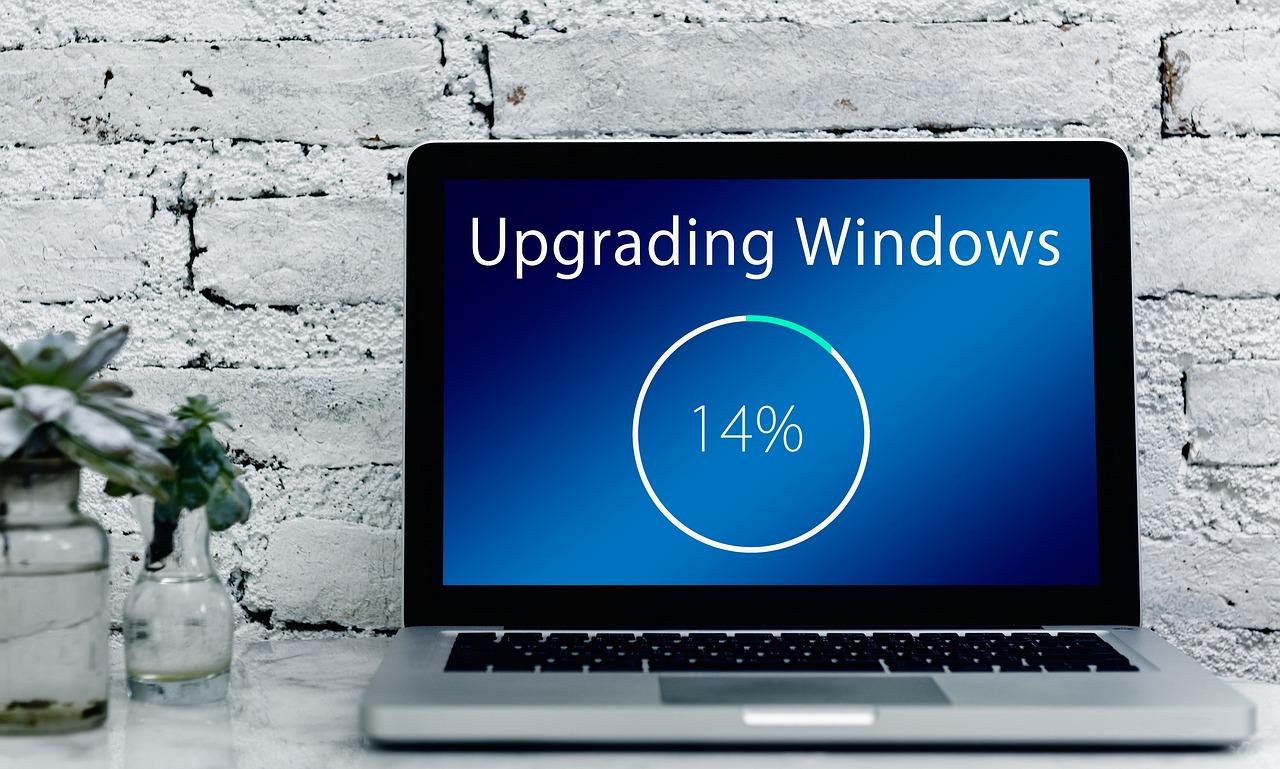
If you've noticed your computer isn't performing as expected, or you want to know if you can upgrade to the latest version of Windows 11, you're probably in the right place. Not everyone receives the new features at the same time, as Microsoft usually releases these updates gradually to prevent half the world from being left without a PC due to an unexpected bug.
The first thing to understand is that upgrading to version 26H2 doesn't always mean wiping everything and starting from scratch; it's often an enablement package . This means that many of the features are already there, dormant on your hard drive, and just need a little push and a restart to start working at full capacity.
How do I know if my PC is eligible for the upgrade?
Before you rack your brains looking for buttons, it's wise to take a look at the technical requirements. We don't want the process to be cut short because you're missing a piece of hardware. For the system to run smoothly, you need a 64-bit processor with at least two cores and a speed of 1 GHz, along with a minimum of 4 GB of RAM and 64 GB of free disk space.
But be aware that there are more modern features that can cause problems. It's essential that you have TPM 2.0 and Secure Boot enabled in your motherboard's BIOS. If you're unsure whether your machine meets all these requirements, the most reliable tool is the PC Health Checker application , which will clearly tell you if it's compatible or if you're missing any technical adjustments.
Steps to check the availability of version 26H2

The easiest and safest way to check if your system is approved is to go directly to your system settings. Simply open Windows Update and click the "Check for updates" button. If you're lucky and your computer was selected in the first round, you'll see the option to download and install version 26H2.
For those who are impatient, there's an option called "Get the latest updates as soon as they're available ." While enabling it helps you be among the first to receive them, it's not a miracle cure: if Microsoft detects that your sound card or a driver is incompatible with this version, it will apply a safeguard hold, and you won't see the update until a patch is released to fix the issue.
Alternative installation methods
If Windows Update is ignoring your PC's compatibility but you know it's compatible, you have other options. The Windows 11 Setup Wizard is a great alternative that forces the check and guides you through the process. It's ideal for those who don't want to wait for the system to decide for them.
For more experienced users or those who prefer to start with a clean slate, downloading the official ISO image and creating a bootable USB drive is the best option. However, be very careful because a clean installation will erase your data, so back up your important files before taking the plunge.
New features and relevant changes in the system
Unlike previous years, the visual change may not be a jarring shift because many features have been rolled out gradually through monthly patches. Even so, version 26H2 optimizes background performance and brings improvements to window management, resulting in a smoother workflow.
In terms of productivity, File Explorer now uses artificial intelligence to summarize OneDrive and SharePoint documents, and supports more compressed file formats. The Start menu and taskbar have also been redesigned, offering new layouts and sizes to better suit individual users.
Troubleshooting and maintenance

If you find that the update gets stuck, the first thing to do is free up disk space, making sure you have at least 20 GB free . It's also advisable to temporarily disable any third-party antivirus software that might be interfering with the system's write process.
In enterprise environments, special attention must be paid to the domain's trust relationship . It has been observed that some computers using Credential Guard may lose connection to Active Directory due to identity isolation. In these cases, the solution typically involves modifying the Windows registry or applying specific group policies to reverse the issue.
Support lifecycle management
Installing the latest version isn't just about showing off new features, it's about security. The Home and Pro editions of version 24H2 have a very close support expiration date (October 2026), so upgrading to 26H2 guarantees you another 24 months of peace of mind with security patches and bug fixes.
If you notice something isn't right after updating, remember that you have 10 days to revert . Simply go to the Recovery section in settings and select the option to return to the previous version, provided you haven't deleted the files from the previous installation.
The update to version 26H2 is primarily presented as an optimization of the Germanium kernel that extends the device's lifespan and adds AI and accessibility tools. To obtain it, simply check Windows Update or use the Installation Wizard, always ensuring you have TPM 2.0 and sufficient disk space to avoid errors during Microsoft's gradual rollout.