- There are tools like Nation AI and Duck.ai that allow you to chat with various language models anonymously and for free.
- Both ChatGPT and Microsoft Copilot offer no-registration access modes for quick queries, although with some feature limitations.
- For absolute privacy, it is possible to run language models locally on the computer using software such as Ollama or LM Studio.
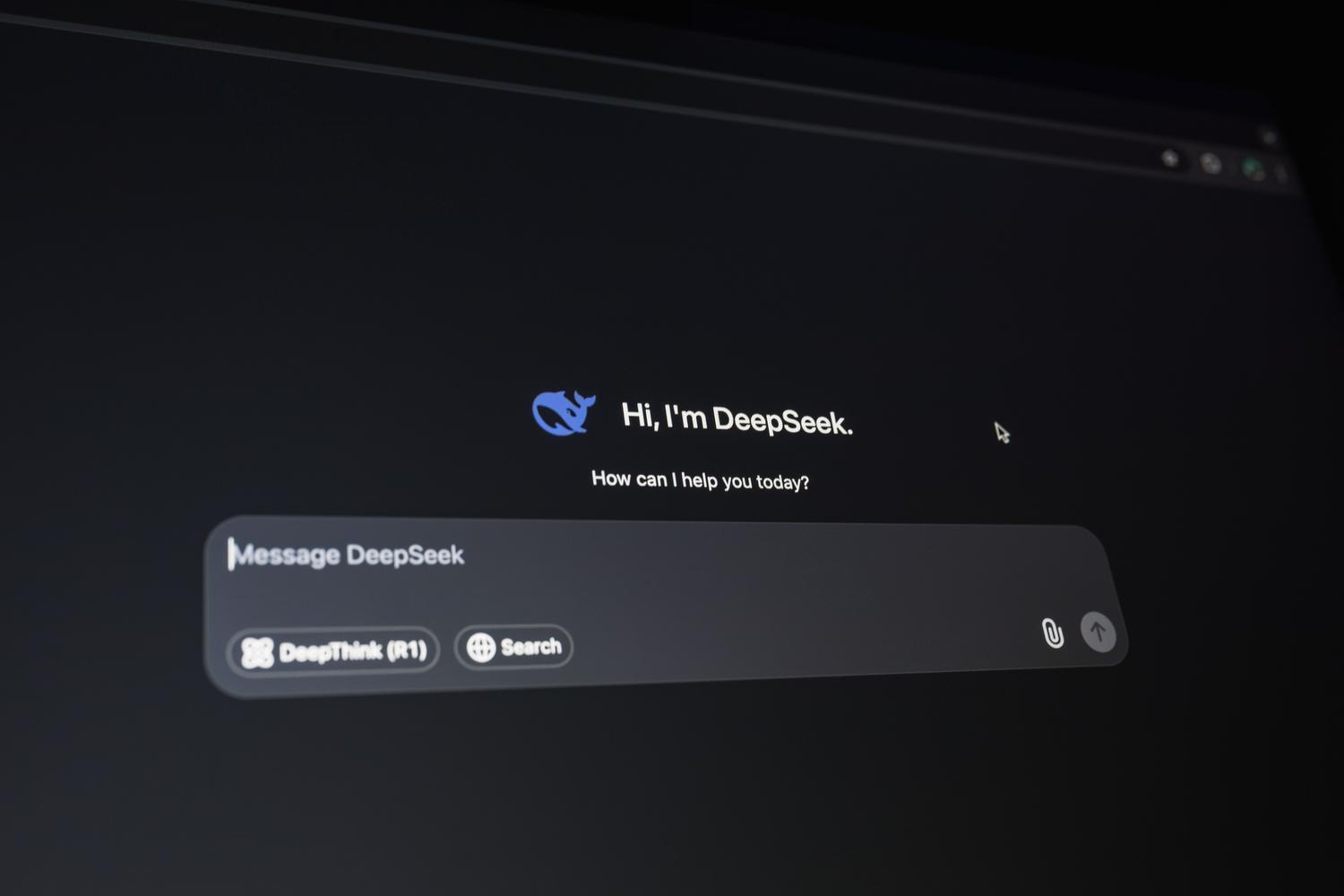
These days, anyone who hasn't heard of artificial intelligence must be living under a rock. However, many people still go through the hassle of creating accounts and providing email addresses every time they want to try a new tool, whether out of laziness or to protect their privacy. The good news is that there are excellent options for chatting with advanced bots without having to go through the cumbersome registration process.
In this sense, the range of possibilities is wider than it seems. From giants like Microsoft or OpenAI to more discreet alternatives focused on total privacy , there are ways to write texts, program code, or simply answer quick questions without leaving a digital trace or filling your inbox with newsletters. Let's take a closer look at the best ways to leverage AI without complications.

Nation AI: Simplicity and speed in Spanish

If you're looking for something straightforward, Nation AI is a very effective solution. It's a chatbot designed for natural conversation that allows you to generate content in Spanish without installing anything or filling out lengthy forms. Basically, you go to the website, type what you need, and the AI gives you the answer in a matter of seconds.
This service, part of the Botnation AI ecosystem, is ideal for those who want a ChatGPT-like experience but more accessible and barrier-free . You can use it to summarize very long texts, translate sentences, correct email spelling, or simply find creative ideas for a project. However, keep in mind that it uses a freemium model, so some of its more powerful features may require upgrading within the platform.

The official options: ChatGPT and Copilot

Although registration was mandatory for a long time, OpenAI has changed its policy and now allows you to use ChatGPT without creating an account . Upon entering their website, you can start chatting directly. The caveat here is that, without registration, you'll typically access the GPT-4o mini model, which is very fast, although not the most powerful in the family. Furthermore, you should be aware that your conversation history isn't saved , and you'll lose features like the voice dictation function of the mobile app.
On the other hand, we have Microsoft Copilot. If you already use Windows or Edge, you're probably already partially logged in, but if you open an incognito window, you'll see that you can interact with the bot without logging in. Copilot's strength lies in its GPT-4 integration and access to up-to-date internet data, making it more reliable for finding recent news than other closed systems.
Alternatives focused on privacy and anonymity

For those who take data protection seriously, there are gems like Duck.ai. This tool, launched by DuckDuckGo, allows you to switch between various AI models such as Claude 3 Haiku, Llama 3.1, or Mistral without your information being used to train the AI. It's a safe bet if you want privacy, although keep in mind that these models are not usually connected to the network in real time.
Another interesting option is Venice.ai, which promotes itself as an uncensored and completely private AI . It primarily uses Llama 3.3 and is perfect for those seeking less filtered responses or wanting to experiment with simulated characters. And if you enjoy exploring, Hugging Face is paradise; in its Spaces section, you can try hundreds of language models and image generators without providing any personal information.
If you don't want to keep switching between tabs, there are extensions like Merlin or Monica. These tools integrate with Chrome or Edge and work as virtual assistants that help you write emails or summarize YouTube videos. While some require a Google account or your own registration, they save you from having to manage a separate OpenAI account to take advantage of its technology on any website you visit.
Bringing AI to your own terrain: Local models
For more technical users or those who don't trust the cloud, the ultimate solution is to run AI directly on their computer. Tools like Ollama or LM Studio allow you to download models such as DeepSeek-R1 or Llama 3 and use them offline. This ensures your data never leaves your machine , eliminating any privacy risks, although it does require a decent PC, especially in terms of graphics card performance.
How to get the most out of AI (The art of the prompt)
To prevent any AI, whether it has an account or not, from giving you generic answers, the key is in the prompt. It's not the same to say "tell me about marketing" as it is to ask for a detailed outline for a 1.000-word article about clothing stores, delivered in a professional tone. The more context you provide and the more you specify the format (tables, lists, short paragraphs), the better the result will be.
Remember that AI is an assistant, not an absolute truth. It's crucial to verify critical data , such as dates or laws, as AI can be prone to "hallucinations" and fabricate information that appears real. Use the tool to structure, write, or program, but always add the final human touch to ensure everything is accurate and natural.