- It allows the analysis of system stability through the study of phase and gain margins and Bode diagrams.
- Automatically optimizes PID controller settings to achieve desired performance.
- It facilitates the creation of mathematical models from real data by identifying systems.

When we delve into the world of control engineering, it's very common to realize that designing a controller blindly is a recipe for disaster. This is where Simulink Control Design comes in , a tool that essentially takes the headache out of having to do all the calculations by hand and allows you to design, analyze, and optimize control systems in a much more visual and efficient way.
It's not just about connecting blocks and seeing if the system is stable, but about having an integrated environment that allows you to move from the mathematical model to the real-world implementation without trial and error. This tool is essential for those who want their systems to respond exactly as they intend, preventing the equipment from fluctuating wildly or taking forever to stabilize.
Frequency response and stability analysis
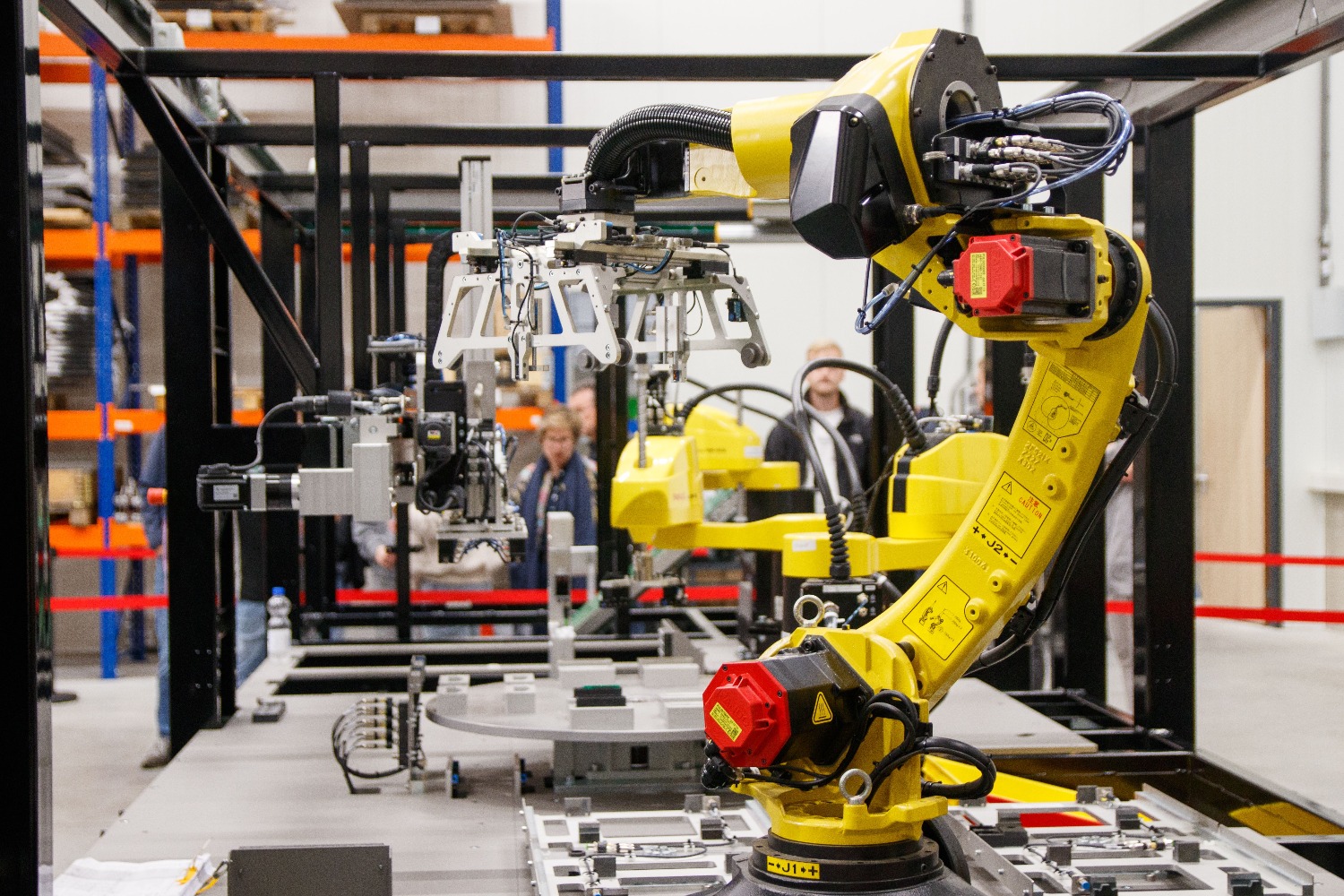
To master a system, you must first understand how it behaves. Simulink Control Design offers powerful tools for frequency response analysis , allowing you to easily visualize Bode and Nyquist plots. This is vital for determining phase margin and gain margin , ensuring that the system does not become unstable in response to small parameter variations.
In addition to traditional graphs, you can use linearization tools . Since many real-world systems are nonlinear, the ability to obtain a linear model at a specific operating point allows you to apply classical control theories to precisely fine-tune device performance .
Controller tuning techniques

Sometimes, manually adjusting a PID controller is a complete waste of time. That's why the software includes the PID Tuner , which automates the search for ideal parameters based on your defined performance requirements. You can prioritize response speed or, conversely, prevent the system from overshooting.
- Automatic tuning: Optimize the constants P, I, and D based on the system model.
- Robustness analysis: Verify that the controller continues to function properly even as system components age or change.
- Advance and lag compensators: It allows you to design filters to improve stability or reduce steady-state error.
The best part is that you can perform these tests in an interactive environment , where you change a value and immediately see how it affects the response curve, which speeds up the workflow tremendously.
Systems identification and modeling
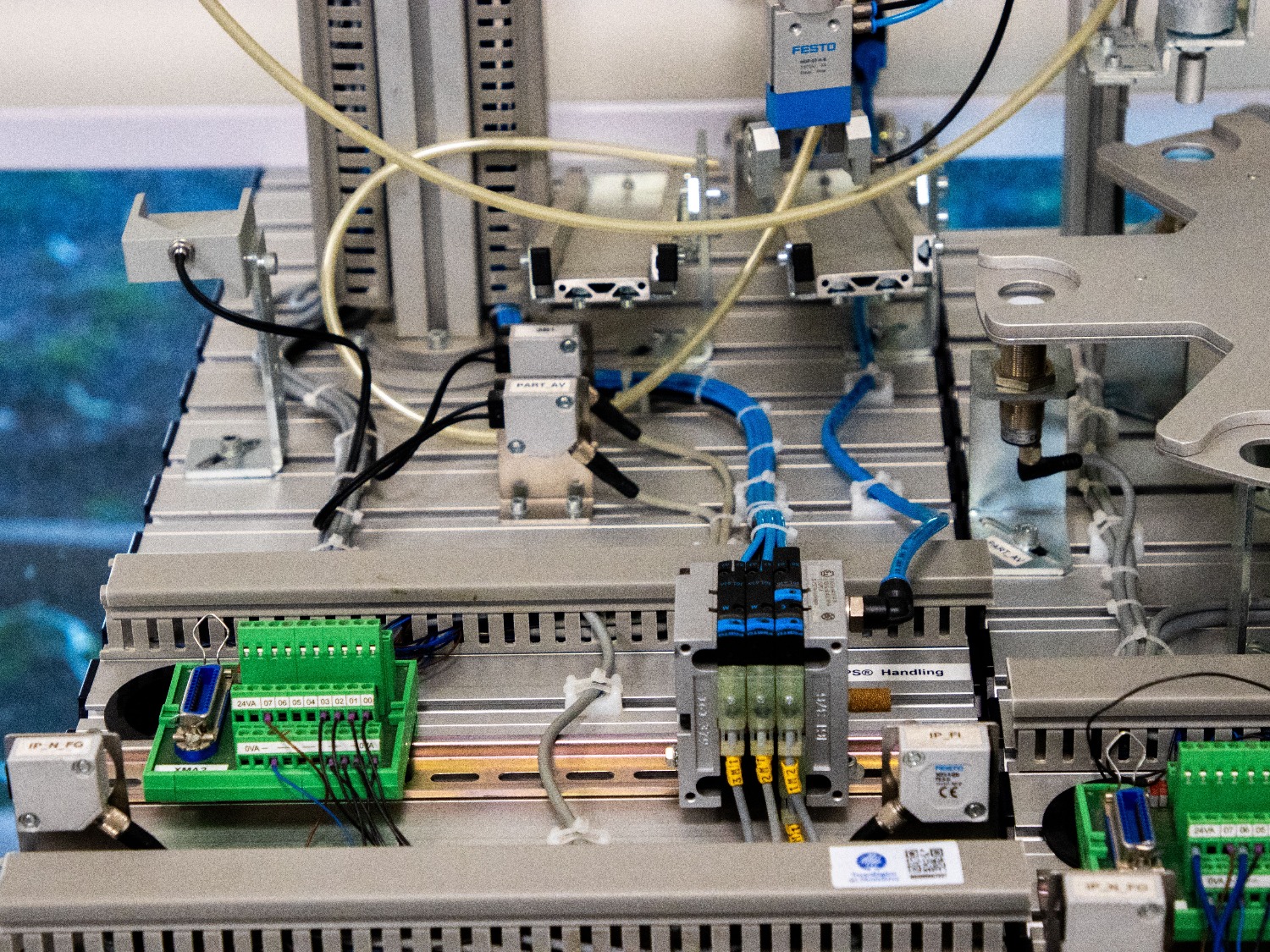
We don't always have the perfect mathematical equation for the plant we want to control. In those cases, data-driven modeling is the solution. Simulink Control Design allows you to take input and output data from a real system to create an approximate mathematical model that behaves just like the physical hardware.
This identification process is crucial because it eliminates uncertainty. By having a reliable model, you can test thousands of control configurations in the simulator before loading the code onto the hardware , drastically reducing the risk of breaking something expensive during real-world testing.
Advanced optimization and workflow
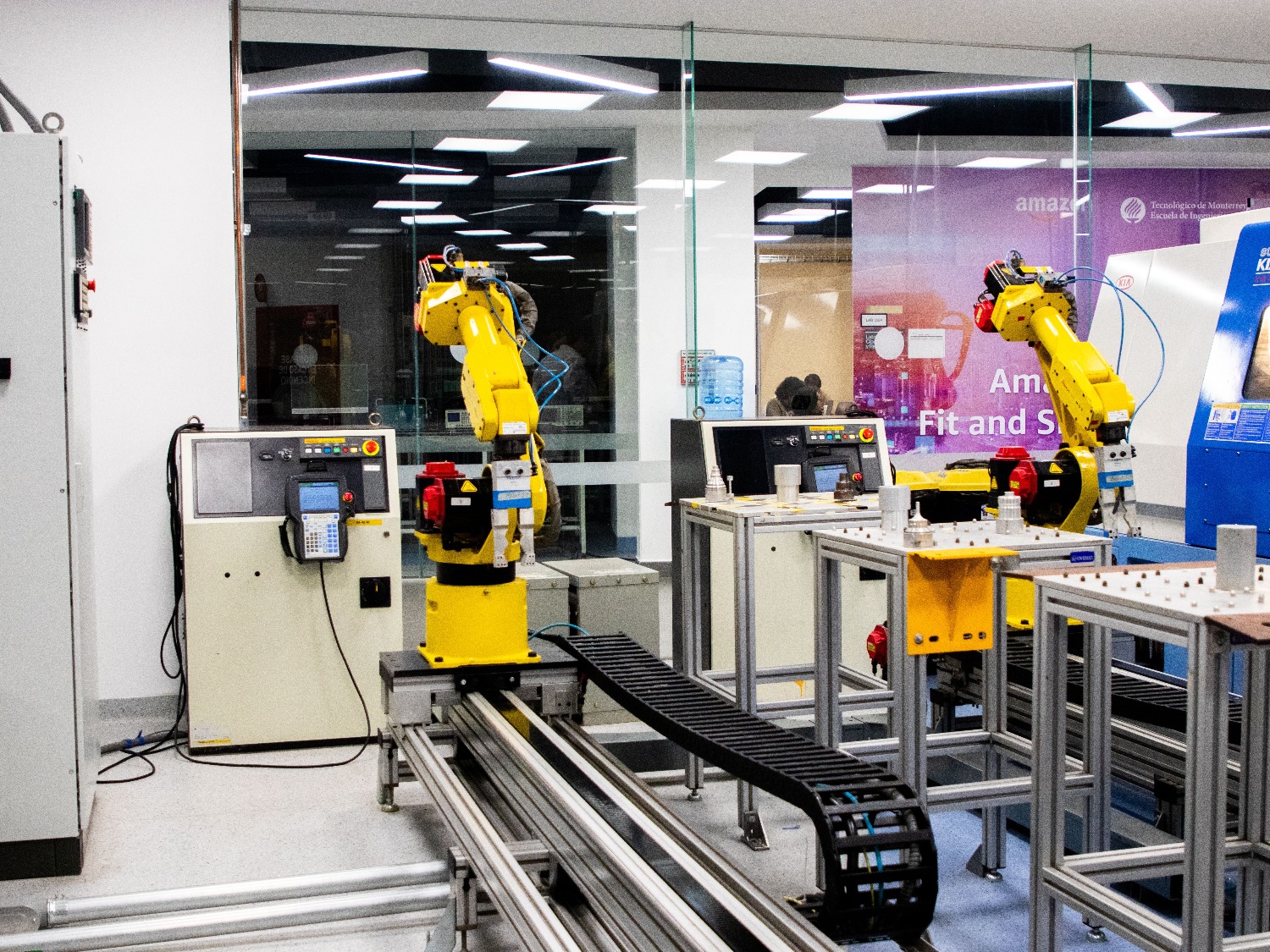
When requirements are very strict, basic manual or automatic tuning isn't enough. This is where constraint-based optimization comes in . You can define specific objectives, such as a settling time of less than one second, and the software will find the optimal combination of parameters that meets all those conditions simultaneously.
This entire process integrates seamlessly with the MATLAB ecosystem, meaning you can automate scripts to test hundreds of different scenarios. This rapid iteration capability is what separates a mediocre design from a professional-grade one , ensuring a robust and efficient final product.
The use of these tools allows the complexity of control theory to be transformed into a visual and systematic process. By integrating linearization, automatic tuning, and model validation, precise control over the dynamic behavior of any system is achieved, optimizing both development time and the reliability of the final result.
FAQ
What is Simulink Control Design used for?
It is a tool designed to analyze, tune, and optimize dynamic control systems using visual and mathematical models.
How does the PID Tuner help in the design?
Automate the search for optimal controller parameters to meet response time and stability targets without manual calculations.
What is linearization in Simulink Control Design?
It is the process of converting a nonlinear system into a linear model around an operating point to facilitate its analysis by classical control.
Can models be created if I don't have the system equations?
Yes, the software allows for the identification of systems using real input and output data to generate an approximate mathematical model.
How do you verify the stability of a system with this tool?
Frequency analysis tools, such as Bode and Nyquist plots, are used to evaluate phase and gain margins.
Is it possible to optimize control under specific constraints?
The environment allows you to define performance constraints and automatically search for parameters that optimize system response.
