- The use of virtual private networks and proxy servers allows you to mask your IP address to bypass geographical or administrative restrictions.
- There are alternative methods based on modifying URLs, changing DNS servers, and using web archiving tools.
- The effectiveness of each solution depends on the type of block, whether it is imposed by the government, the internet provider, or the local network.

I'm sure it's happened to you: you try to access your favorite website and suddenly you're hit with a wall saying access is restricted. It's a frustrating situation, but the truth is, it's very common , since a large percentage of internet users live in environments with some kind of censorship or imposed limitations.
Whether you're in the office, at school, or in a country with very strict laws, there are several ways to circumvent these restrictions. The important thing to understand is that there's no single solution; the ideal method depends on who put the lock on and how that lock works.

Why on earth are they blocking our access?
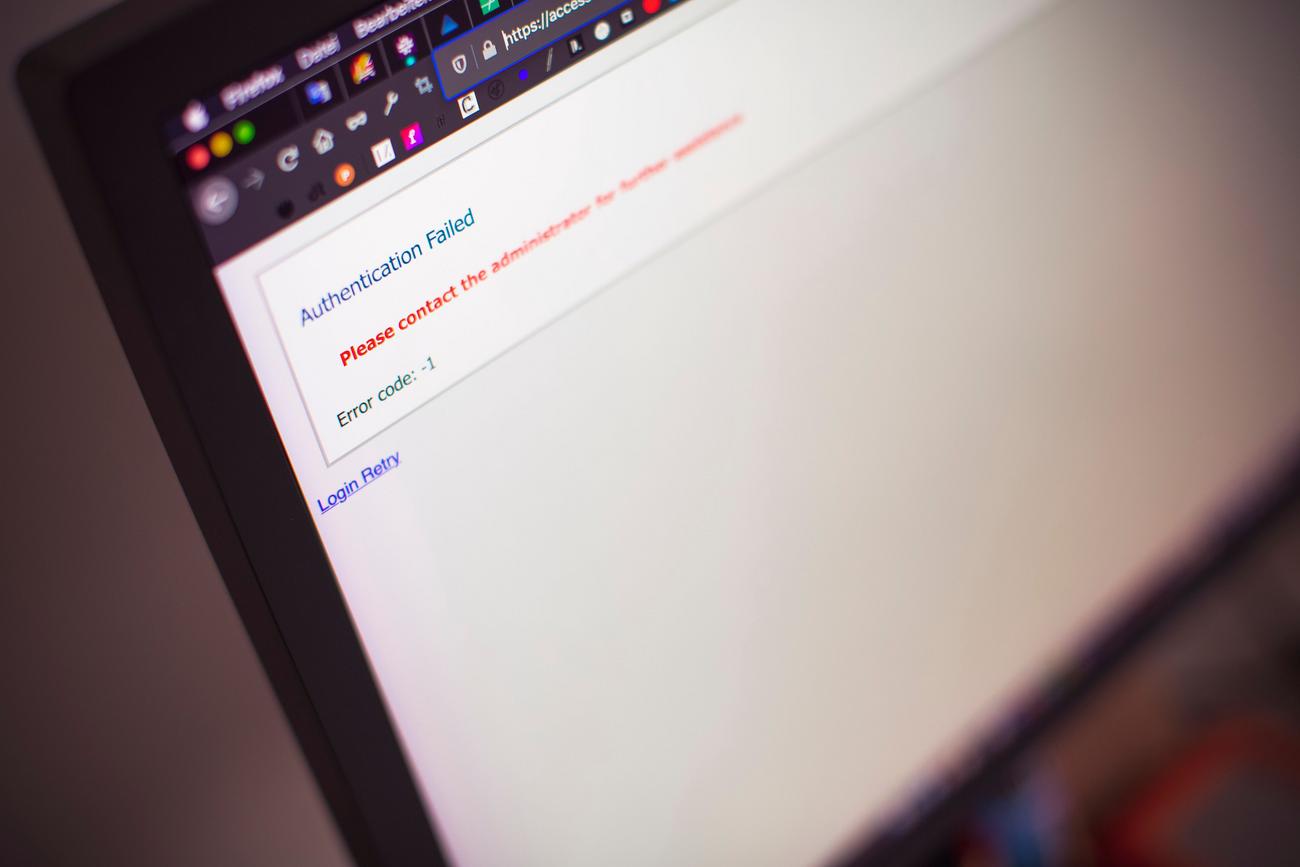
The reasons can be quite varied, but they generally fall into three main categories. First, there are local network blocks , typical of schools or companies that don't want you wasting time on social media or games. These usually work by filtering URLs; if the address is on their "blacklist," you're locked out.
On the other hand, there is government censorship . Some states restrict access to information they consider sensitive or that could damage their public image. A classic example is the Great Firewall of China. Then there are ISP (internet service provider) blocks, which sometimes limit traffic to comply with local laws or for their own commercial interests.
There's also geographical restriction , very common on platforms like Netflix or YouTube, where content varies depending on your country. And finally, there's direct banning , when the website owner prohibits you from accessing the site for violating their rules, usually based on your IP address.

Powerful solutions: VPN, Proxies and Tor
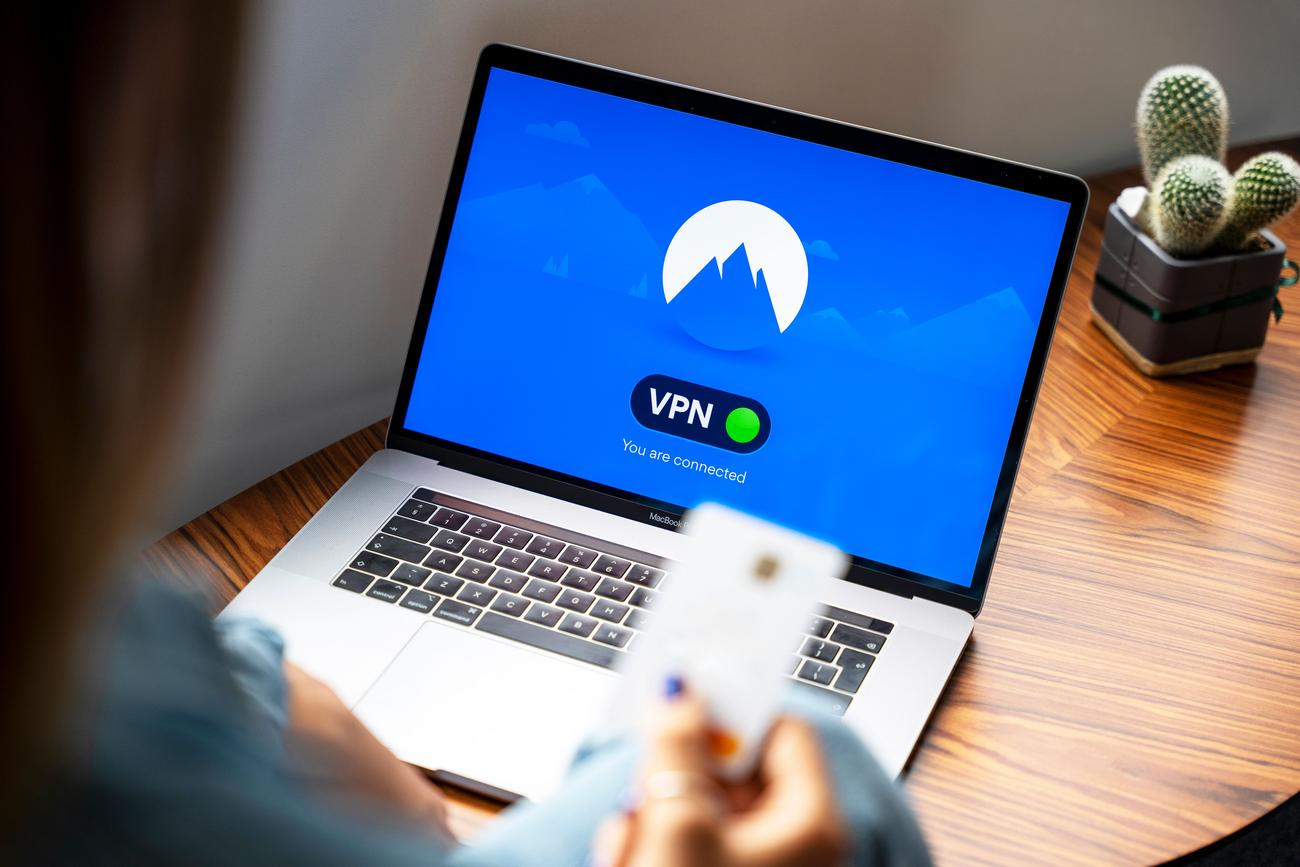
If you're looking for the most robust option, a VPN, or Virtual Private Network , is the best. It creates an encrypted tunnel between your device and a remote server. By doing this, your traffic travels securely, and most importantly, your real IP address is hidden , replaced by that of the VPN server. This tricks websites into thinking you're browsing from a different location.
For those seeking a lighter option, there are proxy servers . Unlike VPNs, a proxy acts as an intermediary, redirecting traffic but typically not encrypting data . This makes them faster and often free, though less secure, so it's not advisable to enter sensitive passwords while using them.
If privacy is your top priority, the Tor browser is the ideal tool. It uses a layered routing system (like an onion) that sends your connection through several volunteer nodes. While it's extremely anonymous and effective against censorship, browsing is noticeably slower and some multimedia plugins may not work.
Quick tricks and simple alternatives
You don't always need to install complex software. Sometimes, a small change to the URL can work wonders. For example, trying to change HTTP to HTTPS can bypass basic filters that only register the insecure version of the page. Another option is to use the site's direct IP address instead of the domain name, although this won't work if the blocking is at the IP level.
URL shorteners ( like Bitly or TinyURL) can also work, since the network filter sees the shortened link and not the final blocked address. Similarly, using Google Translate as a bridge can work, as the site loads through Google's servers, which are rarely blocked.
If you only need to read the content and not interact with the website, you can use Google's cache or the Wayback Machine . These tools save "snapshots" of web pages, allowing you to view archived versions without needing to connect directly to the restricted server. There are also HTML-to-PDF converters that handle the access for you and provide a static document.

Technical adjustments and system cleaning
Sometimes the problem isn't an external block, but a configuration error on your computer. You could try clear DNS cache through the command prompt (CMD) by running commands such as ipconfig /flushdns to refresh the connection. It's also helpful to delete the temporary internet files and the browser cache to remove corrupted paths.
Also check your browser permissions or Windows or macOS firewall settings. Sometimes, a misconfigured firewall rule or a restriction in the "Screen Time" section of iOS or Mac can be blocking access without you realizing it. However, avoid disabling the firewall completely, as this would leave your computer vulnerable to threats.
For those without administrator privileges on their PC, browser extensions are the best alternative . These function as micro-VPNs that only affect browser traffic and not the entire system, preventing slowdowns for other applications and requiring no deep system registry entries.
Unrestricted browsing is possible by combining IP masking tools with technical adjustments on your device. While VPNs offer maximum security and versatility for bypassing strict censorship, proxies and URL spoofing are quick ways around weaker blocks. Ultimately, the key lies in hiding your digital identity or finding an alternative route that the security filter hasn't detected.