- Differences in resource consumption between the desktop application, the web browser, and the web app to optimize RAM memory.
- Advanced audio quality settings and power saving mode to minimize mobile data usage.
- Content download strategies and management of visual functions like Canvas to free up bandwidth.
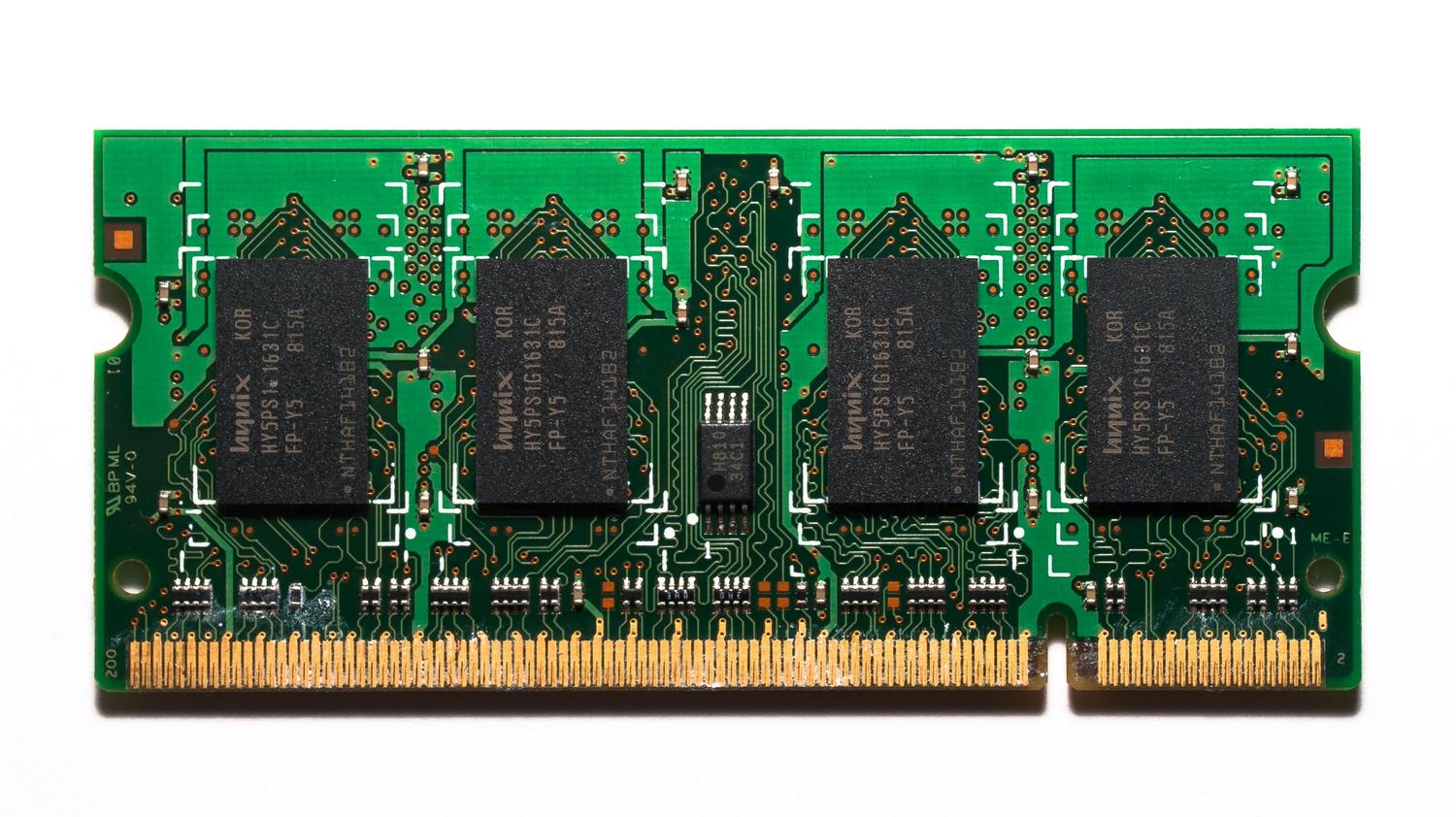
I'm sure it's happened to you: you want to put on some music to concentrate or play a demanding game, and suddenly you notice your computer starts to run incredibly slowly. Spotify is a fantastic tool, but sometimes it eats up system resources without us even realizing it, affecting the performance of other tasks.
To prevent your device from becoming overloaded or running out of data mid-month, there are several settings you can adjust. From choosing the app version that uses the least RAM to tweaking the streaming quality , there's plenty you can do to ensure music doesn't put a strain on your hardware.
Which is the best version of Spotify to avoid overloading RAM?

If you use Windows, you have three ways to listen to your playlists: the installed app, the browser, or the web app. They don't all impact performance equally. The official app, while the most complete, often causes spikes in memory usage , especially when it caches content to prevent the music from cutting out.
On the other hand, browsers are known for being resource hogs; opening a Spotify tab can generate multiple background processes that drain RAM . This is where the web app comes in. As a simplified version that opens a single instance of the browser, it's the lightest option and ideal if you want to play games or work without your PC freezing.
Installing it is very simple: go to the Spotify website using Chrome or Edge and look for the installation icon in the address bar. Just keep in mind that, unfortunately, Firefox no longer supports this web application format.
Master your mobile data usage

It's not all about RAM; bandwidth also plays a role. Spotify's bandwidth usage varies depending on the quality you choose. On average, consumption ranges from 25 MB to 150 MB per hour. If you're listening at low quality, you'll use only about 25 MB per hour , while very high quality can increase usage to as much as 150 MB.
To avoid a nasty surprise on your bill, you can activate the data saving feature. Simply go to your profile, enter Settings and Privacy , and look for the Data saving and offline playback section. If you activate this option, the app will lower the sound quality and limit the video to reduce network traffic.
Additional tips to optimize your connection

There are details that go unnoticed but add up. For example, the Canvas feature, which creates short visual loops that appear while a song plays, consumes additional data. You can disable it on both your phone and computer from the display menu to save a few kilobytes.
- Offline downloads: If you have Premium, the smartest thing to do is download the music via Wi-Fi. That way, when you play it, there's no data usage.
- Podcast control: Podcast videos are much larger in file size than audio. Spotify only plays them if they're on screen, but you can configure downloads so that they only lower the audio.
- Lossless audio: Be careful with the Lossless format, as the files are huge and They require a very stable connection. and fast.
If you travel a lot and don't want to worry about Wi-Fi networks, a modern alternative is to use an unlimited data eSIM . This lets you forget about data limits and enjoy top-quality service without fear of running out of connection.
Bandwidth and storage management
To ensure uninterrupted music playback, Spotify uses some of your bandwidth to preload content. If you notice your internet is slow, it's best to close other apps that are using data in the background. Also, remember that you can manage whether the app allows downloading content using mobile data or if you prefer to restrict it exclusively to Wi-Fi in your playback settings.
To see exactly how much you're spending, Android and iOS have app management sections where you can monitor Spotify's data usage in real time. On PC, you can check network usage from the system's advanced internet settings.
By combining the use of the web app to free up RAM, adjusting audio quality to avoid burning through your data plan, and disabling unnecessary visual elements, you can make Spotify run smoothly without compromising your device's performance or your wallet.