- Implementation of a granular visibility system that replaces the monolithic security patch with a component-based analysis.
- Ability to audit specific vulnerabilities through integration with the OSV database and CVEs tracking.
- Standardization of communication between manufacturers and applications through the Security State Provider to manage OTA updates.
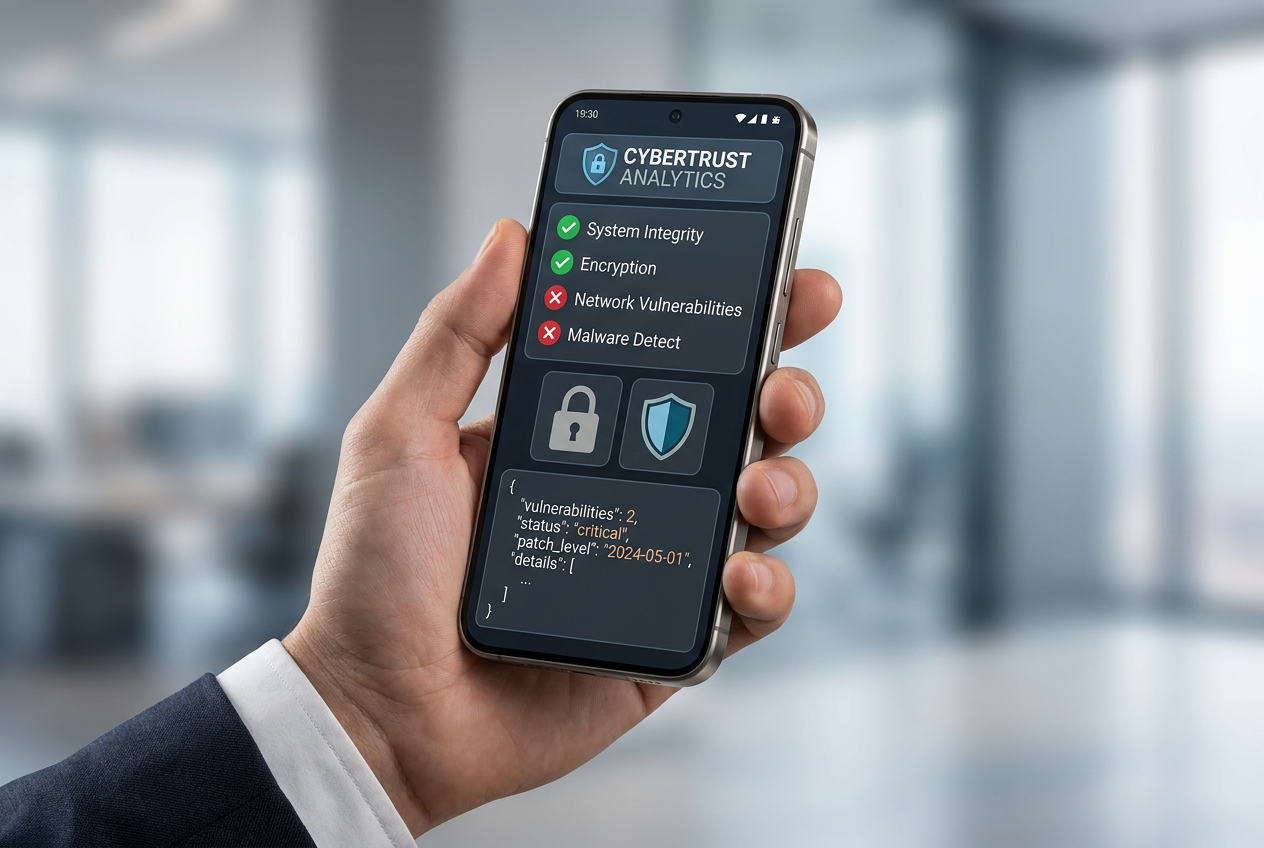
Keeping an Android smartphone secure these days is, frankly, a real headache. With how complex the ecosystem has become, developers used to rely on a very general metric called the Security Patch Level (SPL), which was basically like trying to determine if a house is secure by only looking at the date of the last major renovation, without having any idea if the back door lock is still broken.
To address this information gap, the AndroidX Security State and Security State Provider libraries have arrived . These tools are game-changers, offering detailed visibility into every corner of the system, enabling software to be truly resilient to attacks and allowing apps to make intelligent decisions based on real evidence, not mere assumptions, thus establishing a zero-trust model.
Goodbye to the single patch: the era of granularity

The major problem with relying on a single SPL is that Android is now updated piecemeal thanks to Project Mainline and Google Play system updates. To bring order to this chaos, the new libraries break down security into three pillars: the core operating system (updated over the air), system modules (delivered via Google Play), and the Linux kernel , which is the foundation of everything and is measured using LTS versions rather than monthly release dates.
For each of these components, three different states can be consulted, giving a complete picture of the situation:
- Device SPL (DSPL): It indicates what is installed and running on the device at that precise moment, without needing an internet connection.
- Published SPL (PSPL): It represents the most recent version officially published in the Android security bulletin.
- Available SPL (ASPL): It reveals whether there is an update already downloaded or ready to be installed through an inter-process communication (IPC) mechanism.
Vulnerability control and CVEs auditing
One of the crown jewels is the integration with the Open Source Vulnerabilities (OSV) database . There's no longer any guesswork involved in determining whether a particular month's patch fixes a specific vulnerability; now it's possible to programmatically track specific CVEs .
This is pure gold for fintech, banking, or healthcare applications, as they can restrict high-value transfers or access to sensitive data if they detect that a critical Bluetooth or NFC vulnerability is still active on the device. For example, flaws such as out-of-bounds writing to libimagecodec.quram.so could allow remote attackers to execute arbitrary code, turning an outdated device into a backdoor into corporate networks.
Technical implementation and workflow

To get this up and running, the developer must add the dependency androidx.security:security-state:1.1.0 in your Gradle file. Initialization is simple and requires an Android context, although speed can be improved by passing a vulnerability report in JSON format directly to the constructor. SecurityPatchState.
The workflow is generally divided into three types of checks:
- Synchronous verifications: They are used to inspect the DSPL when the app starts and compare it to a mandatory base date.
- Asynchronous queries: Through
fetchAvailableSecurityPatchLevelThe app can notify the user that there is a pending update and redirect them to the settings. - In-depth audits: With
queryAllAvailableUpdatesYou can analyze the freshness of the data and find out which update provider is responding.
It's important to note that support varies depending on the system version. While Android 11 and later offer full support, Android 10 has no official kernel support, and in versions 9 and earlier, where Project Mainline modules didn't exist, the system returns the Unix date (1970-01-01) by default.
The role of the Security State Provider and new features in Android 17
For this whole system to work, someone has to announce that updates are available. This is where the Security State Provider comes in , standardizing how update clients report to the ASPL. Previously, each manufacturer's OTA information was locked in proprietary silos; now, any authorized app can access the data regardless of the phone brand.
Furthermore, Android 17 introduced a powerful improvement for manufacturers (OEMs) through a Supplemental Patches XML file . This allows them to declare their own implemented security fixes without waiting for the global SPL release, ensuring that ongoing patching efforts are recognized immediately and that the device does not appear vulnerable even after it has been secured.
Other tools in the AndroidX Security ecosystem

Beyond the system state, other key components exist. The security-crypto library is essential for managing keys and encrypting files or SharedPreferences. Although some versions of JetSec are now obsolete, it's best not to overuse the storage of sensitive data, as Android's sandbox model and file-based encryption are already very robust.
Also noteworthy is security-app-authenticator , which simplifies verifying an application's trustworthiness based on its signing identity. Using XML with package names and identities, the library ensures that only legitimate applications can interact with critical system components.
The transition to detailed component-level inspection, the ability to audit CVEs via OSV, and the standardization of OTA updates make AndroidX Security State the gold standard for enhanced mobile security. By integrating these tools, critical workflows become resilient, and end users are always protected against the latest threats in the digital landscape.