- Switches connect devices on a LAN, route packets according to MAC addresses, and prevent unnecessary traffic.
- They work with packet switching and a MAC table that learns ports and directs traffic only to the correct destination.
- Types: unmanaged for simple environments, smart for SMEs, and managed for large networks with VLANs and QoS.
- Advantages: greater efficiency, segmentation and security; they are often combined with routers to connect networks and access the Internet.
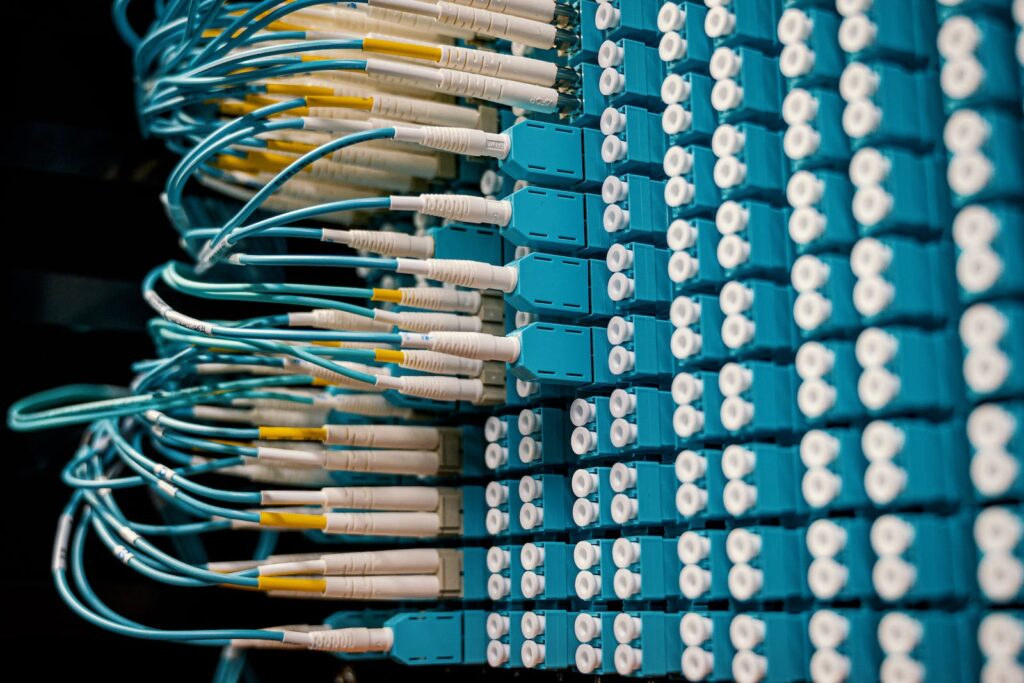
Have you ever wondered how your electronic devices communicate with each other on a local network ? Are you intrigued to know what makes it possible for data to travel quickly and efficiently from one device to another? We have the answer for you! In this article, we'll explore the fascinating world of network switches, those devices that are fundamental to the functioning of our local networks. Switches, also known as network switches, are true "communication masters," capable of creating connection bridges between your electronic devices and allowing the uninterrupted flow of information.
Network switches
Introduction
In an increasingly digital world, computer networks are essential for keeping businesses and organizations connected and operating efficiently. Network switches are a fundamental component of these networks, but what exactly are they, and why are they so important?
A network switch, also known as a switch, is a device that connects different devices in a network and allows data to be transferred from one to another. Devices can be computers, printers, servers, mobile devices, among others. The switch receives incoming data packets, analyzes them, and sends them to their correct destination.
The primary function of network switches is to improve network performance by minimizing data traffic and reducing the number of packets sent to unnecessary locations. By segmenting the network into smaller subnets and managing data flow more efficiently, switches can improve network speed and performance.
Network switches can also improve network security , as they can assign different levels of access to different devices based on each user's role and responsibilities.
In conclusion, network switches are of crucial importance in the administration and management of computer networks. In the following section, we will explain in more detail what switches are and the different types that exist, as well as the advantages they offer in a network.
What are switches?
A network switch is a network device used to link different devices together on a network and to send and receive data between them. It differs from network hubs in that hubs transmit data packets to all computers on the network, whereas switches transmit data packets only to the device that needs them. This improves network efficiency and speed by reducing the amount of unnecessary traffic on the network.
There are different types of network switches, including virtual switches :
Unmanaged switches
Unmanaged switches are the simplest and most basic switches on the market. They are ideal for small businesses or for the home, as they do not require special configuration or maintenance. They simply plug in and start working, without requiring intervention from the network administrator.
Managed Switches
Managed switches are more advanced and are designed for large enterprises or networks with high data traffic demands. These devices include additional features such as VLAN management, traffic prioritization, and the ability to monitor and control network traffic. They are ideal for networks with specific needs or those where high levels of security are required.
Smart switches
Smart switches are similar to managed switches in terms of their advanced features and capabilities, but they are typically less expensive and less complex to manage. These devices include the ability to automatically configure themselves based on network requirements and can also be more easily managed and controlled. They are ideal for businesses that require advanced features but do not have a highly specialized technical team.
Advantages and disadvantages of switches
The main advantages of network switches are:
- Greater speed and efficiency in data transfer.
- Segmentation of the network into smaller subnets, which improves speed and security.
- Improves network management and control, reducing errors and improving accuracy.
On the other hand, a potential disadvantage of switches is their cost, especially in the case of managed switches. In addition, these devices may require specialized configuration and maintenance, which can increase the costs and complexity of network management.
In conclusion, network switches are a fundamental component in the management of computer networks. Depending on the size and needs of the network, different types of switches can be used to improve efficiency, security, and network management.
How do the switches work?
Network switches work using a technology called packet switching. This process involves analyzing the Media Access Control (MAC) address of each data packet that arrives at the switch and sending that packet only to the correct destination device.
The basic operation of a network switch is described below:
Receiving packages
- The switch receives data packets from different devices connected to it. These packets contain information that will be sent to a specific device on the network.
MAC Address Analysis
- The switch analyzes the MAC address of each data packet received. The MAC address is a unique identifier assigned to each network device and is located on the network card of that device.
By analyzing the MAC address, the switch determines which port on the switch the destination device is connected to.
MAC address table
- The switch maintains an internal table called the MAC address table. This table stores the MAC address of each device connected to the switch and the port to which it is connected.
- When a data packet arrives at the switch and its MAC address is analyzed, the switch checks its table for the destination MAC address and the associated port. If the destination MAC address is found in the table, the packet is forwarded only to the port associated with the destination device.
Packet transmission
- Once the switch determines which port to send the data packet to, it transmits it only to that port. This avoids mass transmission of packets to all devices on the network, reducing traffic and improving network efficiency.
Updating the MAC address table
- As devices connect and disconnect from the switch, the MAC address table is automatically updated to reflect those changes. This ensures that the switch always has up-to-date information about which devices are connected to each port.
In this way, network switches enable efficient data transfer on a network, sending information packets only to the correct destination devices. This improves network performance and minimizes unnecessary traffic.
It is important to note that network switches can have additional features such as VLAN management, traffic control, and packet prioritization. These features allow for further customization and optimization of the network, adapting it to the specific needs of each network and organization.
Setting the switches
Configuring network switches is an important process that allows them to be tailored to the specific needs of a network. Through configuration, key parameters and advanced features can be set that help improve network performance and security.
Some common aspects of network switch configuration are described below:
Accessing the configuration interface
To begin configuring a switch, it is usually necessary to access the device's configuration interface. This can be done through a direct connection to the switch using an Ethernet cable or by using compatible remote management software.
IP address assignment
One of the initial steps in configuration is assigning an IP address to the switch. This allows it to be managed and controlled over the network. The IP address can be static or dynamic, depending on the network requirements.
Creating VLANs
VLANs (Virtual Local Area Networks) are a way of segmenting a network into different logical groups, independent of each other. Through the configuration of switches, different VLANs can be created and configured to isolate traffic and improve network security and performance.
Configuring the routing protocol
If the switch has routing capabilities, the appropriate routing protocol can be configured to facilitate communication between different networks. This allows for greater flexibility in network configuration and makes it easier for data packets to navigate between different subnets.
Flow control and traffic prioritization
Switches also offer the ability to control traffic flow and prioritize certain types of data over others. This can be achieved through techniques such as access control lists (ACL) configuration and quality of service (QoS) settings. These features help improve network performance by ensuring that critical traffic is prioritized and resources are managed efficiently.
Security and authentication
Configuring switches also involves setting up security measures, such as authenticating connected devices through protocols such as IEEE 802.1X, port-based access control, and configuring access control lists. These measures help protect the network from unauthorized access and external attacks.
Firmware Update
Finally, part of the setup also involves keeping the switch firmware up to date. Switch manufacturers regularly release updates to add features, improve security, and fix issues. Updating the firmware ensures that the switch is running with the latest improvements and fixes.
It is important to note that the configuration of the switches may vary depending on the model and manufacturer, so it is always advisable to consult the specific documentation of the device to perform the configuration correctly.
In summary, configuring switches is essential to adapt them to the needs of a network. Through IP address assignment, VLAN creation, traffic flow control, and other key configurations, network performance, security, and management can be optimized.
Switches vs. Routers
Switches and routers are essential devices in computer networks, but they serve different roles in the operation of a network. Below is a comparison between switches and routers:
Principal function
Switches : Switches, also known as network switches, are primarily used to connect multiple devices on a local area network (LAN) and enable communication between them. Their main function is to forward data packets within a network, determining the port to which the packet should be sent based on the destination MAC address.
Routers: Routers, on the other hand, are used to interconnect different networks, whether LANs or WANs (Wide Area Networks). Their main function is to send data packets between different networks, selecting the most efficient route based on IP addresses.
Operating layer
Switches: Switches operate at layer 2 of the OSI (Open Systems Interconnection) model. This means they rely on MAC addresses to send data packets to devices connected to the same local network.
Routers: Routers operate at layer 3 of the OSI model. They use IP addresses to determine the best path to send data packets between different networks.
Network reach
Switches: Switches are generally used in local area networks (LANs), and their scope is limited to internal communication within a local network. They cannot send data packets beyond the network in which they are installed.
Routers: Routers are used in both local area networks (LANs) and wide area networks (WANs). They can send data packets across different networks, enabling communication between geographically separated networks.
Traffic management
Switches: Switches optimize network performance by creating smaller broadcast domains and directly connecting devices on a local network. This reduces network congestion by decreasing the amount of traffic transmitted across the network.
Routers: Routers manage traffic between different networks and can implement routing policies to prioritize certain types of traffic. They can perform tasks such as best-path routing and network segmentation.
Security
Switches: Switches offer a basic layer of security by isolating traffic from different ports and segmenting a local network using VLANs (Virtual Local Area Networks). However, their primary focus is packet forwarding efficiency, so advanced security measures may be limited.
Routers: Routers offer more security features, such as built-in firewalls and access control lists, which allow you to control and filter traffic between networks. These features make routers a common choice for protecting networks from external threats.
In summary, switches and routers are essential devices in the operation of computer networks. While switches are used to connect devices on a local network and allow internal communication, routers are used to forward data packets between different networks. Understanding the differences between these two devices is critical to designing and maintaining an efficient and secure network.
Conclusion
In conclusion, both switches and routers play a vital role in the operation of computer networks. Each of these devices has specific features and functionalities that make them suitable for different purposes within the network environment.
Switches are ideal for interconnecting devices within a local area network (LAN). Their ability to forward data packets based on MAC addresses enables efficient and fast communication between devices connected on the same network. Switches focus on optimizing network performance, reducing congestion and improving communication efficiency within the local network.
On the other hand, routers are responsible for connecting different networks, whether LANs or WANs. Their ability to forward data packets based on IP addresses allows them to make routing decisions to find the most efficient and secure route between networks. Routers offer greater flexibility and reach, making them key elements for creating and managing enterprise networks and interconnecting geographically separated networks.
Switches and routers
It is important to note that in many cases networks are composed of both devices: switches and routers. This is because routers are needed to connect different networks and provide access to the external network (the Internet), while switches are used to facilitate internal communication in a local network. The interaction of these devices ensures optimal and secure operation of the network.
In summary, switches and routers are essential devices for the proper functioning of computer networks. While they have different functions and capabilities, both are necessary to ensure efficient communication, security, and connectivity of networks. By understanding the differences between these devices and their proper use, it is possible to design and maintain high-performance and reliable networks.
