- What cookies are, how they work, and their types (session, persistent, first-party, third-party).
- Purposes: functionality, security, analytics, advertising, and personalization with real-life examples.
- Regulations in Spain/EU: transparency, layered consent, and exemptions.
- Practical browser management and the effects of disabling or deleting cookies.

Cookies are the silent glue that allows the web to recognize you, remember your preferences, and keep you logged in without asking you with every click. They're neither new nor mysterious: they're tiny files that, when used properly, make life easier; when mismanaged, they can compromise your privacy. Digital privacy guide on the internet.
If you've ever encountered the "Do you accept cookies?" prompt and had questions, we'll explain it all here. What are cookies, how do they work, what types exist, which ones are essential, what regulations in Spain and the EU require, and how to control them in your browser without losing control of your online experience.
A cookie is a small text file that a website requests to save in your browser when you visit it. Inside, it can store identifiers and technical data that allow the website to recognize your device in subsequent sessions, display relevant content, or remember that you are already logged in.
The website server creates a unique identifier linked to your browser. On future visits, your browser returns this identifier, and the website "knows" what state to retrieve: your language, your shopping cart, your active session, or your page settings. The server doesn't "see" the person, but rather the browser that presents that cookie.
Important: Many reputable websites do not collect personal data unless you voluntarily provide it. Some cookies are used for anonymous statistical purposes (for example, to remember your browser type), and others, combined with advertising services, can profile your activity if you give your consent.
The term “cookie” comes from systems jargon . So-called “magic cookies” were packets of information that traveled back and forth unchanged, used in corporate environments for identification on internal networks.
In 1994, Lou Montulli adapted the idea for the web, creating the HTTP cookie to reduce server load on an online store. Since then, the web ecosystem has used them for sessions, personalization, analytics, and advertising, among other purposes.
The same technology that provides convenience can open the door to behavioral profiling if consent is given to third parties for advertising or analysis; that's why transparency and user control are key today, a guide to privacy-focused browsers.

Based on duration, there are two main groups : session cookies and persistent cookies. Session cookies only exist while you are browsing; they disappear when you close your browser. Persistent cookies remain saved until their expiration date or until you delete them.
Session cookies support real-time navigation (for example, maintaining the shopping cart state or ensuring the "Back" button functions correctly). They are not permanently written to disk.
Persistent cookies store settings over a medium period . They are used for authentication (preventing you from having to log in every time) and for tracking multiple logins to remember preferences or analyze usage. Their expiration date should be appropriate to their purpose.
Cookies are classified by origin, including first-party and third-party cookies . First-party cookies are created by the website you visit and are typically used for internal functions. Third-party cookies belong to external providers (advertising, analytics), and involve more privacy and consent requirements.
There are special variants such as "zombie" cookies , which can be reconstituted after deletion, associated with advanced storage techniques (sometimes called supercookies) and difficult to remove; they are not the norm and pose serious privacy risks if used for abusive purposes.
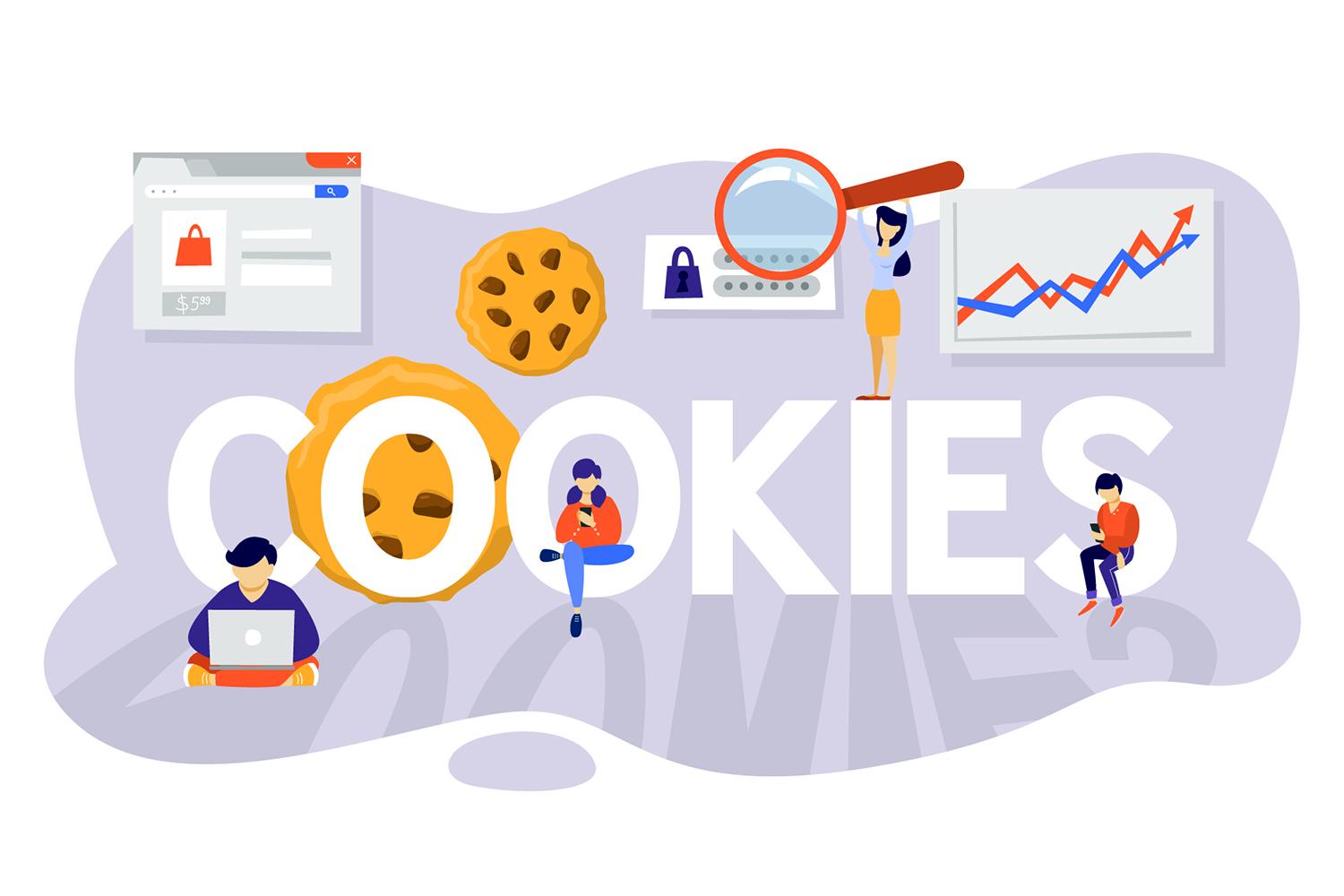
Categories by purpose: functionality, security, analytics, advertising, and personalization
Beyond their duration or origin, cookies are distinguished by their purpose. Below are the most common categories and representative examples used by major online services.
Functionality (technical or necessary)
These are the cookies that activate essential functions such as remembering your language, preserving the contents of your shopping cart, maintaining your session, or executing tasks you request. Without them, many services won't work.
- Preferences and session: Cookies such as "NID" or "_Secure-ENID" remember language or the number of results per page; the first expires 6 months after the last use, and the second 13 months after. On YouTube, "VISITOR_INFO1_LIVE" (6 months) and "__Secure-YEC" (13 months) serve similar purposes and help diagnose problems.
- Playback and settings: "PREF" on YouTube saves settings like autoplay and player size (expires after 8 months). "pm_sess" maintains the browser session for about 30 minutes.
- Product optimization: «CGIC» improves search autocomplete (6 months).
- Cookie choices: «SOCS» stores your cookie preference selection for 13 months.
Security
They are used to protect you from abuse : authenticating the user, preventing impersonation, curbing fraud and spam, and monitoring service interruptions.
- Authentication: "SID" and "HSID" contain encrypted and signed records of the account ID and last login, blocking attempts to steal forms; they last for two years.
- Anti-fraud and anti-spam: "pm_sess" (30 minutes) and "YSC" (session duration) verify that requests are actually coming from the user. "AEC" (6 months) and "__Secure-YEC" (13 months) help detect invalid or fraudulent interactions and fairly compensate creators.
Analytics or measurement
They allow you to understand how you interact with sites and applications, measure audience and statistics, and improve content and functionalities.
- Google Analytics: The main cookie, "_ga," differentiates users and expires after 2 years. Each "_ga" is unique per property, so it doesn't track you across unrelated sites.
- Other analysis used in services: In Search, "NID" and "_Secure-ENID"; on YouTube, "VISITOR_INFO1_LIVE" and "__Secure-YEC"; in mobile apps, identifiers such as the Google Usage ID, for analytics purposes.
Advertising
They are used to display, limit frequency, measure effectiveness , and personalize ads according to your settings (for example, at myadcenter.google.com or adssettings.google.com/partnerads).
- On Google services and third-party sites: "NID" is used to show ads to non-logged-in users (6 months). "IDE" and "id" are used for ads on non-Google sites; in the EEA, Switzerland, and the UK, they last 13 months, and 24 months elsewhere. If you turn off personalization, "id" remembers that preference.
- Users with session: “DSID” identifies the user on third-party sites to respect personalization settings (2 weeks).
- Advertising support on third-party sites: «_gads» allows you to display ads (13 months) and «_gac_» from Analytics helps measure campaigns (90 days).
- Conversion Measurement: "_gcl_" is primarily used to attribute actions after ad clicks (90 days); it is not used for ad personalization.
Personalization.
They show content and features tailored to your interests and activity, based on the settings you choose in privacy tools or on your device.
- Recommendations and auto-completion: "VISITOR_INFO1_LIVE" can enable YouTube recommendations based on what you've watched or searched for; "NID" enables personalized autocomplete in Search. They typically expire six months after the last use.
- precise location: UULE may send an exact location from your browser for relevant results; this depends on your browser's location settings and can take up to 6 hours.
Even if you decline personalization , non-personalized content may vary by context (general location, language, device type, or page you are visiting).

A cookie is not a virus, a Trojan horse, or a worm , nor does it open pop-ups on its own. It stores technical data and preferences, not credit card numbers or photographs, unless a specific service explicitly and transparently implements this.
If you disable them completely , you'll notice side effects: you won't be able to log in or it will close when you exit, stores won't save your cart, you won't be able to customize currency or language, there will be fewer usage statistics, and some social features will no longer be available.
The key is balance : the fewer cookies you enable, the more privacy; the more you allow, the more personalization. Today you can refine your choices by category (technical, preferences, analytics, advertising) in the consent banners.
Legal framework in Spain and the European Union
In Spain, the LSSI-CE and the LOPDGDD coexist with the European General Data Protection Regulation (GDPR). Furthermore, the ePrivacy Regulation, which will establish specific rules on communications and cookies, is underway.
The Spanish Data Protection Agency (AEPD) has published a guide on the use of cookies with recommendations for publishers and third parties. Transparency and informed consent are key obligations.
Cookies exempt from consent
They are exempt if their purpose is strictly necessary and their expiry is proportionate. The former Article 29 Working Party (now the European Data Protection Board) considers the following, among others, to be exempt:
- User input (for example, when filling out essential forms).
- User authentication or identification (session).
- Media player.
- Load balancing on the server.
- Interface customization (such as language or design).
- Social sharing plugins, when necessary for the requested service.
If an exempt cookie serves multiple purposes and some are not necessary, that part may require explicit consent.
Minimum information and layers
It should be clearly explained in simple language , accessible in 1–2 clicks (e.g., “cookie policy”). The first layer should include: the responsible publisher, the purposes of the cookies, whether they are first-party or third-party cookies, the types of data, the mechanism for accepting/rejecting them, and a link to the second layer with details.
The second layer will detail : definition and function of cookies, types and purposes, who uses them, how to accept/deny/revoke, whether there are international transfers, existence of automated profiles and the retention periods by purpose.
Valid consent and to whom it is addressed
Consent must be freely given, specific, and informed , obtained either explicitly (using "Accept" buttons and granular settings) or through an unambiguous action after being informed. Inactivity does not constitute acceptance.
The user/consumer must be given a genuine option to decline without being prevented from browsing, except for essential functions. If declining limits a service, this must be communicated and an alternative offered whenever feasible.
Ways to obtain consent
It can be collected during registration, when customizing the website, through management platforms (CMP), before using a specific service, with the layering system or, with limitations, via browser settings.
Responsibilities and duty to inform
Both the publisher and any third parties involved are responsible. The publisher must provide clear information and operational links to third parties. Each party is responsible for its own data processing activities.
Best practices : Indicate how to manage cookies in each browser, and reference third-party tools for blocking/management (e.g., Cookiebot.com, Cookieserve.com, Webcookies.org) that help with auditing and compliance.
Managing cookies is easier than it seems . From your browser's privacy settings, you can allow, block, or delete cookies on a per-site or all at once. If you block them completely, some websites will lose functionality.
In Chrome : Open Settings, Privacy and security, Site settings, Cookies and site data. There you can see "All cookies and site data," search by domain, and delete them. You can also configure blocking/allowing on a per-site basis.
In Microsoft Edge/Internet Explorer : go to Settings or Internet Options, enter Privacy and adjust the level or manage permissions per site.
In Firefox : open Options/Preferences, Privacy and Security, History and choose “Use custom settings for history” to allow or disallow cookies, and manage exceptions.
In Safari (macOS and iOS) : Preferences/Settings, Privacy, and adjust the blocking of cookies and data. On iOS, Settings > Safari > Privacy & Security to block or clear.
On Android (browser or Chrome) : Menu > Settings > Privacy and security; enable/disable cookies and clear browsing data. On Windows Phone (Internet Explorer): More > Settings > Allow cookies.
Cookies, Personalization, and Advertising: What You Need to Know
Technical or necessary cookies cannot usually be disabled in the consent layer because they support basic website functions (data flow, security, purchase completion, content sharing).
The preferences settings save your language, region, or dark mode . Disabling them means the website will have to be reconfigured every time you return.
Analytics tools offer aggregated metrics on what is being used and where there are problems; useful for improving the website, but dispensable if you prioritize privacy.
Advertising and marketing websites create profiles based on your browsing activity to show you targeted ads. You can disable them in the website's cookie settings and review personalization options in dashboards like myadcenter.google.com.
Mobile advertising identifiers (such as Android's) may be used for measurement purposes; you can reset them or limit their use from your device.
There's no single answer . If you value convenience (staying logged in, keeping your cart intact, using the correct language), you'll need technical settings and likely some preference settings. If you prioritize maximum privacy, limit advertising and analytics, and regularly check for data deletion.
Practical tip : only accept what is necessary when entering a website, adjust the rest in "Settings" and review your browser's privacy panel from time to time.
Quick questions and common scenarios
Can I be tracked without consent? In the EU, the general rule requires consent for non-essential purposes (analytics, advertising). Exceptions: strictly necessary cookies. Even so, your browsing may be influenced by contextual factors (general location, language, device).
What happens if I delete all cookies? You'll have to log in again, reconfigure your preferences, and re-select your consent options. You'll gain privacy, but you'll lose convenience.
Can I browse without cookies? Technically, yes, but many websites won't work as expected. You can choose to block third-party cookies, allow only technical cookies, and delete the rest frequently.
Privacy Tools and Best Practices
Audit your site's cookies if you are a publisher using services like Cookiebot.com, Cookieserve.com or Webcookies.org to find out what your website installs and whether you comply with current legislation.
As a user, combine regular cookie cleaning with reviewing ad personalization and, if needed, consider using a VPN to separate your public IP from your browsing (note that this does not disable cookies, but adds a layer of network privacy).
Understanding cookies means gaining control over your online experience: identify when they are essential, decide when to share data to improve services, and act wisely on every consent banner that appears.
