- Gboard integrates Google services like Translate and Search directly into the typing.
- It allows for deep customization through themes, height adjustment, and custom dictionaries.
- There are alternatives focused on privacy (AnySoftKeyboard) or aesthetics (Chrooma).
- It includes accessibility features such as one-handed mode and offline dictation.

If you've been using Android for a while, you've probably noticed that the keyboard isn't just a tool for writing messages, but almost a command center in your pocket. Gboard, Google's official keyboard , has become the standard for millions of people because it packs into a small space functions that previously required opening three different apps.
The beauty of this system is that it doesn't force you to adapt to it; instead, it allows for extensive customization so the keyboard feels truly yours, whether by changing colors, adjusting size, or activating time-saving tricks. Let's take a closer look at what it can do and what alternatives you have if you want to move beyond the Google ecosystem.
What exactly is Gboard and what does it offer?

Originally launched in 2016, Gboard is much more than just a replacement for the native keyboard. Its main advantage is its integration with the entire Google ecosystem , allowing you to search, translate text, or send multimedia content without leaving the app you're typing in. It's available for both Android and iOS and is completely free.
- Real time translation: You can chat with someone in another language by typing in Spanish and watching the keyboard translate it instantly.
- Smart search: Thanks to the "G" key, you can search for information on the web and share the result directly in the chat.
- GIF and Sticker Management: It integrates Giphy's engine to find the perfect meme or create your own stickers based on your face.
- Advanced voice dictation: Its recognition engine is probably the best on the market, allowing even download language packs to dictate without an internet connection.
Tips and settings to get the most out of your keyboard
Many people use Gboard in a basic way, but there are a ton of hidden features that make life easier. For example, you can control the cursor by sliding your finger over the space bar, saving you from having to fumble around tapping the screen to correct a mistyped letter. Similarly, if you slide your finger over the backspace key, you can delete entire words in one fell swoop.
In terms of convenience, Gboard includes a one-handed mode , ideal if you have a large phone and can't reach the letters on the opposite side. You can also activate the permanent number row so you don't have to switch menus every time you type a password or date, and adjust the keyboard height to suit your screen space preferences.
Visual and functional customization

If you're bored with the standard design, you can access the themes menu and choose from solid colors to gradients, or even use your own photos as a background. For those seeking efficiency, there's the option to create a personal dictionary of abbreviations ; that way, if you type a short acronym, the keyboard will automatically suggest the full phrase.
Another interesting feature is the ability to change the keyboard layout. You're not limited to QWERTY; you can use layouts like AZERTY or even type in Morse code if you're feeling nostalgic or want to experiment. Furthermore, you can configure the keyboard not to censor offensive words if you're bothered by asterisks appearing in search results.
How to activate and manage Gboard on your device
To set it up, you usually just need to go to your Android language and keyboard settings and select it as the default. If the app icon doesn't appear on your home screen, you can enable it from the keyboard's advanced settings for easy access.
In apps like WhatsApp, you can change the active keyboard by tapping the small icon that appears in the bottom right corner of the text box, allowing you to switch between different installed keyboards depending on the need at the moment.
Powerful alternatives if you want to leave Gboard
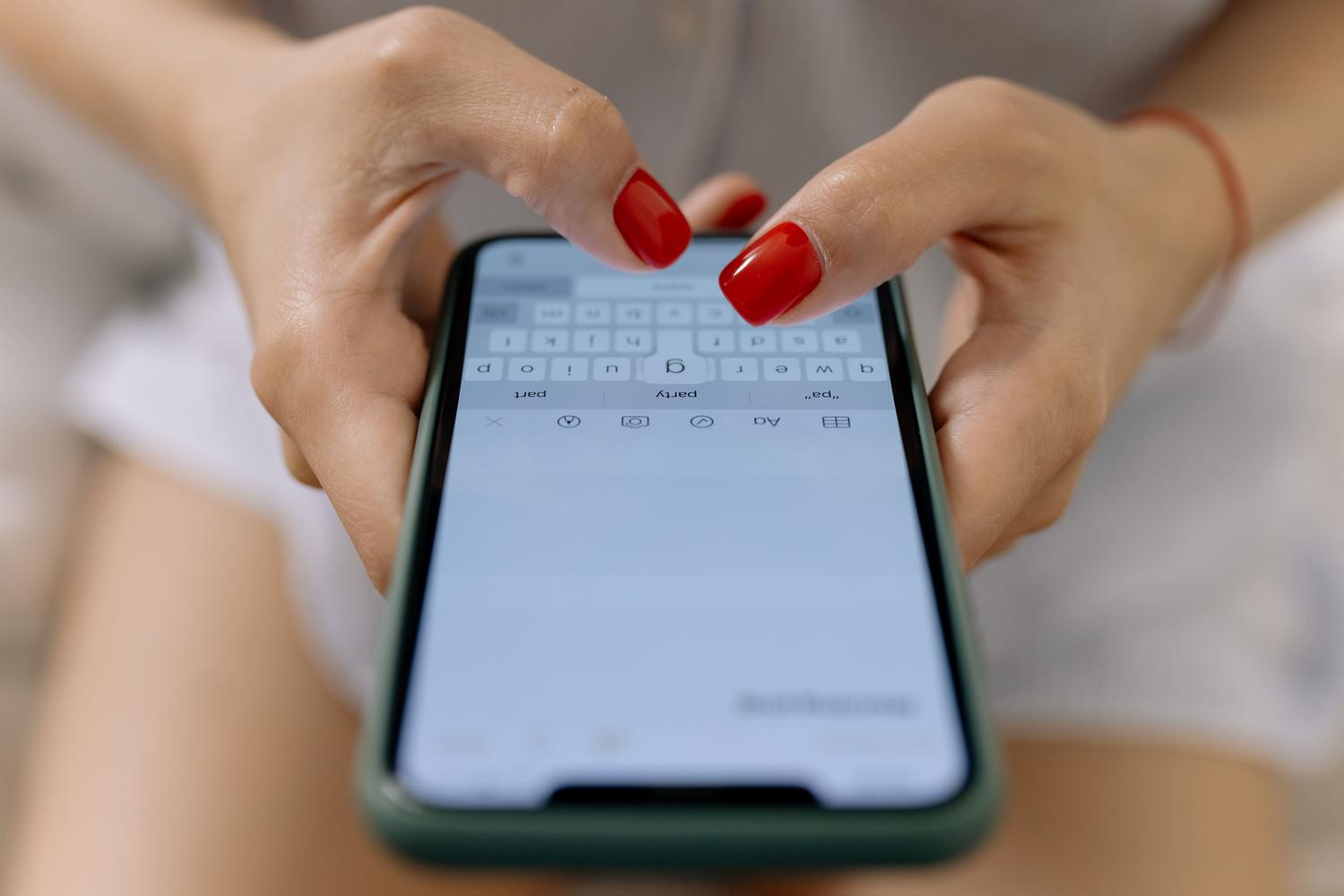
While Google does a great job, there are other options that might be a better fit depending on your needs. For those seeking enterprise integration, Microsoft's SwiftKey is the logical choice, allowing you to create to-do lists directly from your keyboard. If you prioritize privacy and open source, AnySoftKeyboard or Florisboard are safe bets, as they don't track your usage data.
There are also more visual or specific options. Chrooma Keyboard is famous for being a "chameleon," as it automatically changes its colors to match the app you have open. On the other hand, Minuum and 1C focus on accessibility, offering much larger keys for people who have difficulty with small keyboards or who have thicker fingers.
Choosing the ideal keyboard depends on whether you value cloud service integration , complete data privacy, or a disruptive aesthetic. Whether you opt for the power of Google, the versatility of Microsoft, or the transparency of open-source software, Android offers the freedom to change your typing tool at any time to adapt your phone to your lifestyle.