- It allows centralized management of devices and applications using MDM and MAM approaches under a Zero Trust model.
- It integrates deeply with Microsoft Entra ID to manage identities, security groups, and conditional access based on device state.
- It offers automation capabilities via Graph API and intelligent assistance through Copilot to optimize configuration and security.
- It supports a wide range of platforms including Windows, macOS, iOS, Android, Linux and specialized operating systems.

When it comes to managing technology in a company, things can quickly spiral out of control if you're not in control. This is where Unified Endpoint Management (UEM) comes in , a strategy that allows you to manage all the devices your employees use from a single location: from Windows laptops to iPhones and Android tablets, applying consistent rules for everyone and ensuring that AI is used securely.
Within this ecosystem, Microsoft Intune stands out as the leading cloud-based tool. Essentially, it's the central hub that allows organizations to enroll, configure, and secure their devices and applications without the need for complex local servers, relying entirely on a Zero Trust security model to prevent unauthorized access.
What exactly is Microsoft Intune?

Intune isn't just a registration tool; it covers the entire device lifecycle . From the moment a device enters the company until it's retired, administrators can control which applications are installed, how data is protected, and keep the software up to date through a highly intuitive web console. The most powerful feature is that every action you take in the interface translates into a call to Microsoft's Graph API , meaning that if you're a programming whiz, you can automate almost any task.
Intune's functionality rests on three fundamental pillars: user identities, devices, and applications . To make this work, it relies on Microsoft Entra ID, which manages who's who and, through conditional access , decides whether a user can access corporate resources based on real-time signals.
Differences between MDM and MAM: Which one to choose?

Sometimes there's confusion about how to manage teams, but Intune offers two paths that can be used separately or together:
- Mobile Device Management (MDM): Here, there is total control over the hardware. The device is registered (either through the Company Portal or via automated processes such as) Windows Autopilotand the company can configure all the equipment. In case of theft, it can erase the entire device to prevent data leaks.
- Mobile Application Management (MAM): This approach is ideal for the model BYOD (Bring Your Own Device)where the employee uses their own mobile phone. Intune doesn't touch the personal phone; it only manages work apps and the data within them. If the employee leaves the company, a selective deletion of corporate data without touching the user's photos or personal messages.
The smartest approach is usually to combine both. For example, a company-owned (MDM) phone might have extra layers of application protection (MAM) for extremely sensitive data.
The synergy with Microsoft Enter
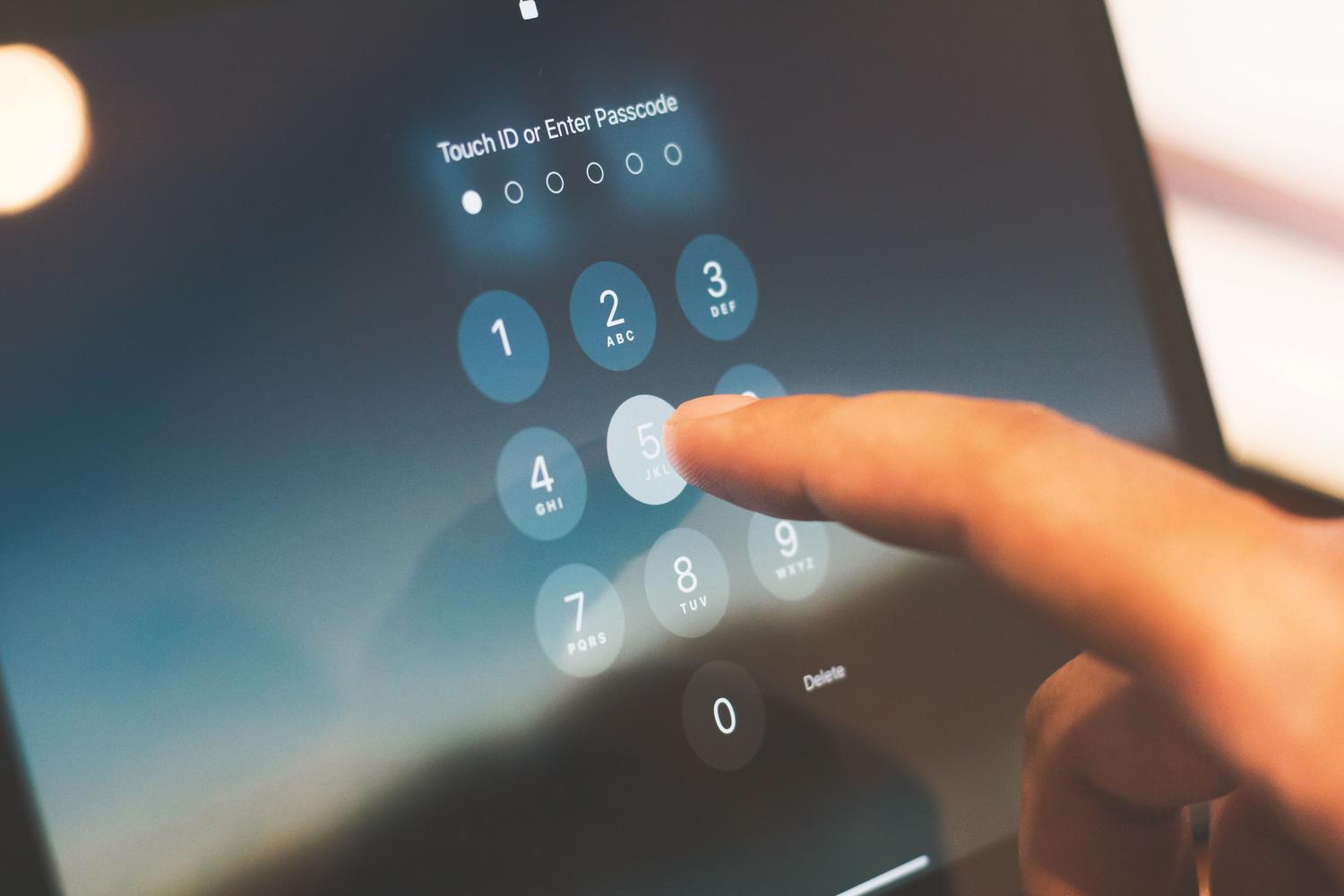
It's important to clarify that Intune doesn't store passwords or authenticate users; for that, it relies on Microsoft Entra ID . This collaboration translates into three key points: first, secure authentication via MFA or passwordless logins; second, the organization of users into security groups to assign policies in bulk; and third, the completion of the Zero Trust cycle, where the device's compliance status determines whether access is granted or denied.
Enhancing management with advanced features and Copilot

For those who need to go a step further, there are add-ons and plans like the Intune Suite . These features range from advanced analytics and remote assistance to cloud-based PKI and secure remote access via Tunnel for MAM. Depending on your needs, these options can be purchased as standalone subscriptions or as part of Microsoft 365 packages.
And to prevent administrators from getting overwhelmed with configuration, Copilot arrives in Intune . This built-in AI helps summarize policies, detect rule conflicts , and prioritize vulnerability remediation, becoming an assistant that greatly speeds up troubleshooting on Surface devices and other endpoints.
Steps to get Intune up and running and access management
To begin, it's vital to check if the organization already has a Microsoft Entra tenant. The registration process is simple through the account settings page, and once active, it's recommended to apply the principle of least privilege . This means not using the Intune Administrator account for day-to-day tasks, but rather assigning specific RBAC roles based on the tasks each technician needs to perform.
To prevent catastrophic errors or malicious changes, Intune allows you to enable multi-administrator approval . This means that any modification to access roles requires approval from a second person, adding an extra layer of security through double authorization.
Purchase and licensing options
Access to Intune is managed through monthly subscriptions per user. You can purchase Plan 1, Plan 2, or the full Suite , with the latter being the most cost-effective option if multiple modules are required at scale. Some features, such as FOTA or specialized device management, are reserved exclusively for Plan 2 or the Suite.
This infrastructure allows organizations to keep their teams up-to-date, secure, and productive, eliminating dependence on local hardware and leveraging the flexibility of the cloud to protect critical information anywhere in the world.

FAQ
What is the difference between MDM and MAM in Microsoft Intune?
MDM controls the entire device, including configuration and complete erasure, while MAM manages only corporate applications and their data, ideal for personal devices.
How does Intune relate to Microsoft Entra ID?
Intune uses Microsoft Entra ID to perform user authentication, organize policy assignment by groups, and validate conditional access based on risk.
What can Copilot do in the Intune admin center?
This artificial intelligence can summarize existing policies, flag configuration conflicts, help diagnose failures in Surface devices, and prioritize vulnerability resolution.
Do you need to have local servers to use Microsoft Intune?
No local infrastructure is required as the service runs entirely in the cloud and is managed through a web console.
What is the principle of least privilege in Intune management?
It is a security practice that consists of assigning administrators only the RBAC roles strictly necessary for their daily tasks, avoiding the constant use of accounts with global permissions.
Which devices and operating systems are compatible with Intune?
The service is compatible with a wide variety of platforms, including Windows, macOS, Linux, iOS, iPadOS, Android, tvOS, and visionOS.
How does selective data erasure work?
It allows you to remove only the organization's information and applications from a user's device without affecting their personal files, photos, or applications.