- Diagnosis based on the status of the power and charging LED indicators to differentiate electrical faults from software errors.
- Hardware reset procedures using CMOS erase, EC Reset and RTC to recover the image.
- Advanced system recovery methods and forced BIOS update using USB drives formatted as FAT32.
- Windows configuration settings and graphics drivers to resolve display problems after startup.

There's nothing more frustrating than pressing the power button on your Asus computer and being met with a blank screen . This problem, which can affect laptops, desktops, and all-in-ones, often causes panic, but the reality is that in most cases it's a communication error between the hardware and the system that can be fixed without needing to rush to a repair shop.
Whether the problem arose after an incomplete update, after tampering with an internal component, or simply out of nowhere, there are several ways to revive your monitor . From quick keyboard tricks to more in-depth firmware recovery processes, we'll walk you through how to get out of this jam so you can get back to work or play as soon as possible.
Initial diagnosis: Is there current or not?

The first thing to do is avoid guesswork. Take a close look at the computer's lights. If you press the power button and no LEDs illuminate , the problem is likely with the power supply. Check that the charger is properly connected and that the cable isn't frayed or broken. If you're using a power strip, make sure it's switched on. A key step here is to disconnect all peripherals (mice, keyboards, USB devices) to rule out any accessory causing a short circuit that might be preventing the computer from starting up.
Now, if the power light is on but the screen remains dark, the computer is receiving power but something is blocking the video output. On laptops, try using the Windows + Ctrl + Shift + B key combination ; this forces the graphics driver to restart and sometimes makes the image magically appear. You can also try pressing Fn + F7 or F6 to make sure you haven't accidentally turned off the screen or lowered the brightness to the minimum.
Memory training and BIOS failures
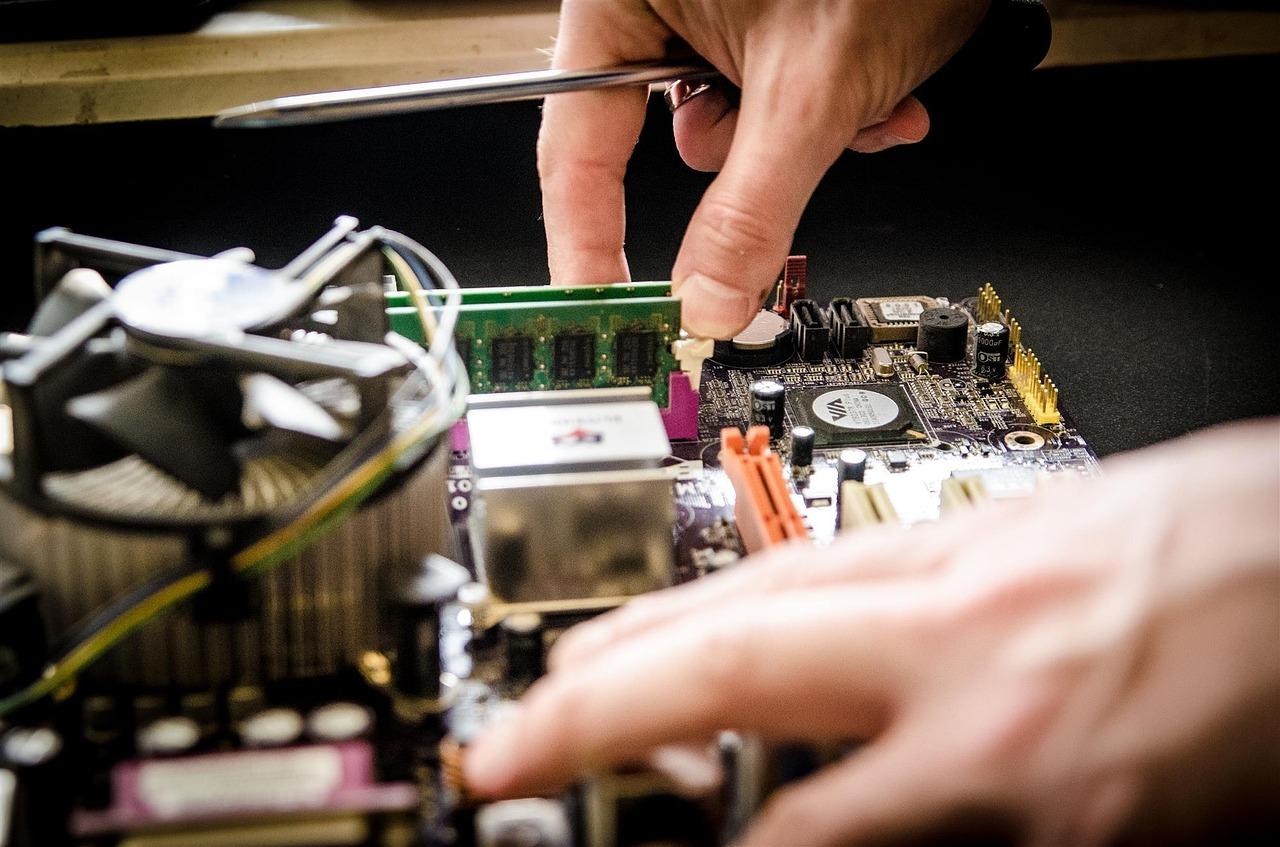
If you recently updated the BIOS, changed the RAM, or disconnected the internal battery, your Asus might be performing memory training . In this state, the computer may appear unresponsive for 5 to 10 minutes . The most important thing is not to force it to shut down and to let the system recognize the memory modules on its own.
If the problem occurred after an interrupted BIOS update, you might see an error screen or simply a black screen. If a prompt appears, you can try clicking "Yes" to resume the process . If nothing appears, there's a USB recovery method . You'll need another PC to download the official BIOS file, rename it to .bin , and save it to a USB drive formatted in FAT32 . Then, connect the USB drive to the malfunctioning computer and repeatedly press Ctrl+R (or Ctrl+Home) while powering it on to force EZ Flash recovery mode.
Hardware solutions: Hard Reset and CMOS
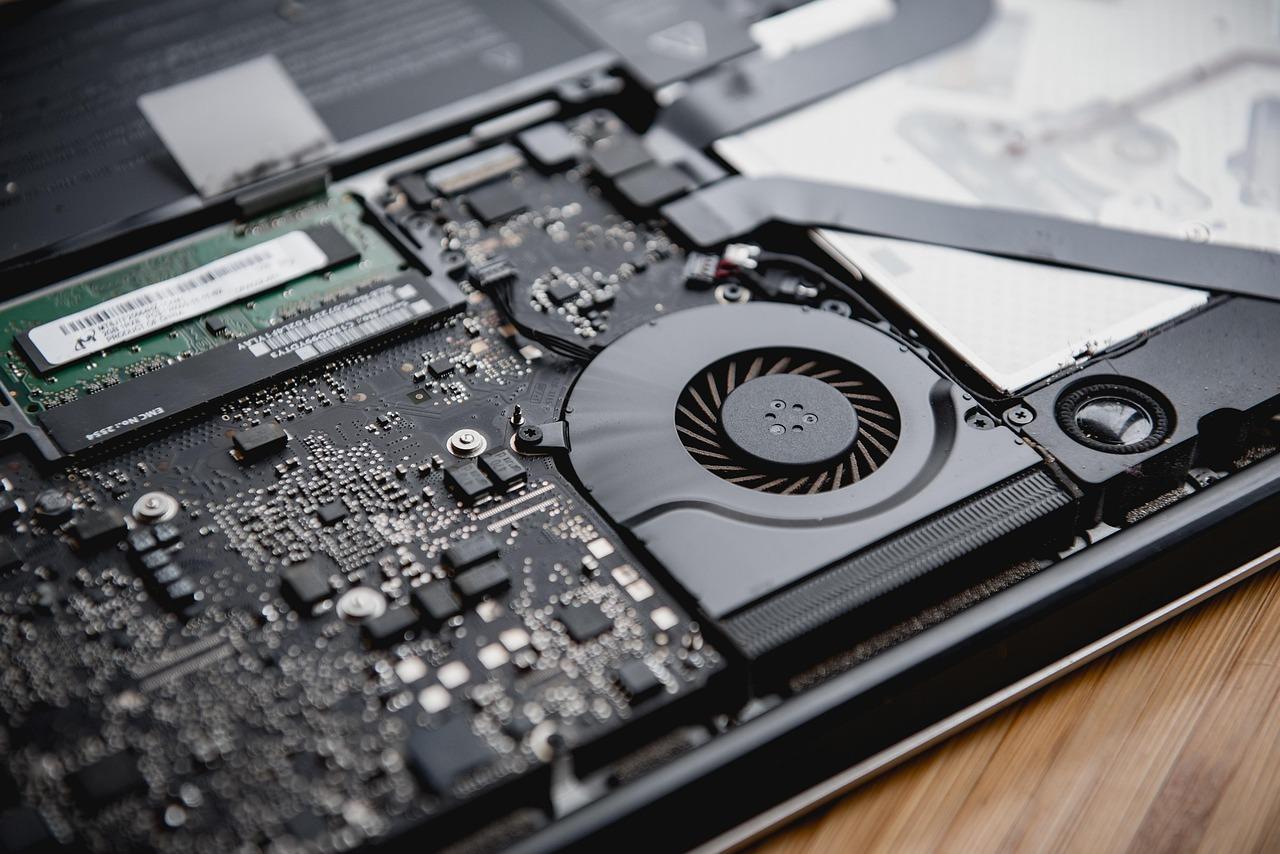
When the software is unresponsive, you need to try cleaning the static electricity. On laptops, a hard reset involves removing the charger and the battery (if removable) and holding down the power button for 40 seconds . This discharges the capacitors and resets the embedded controller (EC Reset), which usually resolves the boot process on many models.
For desktop computers, the best solution is to clear the CMOS . This involves resetting the motherboard's configuration to factory settings, either by using a jumper or by briefly removing the CMOS battery. If you've installed a new graphics card in a desktop PC, try connecting the monitor to the motherboard's CMOS port first so the system recognizes the hardware before switching the output to the dedicated GPU.
Problems loading Windows and drivers
If your computer completes the startup phase (you see the Asus logo) but the screen goes black as soon as you reach the desktop, the culprit is almost certainly the video driver . To fix this, you need to boot into Safe Mode by forcing your PC to shut down three times in a row during the Windows loading process. Once in Safe Mode, go to Device Manager and reinstall the graphics driver using the official version downloaded from the Asus support website, avoiding generic versions that may cause incompatibilities.
Another option is to check Windows Fast Startup . Sometimes, this hibernation file becomes corrupted, preventing the computer from waking up correctly. You can disable it from the power options by typing powercfg.cpl in the search bar, going to "Choose what the power buttons do," and unchecking the Fast Startup box.
If none of this works, you can try a system restore to a previous point where everything was working correctly, or as a last resort, a complete Windows reinstallation. If the problem persists even after entering the BIOS (pressing F2 at startup), it's very likely that the physical panel or the flex cable is damaged, in which case it's best to consult a certified technician.
Troubleshooting a black screen involves ruling out faults from the simplest, such as loose cables or minimum brightness, through electrical cleaning processes like EC Reset, to recovering the BIOS firmware or debugging drivers in safe mode to restore system visibility.

FAQ
What should I do if the power light on my Asus is on but there is no image?
Try pressing Windows + Ctrl + Shift + B to restart the graphics driver, or check that the brightness isn't set to minimum using the Fn keys. It's also recommended to connect an external monitor to rule out a physical failure of the internal screen.
How to force a BIOS update if the PC won't boot?
You need to download the BIOS file on another computer, rename it to .bin, and place it on a USB drive formatted in FAT32. Then, connect the USB drive to the Asus and repeatedly press Ctrl + R while powering on the device to enter recovery mode.
What is the purpose of a Hard Reset on an Asus laptop?
This process eliminates static electricity accumulated on the motherboard by holding the power button down for 40 seconds with no power connected. It resets the embedded controller and resolves issues that prevent the computer from booting.
Why does my screen go black right after the Asus logo?
This symptom usually indicates a conflict with the graphics card driver when loading the Windows desktop. The solution is to boot into Safe Mode and reinstall the official drivers from the manufacturer's support website.
Is it normal for the computer not to display an image after changing the RAM?
Yes, this could be due to the memory training process, where the system analyzes the new modules. You need to wait 5 to 10 minutes without turning off the device for the image to appear.
How can I tell if the screen problem is hardware or software-related?
Try accessing the BIOS settings by pressing F2 when you turn on the computer. If the screen displays correctly in the BIOS, the problem is software-related; if it remains black, the problem is hardware-related and requires technical repair.