- It is an open-source artificial intelligence model developed by OpenAI with an error rate of less than 5% in Spanish.
- It supports more than 100 languages and is able to detect linguistic changes and pauses to punctuate the text correctly.
- It offers different model sizes depending on the VRAM capacity of the equipment, allowing for everything from lightweight to professional implementations.
- It can be run locally via GitHub or through simplified web interfaces such as Replicate.
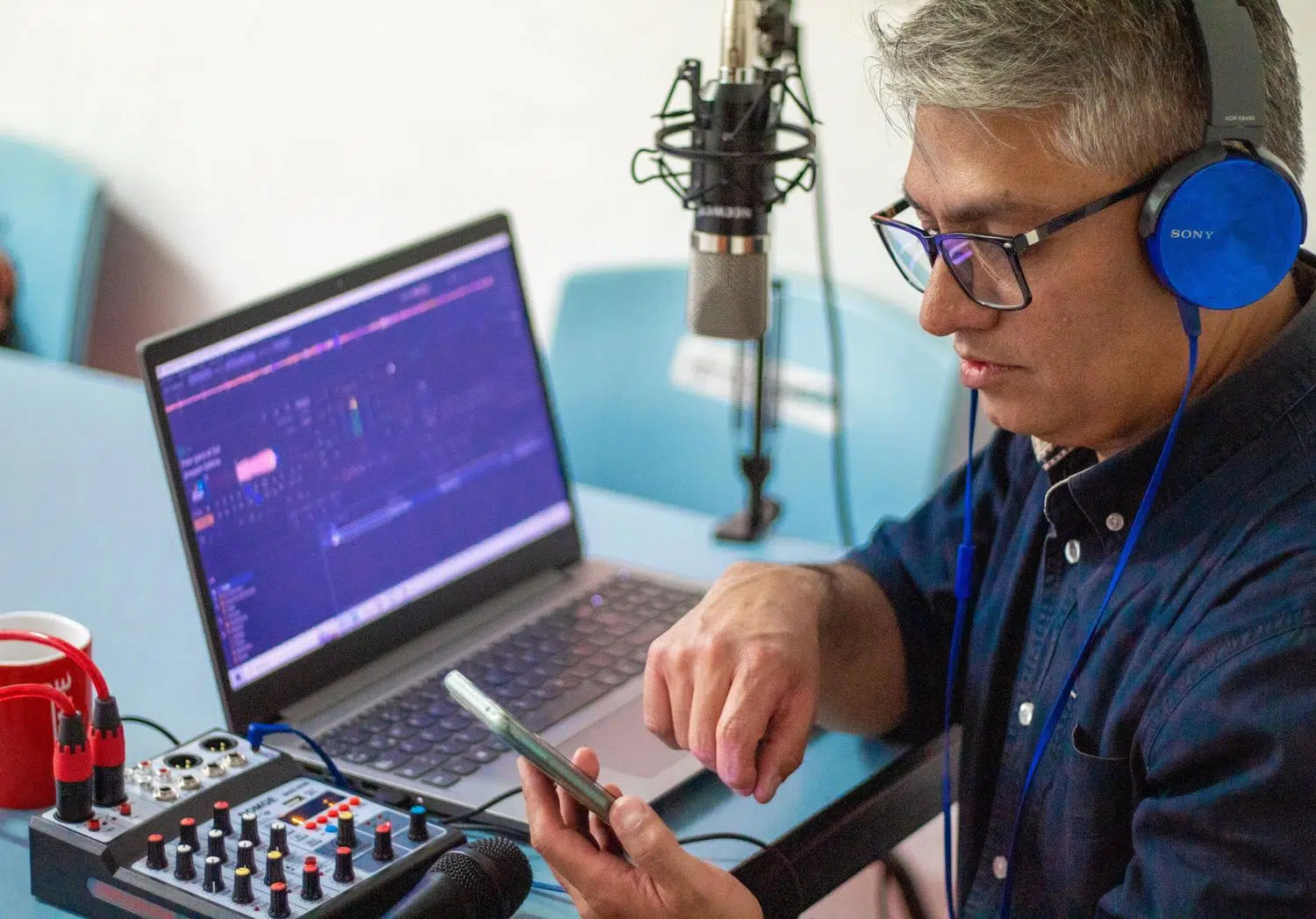
I'm sure it's happened to you: you have a long recording of an interview or a class, and the thought of transcribing it all seems like a huge undertaking. The truth is, handwriting transcription is a real drag and a monumental waste of time, especially when the usual free tools get confused with words or invent data that doesn't exist.
This is where Whisper comes in, an AI powerhouse created by OpenAI that's here to change the game. It's not just another program, but an automatic speech recognition (ASR) model that analyzes sound with astonishing accuracy, allowing us to obtain editable text in a matter of minutes without any hassle.


What exactly is Whisper and how does it work internally?
To put it simply, Whisper is an AI system specifically designed to convert speech to text. Unlike other software that frequently fails, this model analyzes audio patterns, context, and the speaker's characteristics to deliver a professional result. In its v3 version, it has been trained on over one million hours of audio, far surpassing the 680.000 hours of the previous version, which has resulted in a 10% to 20% reduction in errors.
One of the most amazing things is its ability to handle Spanish, where it has an error rate of less than 5% . Furthermore, it doesn't fall short with other languages; it can transcribe more than 100 languages, including Catalan, Basque, Galician, German, Arabic, and Japanese, and can even detect when the speaker switches languages mid-sentence.
Technical features and versatility
Whisper is not a closed application, but rather a language model that serves as a foundation for other companies to create their own tools using an API. To adapt to any hardware, OpenAI has released it in various sizes depending on the machine's capabilities . There are lightweight versions that require less than 1 GB of VRAM and have 39 million parameters, up to massive models with 1.550 billion parameters that require around 10 GB of VRAM to run at full capacity.
Another huge advantage is its ability to interpret the natural pauses in a conversation. This means the AI knows where to place a comma or a period based on the speaker's silence, saving us a ton of editing work later. It's ideal for managing meetings, podcasts, or interviews with multiple participants, as it automatically identifies and separates speakers.
How to get it up and running: from the technical to the simple
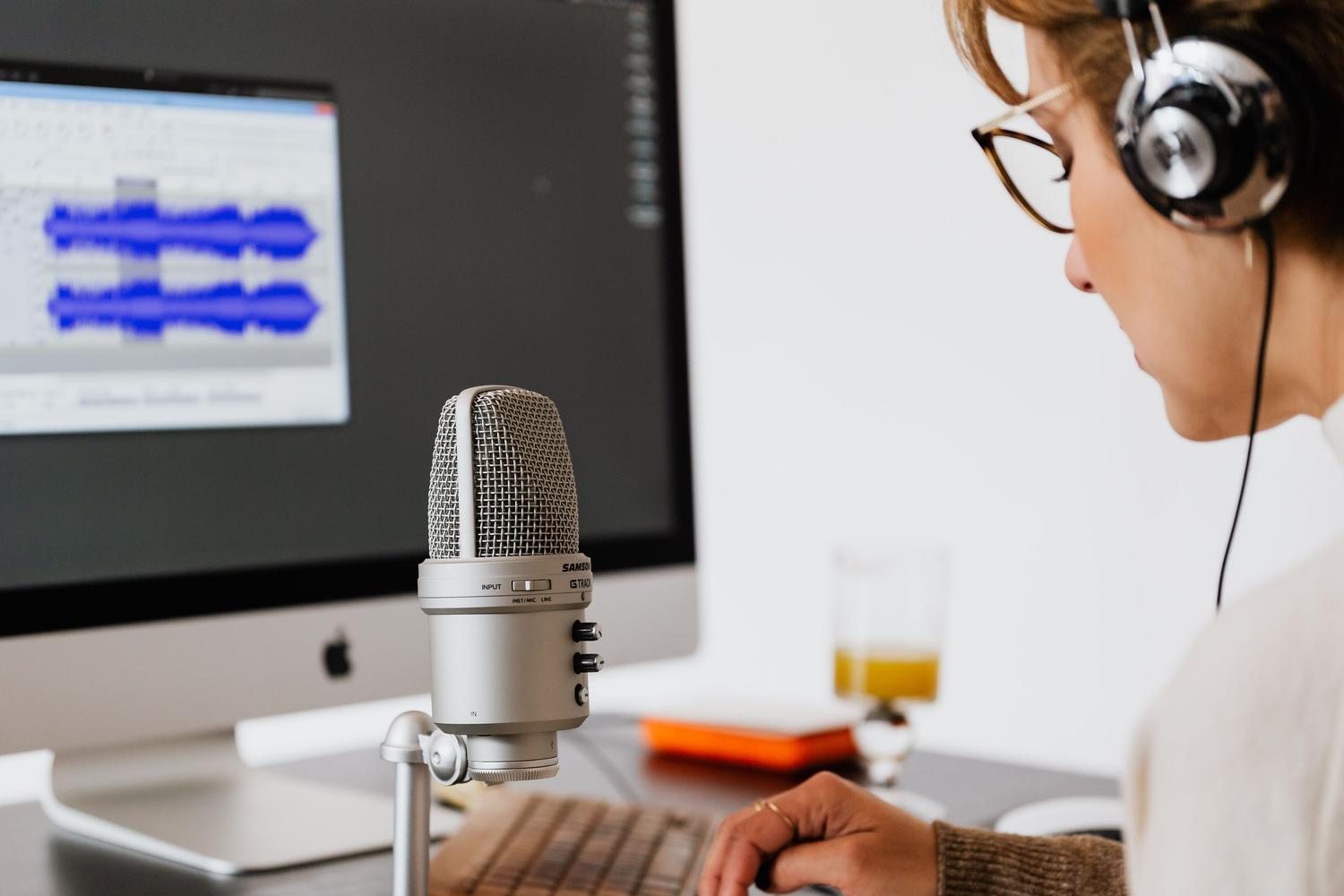
If you're a computer whiz, you can go directly to their GitHub page, download the open-source code, and run it locally on your machine following the technical instructions. This is very similar to setting up an AI programming assistant , as it requires advanced knowledge and isn't exactly a walk in the park for someone who doesn't know how to program.
If you don't want to complicate things, there are much simpler alternatives. For example, you can use the Replicate platform (replicate.com/openai/whisper) , which allows you to upload your files and choose which version of the model you want to use (like v3) without needing to install anything on your computer. This way, anyone can harness the power of AI to obtain an editable draft in record time.
Having a tool like this at hand is a relief, especially for journalists or students who used to spend hours listening to the same audio clip. Now, with the ability to process voice in real time and with near-surgical precision , transcription has gone from a tedious task to an automatic and efficient process that allows us to focus on what's important: analyzing the content.