- Fundamental difference between image reconstruction using AI and traditional layer editing.
- Importance of the prompt structure combining subject, style, lighting and technical quality.
- The tool's ability to perform everything from global and artistic changes to restorations of old photos.
- Specific techniques to maintain the fidelity of facial features and avoid distortions.
Forget struggling with endless layers or complicated selection tools. These days, retouching your photos is no longer the exclusive domain of Photoshop experts, because ChatGPT has arrived to democratize visual editing. The big difference is that here we don't move manual sliders, but rather communicate our ideas through language so that artificial intelligence can bring them to life.
However, it's important to understand that ChatGPT doesn't "edit" the photo in the traditional sense; instead, it reconstructs the image based on your instructions. This means that if you're not precise, the AI might take creative liberties you don't want, like changing your nose when you only intended to change your hair color. Therefore, knowing how to write the right prompt is the real secret to achieving professional results.

How image editing works in ChatGPT
To start working your magic, the first step is to upload your file using the upload button (the + icon). Depending on what you're looking for, you have two options: a more subtle edit or a complete reimagining . If you want your cat to look like it came straight out of a Studio Ghibli or Pixar film, you should ask the AI to reimagine the photo . Keep in mind that in this mode, the composition and faces may vary considerably, as the original image serves only as a starting point.
For more specific tasks, such as cleaning up a background or adjusting the lighting, AI is usually very fast. Global changes, like color grading or replacing a sky, are typically completed in seconds. However, very precise local edits, such as removing a stray strand of hair, may require several iterations to achieve a perfect result. A key tip is to always upload a sharp, well-exposed photo , as the more texture information the AI has, the better the final result will be.
The master formula for perfect prompts
If you want to stop getting random results, the best approach is to follow a logical structure. Simply saying "make it look pretty" won't do; you need to be specific. The formula that works best is to combine: + + +.
- To improve quality: It asks that the image be optimized using a realistic photographic style, natural lighting, and high resolution without noise.
- To delete objects: It's not enough to say "take this away". It's vital to ask for a natural reconstruction of the environment so that the empty space doesn't look artificial.
- To restore old photos: Request stain removal and balanced contrast, but always add the instruction to do not overprocess so that the photo doesn't lose its old-fashioned charm.
- To color images: Focus on making sure the colors are faithful to the era and avoids excessive saturation.
Tips for maintaining the fidelity of your face
One of the most common headaches is that, when requesting a simple change, the AI transforms our face. To avoid this, it's essential to include explicit restrictions in the prompt. Phrases like "maintaining original features" or "without altering the face" are key to letting the AI know that it should only modify the hair or clothing and not your identity.
If you're working on product photography, for example, you can be very detailed. Imagine you have a wallet on a kitchen table; you could ask for it to be isolated against a gray studio background with diffused light, and then, in a second step, request that a subtle shadow be added beneath the item. This layered approach to instructions often yields much cleaner results.
Typical mistakes you should avoid
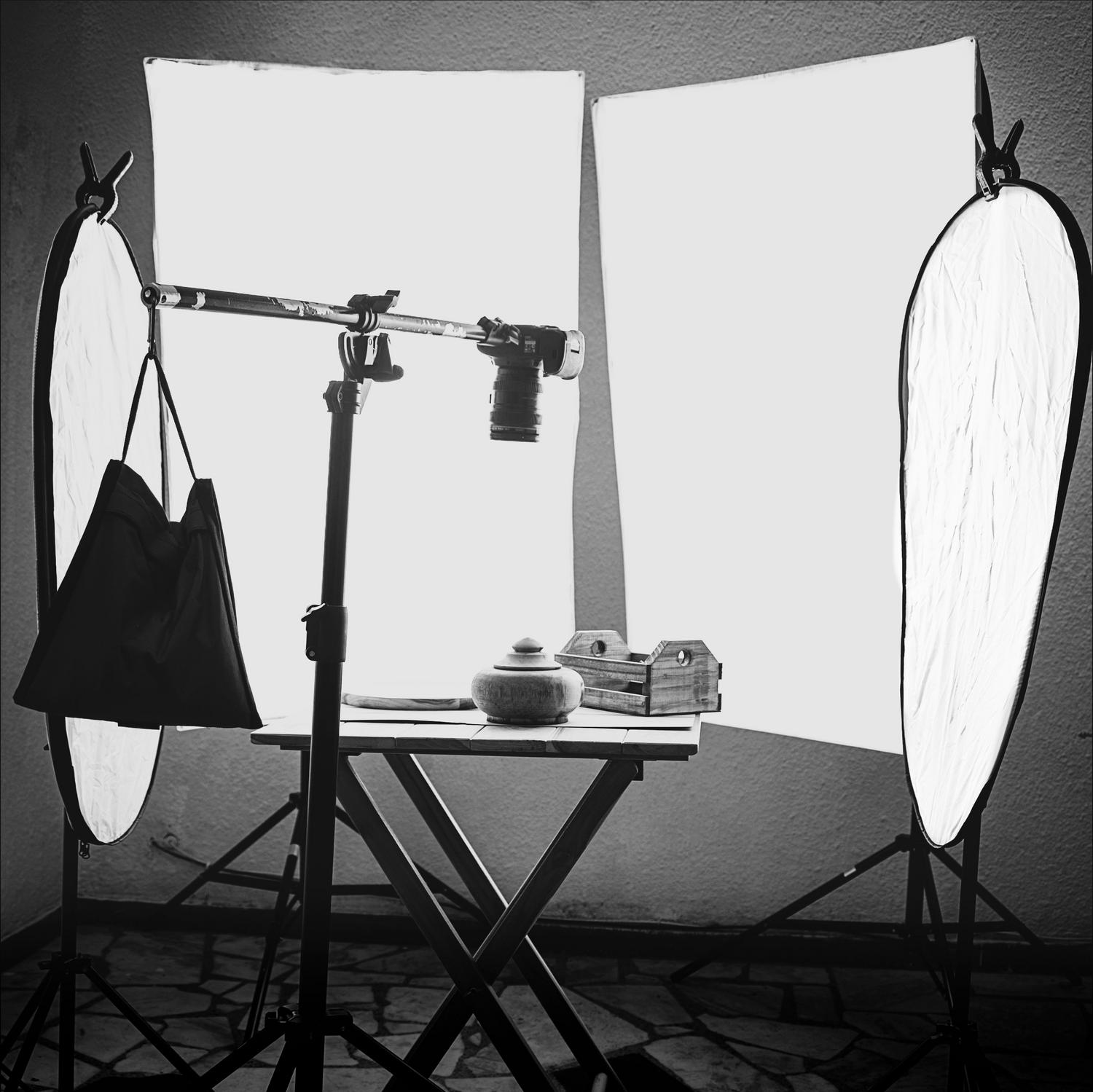
The most common mistake is using vague instructions. AI doesn't read minds or interpret ambiguous intentions; it responds strictly to what is written. Mixing contradictory commands or failing to define the background and lighting often results in distorted or strange images. Remember that precision is your best tool : the more you describe the atmosphere and technical details, the less room for error the machine will have.
Mastering the art of AI editing involves a shift in mindset, moving towards a visual approach to translate images into words. Whether transforming a photo into a pastel watercolor illustration or rescuing a blurry family memory, the key lies in striking a balance between detailed description and clear constraints, allowing technology to work for us without sacrificing the authenticity of the original image.