- Implement segmentation using VLANs or guest networks to prevent lateral movement of threats.
- Configure one-way communication rules to allow central control to access IoT devices without exposing the LAN.
- Physical and electrical protection of the home automation infrastructure through the use of SPD and uninterruptible power supply systems.
- Proactive security management based on inventory control, firmware updates, and strong password policies.
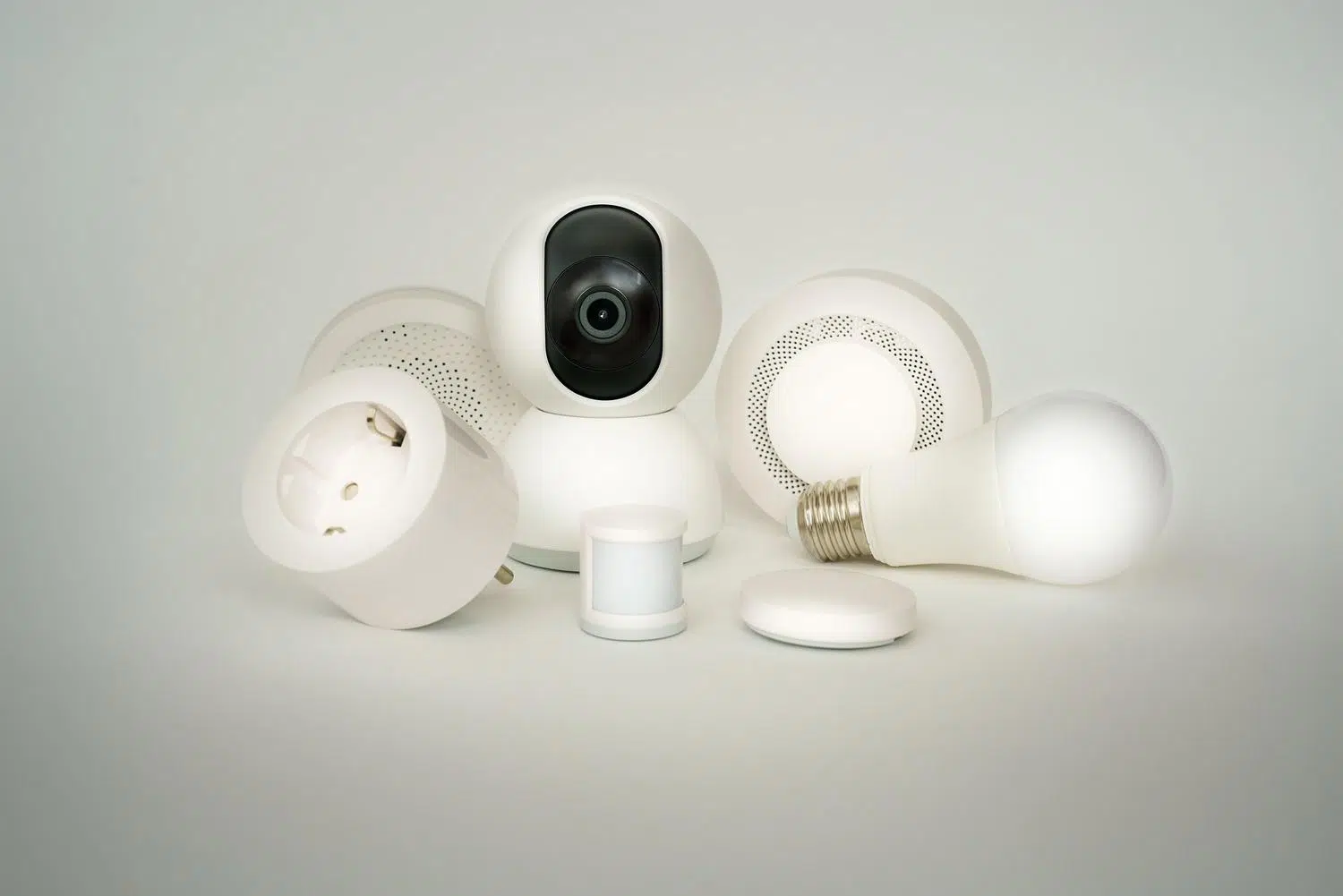
Having your house full of smart gadgets is wonderful, but if you think about it for a second, it's like leaving the door open to strangers. Many of these devices come with rather weak security, and if a hacker manages to break into a ten-euro Chinese light bulb, they could end up snooping around your personal computer or your NAS where you store family photos. That's why separating the traffic of IoT devices from your main network isn't just a quirk of IT professionals, but a common-sense measure for peace of mind.
The key is how to achieve this isolation without disrupting home automation. It's pointless to have the doorbell on an isolated network if your Home Assistant server can't give it commands or you can't open the door from your phone. The challenge lies in setting up a system where the trusted network controls the IoT network , but where the reverse is impossible, thus preventing any vulnerability from spreading throughout the house.

Strategies for segmenting your home network
If you don't have much technical knowledge, the quickest way is to take advantage of the guest network feature that almost all modern routers offer. By connecting IoT devices here, the router creates a natural barrier. However, for those looking for a more professional solution, using VLANs (Virtual Local Area Networks) is the winning option, as it allows you to create isolated compartments within the same managed switch, assigning specific labels to each group of devices.
Some people try the "hacky" solution of connecting an old router to a new one to create a subnet. The problem is that the subnet router often still has visibility into the main network due to how traffic routing is managed. For this to truly work, you need a next-generation firewall or a router with support for advanced firewall rules that block traffic from the IoT zone to the LAN, allowing only the control server (such as Home Assistant) to initiate communication.
For users of specific ecosystems like TP-Link Deco or Tether, there are simplified device isolation options directly within the app. These tools allow you to add devices to a communication blacklist, ensuring they can access the internet for updates but cannot communicate with other devices in the home, thus limiting the impact of any potential malware.
Logical security and asset management
It's not all about networking; digital hygiene is fundamental. The first step to protecting yourself is knowing exactly what's connected. It's vital to keep a detailed inventory of your hardware and firmware , since many IoT devices are invisible or appear under generic names. Knowing what model you have and what software version it uses allows you to identify any open security holes that you need to close urgently.
Another critical point is access keys. It's a dangerous habit to leave the default passwords, which are often easy to guess or posted on internet forums. Ideally, every password should be changed to a complex and unique combination as soon as the device connects to the network. Furthermore, you have to fight with manufacturers to keep the firmware updated , since security patches are the only way to correct design flaws that attackers exploit to jump from one device to another.
Electrical protection: physical safety
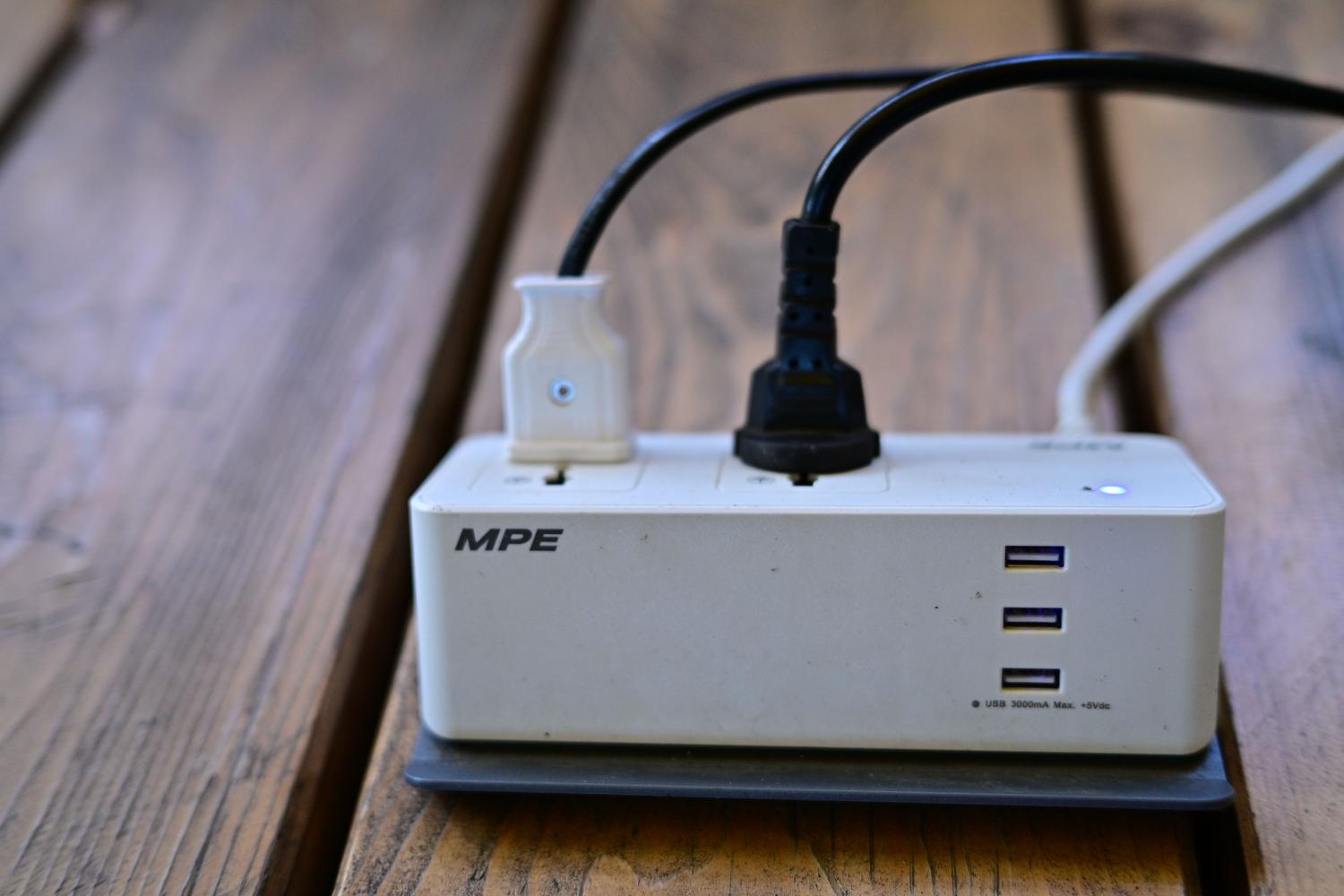
Sometimes we focus so much on hackers that we forget that a lightning strike or a power surge can wipe out your entire home automation system in a second. To avoid disasters, the best approach is to implement a layered protection strategy . The first line of defense should be in the electrical panel with a Type 2 surge protector (SPD), which diverts voltage spikes before they reach the electrical outlets in each room.
For critical equipment, such as routers, NAS servers, or Home Assistant hubs, a standard power strip isn't enough. Ideally, you should install a UPS (Uninterruptible Power Supply) . These devices not only prevent the server from shutting down abruptly during a power outage, but they also regulate the voltage. It's important to calculate the actual power consumption in watts (W) and not rely solely on VA ratings, ensuring that the UPS can handle the full load of connected equipment with a safety margin.
- Power strips with protection: Useful for minor transient spikes in peripherals.
- SAI Line-Interactive: The best value for money option for home users and gaming.
- SAI Online: Reserved for professional servers that cannot tolerate even a millisecond of interruption.

The role of machine learning in defense
In more complex or enterprise environments, manual management is impossible. This is where machine learning comes in to analyze device behavior. If a smart bulb, which normally only sends a few bytes of data to the server, suddenly starts trying to connect to the administrator's computer, the system detects an anomaly and can automatically isolate the device before the attack progresses.
This continuous visibility allows for the creation of risk profiles. By understanding how each sensor or actuator behaves, much more granular firewall policies can be designed , allowing only the traffic strictly necessary for the smart home to function and blocking any suspicious lateral communication attempts.
To fully secure your home, the ideal solution is to combine network segmentation using VLANs, rigorous password and update management, and a protected electrical infrastructure with surge protection devices (SPDs) and uninterruptible power supplies (UPS). By integrating these layers, we ensure that the convenience of home automation doesn't become a vulnerability, keeping IoT devices under control and private information completely out of reach.
