- Implementation of general interfaces to connect 3D mechanical systems with 1D physical networks without power loss.
- Strict compliance with Newton's laws, avoiding the addition of direct inertia at accelerated interface nodes.
- Mandatory synchronization of initial positions between the Multibody assembly and the Simscape network using variables or signals.
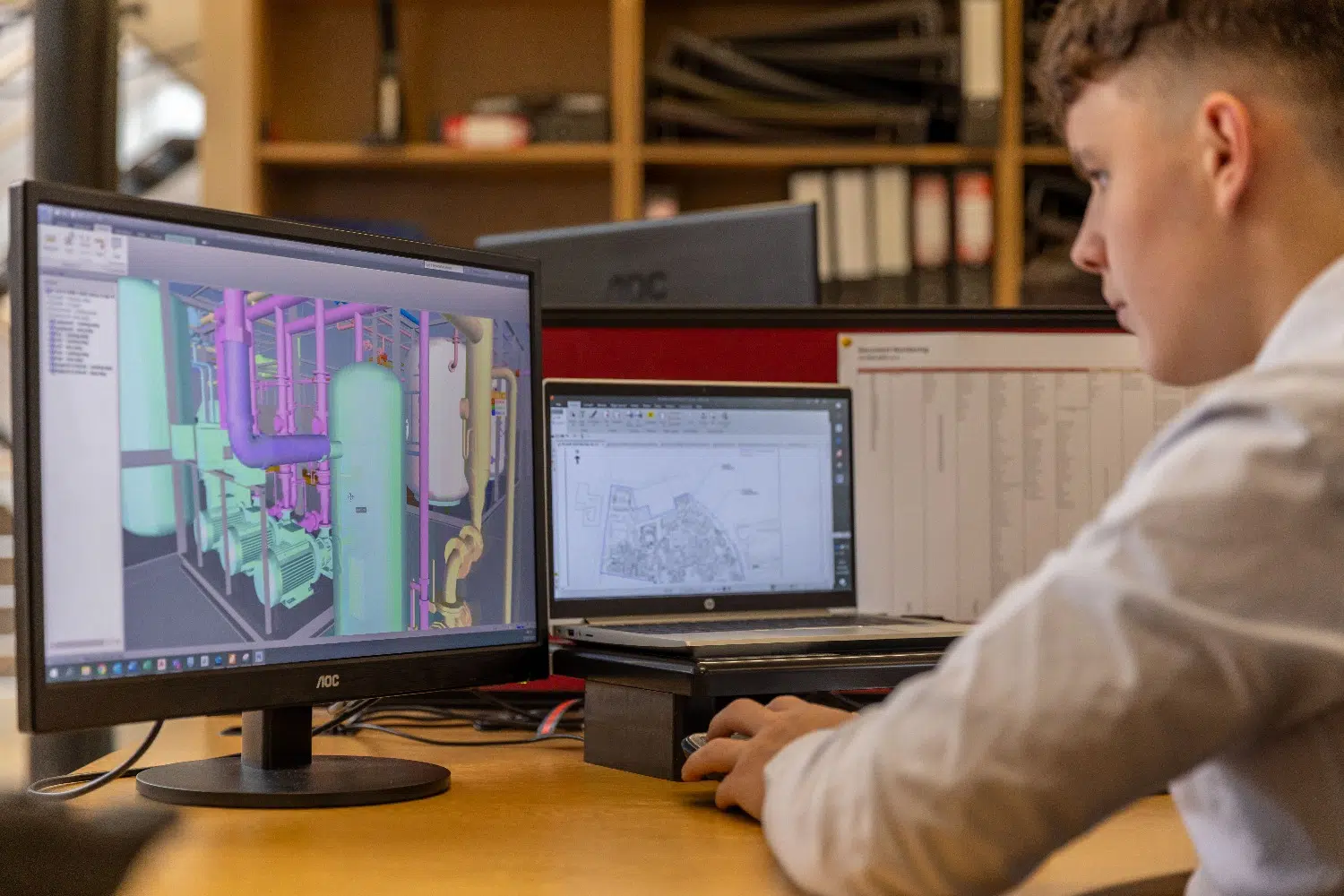
If you work in the world of engineering and physical modeling, you've surely already encountered the power of Simscape Multibody. This tool is a true gem for those who need to design complex 3D mechanical systems, but the real magic happens when we stop viewing mechanics in isolation and start integrating physical effects from various domains into a single model.
We often face the challenge of connecting a three-dimensional mechanical environment with one-dimensional physical systems, such as hydraulic or electrical circuits. To prevent this from becoming a headache, general interface libraries exist that allow power to flow losslessly between different physical networks, ensuring that the system's behavior is realistic and consistent.
Golden rules for 3D-1D connection
You can't just connect things any old way if you want the simulation to be valid. There are a couple of basic rules you need to remember to avoid throwing the laws of physics out the window. First, it's forbidden to directly add inertia to the node on the Simscape side of the interface. This is because masses in Simscape reside in an implicit inertial frame of reference, while the coupled mechanical circuit is usually moving in an accelerated frame. If you ignore this, the simulation will omit pseudoforces, which is a direct violation of Newton's second law.
If for some technical reason you need to model inertia within the Simscape network, the solution is to use a spring and a damper connected in parallel to link the interface element. However, be very careful, as the Simscape circuit will not recognize the movements of these bodies along axes that are orthogonal to the primitive axis chosen in the interconnected joint.
Data and measurement synchronization

Another area where many engineers often stumble is with sensory measurements. It's very common for quantities detected in Simscape, such as the translation of a node, to show a shift compared to measurements in Simscape Multibody. This occurs because the initial position of the joint in the Multibody environment is defined during the assembly process and is not automatically transferred to the Simscape network.
To resolve this discrepancy and ensure everything fits together perfectly, you have two options. You can use MATLAB variables to synchronize the initial position settings, or, if you prefer a more dynamic approach, feed the Simscape network directly with the position data from Simscape Multibody. This way, you guarantee that geometric consistency is maintained throughout the model's execution.
Evolution of libraries and physical domains

The ecosystem of these tools has evolved considerably to make life easier for the user. In recent versions, the use of conventional hydraulic domains has been replaced with the implementation of the isothermal fluid domain , which provides greater accuracy in certain types of analysis. Furthermore, interface blocks are now integrated into the software as standard, although maintaining custom examples remains useful for exploring bespoke block options.
Among the current capabilities, the single-acting hydraulic cylinder blocks and single-piston pumps stand out, utilizing physical signal interfaces to interact with the multibody system. Special emphasis has also been placed on unit propagation through the physical signal blocks and on joint limit management, enabling mechanical stops to behave realistically in the simulation.
Integrating electrical, hydraulic, and mechanical domains into a single working environment enables the creation of highly realistic digital twins. By mastering the use of translational and rotational interfaces, and respecting inertial and position synchronization constraints, it is possible to develop robust multiphysics models that optimize design time and reduce errors before moving to physical prototyping.
FAQ
Why shouldn't I add inertia directly to the Simscape node in the interface?
Doing so would cause the simulation to ignore pseudoforces in accelerated frames, causing the model to violate Newton's second law.
How can inertia be modeled correctly in a Simscape network?
The inertia must be connected to the interface element using a damper and a spring arranged in parallel.
What to do if there is a discrepancy in measurements between Simscape and Simscape Multibody?
This can be solved by using MATLAB variables to synchronize the initial position or by sending the position data from Multibody to the Simscape network.
What is the difference between the hydraulic domain and the isothermal fluid domain in recent versions?
The most recent versions have migrated the examples from the hydraulic domain to the isothermal fluid domain to improve the representation of physical effects.
How are movement limits managed in Simscape Multibody joints?
The software allows you to configure specific articulation limits that act as real mechanical stops within the simulation.
What types of general interfaces are available for connecting domains?
There are interface blocks specifically designed for both rotational and translational power transfers.
