- Analyzing the workstation involves studying methods, postures, forces, environment, and mental workload to adapt it to the individual.
- Applying ergonomic principles reduces musculoskeletal injuries, fatigue, and errors, improving health and productivity.
- The type of station varies according to the environment (industrial, office, workshop) and its configuration (individual, collaborative, mobile or modular).
- Ergonomics, order, good lighting and appropriate technology are the basis for optimizing any workstation.
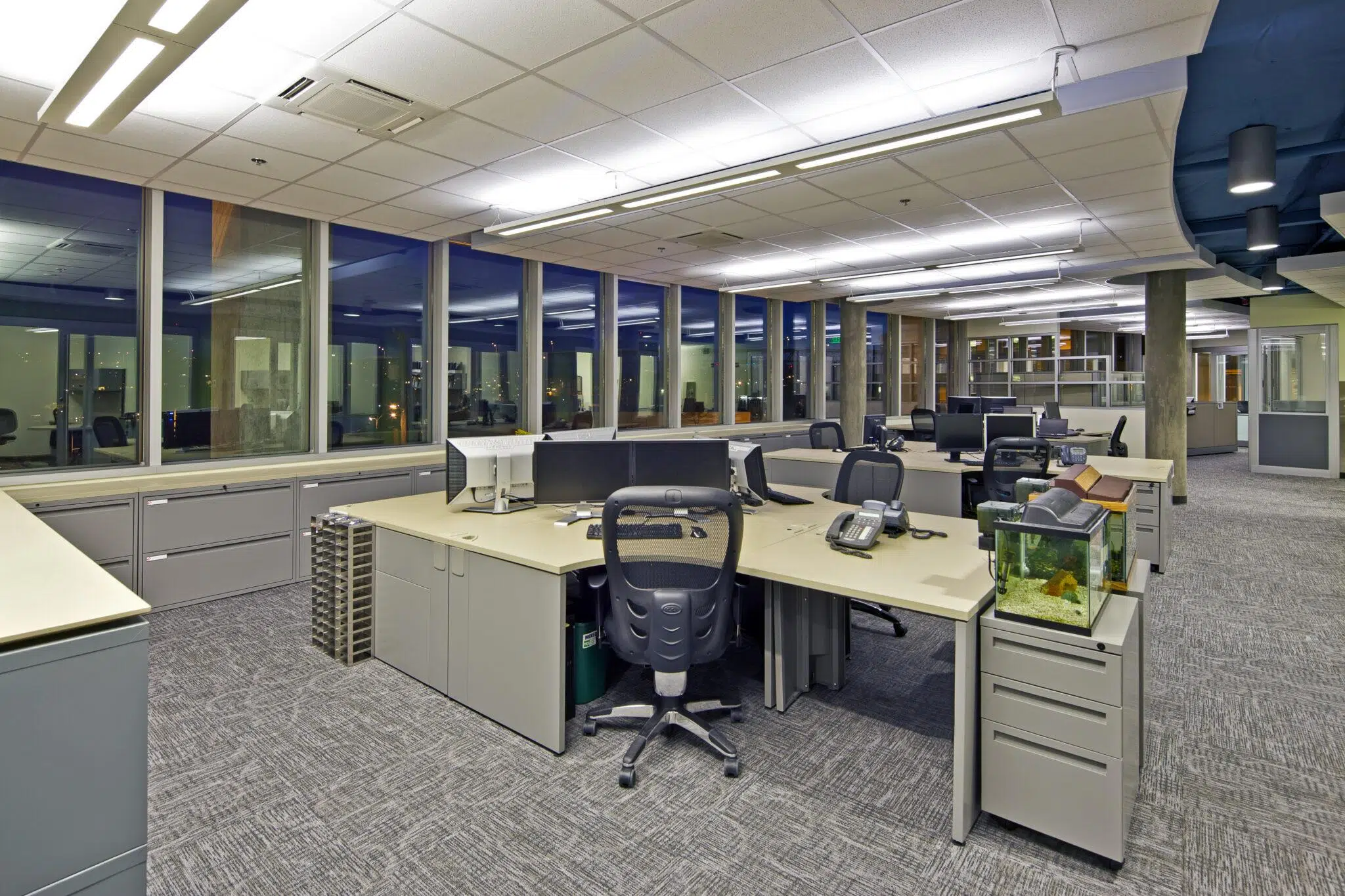
A good workstation isn't just about having a nice desk and chair: behind it lies a whole ergonomic, organizational, and technical analysis that makes all the difference between a productive environment and one filled with physical discomfort, errors, and downtime. Whether in industry, the office, or a workshop, the way a workstation is designed and organized directly impacts the worker's health and the company's results.
When discussing workstation analysis, aspects such as posture, movement, physical and mental workload, the thermal, acoustic, and visual environment, tool layout , and work methods all come into play. Neglecting these factors leads to injuries, absenteeism, and decreased productivity; addressing them results in a safer, more comfortable, and more efficient environment where it's much easier to perform well without ending up exhausted at the end of the day.
What is a workstation and why is it so important to analyze it?
Simply put, a workstation is the physical space where a person performs their tasks with the necessary resources: furniture, tools, equipment, information devices , and safety equipment. This space can be in an office, a factory, a machine shop, a laboratory, a hospital, or a logistics warehouse, among many other environments.
The key is that the workstation cannot be designed without considering the person who will use it. The worker has very specific physical characteristics, abilities, limitations, and needs , and the entire environment should be adapted to them as best as possible. When the opposite is done, and the worker is forced to adapt to a poorly designed workstation, musculoskeletal problems, excessive fatigue, and demotivation begin to appear.
Furthermore, the workstation is the point where work methods, technology, organization, and safety intersect. A thorough analysis allows for adjustments to work practices, surface height, control placement, and lighting, thereby reducing errors, unnecessary movement, downtime, and task-related risks.
In industrial settings, for example, a workstation might include workbenches, racking and palletizing systems, ramps, platforms, loading and unloading equipment, protective gear, and computer control systems. In offices, it typically combines desks, ergonomic chairs, computers, storage , and comfort features. In workshops, it involves robust workbenches, hand and power tools, and fairly stringent ventilation and safety measures.

Key aspects in job analysis
Before redesigning or implementing a workstation, it's advisable to systematically review the factors that influence both the task and the individual . It's not just about changing the desk or buying a new chair, but about understanding what is done, how it's done, who does it, and under what conditions.
The first section relates to work methods and the production process . This involves analyzing what operations are performed, in what order, at what times, what movements the worker repeats, and what tools or machines are used. This analysis allows for the identification of redundant operations, unnecessary movements, or repetitive tasks that should be reviewed or automated.
Another element is the physical characteristics of the job users: height, weight, body proportions, maximum recommended strength, and any limitations. Working with anthropometric percentiles helps define heights, distances, and reaches that suit the majority of the workforce without excluding shorter or taller individuals.
It is also essential to consider posture, movement, exposure time, and frequency . Maintaining a fixed standing posture for eight hours is not the same as alternating between sitting, standing, and moving. Similarly, lifting one box a day is not the same as lifting dozens every hour. The analysis should identify awkward positions, twisting of the torso, continuous bending, reaching above shoulder height, or exertion with a hunched back.
The physical workload is further assessed by studying the forces applied and the frequency of each movement . It's essential to evaluate how much weight is lifted, pushed, or pulled, the height at which objects are handled, and how often the effort is repeated. In intensive manual tasks, this is crucial for preventing shoulder, wrist, or lower back injuries, as well as cumulative trauma disorders.
In parallel, the mental workload associated with the position is reviewed : level of attention required, response time to signals or alarms, complexity of information, multitasking, time pressure, and consequences of an error. In a control room or a workstation with multiple screens, buttons, and alerts, this aspect can be as important as the physical one.
Another part of the analysis concerns the information the worker receives and the control elements . It's necessary to study the location of screens, pilot lights, indicators, panels, and controls; their size, legibility, the logic of colors and symbols, and how easily they are accessible without awkward postures. If the information is not clearly visible or the controls are difficult to reach, errors and stress increase.
The work environment cannot be overlooked : thermal conditions (cold, heat, drafts), noise, vibrations, lighting, air quality, and the presence of hazardous substances. All of these factors influence the worker's comfort, health, and ability to concentrate, and determine the design of the workstation and personal protective equipment.
Finally, the personal and social aspects of the job are analyzed : work clothes, footwear, portable tools, personal protective equipment, interaction with other colleagues, break schedules, and working hours. These factors complete the picture of daily life at that specific station.
Ergonomic principles for designing a good workstation
Once the characteristics of the workstation are understood, the next step is to apply a series of basic ergonomic principles to help adjust the design. These principles are not just empty theory: when applied judiciously, they significantly reduce discomfort and improve productivity.
The first principle is to minimize unnecessary static and dynamic loads . A static load occurs when a muscle maintains a position without moving, such as holding an object or keeping your arms raised; a dynamic load involves movement, such as lifting, carrying, or pushing. Both generate internal tension and fatigue, so it is advisable to use mechanical aids, support surfaces, adjustable tables, and handling systems so that the body does not have to make continuous, unnecessary efforts.
Related to the above, it is essential to avoid fixed and awkward postures maintained for hours . A well-designed workspace should allow for alternating positions: sitting, standing, and moving, encouraging frequent changes in posture. Standing for too long can contribute to circulatory problems such as varicose veins, while prolonged sitting can lead to back pain and stiffness in the neck and shoulders.
Another key principle is to define the working height a few centimeters below the elbow when the user is in the primary working position. This reference point helps keep the shoulders relaxed and the forearms in a comfortable position. In workstations with multiple users, adjustable desks or elements that compensate for height differences, such as platforms or auxiliary stools, are recommended.
It's also advisable to organize the task so that it takes place within the normal working range of the arms . This area is described as the space the forearm reaches when rotating from the elbow with the arm close to the body. Placing the most frequently used tools and controls within this area improves accuracy, reduces movement time, and decreases strain on the shoulders and back, as it avoids awkward reaching.
Good design also focuses on providing adequate support for different body parts . If the task requires continuous support for the elbows, forearms, or wrists, it's advisable to have padded surfaces without sharp edges that distribute pressure and prevent pain over time. Something as simple as a poorly finished edge on a table can cause significant discomfort during prolonged work.
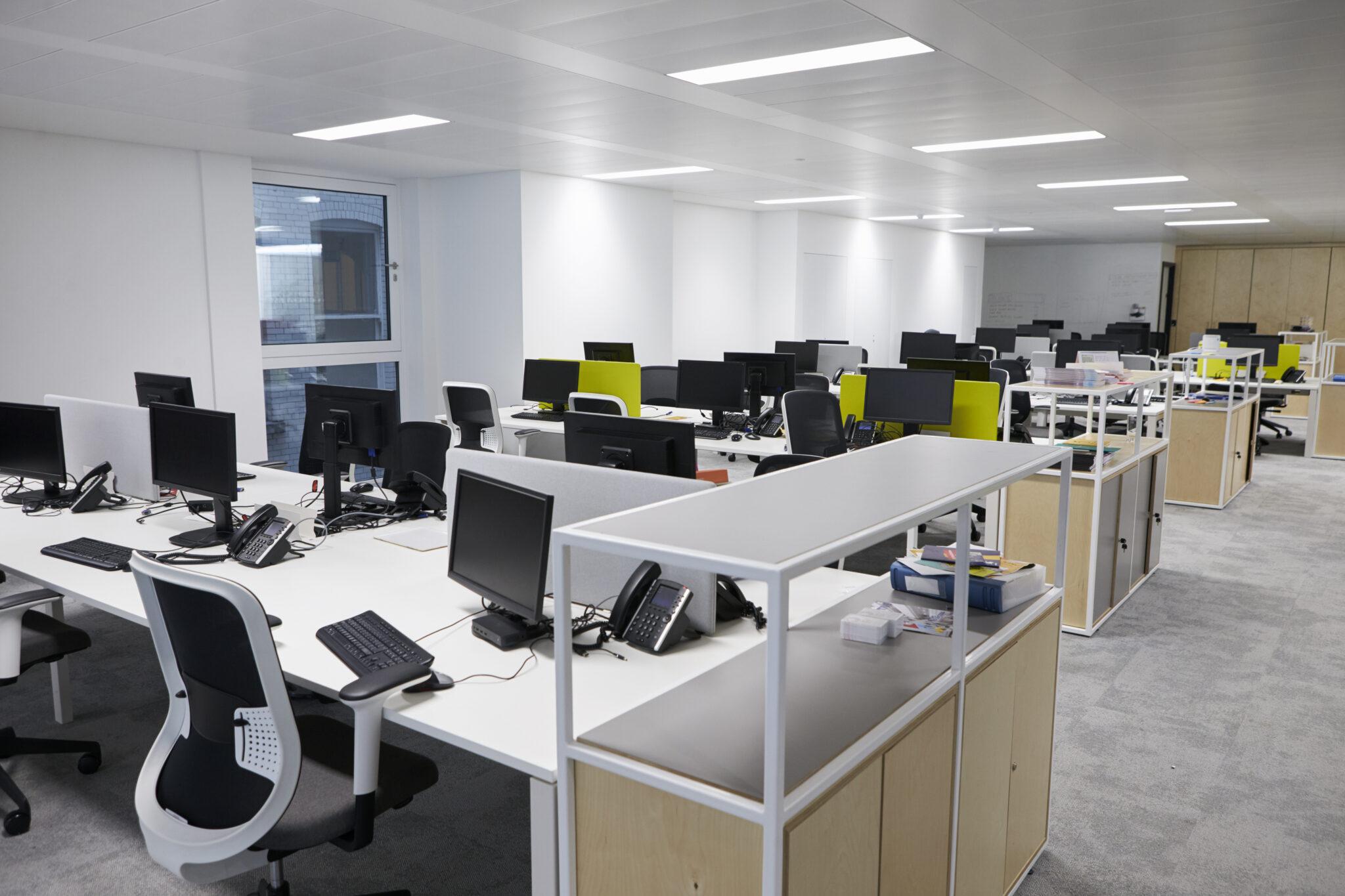
In seated work environments, the chair is a critical element of ergonomic design . Ideally, it should allow for adjustments to the seat height, backrest height (both vertically and in depth) to adapt to the lumbar curve and provide firm support without restricting movement. It is also important that it facilitates full contact of the soles of the feet with the floor or a footrest to maintain a stable posture.
Clothing and footwear are not insignificant details: it's essential to ensure you wear appropriate clothing and shoes for the type of work . For jobs that require standing, footwear with good cushioning and stability helps delay fatigue and protect the joints. When working with machinery that has moving parts, it's preferable to wear close-fitting or short-sleeved clothing to avoid dangerous entanglements.
Another fundamental principle is to limit highly repetitive tasks , especially those involving forced movements or strenuous effort, such as squeezing, twisting, or lifting in the same position. These situations are linked to cumulative trauma disorders, particularly in the wrists, shoulders, and lower back, which can seriously disable the worker.
Spatial organization also matters: it's recommended to assign fixed locations for materials and tools . This way, workers don't have to spend time searching for things or deciding where to put them; everything is where it's expected to be, which speeds up mental planning and the execution of movements. It's a simple way to shave seconds off each operation and reduce errors.
Information systems and controls must be carefully designed. Clear, legible, and well-placed information and control devices are preferable . This includes selecting the type of indicator (light, screen, audible signal), its size, colors, contrast, and viewing distance. Consideration must also be given to the required reaction time, the frequency of consultation, and the consequences of misinterpreting the information.
Finally, it's important to distribute controls and tasks evenly between limbs so that none are overloaded. It makes no sense for all the effort to always fall on the same hand or arm if there's room to distribute the load, alternate sides, or vary the sequence of movements.
Types of workstations according to the environment
Workstations can be classified in many ways, but one of the most useful for analysis is to consider the type of environment in which they are located . Optimizing an assembly line is not the same as optimizing an office, and ergonomic and organizational solutions vary considerably between industries.
In the industrial workstation , common in mining, manufacturing, logistics, and construction, the focus is on handling intensive tasks with robust and specialized equipment. This includes loading and unloading stations with docks, platforms, and ramps that facilitate the movement of large volumes of goods, supported by forklifts and barcode scanners to expedite the flow.
In the goods receiving area, the station focuses on quality control, verification, and labeling . Metal tables, logistics boxes, strapping machines, and packaging equipment are common. The storage station, on the other hand, relies on shelving and pallet racking systems, pallets, pallet jacks, racks, and vertical organization solutions to optimize space.
Another industrial variant is the order picking station , where operators need scanners, barcode printers , picking carts, and packaging materials. During the shipping phase, the station includes tables or counters for boxes, mechanized systems, and labeling and verification equipment to ensure each product is correctly prepared before shipment.
In the case of an office workstation , the goal is more about maximizing cognitive productivity and comfort. Data indicates that many office workers are only productive for a relatively small part of their workday, so having a well-configured environment is extremely helpful. Ergonomic chairs, appropriately sized desks, cabinets and lockers for storing belongings, and reliable computer equipment are essential.
The workshop workstation , whether for mechanical work, carpentry, or artisanal manufacturing, requires highly resistant, safe, and well-equipped surfaces. The central element is usually a robust workbench with a large, durable surface, accompanied by cabinets or drawers for organizing tools and consumables. This is complemented by hand tools (screwdrivers, wrenches, hammers) and power tools (drills, saws, grinders), as well as ventilation and extraction systems, especially when hazardous fumes, dust, or vapors are generated.
Types of workstations according to configuration and mobility
Another useful way to classify workstations is by how they are configured and the degree of mobility they offer . This perspective is very practical when adapting spaces to different projects, work styles, or collaboration needs.
A single-user workstation is designed for one person and prioritizes concentration and privacy. It's typical in roles involving analytical tasks, programming, design, writing, or administrative work. It usually includes a suitably sized desk, a quality ergonomic chair, and the necessary computer equipment, along with some personal storage. In these cases, the ability to customize the monitor height, lighting, or noise isolation can make all the difference.
There are also double or collaborative workstations , designed for two or more people to work simultaneously. These are common in environments where constant interaction is necessary, such as co-creation projects, document review, team design, or customer service. They typically feature large or double tables, screens to allow for some separation when concentration is needed, and good access to communication tools and shared resources.
Portable or mobile workstations are those that can be easily moved within the workspace. They are very practical when tasks change location frequently or when the environment is often reorganized, for example, in dynamic warehouses, hospitals, or flexible workspaces. They typically consist of tables with wheels, carts with equipment clamping systems, mobile chairs, and modular organizers. In office environments, they can be complemented with solutions such as mini PCs for office applications to increase mobility and save space.
Finally, modular workstations offer great versatility because they can be reconfigured to suit changing needs. They use panels and components that are relatively easy to assemble and disassemble, such as adjustable desks, mobile shelving, and storage systems that combine like pieces. They are very useful in companies where projects change frequently, teams are reorganized, or new technologies emerge that need to be integrated into the workstation.
Practical tips for optimizing any workstation
Beyond the type of environment or configuration, there are a number of general recommendations that can help improve almost any workstation . Adjusting these aspects is usually relatively simple and can have a considerable impact on comfort, health, and performance.
First, it's important to review basic ergonomic posture . In office workstations, this means having a chair that offers good lumbar support and multiple adjustments, so the user can adapt it to their height and build. The desk should allow the forearms to be at approximately a right angle while typing, the keyboard to be close to the body, and the monitor to be positioned directly in front of the eyes , at a distance of between half a meter and slightly more, avoiding strain on the neck.
It's also important that your feet can rest flat on the floor or on a footrest , keeping your knees at a comfortable height. For jobs that require standing, surfaces with some cushioning are recommended, as well as the option to alternately elevate one foot to relieve pressure on your lower back. Changing posture throughout the day is always a good practice.
Organization and cleanliness play a key role. Proper cable management using trunking, cable ties, or grommets prevents tangles, reduces the risk of tripping, and improves the overall appearance. Having labeled shelves, drawers, and boxes makes it easy to quickly locate any tool or document and prevents the desk from becoming a permanent mess.
It's important to establish a simple, regular cleaning and maintenance routine , whether daily or weekly, to remove unnecessary items, check the condition of equipment, and put everything back in its place. This discipline reduces distractions, minimizes incidents, and creates a more pleasant environment where people feel more comfortable.
Another very important aspect is the lighting of the workstation . Whenever possible, it's best to take advantage of natural light by placing the workstation near windows, while avoiding direct glare on the screen or work surface. When there isn't good natural light, it's advisable to use adjustable lamps with white or slightly bluish light, which mimics daylight and reduces eye strain, taking care to avoid creating harsh shadows or reflections.
Finally, the technology and tools used in the role must be well-selected and in good working order. Slow or unreliable computers, worn-out hand tools, or software poorly suited to the task can waste a lot of time and increase frustration. Having appropriate management, communication, and collaboration software simplifies coordination between people and reduces errors in information transmission.
In short, a well-analyzed and designed workstation combines ergonomics, organization, appropriate technology, and a pleasant environment for the user, so that the worker can perform at their best with the least possible physical and mental strain , and the company gains in efficiency, safety, and quality of results.
