Skip to content
Computer Science and Digital Technology
  • Home
  • Technology
  • Databases
  • Software
  • Development
  • Windows
  • Security

Hardware

News and reviews on the latest hardware, including innovative computers, components and devices.

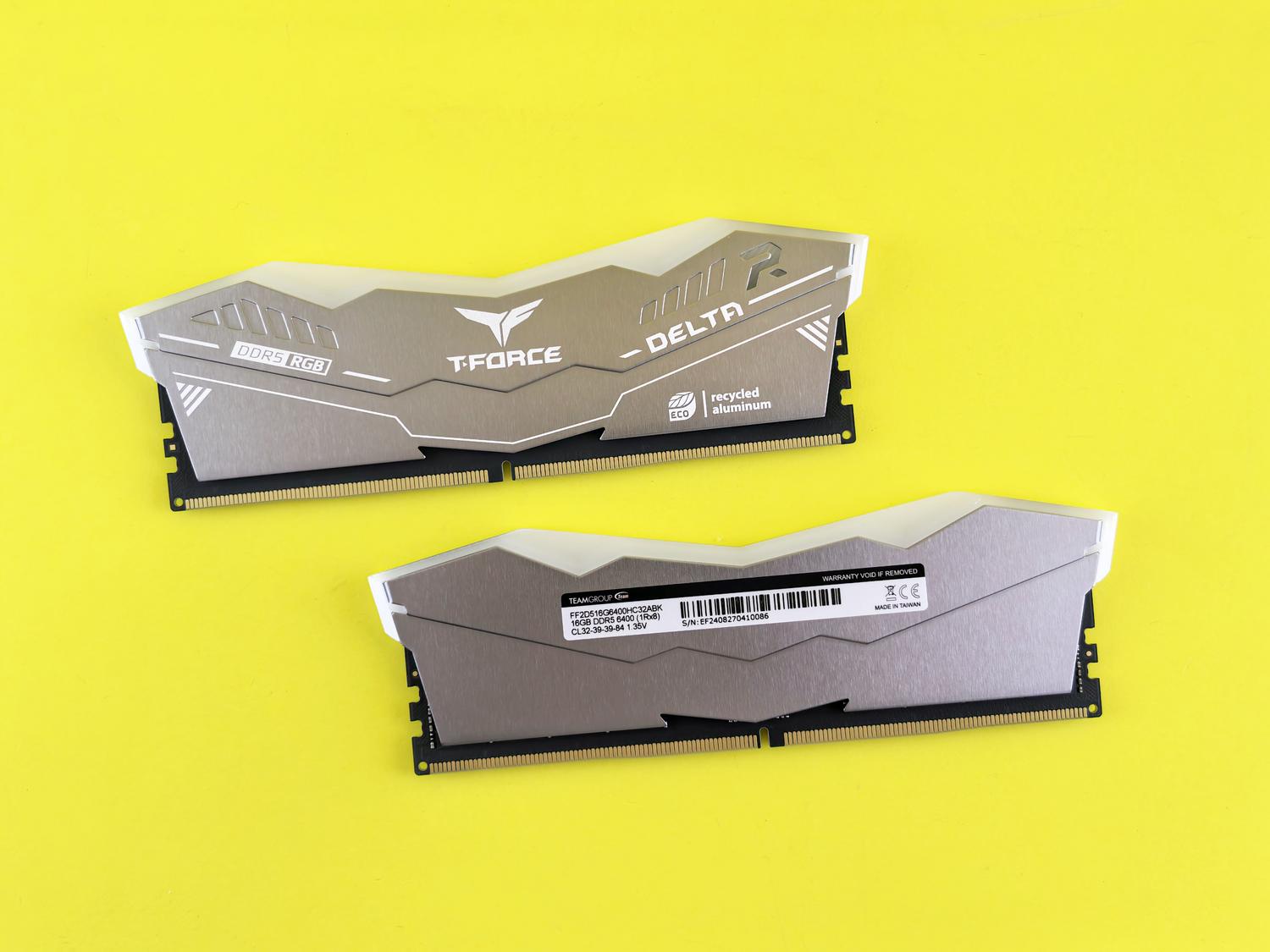
How to enable XMP or AMD EXPO in the BIOS to maximize your RAM speed
28th October 2026
T-Force Delta RGB DDR5 RAM memory modules on a vibrant yellow background, highlighting modern DDR5 technology.

Is your RAM not performing at the speed you paid for it? Learn how to enable XMP or EXPO in your BIOS step by step and get the most out of your PC today.
Categories Hardware

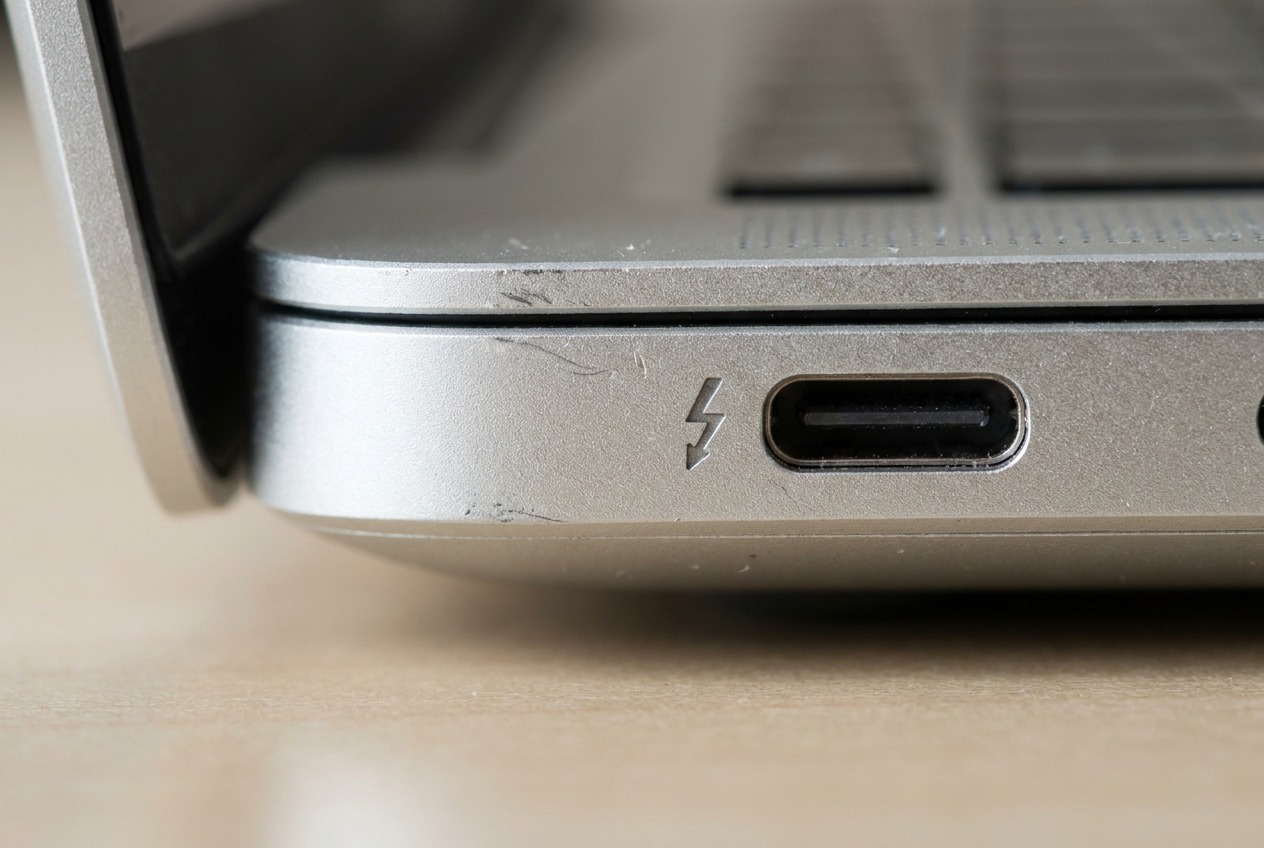
How to tell if your laptop's USB-C port supports video output to a monitor

28th October 2026
Close-up of a USB-C port on a laptop with the Thunderbolt lightning bolt logo engraved next to it, indicating video output compatibility.

Is your screen stuck on black? Find out if your USB-C port supports video, which cables to buy, and how to avoid common connection mistakes here.
Categories Hardware

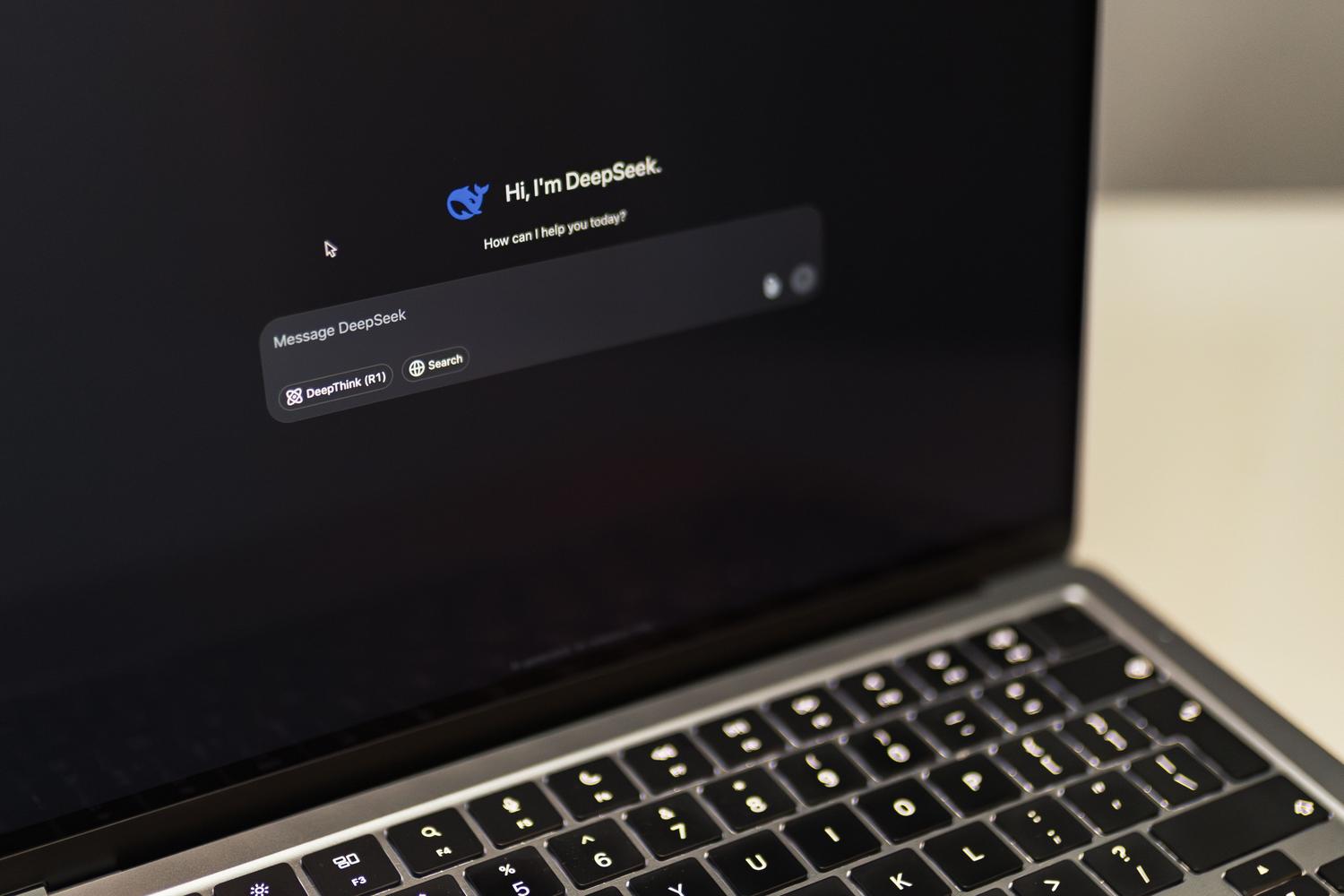
How to tell if your computer has an NPU for Artificial Intelligence

26th October 2026
Modern laptop running an artificial intelligence interface, representing the concept of AI PC.

Find out if your computer has an NPU to run AI locally. Easy methods for Windows and Mac, and a guide on its usefulness and real-world performance.

Categories Hardware

SSD Cluster Size: What it is and how to optimize it properly

26th October 2026
3D conceptual representation of data clusters on an SSD, showing full blocks, empty blocks, and wasted space.

Is your SSD running slow or losing space? Discover what cluster size is, what's ideal for your needs, and how to adjust it step by step.

Categories Hardware

How to check the actual capacity of an SSD or USB drive and detect counterfeits

21th October 2026
Person inserting a USB flash drive into a laptop port to start the capacity check.

Does your USB drive have less storage space than advertised? Learn to distinguish between normal errors and scams, and discover the best tools to test it.
Categories Hardware

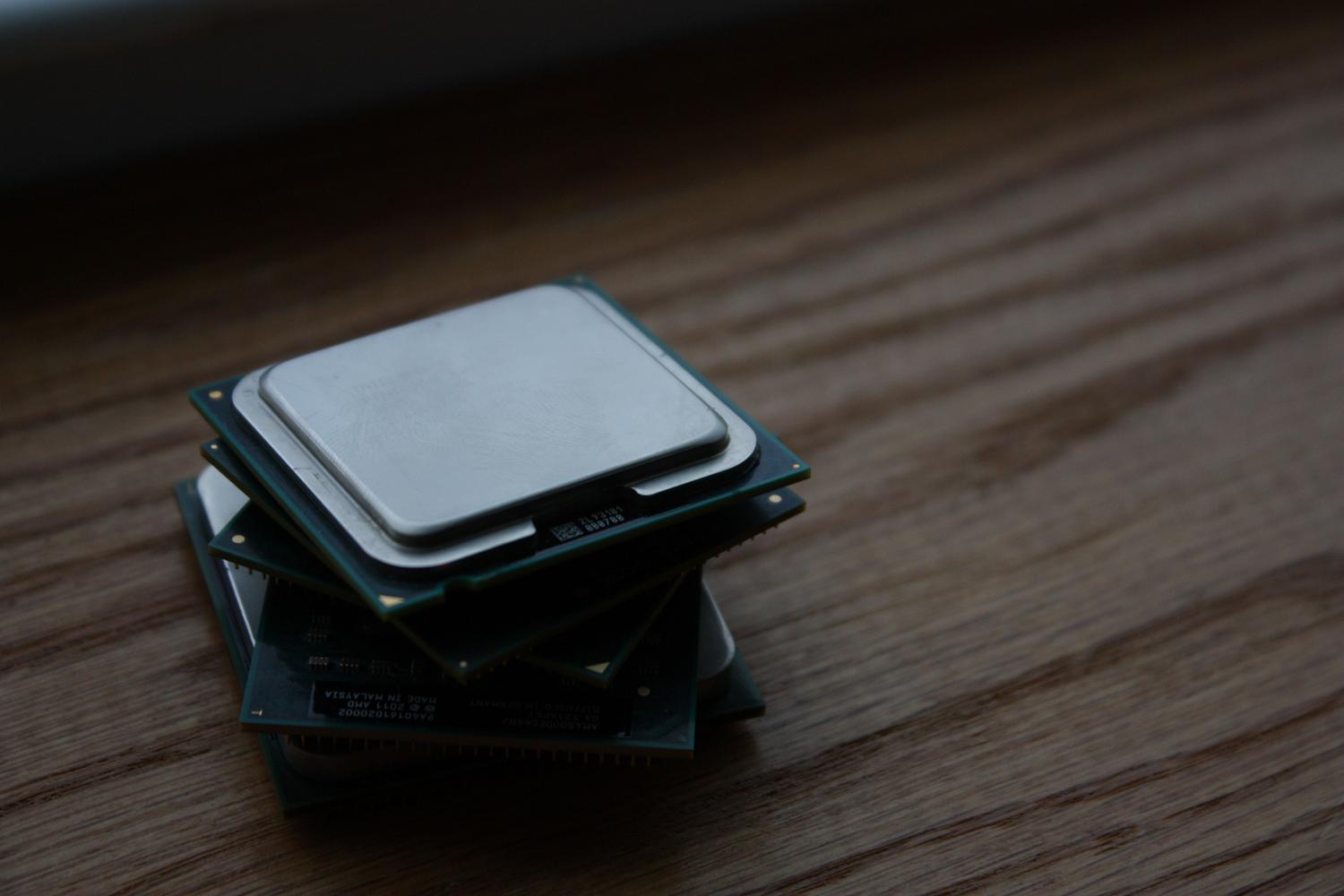
Complete Guide to Buying Used PC Components Safely

18th October 2026
A set of used computer processors on a wooden surface, representing the second-hand hardware market.

Want to build your own PC while saving money? Learn how to choose used hardware, avoid scams, and discover which parts you should never buy secondhand.
Categories Hardware

How to monitor your graphics card's Hotspot temperature with HWiNFO and other tools

18th October 2026
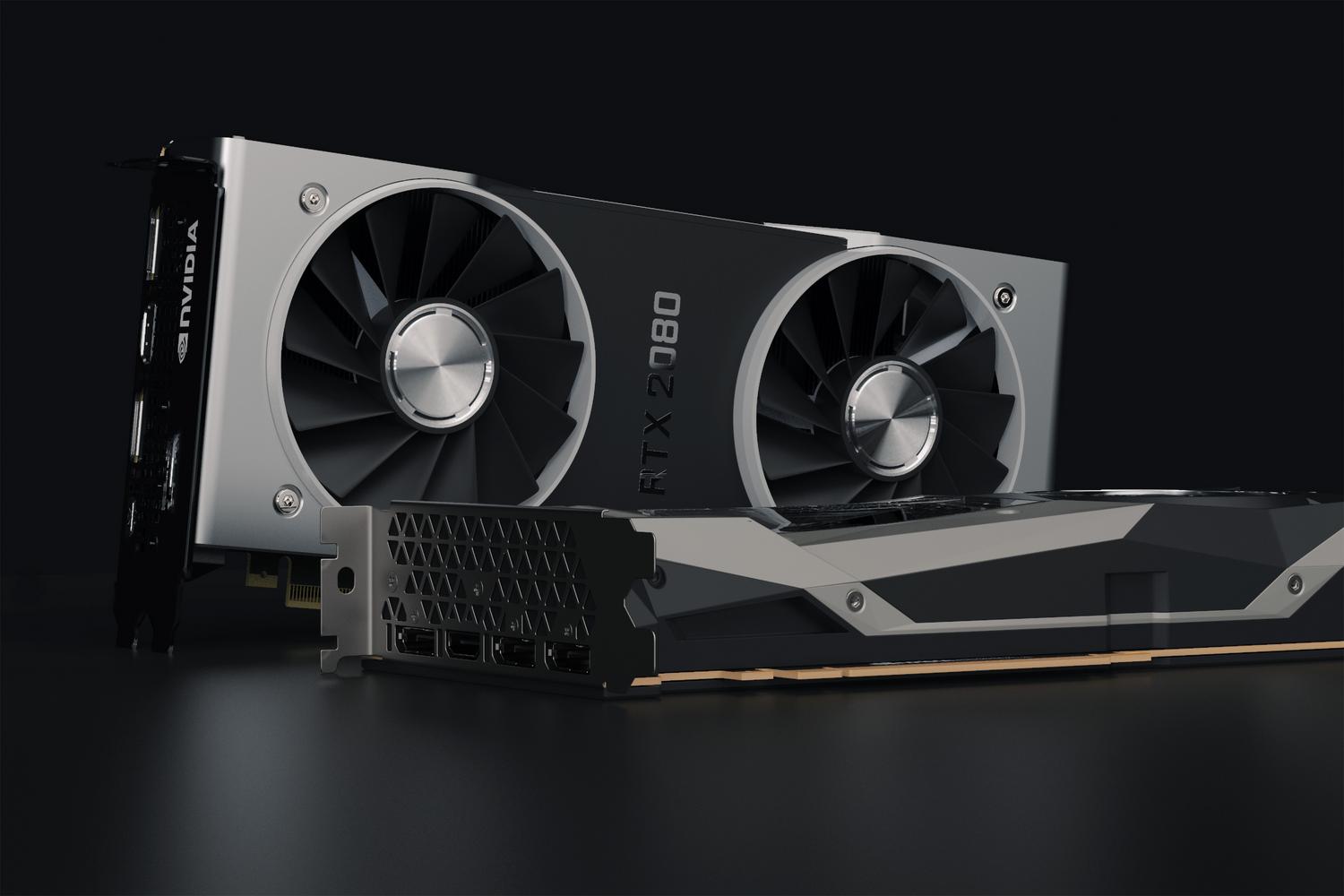
Detailed close-up of an NVIDIA RTX 2080 graphics card, highlighting the cooling system and hardware design.

Discover what your graphics card's Hotspot is, how to check it with HWiNFO and HWMonitor, and detect if your GPU is currently overheating.
Categories Hardware

Hardware Requirements for Programming with CODESYS

15th October 2026
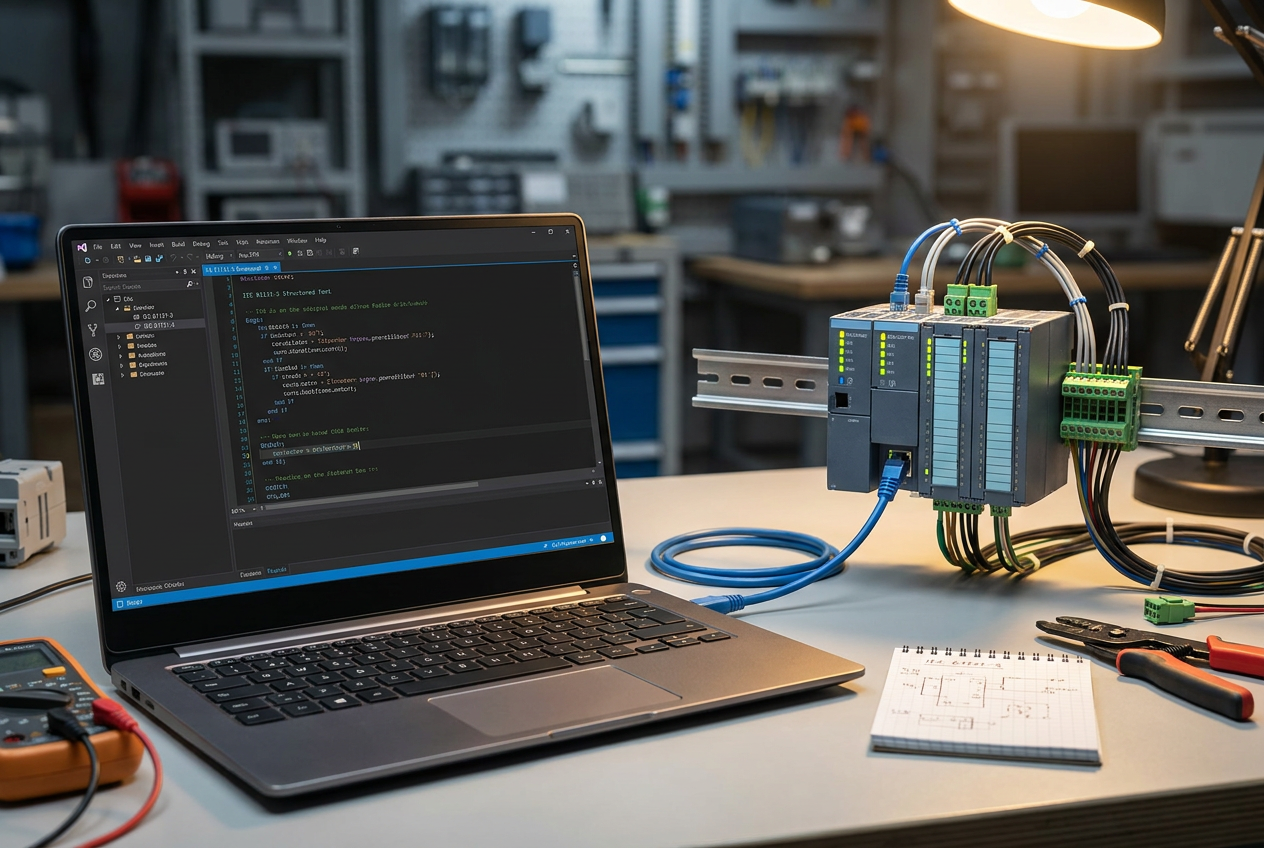
Workstation of an industrial automation engineer with a Windows laptop running the CODESYS IDE and a modular PLC mounted on a DIN rail.

Want to install CODESYS? Discover the ideal hardware, recommended RAM, and OS tips for programming without your PC crashing. Enter now!
Categories Hardware, Programme

Cooler Master V8 ACE 3DHP: Dual Tower Performance in a Compact Form Factor

14th October 2026
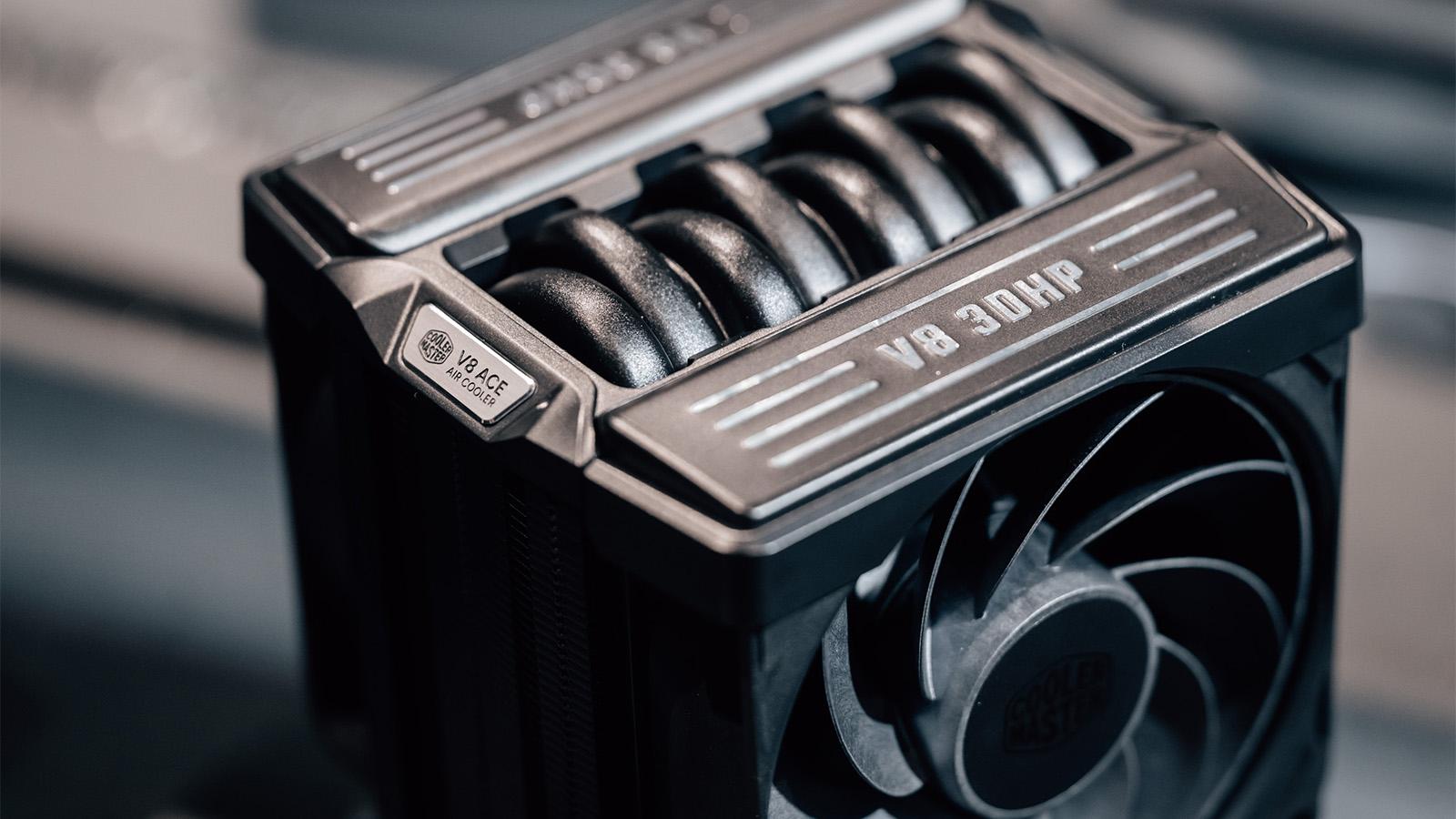
High-end performance with single tower and 3DHP heatpipes

Discover the Cooler Master V8 ACE 3DHP. Extreme dual-tower performance in a compact design. Certified leader by Cybenetics! Check it out now.

Categories Hardware

Complete Guide to Local AI for Programmers: Models, Hardware, and Tools

13th October 2026
Abstract representation of AI applied to programming with data capsules and reflected Python code.

Build your own local AI programming system. Discover the best open-source models, optimize your GPU, and program without subscriptions or limits.

Categories Hardware, Artificial Intelligence

Complete Guide to Detecting and Preventing Burn-in on OLED Screens

13th October 2026
Close-up of an OLED screen showing the burn-in effect with ghost images of a news logo and a video game HUD on a gray background.

Don't take chances with your screen! Discover how to perform a professional OLED burn-in test, detect dead pixels, and prevent permanent damage.

Categories Hardware
Previous Posts
Page1 Page2 ... Page48 Next →

Computer Science and Digital Technology

At InformaTecDigital, we're dedicated to providing you with the latest news and effective tips, so you're always up-to-date and well-informed. Our goal is to be your trusted partner on this exciting technological journey, making your experience easier with every new discovery.

Categories

Technology

Artificial Intelligence

Programme

Algorithms

Computer Technology

Internet

follow us

© 2026 InformaTecDigital

About Us

Legal Notice

Contact