- Prioritize buying from specialized stores with a guarantee over dealing directly with individuals.
- Identify critical components that should not be purchased used, such as power supplies or liquid cooling systems.
- Thoroughly verify the hardware usage history, especially for graphics cards used for mining.

Building a powerful computer from scratch can leave your wallet feeling the pinch, as new parts are often incredibly expensive. That's why many people turn to second-hand hardware to try and build a competitive system without spending a fortune, although this comes with certain risks that shouldn't be ignored.
The problem isn't just someone trying to scam you with a blatant fraud, but also ending up with a component that, even if it works, is extremely worn out . A part that's been in an office is not the same as one that's been working 24/7 in a cryptocurrency mining operation, and that's where the real danger to your budget lies.
The hidden dangers of used hardware
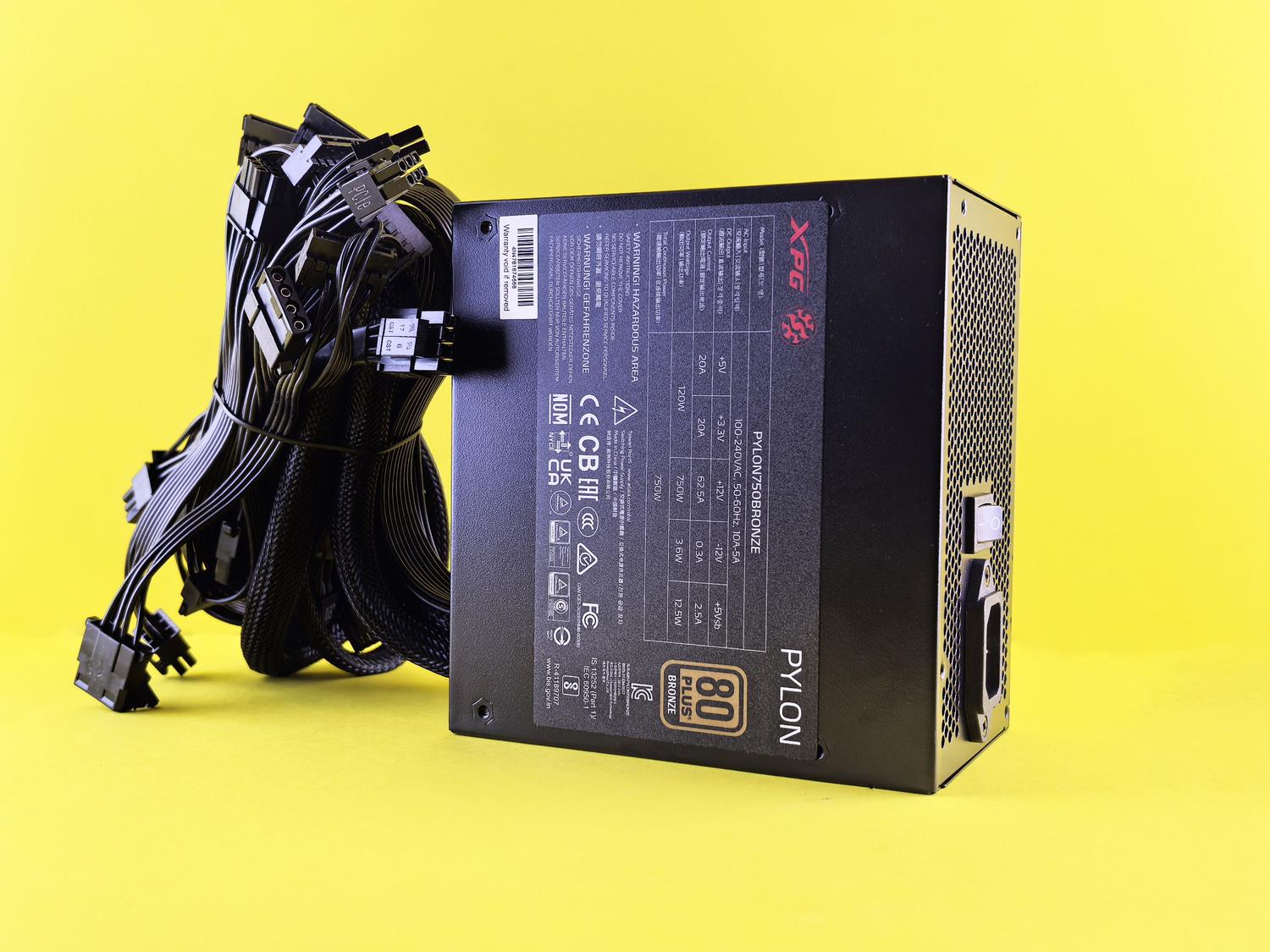
When entering the resale market, it's crucial to understand that sellers will always try to maximize their profit. The biggest risk is buying products that have been subjected to significant thermal and electrical stress . A prime example is graphics cards used for mining; even if they appear to be in good condition, their lifespan could already be severely compromised.
To avoid unpleasant surprises, it's best to try to gather as much information as possible about the product's previous use. If you have the opportunity, test its functionality in front of the seller or use platforms that allow for complaints. A very smart alternative is refurbished products , which are items returned or repaired by professionals and usually include a warranty, eliminating much of the uncertainty.
Components that are always best bought new
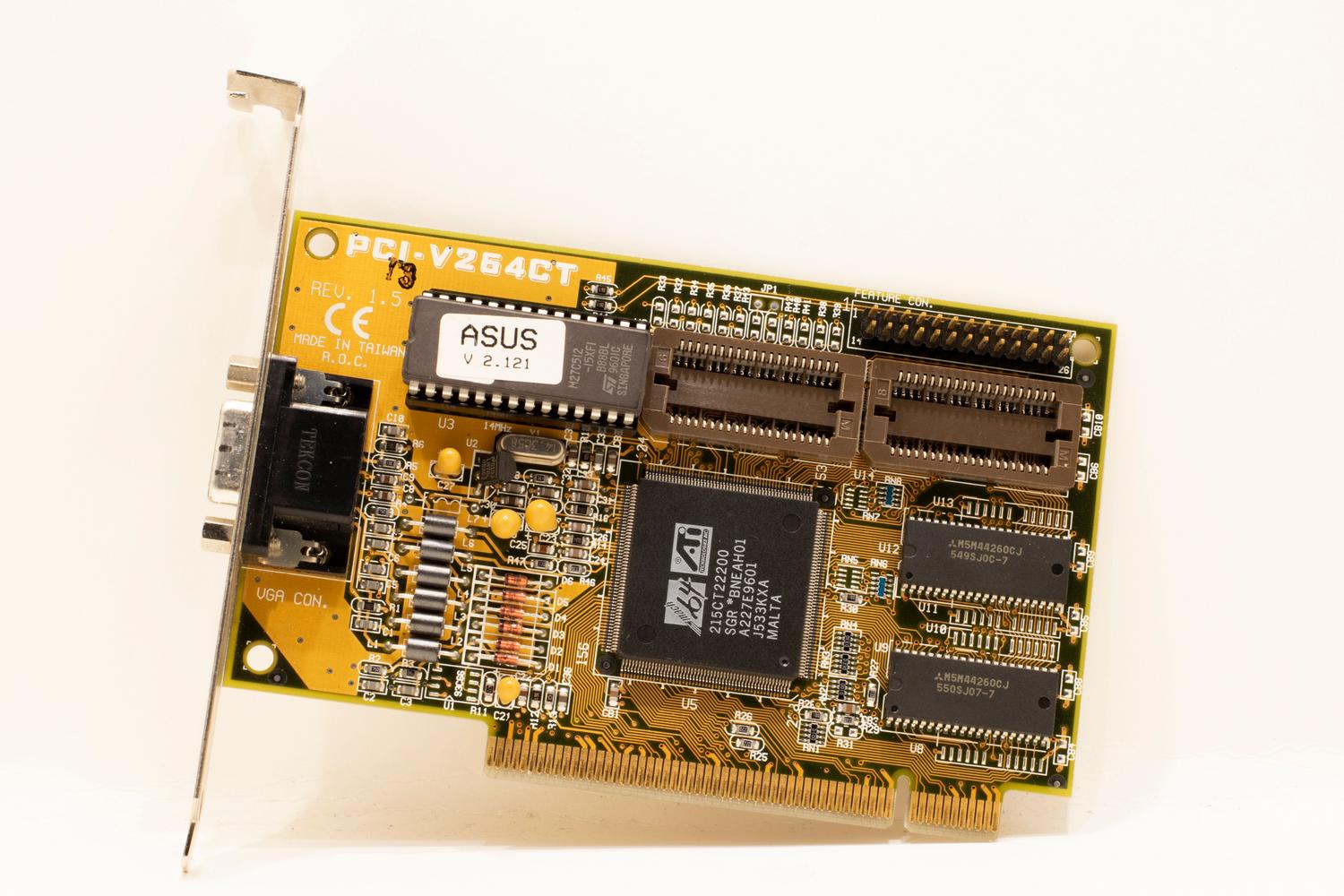
Some items, by their very nature, are a risky gamble if used. Not all hardware is equally resistant to wear and tear, so there are certain items you should avoid at all costs if you don't want to end up with an expensive paperweight.
- Power Supplies (PSUs): It's the most delicate component. If a power supply has experienced unstable voltages, it can fail at any time. burn the rest of your componentsSince the wear and tear is not visible to the naked eye, the risk is extremely high.
- AIO Liquid Cooling Systems: These units suffer significant mechanical wear in the pump and may exhibit micro-leaks of liquid Over time, this would be catastrophic for your motherboard.
- SSD with QLC NAND technology: These drives degrade based on write cycles. A used QLC SSD may already be... near the end of its useful lifeoffering mediocre performance and poor reliability.
- 13th and 14th generation Intel CPUs: Due to known voltage issues that have caused instabilities and blue screens, buying these used versions is play Russian roulette with your system.
- GPUs with less than 16 GB of VRAM: In today's market, buying a used graphics card with insufficient memory is a mistake. The demands of AAA games and rendering programs mean that 8 GB is simply not enough, making it a unnecessary short-term spending.
Tips for a safe and successful purchase
If you decide to proceed with buying used parts, it's best to go to stores like Cash Converters, where products undergo rigorous quality testing before being offered for sale. Having a warranty (which in some cases lasts up to three years) provides peace of mind that an anonymous online seller can never offer.
Before spending any money, it's crucial to assess your actual needs and set a firm budget. Don't buy something just because it's a bargain; research the specifications, read reviews, and ensure the part is fully compatible with the rest of your equipment to avoid unplanned additional purchases.
Maintenance of second-hand hardware
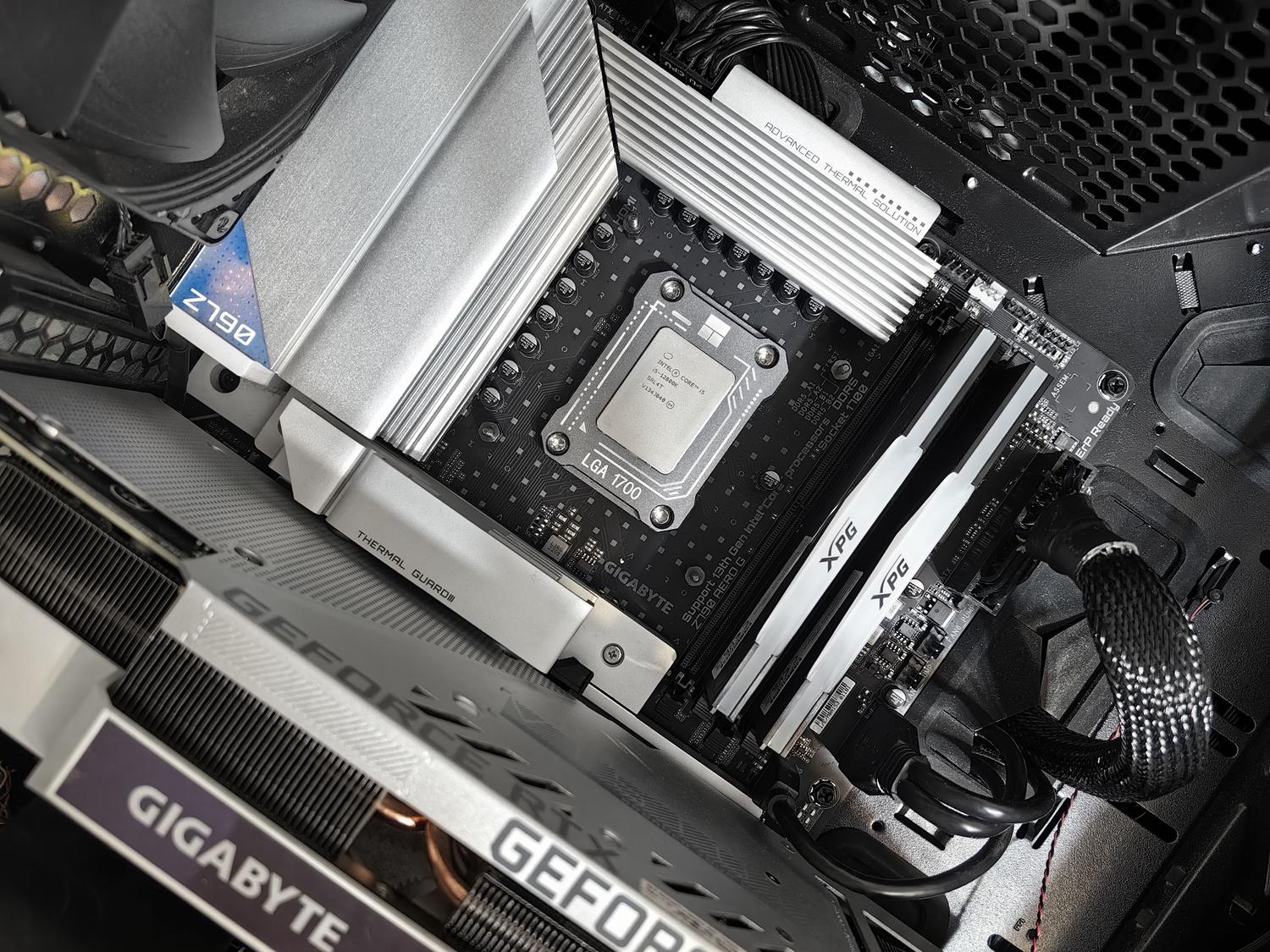
Once you have your components at home, proper care is key to making them last for years. Perform a thorough cleaning with compressed air to remove accumulated dust from the fans and heatsinks, always avoiding harsh chemicals that could corrode the circuitry.
Maintaining strict temperature control is vital . If you notice your computer overheating, consider adding extra fans or improving the case's airflow. Also, don't forget to update all system drivers and software to ensure your hardware is performing at its maximum technical capacity.
To maximize your investment, the wisest approach is to combine the purchase of reliable used parts (such as RAM) with new components in critical areas like the power supply and cooling system. Prioritizing warranties, researching GPU usage history, and avoiding degrading technologies like QLC NAND will allow you to build a powerful PC while saving money and without compromising system stability.